What makes a Valorant thumbnail work
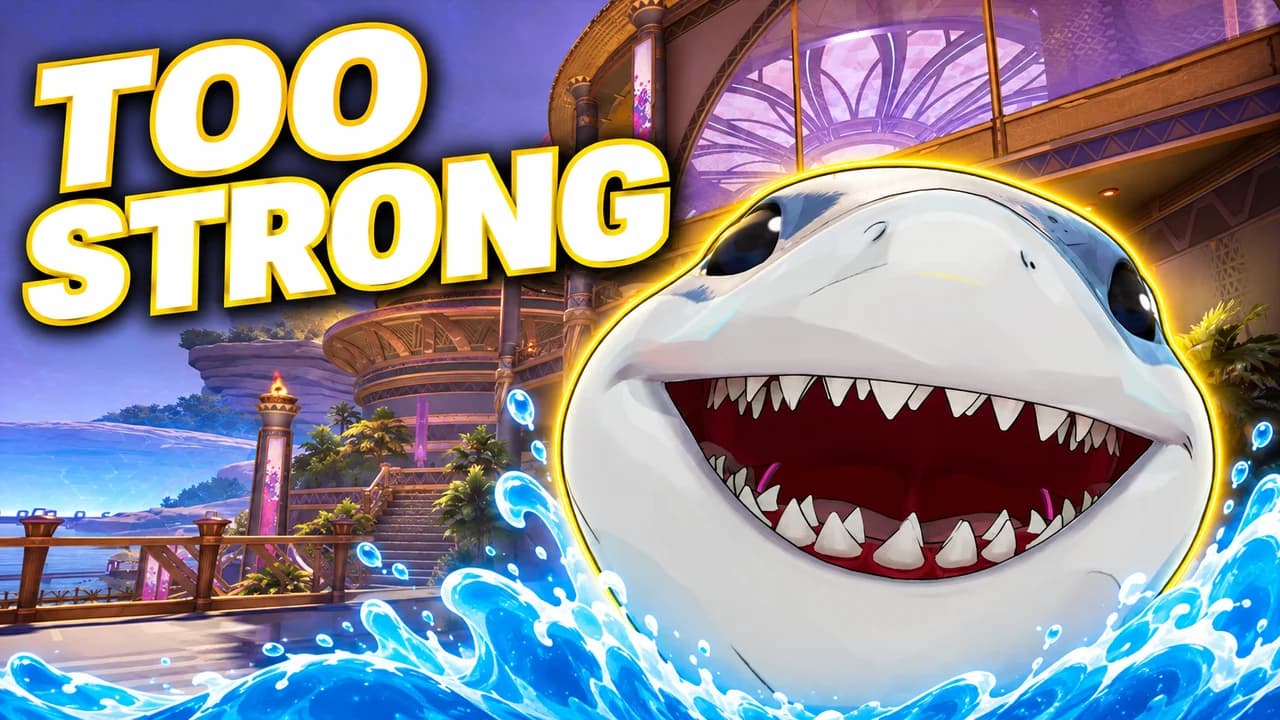
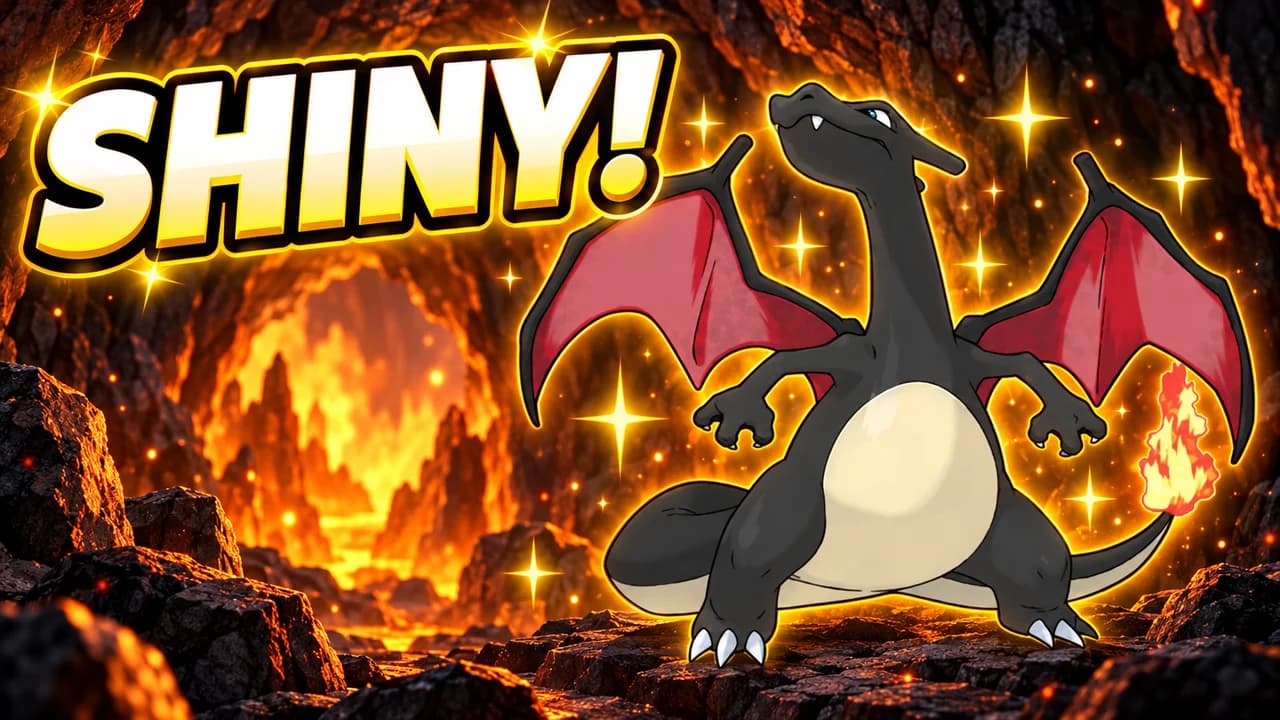
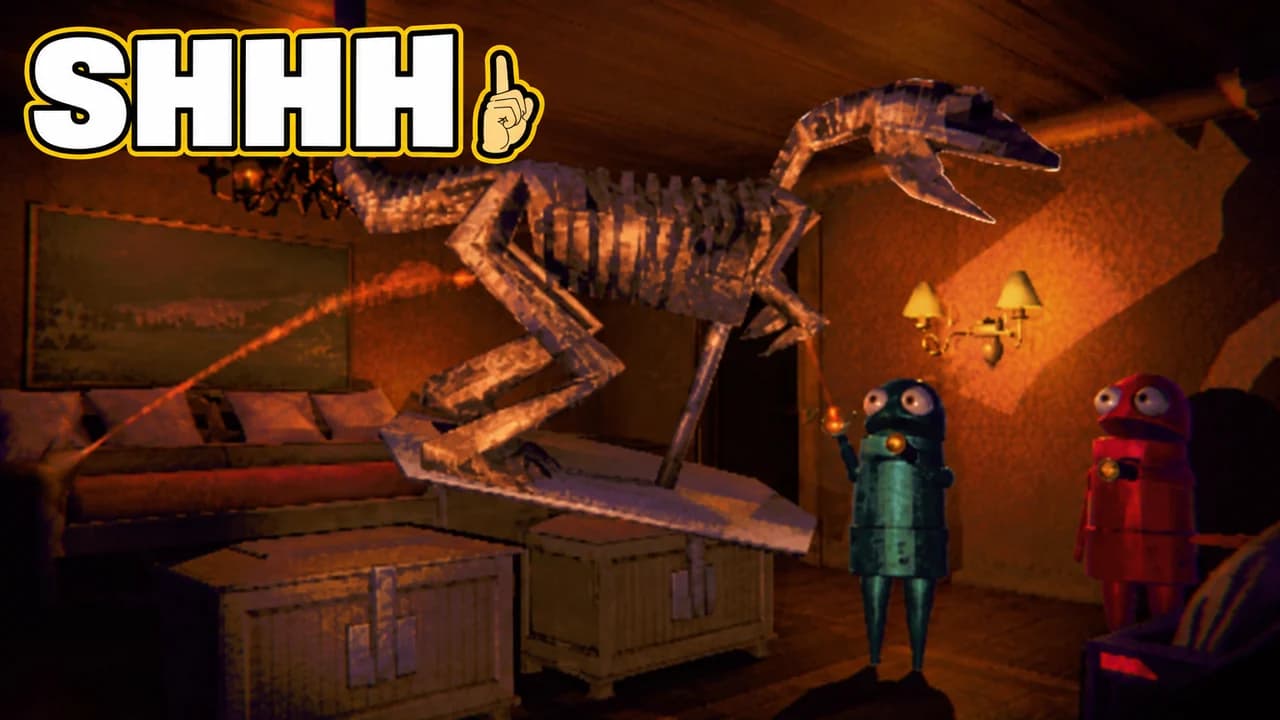
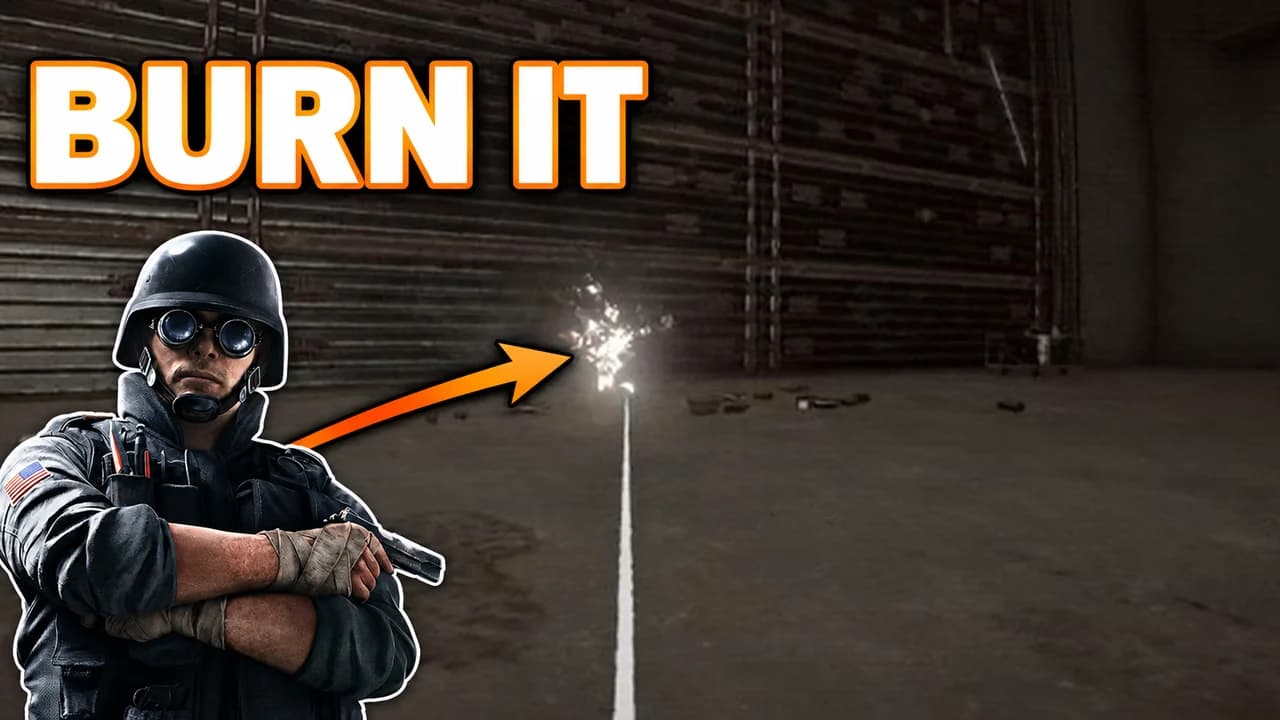
Valorant videos fight for attention in a crowded feed: highlights, guides, rank climbs, agent tier lists. The thumbnails that stand out do three things. They show one play. They read in a second. And they use the colours players already link to the game: a sharp red, a cool teal, a dark navy.
Many viewers see your thumbnail small, on a phone or in the sidebar. Crosshair details and kill feed numbers vanish at that size. An agent's pose, a glowing banner and a big word survive. Every rule on this page follows from that.
One agent, one play
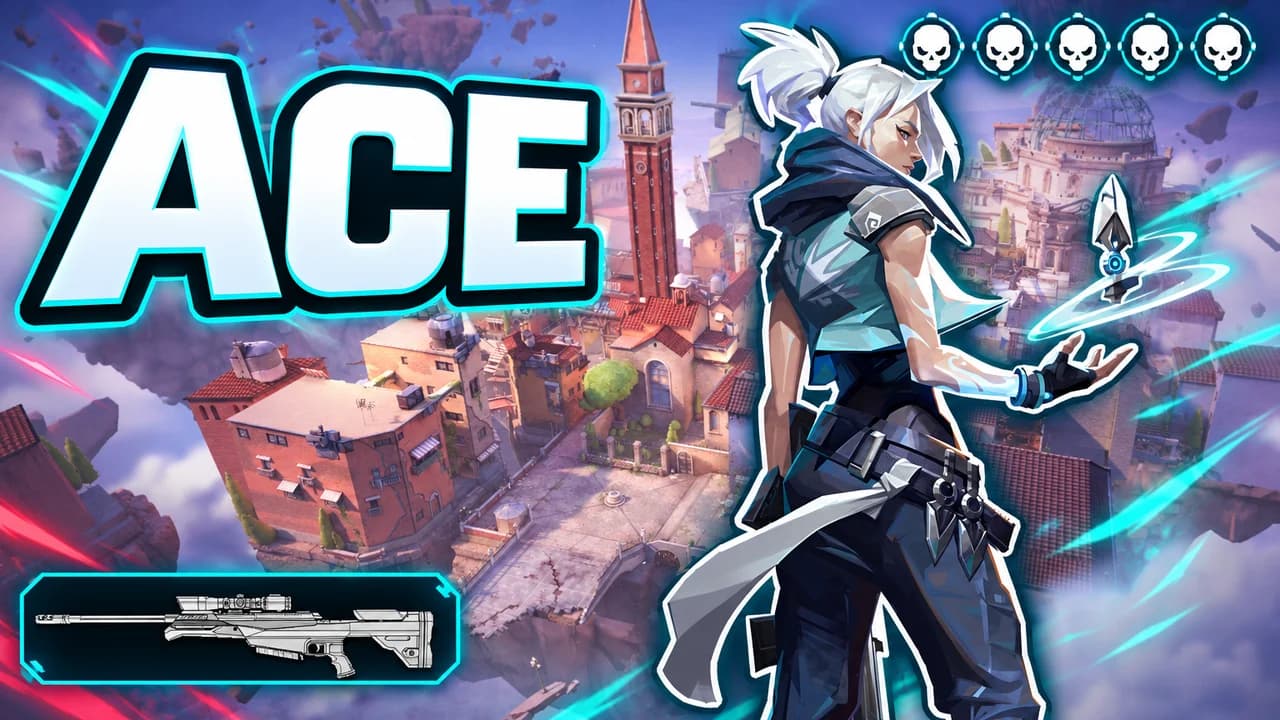
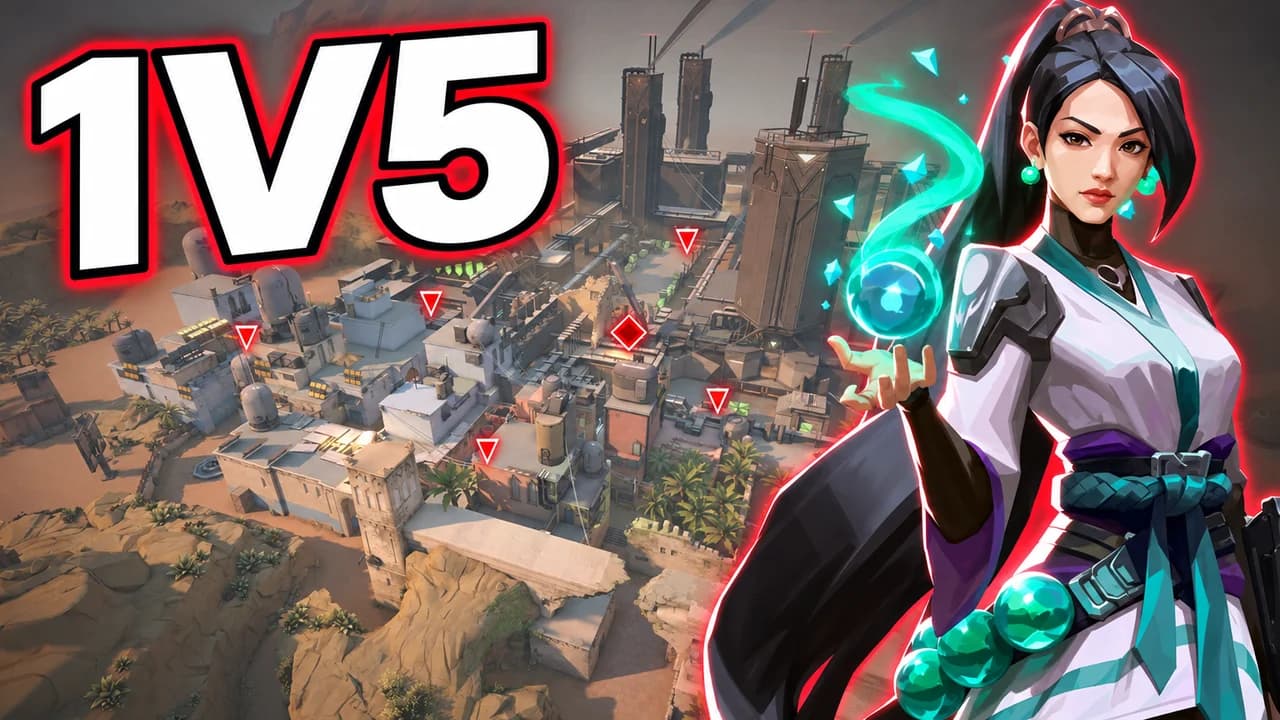
Valorant agents are easy to recognise by their silhouette and their colours: Jett's white and blue, Reyna's purple glow, Raze's orange, Sage's teal. Pick one, make them large, and show them doing the one thing the video is about: the Operator shot, the defuse, the ultimate. The agent should look at the target or the text, which leads the viewer's eye there.
Show the interface players trust
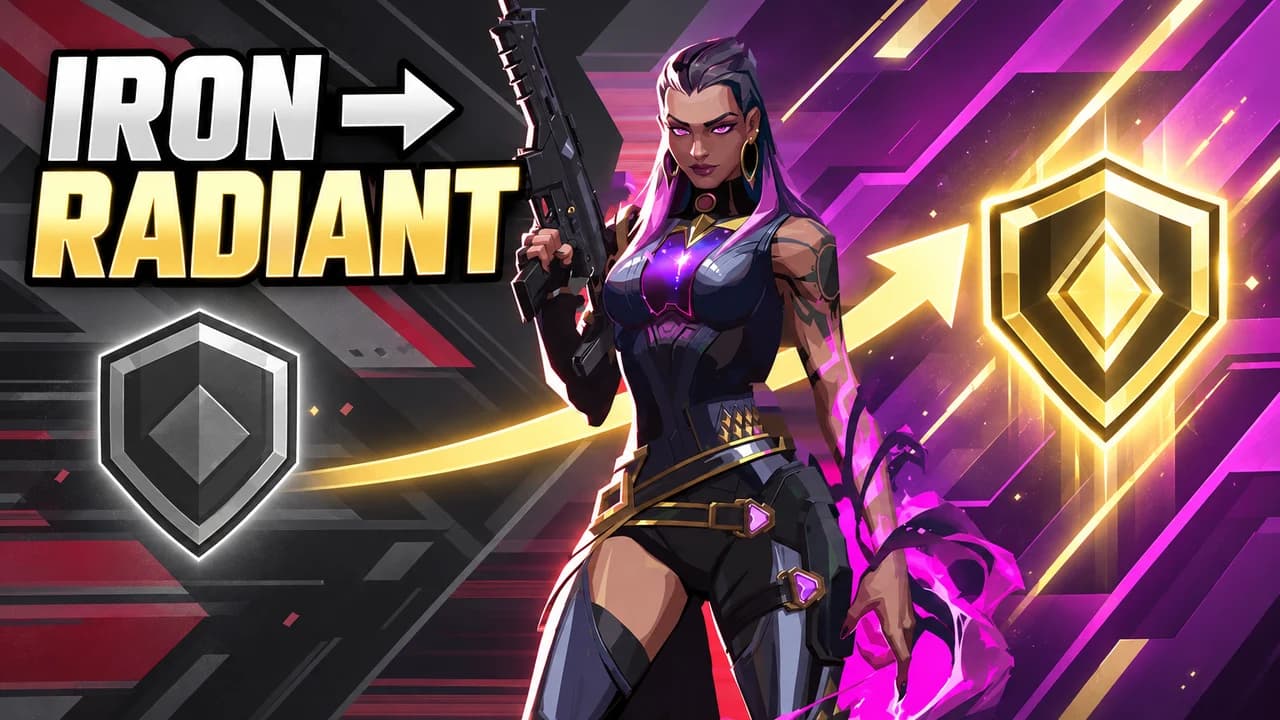
A piece of the game's own interface tells fans what happened faster than any words. The ace banner says five kills. A planted Spike with a timer says clutch. A Radiant badge says rank. Use one of them, large and clean, and leave the rest of the HUD out.
Five layouts, one per video type
Most Valorant videos fit one of five shapes: ace, rank climb, clutch, face cam or versus. The layout recipes above give the structure of each one. Pick the layout that matches the promise of your video, then change the agent, the map and the words. Keeping the same layout across a series also helps returning viewers spot your videos.
Text: short and sharp
Three words is the limit. Use capitals, a heavy, angular font and a thick outline: ACE, 1V5, IRON → RADIANT. The words should add something the image cannot say on its own. Never put crosshair codes or settings in the thumbnail; they belong in the description. To compare heavy display fonts, see the YouTube thumbnail fonts guide.
A Valorant thumbnail background that stays behind
The Valorant thumbnail background sets the mood and nothing else. A bright, painted map spot suits highlights and guides. A dark navy frame with a red or teal glow suits montages and clutches. A Valorant montage thumbnail can be almost empty: one agent, one glow, one name. Whatever you choose, blur or darken it so the agent stands out. More ideas in the YouTube thumbnail backgrounds guide.
Faces and reactions
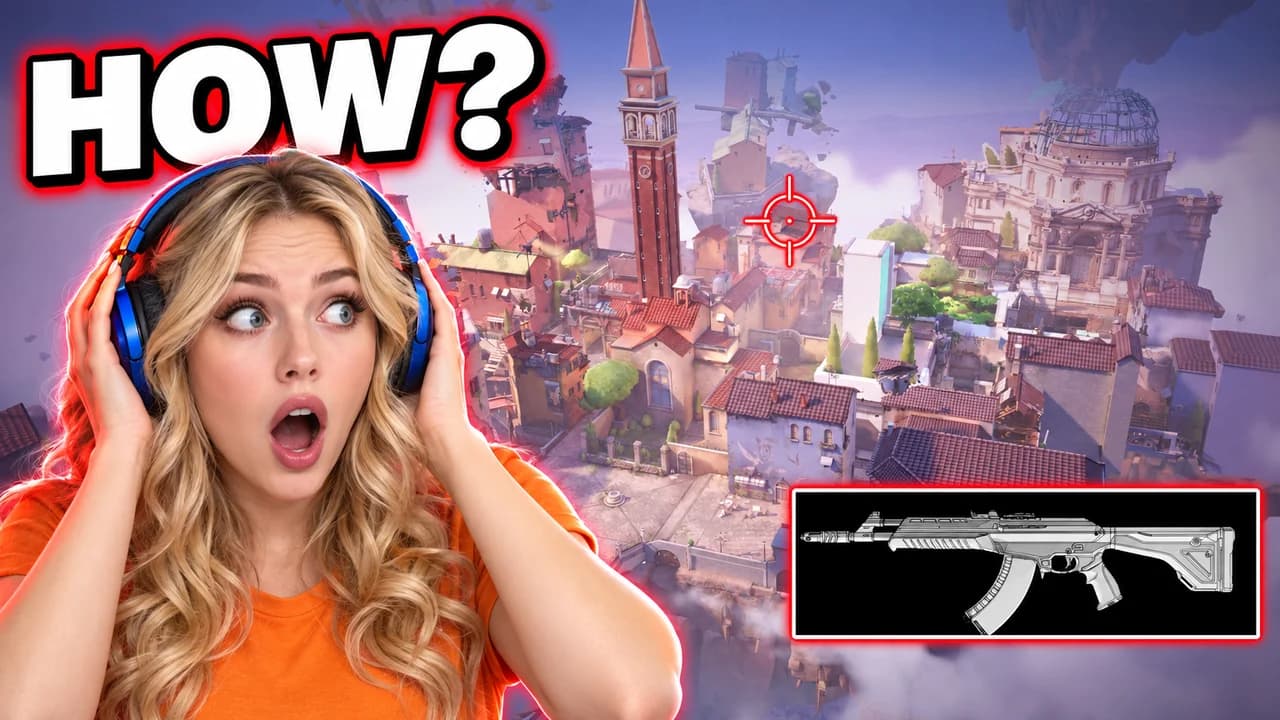
Agents keep a calm face, so a face cam adds the emotion: your shock at a flick, your joy at a rank-up. Put your face large on one side and the moment on the other. The examples on this page are generated with Base.Tube and use the game's own agents and maps; their face cams show invented people.
Size and checks
Upload at 1280 × 720 pixels, in 16:9. For file size and format limits, see the YouTube thumbnail size guide. Keep the bottom-right corner empty, where YouTube shows the video length. Then put your thumbnail next to other Valorant videos in the YouTube thumbnail preview and compare versions with the thumbnail tester. No tool can predict how many people will click before a video is live; when you connect your channel, Base.Tube shows the real impressions and click-through rate of each video.