








How to use these ideas
Pick the page closest to your video, not to your channel. A gaming channel can post a tutorial, a challenge or a reaction, and each of those has its own layout. Open the page, choose a layout, and change three things: the subject, the colour accent and the words.
What every good thumbnail has in common
The looks on this hub are very different, but the thumbnails that work share a few rules:
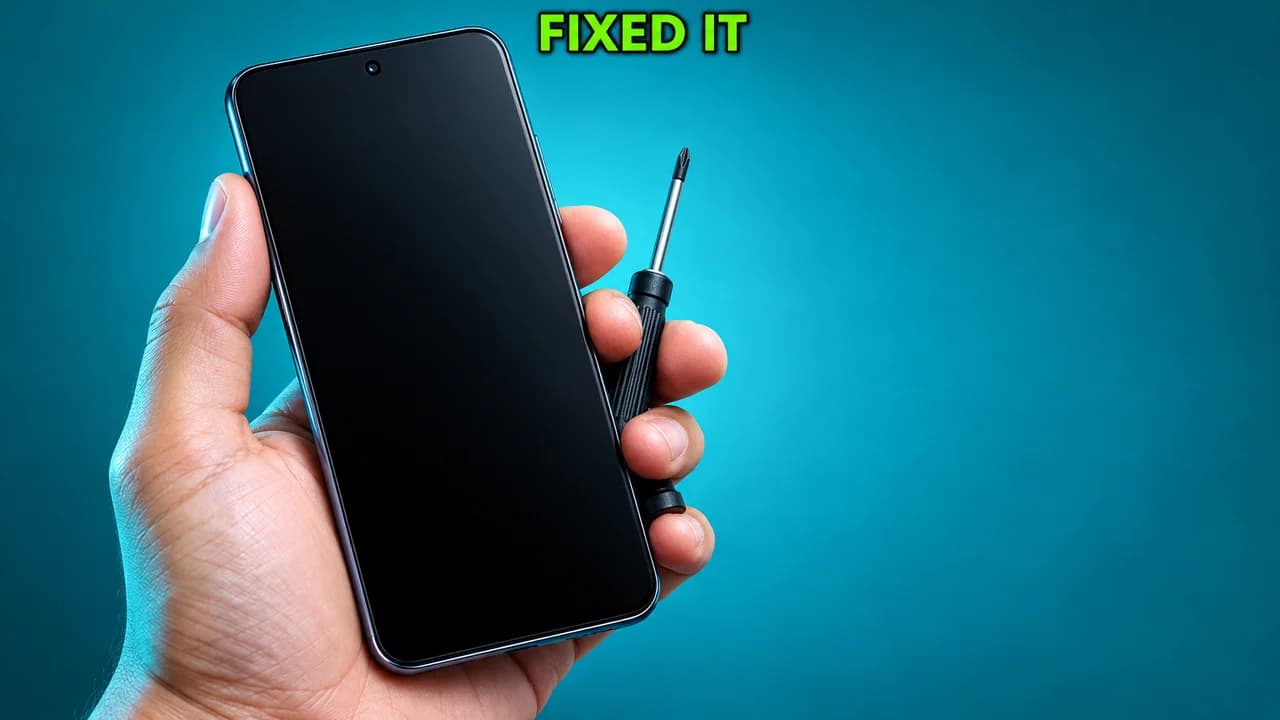
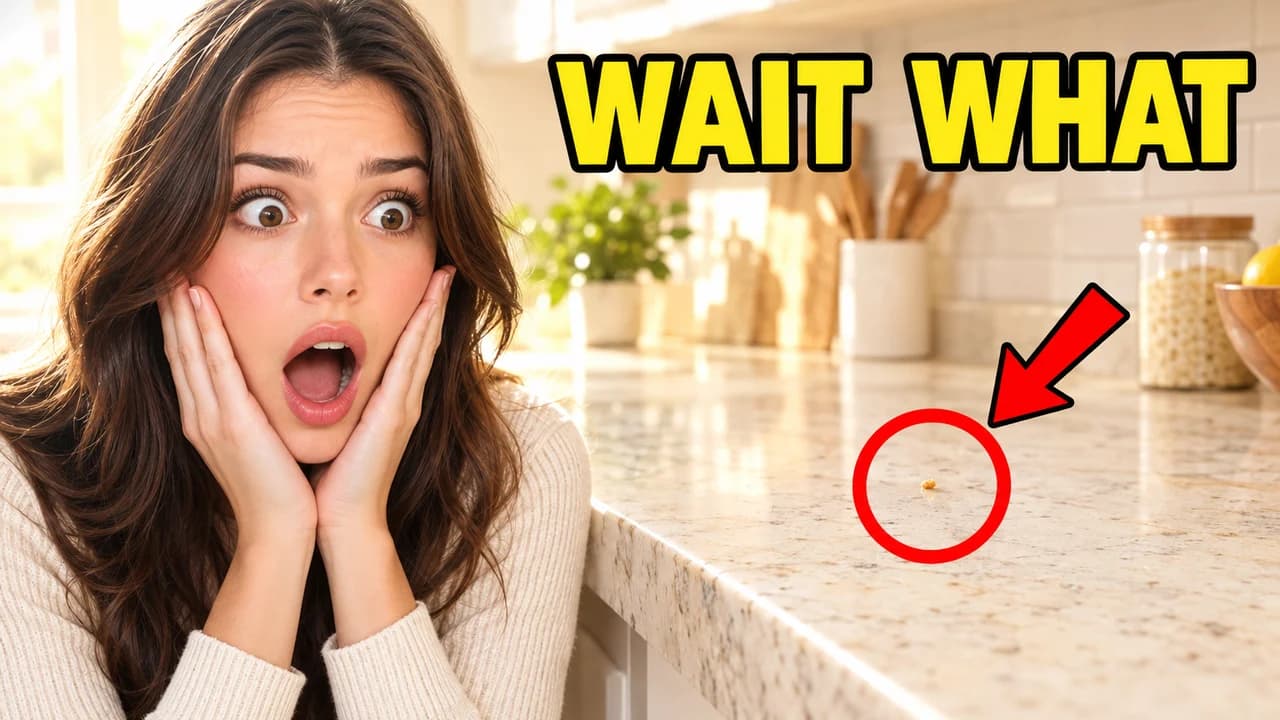
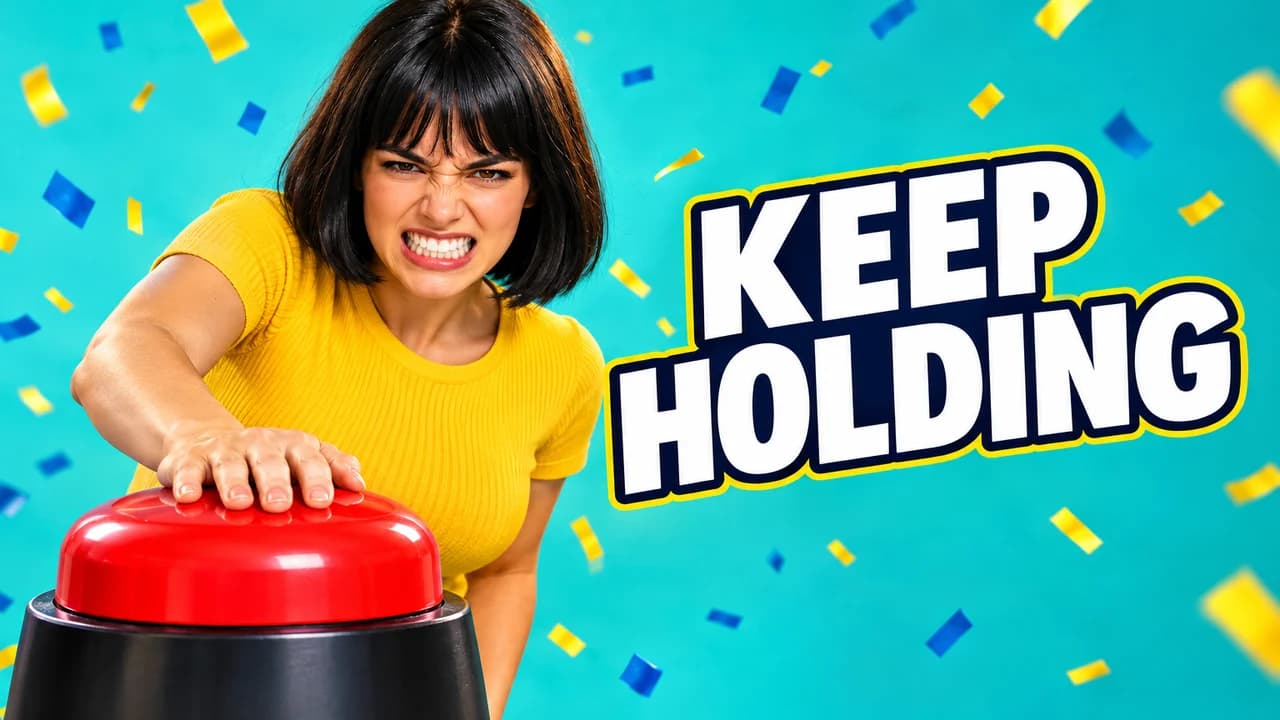
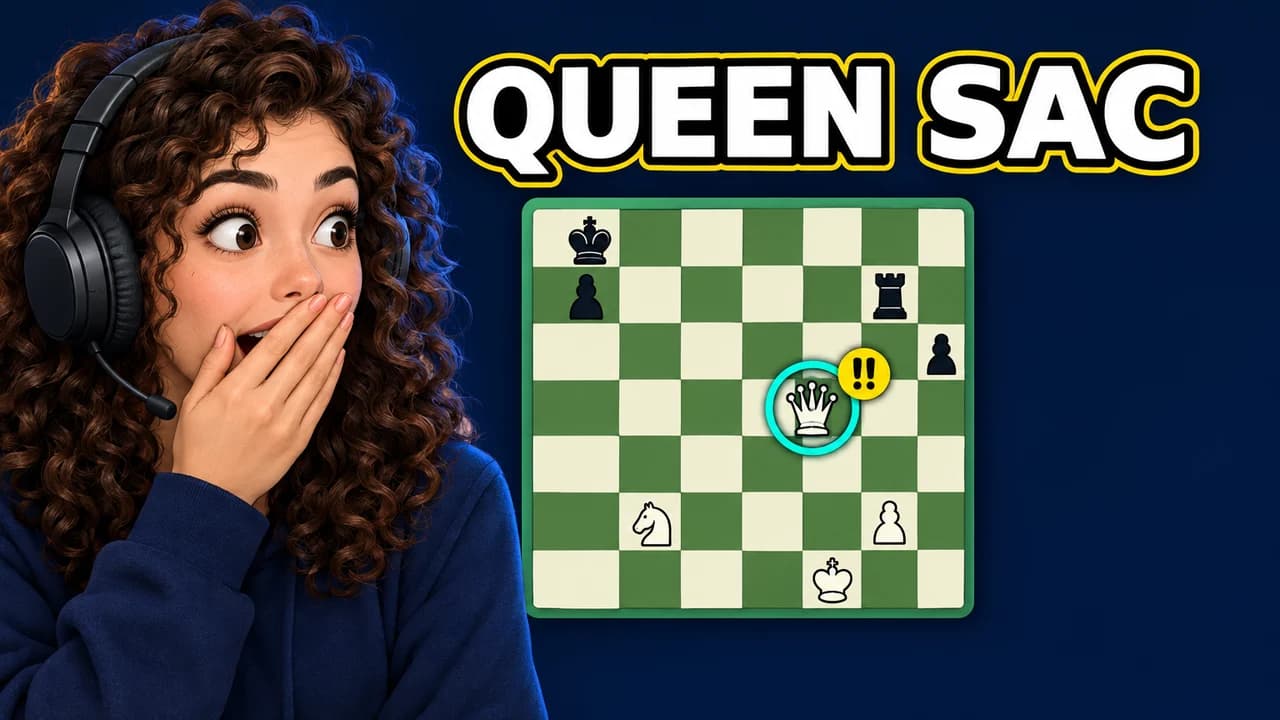
- One focus. One face, one object or one moment. Everything else supports it.
- Readable at phone size. If the idea is not clear in a second when the image is small, simplify it.
- Three words or fewer. The text adds something the image cannot say; it does not repeat the title.
- A clear accent colour. One strong colour against a calm background draws the eye to the right place.
- An honest promise. The thumbnail shows something the video delivers. Misleading thumbnails disappoint viewers and can break YouTube's policies.
Why every example is made with Base.Tube
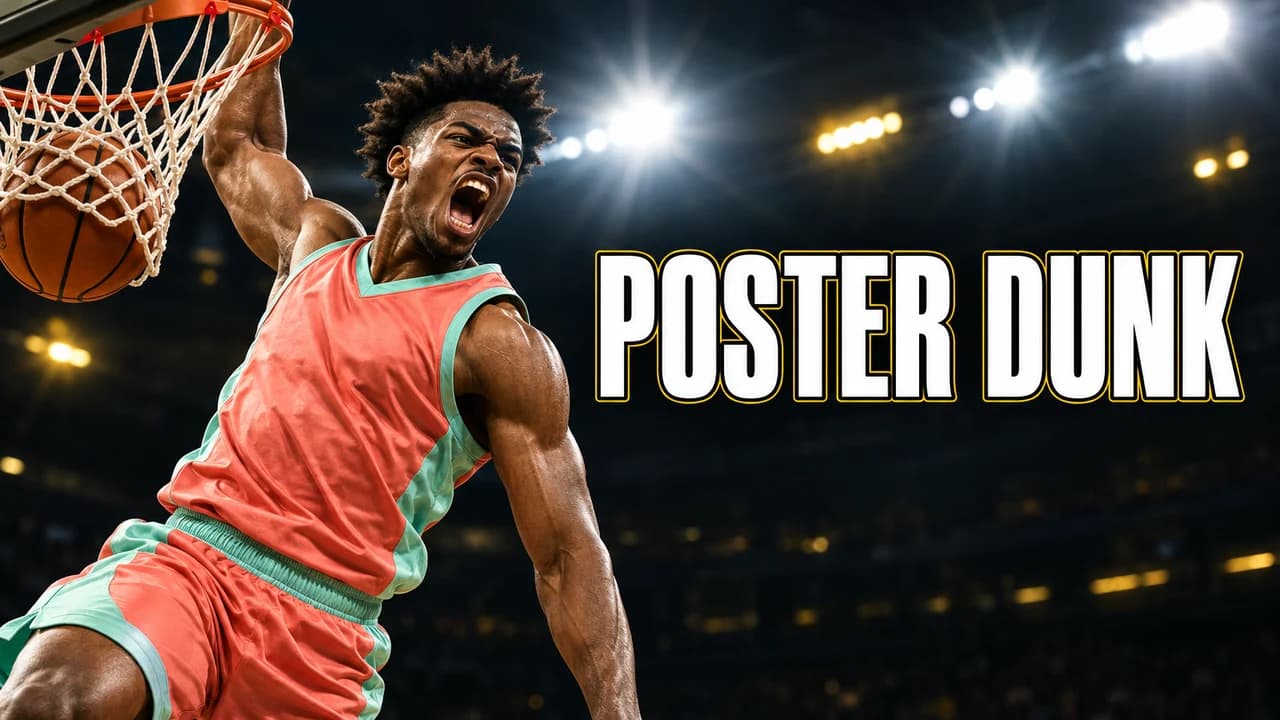
Searches for thumbnail ideas usually lead to galleries of other creators' work. You cannot reuse those on your own channel. Every example on these pages is generated with Base.Tube: game pages use the game's own look and characters, and none copies an existing thumbnail or shows a real person. Each one shows a layout, a colour choice and a text treatment you can adapt to your own video.
From idea to thumbnail
Once you have a layout, you can build it in any image editor or describe your video in the Base.Tube Studio and generate options in that style. If you build it yourself, start from one of our free YouTube thumbnail backgrounds and pick a heavy, readable font from the best YouTube thumbnail fonts. Before you upload, check the result at feed size with the free thumbnail preview and make sure it meets the YouTube thumbnail size rules.