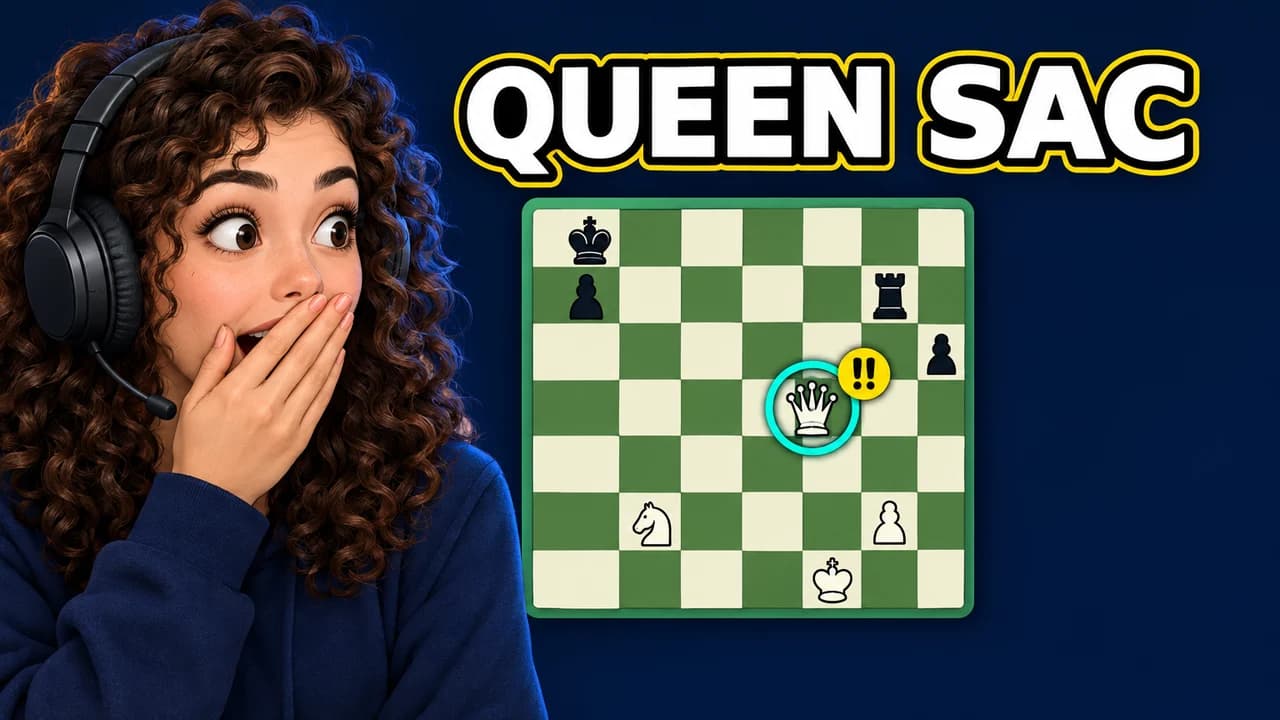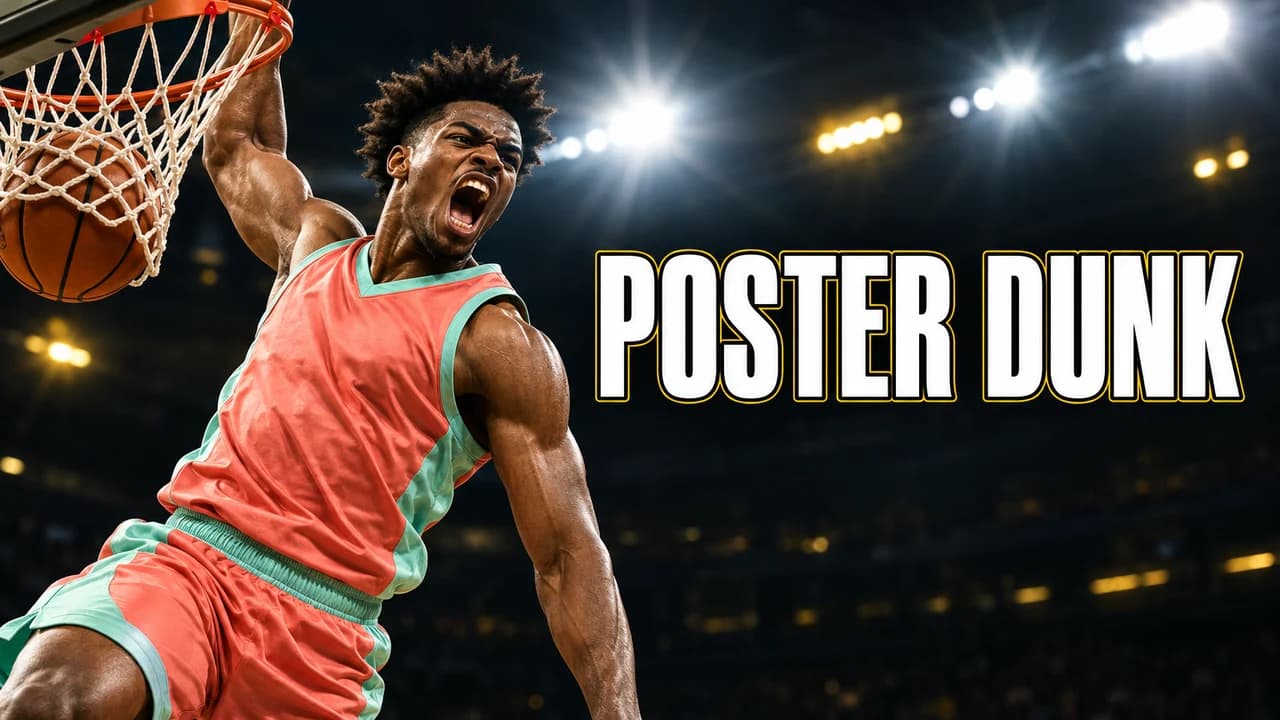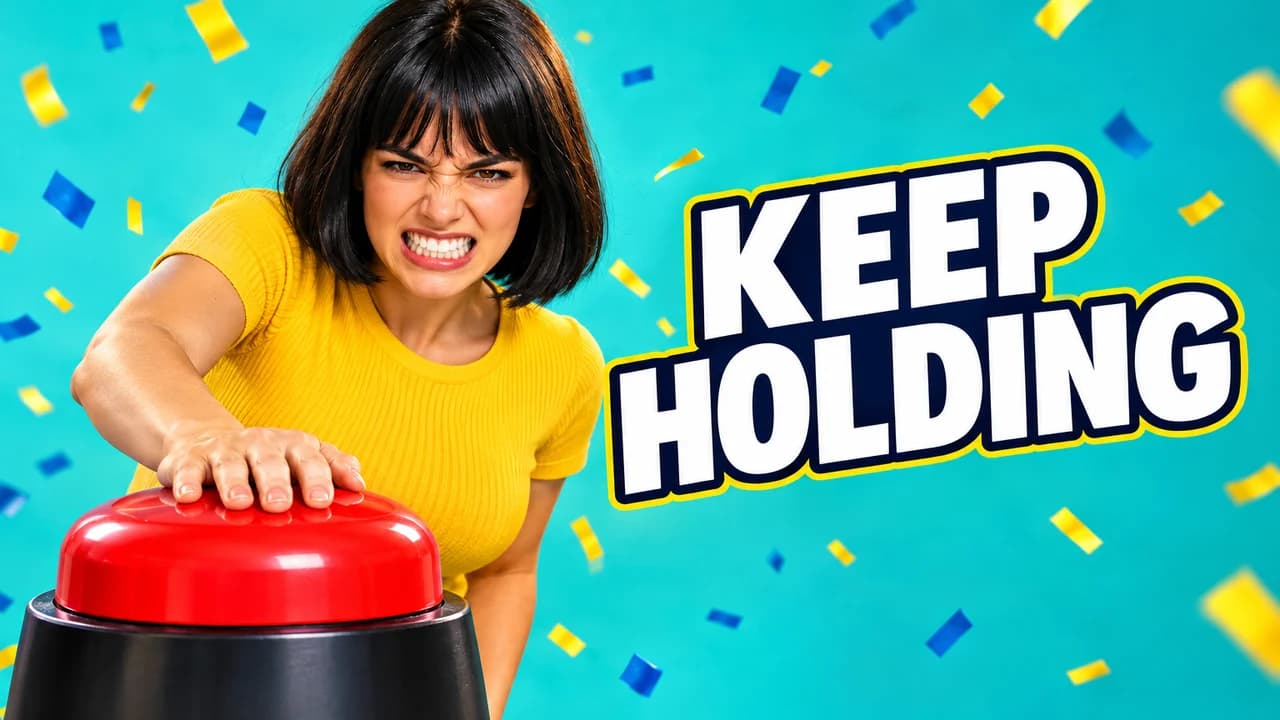
Your thumbnail is not your cover art
Most podcasts start with a square cover image made for audio apps. It stays the same for every episode, and that is its job: help listeners find the show. A YouTube thumbnail has a different job. It sits in a feed full of other videos and has to sell one specific conversation, this week. That is why pasting the cover art into a 16:9 frame rarely works: it tells a new viewer nothing about the episode in front of them.
Keep the link between the two through details. Take the show colour and the font from the cover, and use them as a bar, a tag or a border on every thumbnail. The face and the words change; the frame stays.
Faces: lead with the guest
On a video podcast, the face is the content. The guest and their expression are the first thing a viewer reads, so make the guest large, on the left or right third, cut at the shoulders. The host can sit smaller beside them, or step out of the thumbnail altogether on episodes where the guest is the draw.
Pick a frame from the recording where the expression is real: mid-laugh, leaning in, a serious look at the camera. A posed studio smile looks the same on every episode, which defeats the point. If the recording has no usable frame, take a still photo during the session rather than reaching for an old headshot from the guest's website.
The hook: three words that were really said
A full sentence will not fit. Pull the shortest strong line from the conversation, like "I QUIT" or "WE WERE WRONG", and set it large next to the face. Put the word that matters most in your accent colour. If you add quote marks, the words must be a real quote, said in the episode and not cut so they mean something else. Viewers who click for a line and never hear it in the video feel tricked, and that feeling sticks to the channel.
Numbering and the series frame
Episode numbers help loyal listeners keep track, but they mean nothing to a new viewer. Keep them small, in the same corner every time, and let the face and the hook do the selling. What matters more is consistency: the same layout, colour and text position across every episode turns your channel page into a recognisable grid, and makes the new episode easy to spot in a subscriber's feed. The five layouts above all work as a fixed podcast thumbnail template.
Clips and Shorts
Clips can reach people who have never heard of the show, and they need their own look. A full-episode thumbnail promises a conversation; a clip thumbnail promises one moment. Use a frozen reaction, a red CLIP tag and one or two words. Louder is fine here.
Shorts are vertical, and the cover is usually a frame from the clip. Treat the first seconds of the Short as its thumbnail: open on the face, put a few words on screen, and keep both clear of the top and bottom edges, where YouTube places buttons and the title.
Fonts, backgrounds and size
A clean, bold sans-serif in capitals reads well next to a face; the YouTube thumbnail fonts guide compares options. For the backdrop, a dark studio, a blurred bookshelf or a flat show colour keeps attention on the people. The YouTube thumbnail backgrounds guide has more ideas. Export at 1280 × 720 in 16:9 and check the current limits in the YouTube thumbnail size guide.
Check it before you upload
Put the thumbnail next to other videos in the YouTube thumbnail preview, especially at phone size, where a two-person frame shrinks fast. Compare two versions of the hook with the thumbnail tester. No tool can predict how many people will click before the episode is live; YouTube's own numbers are the real test, and when you connect your channel, Base.Tube shows the real impressions and click-through rate of each video.