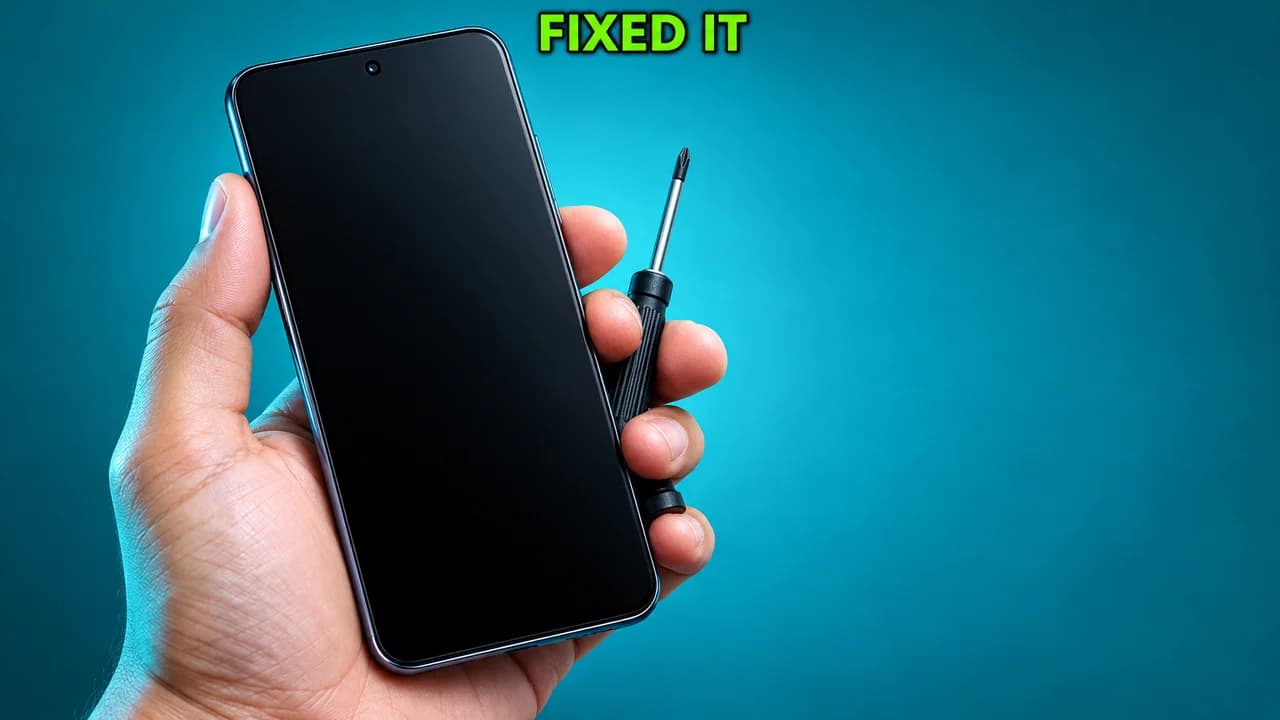
Style guide · 20 examples

YouTube thumbnail memes
and how to use the look on purpose.

A YouTube thumbnail meme is a thumbnail so loud it turned into a joke: the overreacting face, the red circle around almost nothing, the zoom that goes too far, "gone wrong" in capitals. Creators now use that look on purpose, for comedy. Below: 20 original examples, the five formats behind them, and how to make one that is funny and still honest.

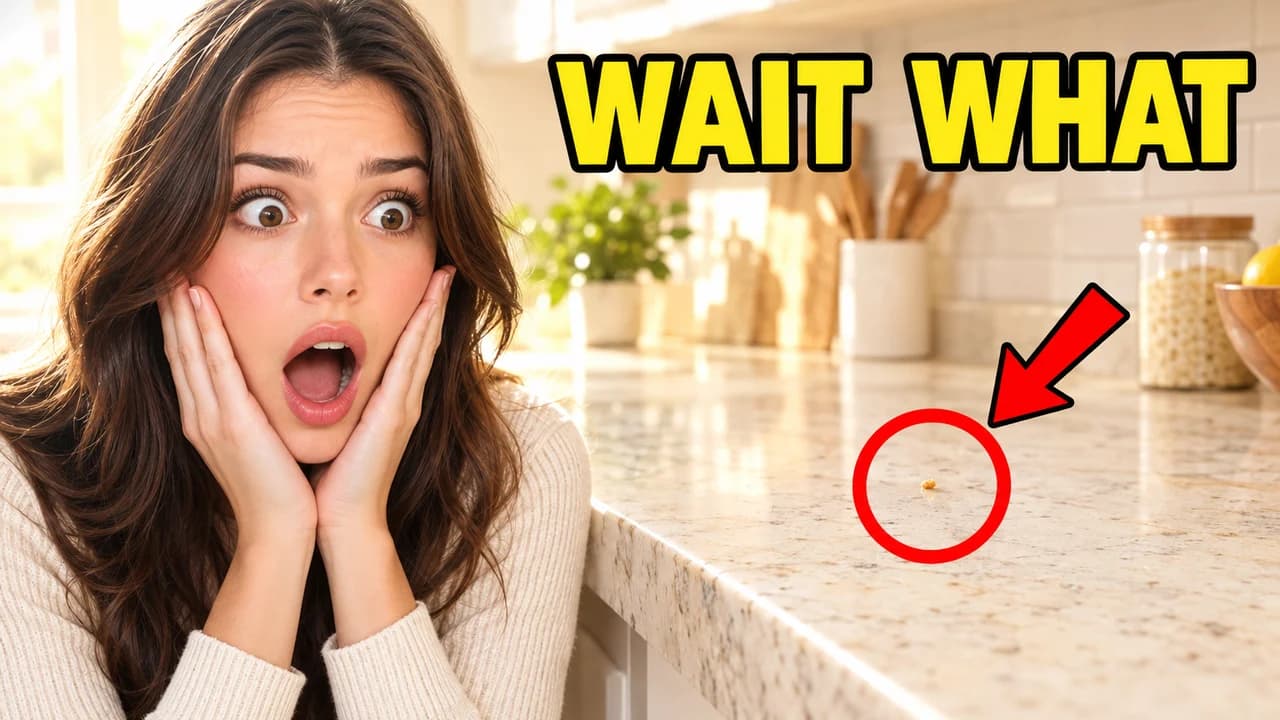
Meme-style red circle thumbnail: a shocked woman, hands on cheeks, beside a counter with one crumb circled in red, text WAIT WHAT
Red circle: a huge reaction to one crumbExample 01
Examples

20 Meme-style thumbnail examples

Every example is an original image generated with Base.Tube: no real people, logos or copied thumbnails. Select one to see the prompt behind it.

  • Red circle: a huge reaction to one crumb
  • Red circle: one line on a very long receipt
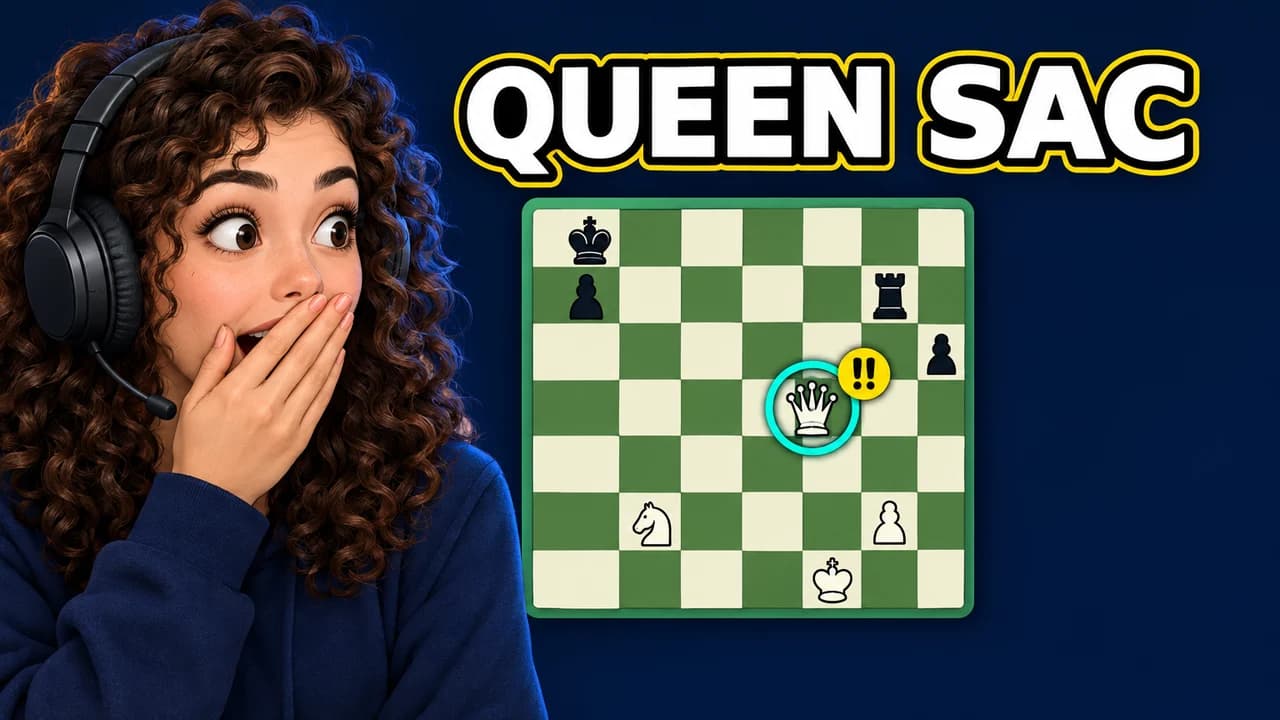
  • Red circle on a chessboard: the pawn that changed everything
  • Red circle: a ripple on a lake, circled, no words needed
  • Absurd zoom: a cat, far too close
  • Absurd zoom: the magnifier inset, seen from above
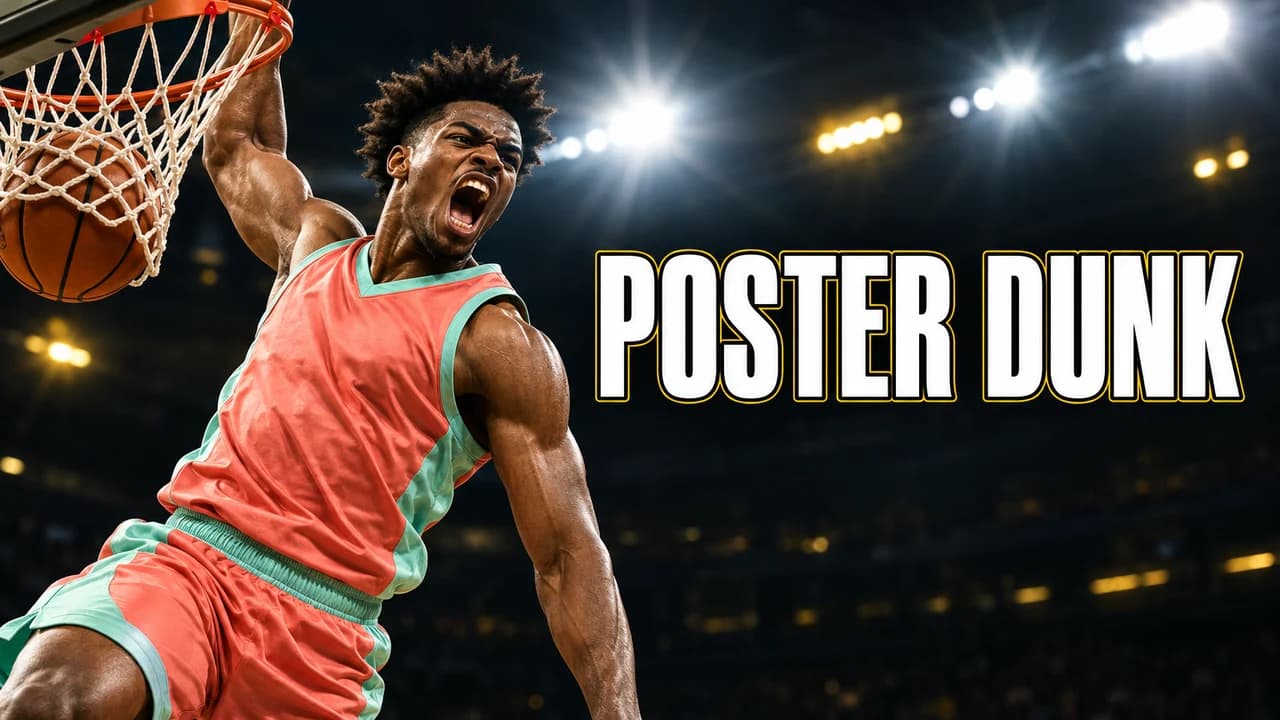
  • Absurd zoom on a basketball highlight: the blank stare mid-dunk
  • Absurd zoom: the full scene, then one eyebrow
  • Deep-fried: a frog, a weekday, no context
  • Deep-fried: a very confident dog
  • Deep-fried: glowing eyes from below, no words
  • Deep-fried: the 3 a.m. desk, far too close
  • Gone wrong: a bath, far too much foam, seen from above
  • Gone wrong: the cake, before and after, with an ironic label
  • Gone wrong: the leftover screws, up close
  • Gone wrong: the costume in the supermarket
  • Mystery caption: calm face, storm behind
  • Mystery caption: one question, one tiny stranger
  • Mystery caption at the chessboard: the calm smile, up close
  • Mystery caption on the court: a shadow that doesn't match
Style recipe

The Meme thumbnail style, rule by rule

Palette

  • Circle red #FF1F1FCircles, arrows and the one word that carries the panic
  • Highlighter yellow #FFE600Big caption text and the thing being zoomed on
  • Deep-fried orange #FF6A00Pushed skin tones and skies in deep-fried edits
  • Siren blue #1F5BFFA police-light glow at the edges of "gone wrong" setups
  • Caption white #FFFFFFPlain captions in the mystery format
  • Outline black #000000Thick outlines on every word
Composition
One face or one object, large, on the left or right third; the red circle, the zoom target or the caption on the other side. A meme thumbnail has one focal point, so the joke reads in one look. Leave the bottom-right corner empty: YouTube shows the video length there.
Text
One to three words in capitals. A heavy sans-serif with a thick black outline for most formats; a plain white caption for the mystery format. Punctuation is part of the joke: "?!" and "??" are allowed here.
Faces & expressions
Bigger than real life: jaw dropped, hands on cheeks, one eyebrow raised, a blank stare into the lens. The mystery format does the opposite: a calm, unaware face.
Background
Ordinary places shot a little badly on purpose: a kitchen, a parking lot, a supermarket aisle. The ordinary setting is what makes the overreaction funny.
Props & details
  • A thick red circle and a hand-drawn red arrow
  • A round magnifier inset blowing up a tiny detail
  • Lens flares or a red glow on the eyes
  • Smoke, foam or a siren glow for staged disasters
  • Question marks and "?!" next to the caption
Layout recipes

Five layouts for Meme thumbnails

  1. Red circle

    An overreacting face on one side and a thick red circle around something tiny on the other. The joke is the gap between the size of the reaction and the size of the thing circled.

    Prompt idea16:9 YouTube thumbnail, meme style: synthetic woman with hands on cheeks and jaw dropped on the left third, thick red circle and arrow around one crumb on a kitchen counter on the right, yellow text "WAIT WHAT", bottom-right corner empty, original characters, no logos, no real people

    Generate a Red circle layout in the Base.Tube Studio (new tab)
  2. Absurd zoom

    One detail zoomed far past good taste: a face, an eye, an object, cropped so tight it turns grainy. It already says "look at this", so one word of text is enough.

    Prompt idea16:9 YouTube thumbnail, meme style: grainy extreme close-up of a ginger cat staring into the lens filling the left two thirds, yellow text "SUSPICIOUS" on the right, bottom-right corner empty, original characters, no logos, no real people

    Generate a Absurd zoom layout in the Base.Tube Studio (new tab)
  3. Deep-fried

    The image pushed until it breaks: saturation at the limit, heavy compression noise, glowing eyes, a slight bulge in the middle. It tells the viewer this channel does not take itself seriously.

    Prompt idea16:9 YouTube thumbnail, deep-fried meme style: oversaturated photo of a synthetic young man in a hoodie with glowing red eyes on the left third, heavy noise, orange and red, text "BRUH" on the right, bottom-right corner empty, original characters, no logos, no real people

    Generate a Deep-fried layout in the Base.Tube Studio (new tab)
  4. Gone wrong

    A parody of the old prank-video thumbnail: an everyday activity, a little smoke or foam, a siren-coloured glow, a red arrow and a dramatic label. Use it when the video really does contain a small disaster.

    Prompt idea16:9 YouTube thumbnail, meme style: panicked synthetic man on the left third, hallway flooded with bath foam on the right, red arrow, red and blue siren glow, red text "GONE WRONG", bottom-right corner empty, original characters, no logos, no real people

    Generate a Gone wrong layout in the Base.Tube Studio (new tab)
  5. Mystery caption

    A calm, unaware person and a short caption hinting at something they have not noticed, or a lone figure with a question. Low drama in the picture, all the tension in the words.

    Prompt idea16:9 YouTube thumbnail, meme style: smiling synthetic man at a garden barbecue on the left third, dark storm cloud behind him, plain white caption "HE DOESN'T KNOW" on the right, bottom-right corner empty, original characters, no logos, no real people

    Generate a Mystery caption layout in the Base.Tube Studio (new tab)

What a thumbnail meme is

A thumbnail meme starts as a real YouTube thumbnail so exaggerated it becomes a joke on its own. Creators competing for attention pushed the same moves further and further: bigger reactions, thicker circles, tighter zooms. Viewers learned to recognise those moves, then to laugh at them.

When people search for a YouTube thumbnail meme (or "yt thumbnail memes"), they usually want one of two things: a famous thumbnail they remember, or the formula behind the joke. This page covers the second. Every example above is an original Base.Tube generation with synthetic people. We do not reproduce real meme images or real people's faces, and you should not either if the thumbnail promotes your own video.

The five formats, and why each one is funny

The overreaction and the red circle

A face reacting as if something enormous happened, and a red circle around something tiny. The joke lives in the mismatch. A crumb, a ripple on a lake or a single pawn works better than anything genuinely dramatic, because the reaction then becomes the punchline. Keep the circle thick and hand-drawn rather than perfect.

The absurd zoom

A crop so tight it hurts: one eye, one eyebrow, a cat's face filling the frame. The image goes grainy and slightly pixelated, and that low quality is part of the look. The zoom already says "look at this", so one word of text is enough, often just a reaction like "HUH?".

Deep-fried

The image is pushed until it breaks: saturation and sharpening at the limit, heavy compression noise, glowing eyes, a slight bulge in the middle of the face. It says "this channel does not take itself seriously" before the viewer reads a word. On anything serious, it looks like a mistake.

The fake "gone wrong"

A parody of the old prank-video thumbnail: an everyday activity, a bit of smoke or foam, a red and blue glow at the edges and a dramatic label. The modern version is self-aware. A label like "NOT CLICKBAIT" over a collapsing cake is the clickbait thumbnail meme in two words. It works when the video does contain the small disaster you show.

The mystery caption

The quiet format. A calm person who has not noticed anything, and a short caption that suggests they should: "HE DOESN'T KNOW", "WHO IS HE", "WAIT FOR IT". The picture stays low drama; all the tension is in the words. Use a plain white caption font here, not the heavy outlined style of the other formats.

Using the meme look on purpose

The meme look is a promise about tone. It tells viewers to expect jokes, chaos or a fail. That suits comedy channels, gaming fails, reaction videos and sports highlights. It also travels well: a chess thumbnail meme puts a red circle on the blunder, and a basketball thumbnail meme zooms on a player's face mid-dunk. On a calm tutorial or a serious story, the same look attracts people who expected something else.

Three habits keep it working:

  • One format per thumbnail. All five at once is noise.
  • Show a real moment. The circled detail or the staged disaster should appear early in the video.
  • Stay consistent. In a series, keep the same caption font and position, so returning viewers spot it.

Making it readable at phone size

Rough on purpose still has to read when small. Deep-fried noise turns to mush on a phone, so keep the edge of the face clean and let the noise live in the background. Draw the red circle thicker than feels right at full size. For a heavy outlined font, see the YouTube thumbnail fonts guide. For the ordinary settings these formats need, the YouTube thumbnail backgrounds guide has ideas by mood. Export at 1280 × 720 in 16:9; the YouTube thumbnail size guide has the current file limits.

Original, not copied

A famous meme image belongs to someone, and often shows a real person who never agreed to promote your channel. The format belongs to nobody. Recreate it with your own face, a friend who said yes, or a synthetic person.

Check it before you upload

Put your thumbnail next to real videos in the YouTube thumbnail preview to see whether the joke still lands at feed size, and compare two versions with the thumbnail tester. No tool can tell you in advance how many people will click. The real answer comes from YouTube once the video is live, and when you connect your channel, Base.Tube shows the real impressions and click-through rate of each video.

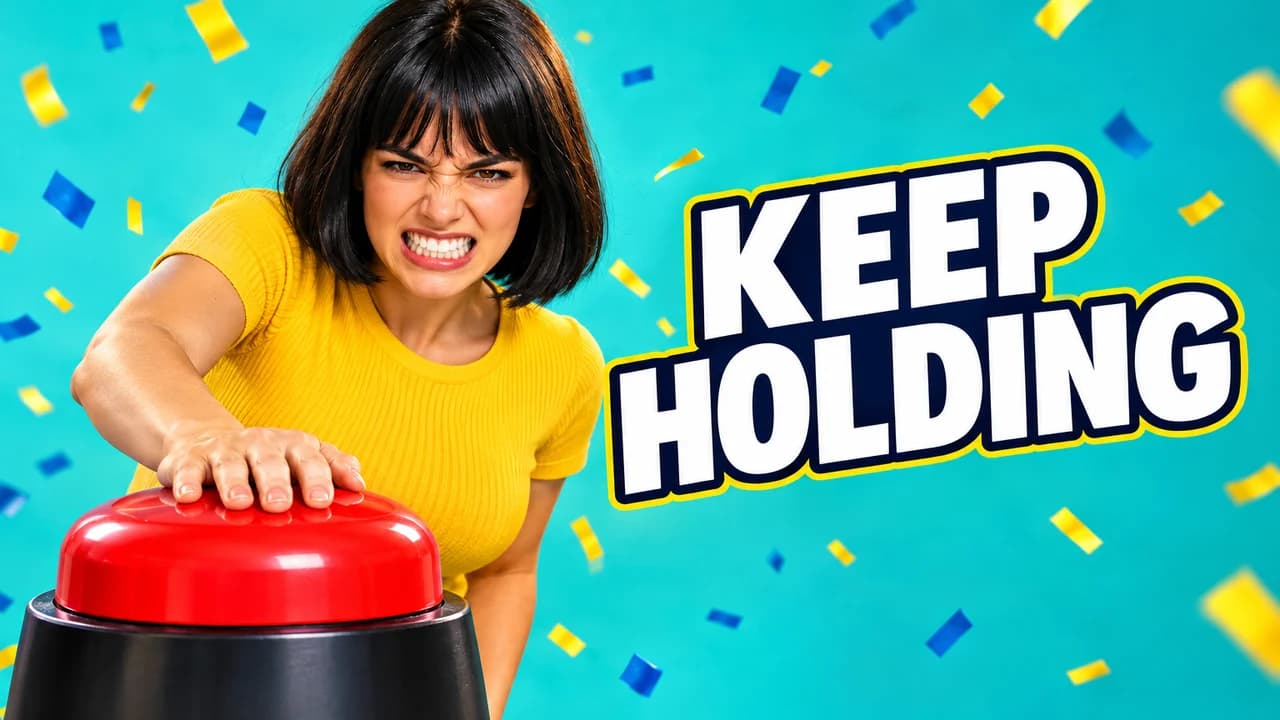
Checklist

Do this, not that

Do

  • Make the joke readable in one look: one face, one circle or one caption.
  • Use the meme look on a video that really has a funny moment in it.
  • Keep the text to three words or fewer, with a thick outline.
  • Leave the bottom-right corner clear for the video length.
  • Borrow the format, make the image yourself.

Don't

  • Don't paste a famous meme image or someone else's photo into your thumbnail.
  • Don't use a real person's face without their permission, famous or not.
  • Don't stage a disaster the video never shows; the joke turns into a complaint.
  • Don't stack every format at once. Deep-fried, zoomed and circled together just reads as noise.
FAQ

Questions about Meme thumbnails

What is the YouTube thumbnail meme?
It is the joke version of a loud YouTube thumbnail. Years of creators competing for attention made certain moves instantly recognisable: the overreacting face, the red circle and arrow, the extreme zoom, "gone wrong" in capitals. People now share famous examples as jokes and make parody thumbnails that exaggerate the same moves. Many creators also use the look on purpose to signal that a video is a comedy video.
What does the red circle mean in a thumbnail meme?
It means "look here". Creators first used red circles and arrows to point the eye at one detail in a small image, faster than any words could. It became a meme because it was overused, often around things that did not matter. Used as a joke, it works best when the circled thing is deliberately tiny and the reaction next to it is huge.
What is a clickbait thumbnail meme?
A parody of thumbnails that promise more than the video delivers: fake disasters, "not clickbait" labels, shocked faces over nothing. As a joke it is fine, because viewers are in on it. As a real promise it backfires: people who click and find nothing tend to leave quickly. Keep the exaggeration in the style and make sure the moment in the thumbnail is really in the video.
How do I make a meme thumbnail for my own video?
Pick one of the five formats and the one moment in your video it fits. Use an original image: your own face, a friend who agreed, or a synthetic person. Add one to three words with a thick outline and check it at phone size. The Base.Tube Studio can generate each format from a short description of your video.
Can I use a famous meme image in my thumbnail?
Be careful. Famous meme images are photos or video frames that someone owns, and many show real people who never agreed to promote your video. Sharing a meme in a chat is not the same as using it to promote your channel. The safer route is to recreate the format with an original image, as every example on this page does. This page is not legal advice.
Do chess and basketball videos use thumbnail memes?
Yes. Chess channels use the red circle on a single piece to sell a blunder, and the calm-smile caption to hint at a trap. Basketball highlight channels use the absurd zoom on a player's face mid-play and mystery captions for a comeback. The formats travel well to any topic with a clear moment and a clear reaction.
Base.Tube Studio

Make a Meme-style thumbnail
for your next video.

Describe your video, pick a layout, and generate options in the Base.Tube Studio. Once the video is live, connect your channel to see its real impressions and click-through rate.