Two kinds of clickbait
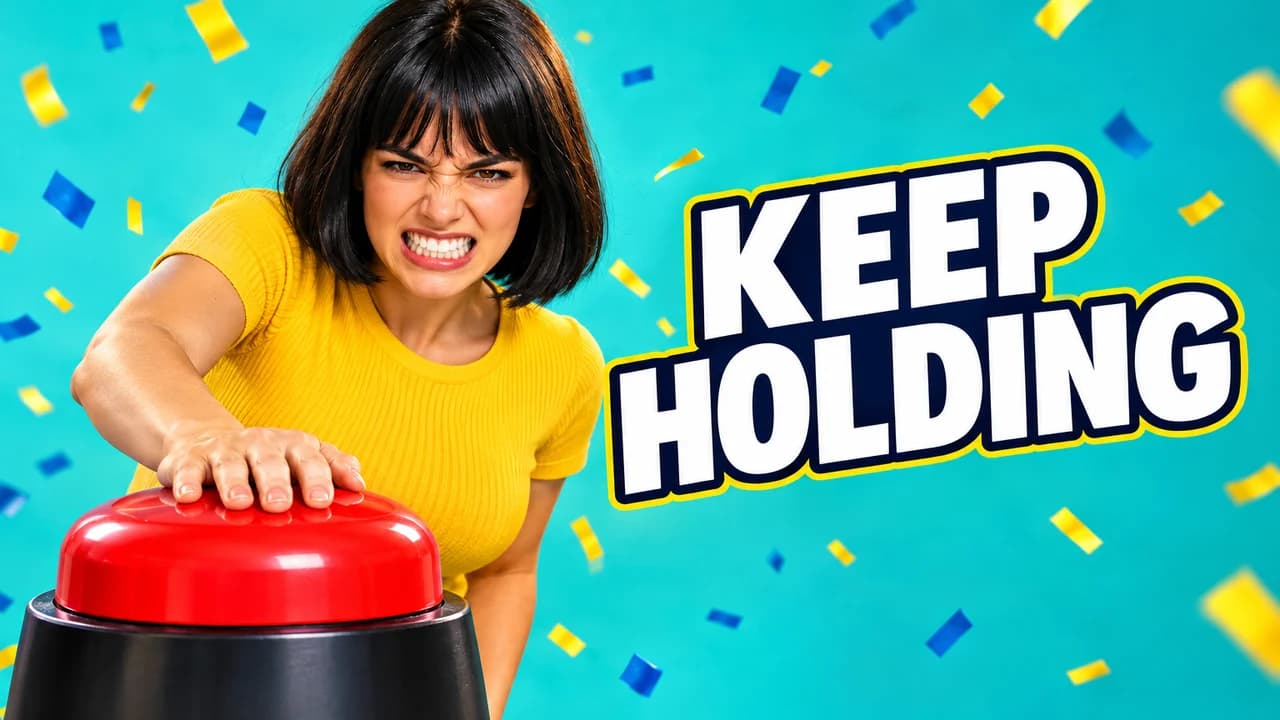
People use the word for two different things. The first is exaggeration: a detail made huge, a face pulled to the extreme, a question in capitals. The second is a broken promise: a thumbnail that shows something the video never contains. Both get clicks. Only the first keeps the viewer.
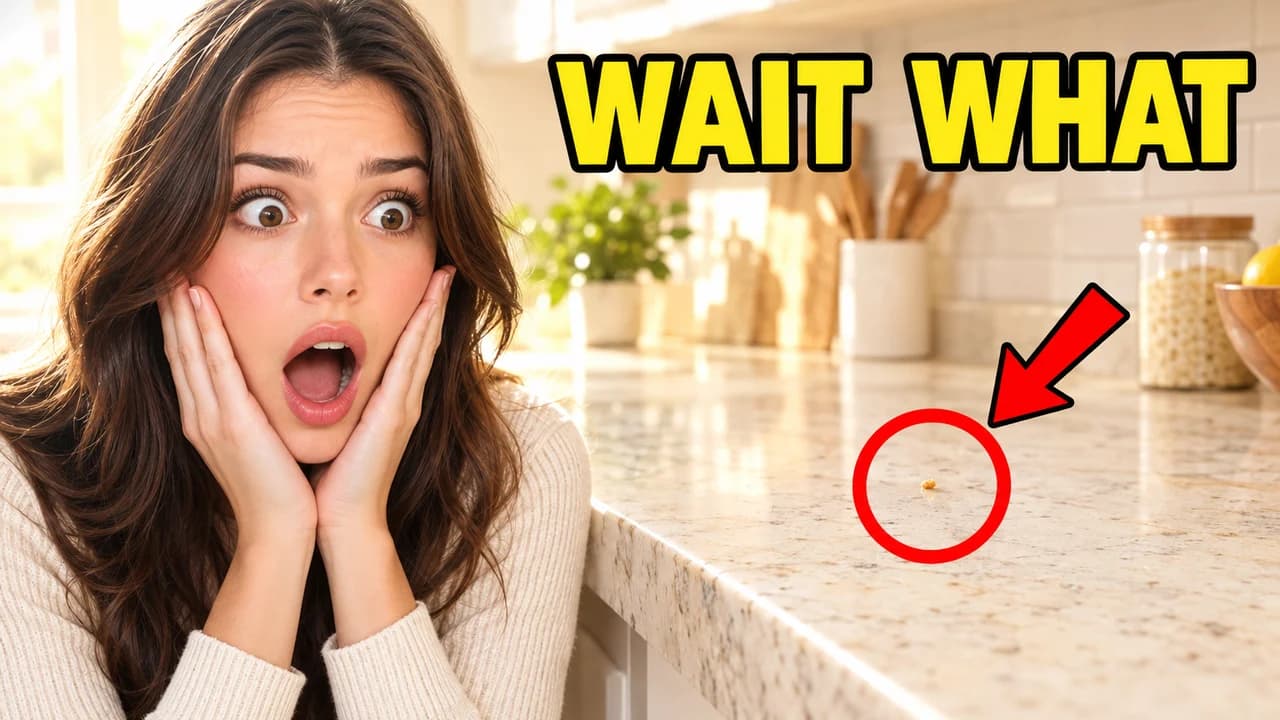
Every example on this page is the first kind. The red circle surrounds a detail that is really in the video. The shocked face reacts to something the viewer will see. The question gets answered.
What YouTube's rules actually say
YouTube's thumbnails policy does not allow a thumbnail that makes viewers think they are about to see something that is not in the video. Its spam policy also covers maliciously misleading titles, thumbnails and descriptions. When a thumbnail breaks the rules, YouTube can remove it and may give a strike; a first violation usually gets a warning.
In December 2024, YouTube also announced stronger action against what it called "egregious clickbait", starting in India and aimed mainly at breaking news and current events: a title or thumbnail promising news the video does not contain. If your channel covers news, be stricter than anywhere else.
Why viewers punish a broken promise
A misleading YouTube clickbait thumbnail wins the click, then the viewer realises the video is something else and leaves. YouTube says its recommendations look at viewing behaviour, likes, dislikes and satisfaction surveys, not only clicks. Its built-in A/B test for titles and thumbnails picks the winner by watch time, not click-through rate. A thumbnail that attracts the wrong viewers loses on both counts.
Honest exaggeration does the opposite. The viewer clicks because of the red circle, sees the detail explained, and stays.
Exaggerate the look, not the facts
A clickbait YouTube thumbnail has plenty of room to push, as long as you push the right things.
- Safe to exaggerate: colour and contrast, how tight the crop is, how big the detail appears, how strong the facial expression is, how short and loud the text is.
- Not safe to change: what happens, who appears, the result, the numbers and the place. If the fish was 40 centimetres, do not show a shark.
Think of it as turning the volume up on a true moment, not swapping it for a louder one.
The one-second test
Before you upload, ask one question: can I point to the moment in the video where this thumbnail happens? If you can, exaggerate as much as you like: brighter colours, a bigger face, a tighter crop. If you cannot, change the thumbnail, not the video description.
The classic devices, used honestly
- The red circle works when the detail inside it is small, real and explained in the video.
- The arrow points at one thing. Three arrows point at nothing.
- The shocked face should be your real reaction, recreated if needed, to something the viewer can see in the frame.
- The question needs an answer in the video, ideally early.
- Before and after must use the real after. A borrowed or generated "after" breaks the promise.
When to use each layout
- Proof when the result is impressive by itself: a build, a catch, a fix.
- Before and after for repairs, cleaning, makeovers and transformations.
- Red circle when one small detail is the story.
- Big question for experiments, tests and mysteries with a clear answer.
- Reaction when the experience is the content: taste tests, cold, heights.
Text, size and checking
Keep the text to three words with a thick outline; our YouTube thumbnail fonts guide lists heavy free fonts. Keep the background calm with the ideas in YouTube thumbnail backgrounds. Export at 1280 × 720 in 16:9 (see the YouTube thumbnail size guide), then view it among other videos in the YouTube thumbnail preview and compare versions in the thumbnail tester. No tool can tell you in advance how many people will click; the real numbers come from YouTube once the video is live.