The idea comes before the image
A MrBeast thumbnail is not a design trick you add at the end. It is the video idea, drawn as one picture. "Last one to leave the circle wins", "a $1 burger against a $10,000 burger", "seven days alone on an island": each of these fits in a single frame, and that is why the thumbnails look so simple.
So before you open an editor, write your idea in one short sentence. If you cannot picture it as one image, the thumbnail will struggle, and no colour or font will fix it. If you can, half the work is done.
Make the stake measurable
The viewer should understand the size of what is at stake in about a second. There are four reliable ways to show it:
- A price: two versions of the same thing, cheap and expensive.
- A duration: a person stuck somewhere, with the time in two or three words.
- A size: an ordinary object made enormous, with a person beside it.
- A reward: a prize being revealed, and the face of the person receiving it.
Each of these is one of the five layouts above. Pick the one that matches what the video actually measures. A survival video with a price on it, or a comparison video without one, sends the wrong signal.
A face that reacts to the stake
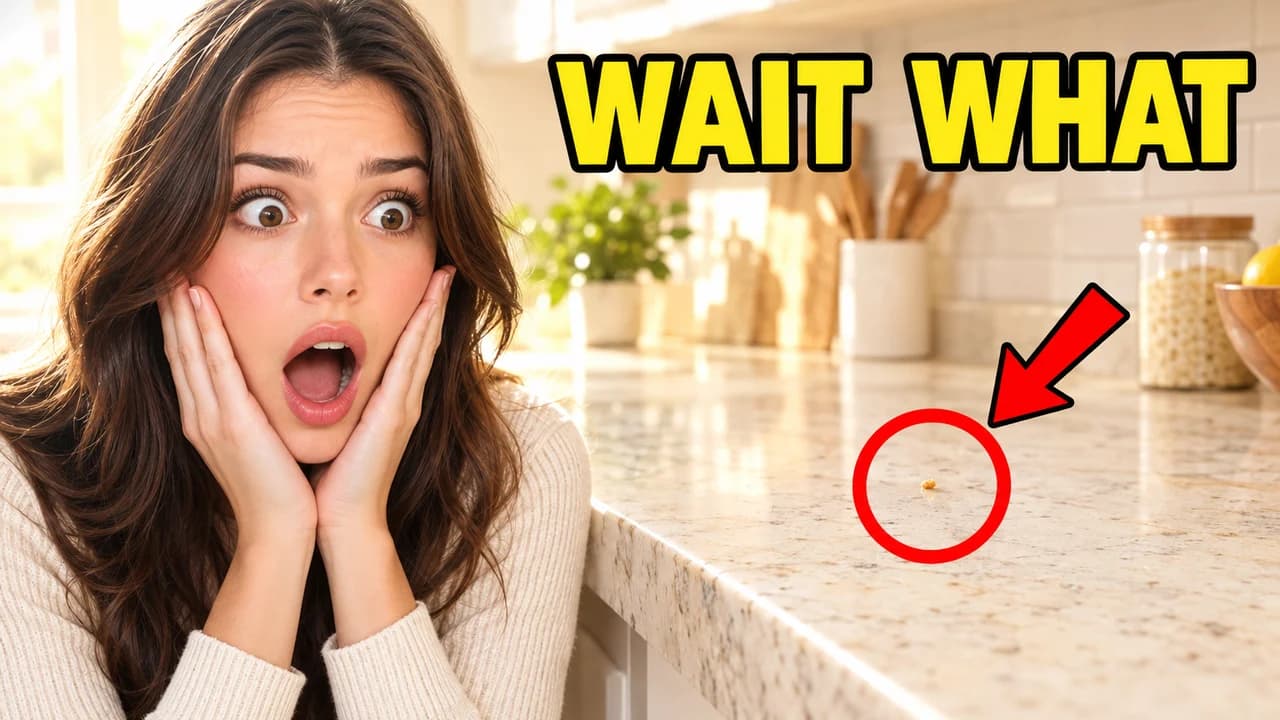
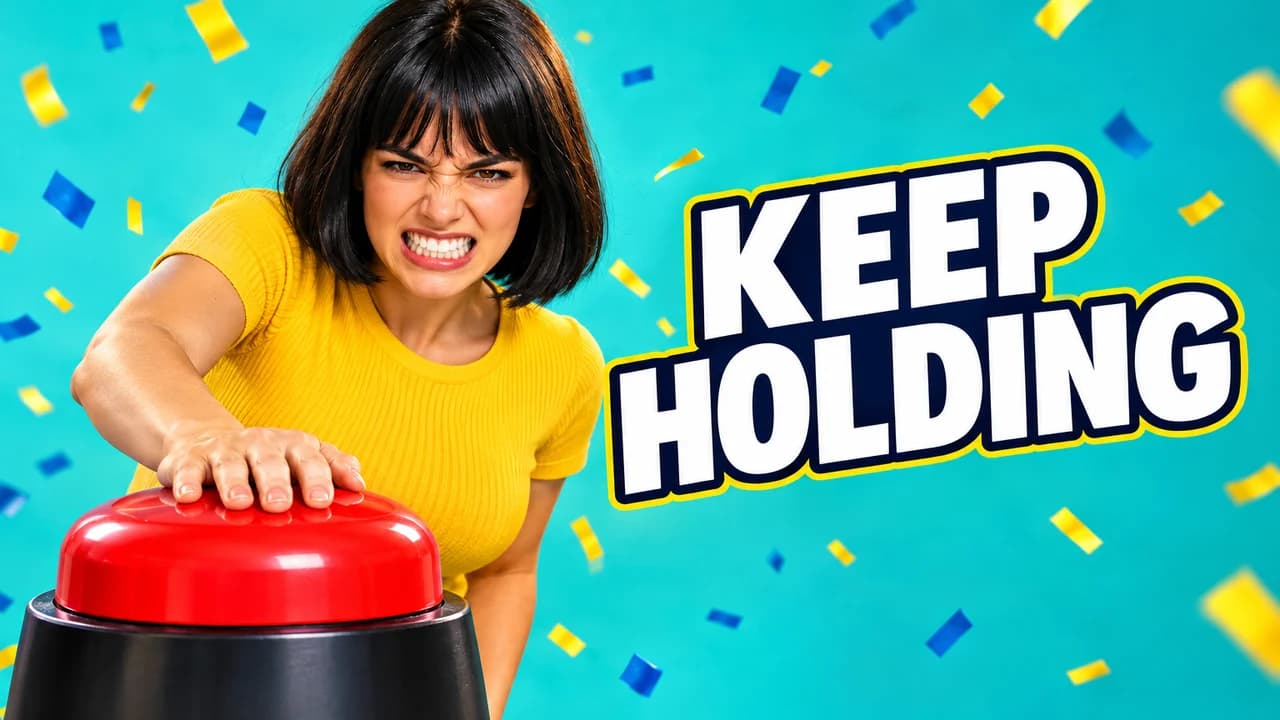
The person is there to tell the viewer how to feel. Use one strong emotion: shock, joy, strain or fear. Make the face large and turn the eyes or a pointing hand toward the stake, so the viewer's eye moves from the face to the object. A face that looks at nothing wastes the space.
The examples on this page use synthetic people only. On your channel, use your own face, photographed in bright, even light. Never use MrBeast's face or a lookalike: it misleads viewers and puts your video at risk.
Bright, clean daylight colours
The look is closer to a toy advert than to a film poster. Skies are clear blue, water is turquoise, prizes are gold and green. Push saturation and contrast up, then cut the subject out with a thin light edge so it separates from the background. Dark, moody frames belong to other styles. Our YouTube thumbnail backgrounds page lists simple backdrops that keep the subject readable.
Fewer words than you think
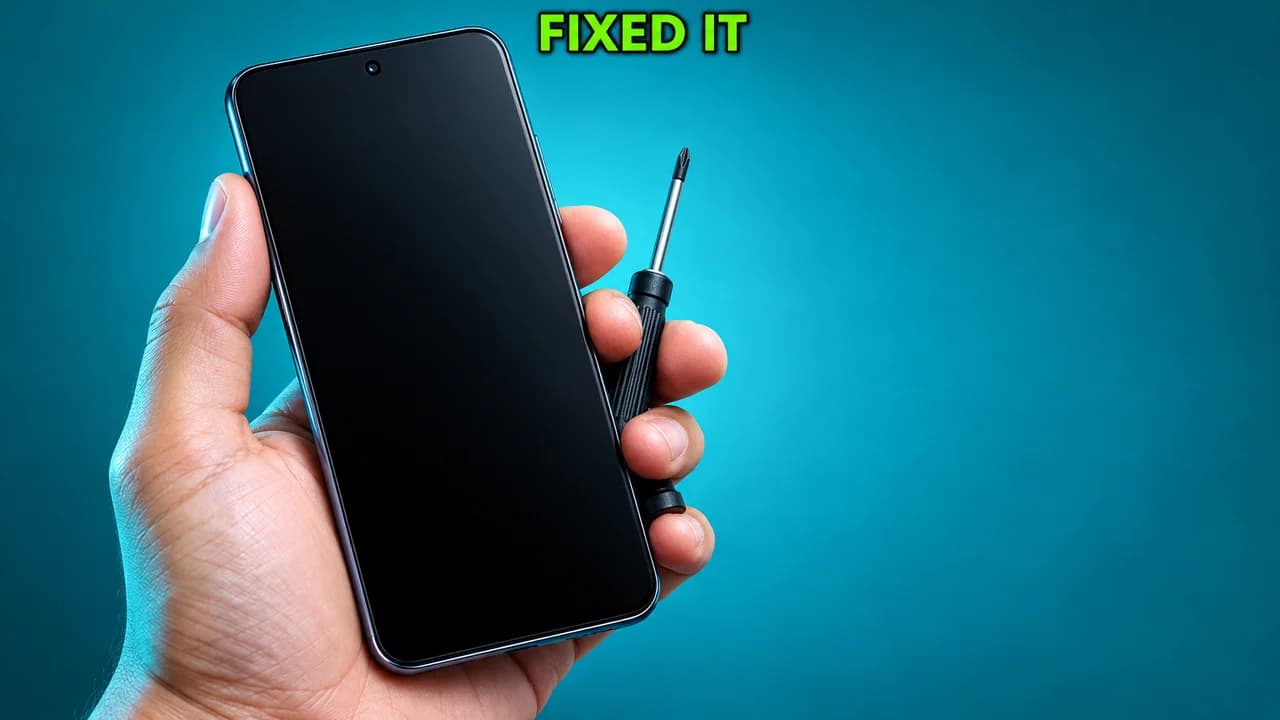
Many thumbnails in this style have no text at all, because the title already names the challenge. When you add text, make it something the image cannot say alone: the two prices, the duration, the rule. Three words is the upper limit. Use heavy capitals with a dark outline; the thumbnail fonts guide has free options.
When to use each layout
- Challenge when people compete to last longest or follow a rule.
- Cheap vs expensive when the video compares prices or quality levels.
- Giant object when the size of a thing is the surprise.
- Survival when one person faces a hard place for a set time.
- Big reveal for giveaways, surprises and makeovers.
Using the same layout across a series also helps returning viewers spot it.
Keep the promise
A huge stake on the thumbnail creates a huge expectation. If the video shows a smaller version, viewers notice in the first minute and leave. Show the real object, the real place, the real reaction. YouTube's thumbnail policy does not allow thumbnails that make viewers think they will see something that is not in the video.
Size and testing
Export at 1280 × 720 pixels in 16:9; the YouTube thumbnail size guide has the current limits. Then place your thumbnail among real videos in the YouTube thumbnail preview and compare two or three versions side by side with the thumbnail tester. No tool can tell you in advance how many people will click. Once the video is live, the real numbers in YouTube Studio are the answer.