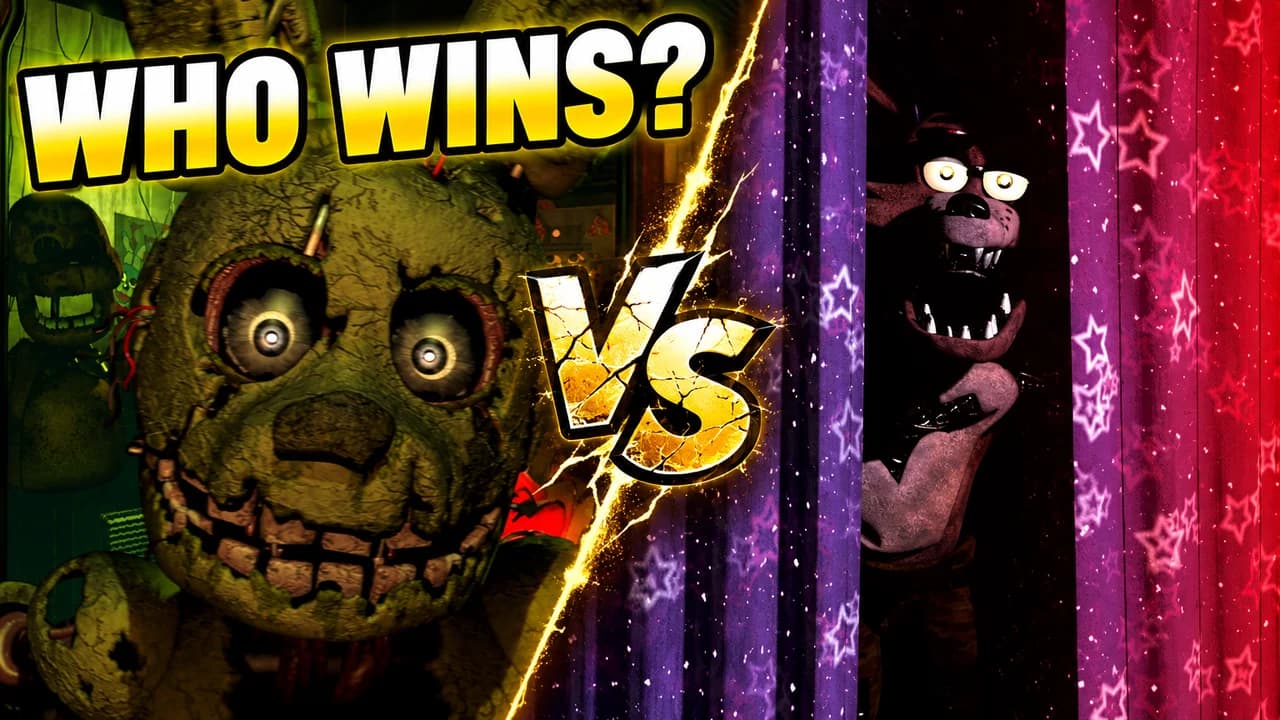
What makes a FNAF thumbnail work
Five Nights at Freddy's is built on one feeling: something is in the dark and it is getting closer. The best FNAF thumbnails put that feeling in one image. Most of the frame is black. One animatronic is there, too close or barely visible, and its eyes are the brightest thing on screen.
Viewers see your thumbnail small, on a phone or in a sidebar, next to other horror videos. A dark frame with one bright point stands out. A bright, busy frame full of characters looks like everything else and loses the fear.
Darkness is the main colour
Start from black and add light only where it matters: a door light on Bonnie, a monitor glow on the desk, a flashlight beam down the hall. Then pick one accent colour that tells the story. Red means danger and jumpscares, sickly green means Springtrap and night-vision cameras, neon pink and purple mean the Mega Pizzaplex of Security Breach.
One animatronic, one moment
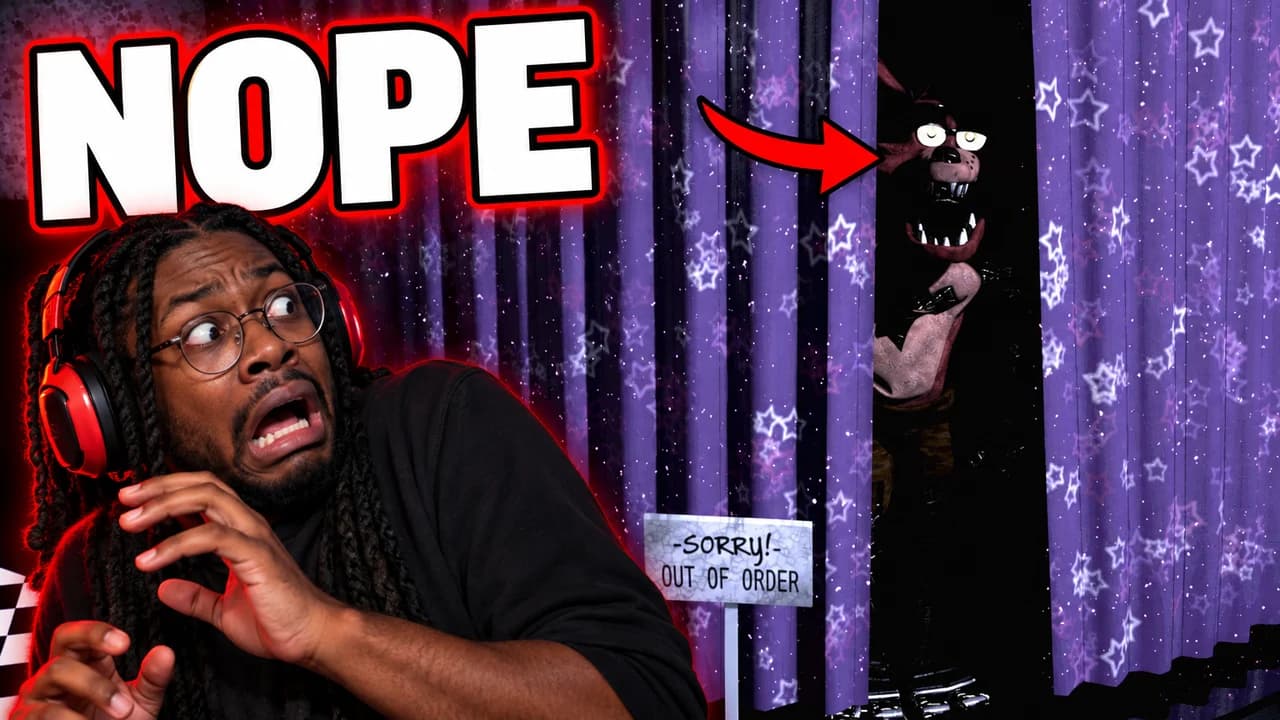
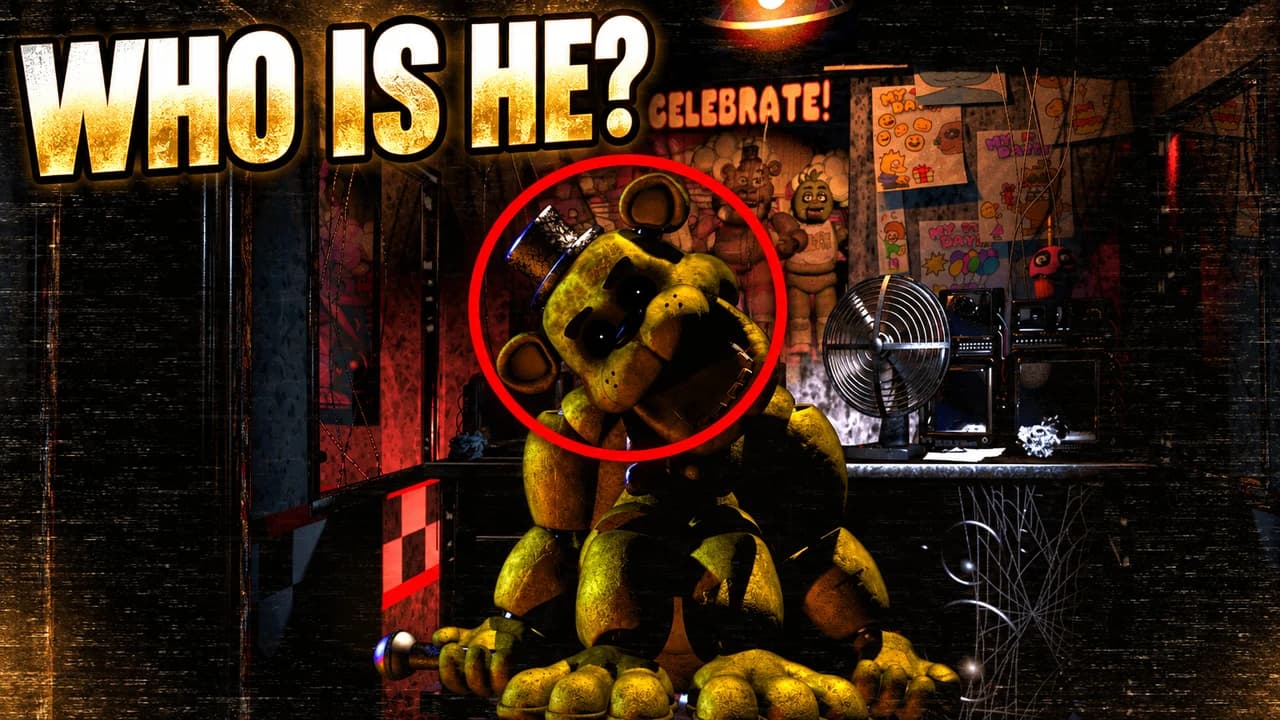
Choose the animatronic the video is really about. Freddy Fazbear in the doorway for a night run, Foxy in the West Hall for a jumpscare, Golden Freddy or Springtrap for lore, Glamrock Freddy for Security Breach. Show it in one clear moment: standing still and staring, lunging toward the camera, slumped in a corner. The stillness is often scarier than the attack.
On face-cam thumbnails, the creator's face carries the fear. Make it large, with one real reaction (a scream, a flinch, hands over the mouth), and put the animatronic on the other side.
Show the game's own interface
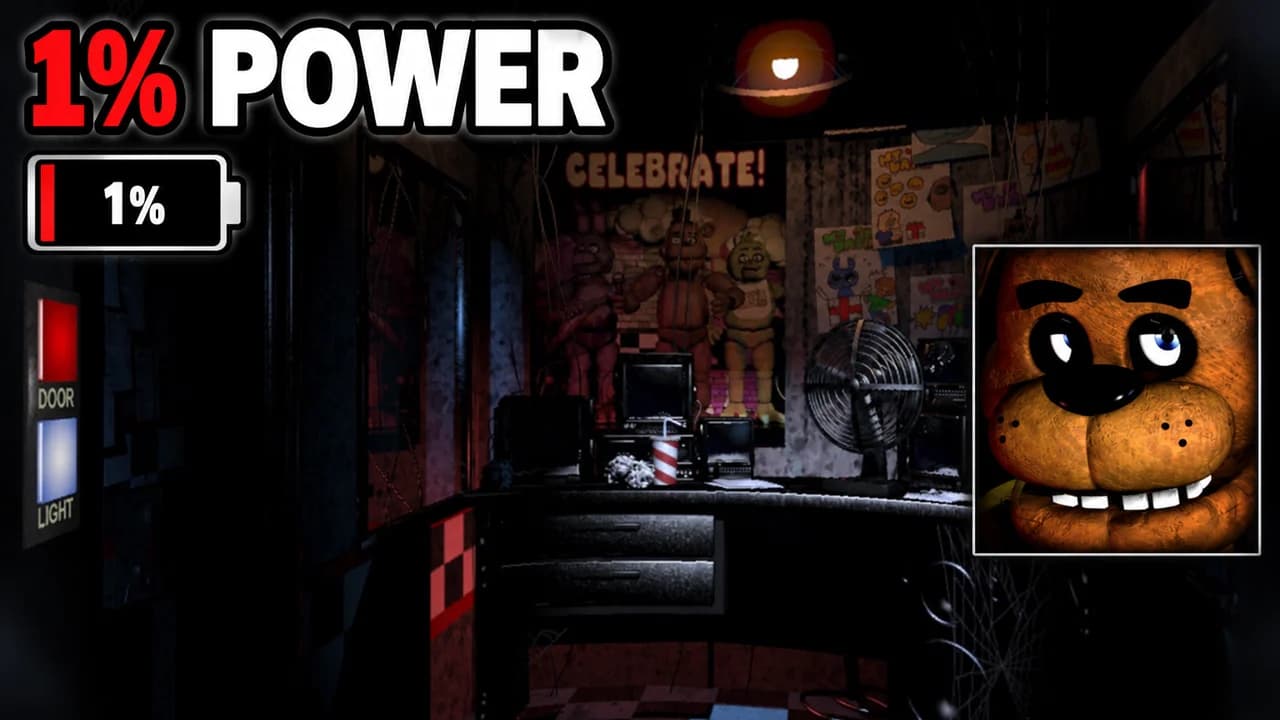
Fans recognise the series from its screens: the security office with its fan and monitor, the camera feed with grain and static, the power meter, the clock running from 12 AM to 6 AM. Even one of these tells the viewer which game and which stakes. "1%" next to the power icon, or "5 AM" on the clock, says more than a full sentence.
Five layouts for five kinds of video
Most FNAF videos fit one of five shapes: night, jumpscare, lore, versus or then and now. The layout recipes above give the structure of each. Night runs and custom nights use the office. Reactions use the jumpscare layout. Theories use one mysterious character and a question. Rankings use a split versus frame, and series retrospectives put the old pizzeria next to the Pizzaplex.
Text: short and nervous
One to three words in capitals, white or red, with a dark outline: NOPE, 1% POWER, 6 AM, WHO IS HE?. A slightly distressed or pixel font can match the game, but only if it stays readable at phone size. Compare options in the YouTube thumbnail fonts guide.
A FNAF thumbnail background that stays dark
The background is the office, a corridor or a camera feed, almost black, with grain or static on top. Keep it darker than the animatronic. More ways to build a background that stays behind the subject are in the YouTube thumbnail backgrounds guide.
Size and checks
Upload at 1280 × 720 pixels, in 16:9; for file limits see the YouTube thumbnail size guide. Keep the bottom-right corner clear for the video length. Dark thumbnails can turn to mud on some screens, so put yours next to other videos in the YouTube thumbnail preview and compare versions with the thumbnail tester.
No tool can predict how many people will click before a video is live. The answer comes from YouTube. When you connect your channel, Base.Tube shows the real impressions and click-through rate of each video.