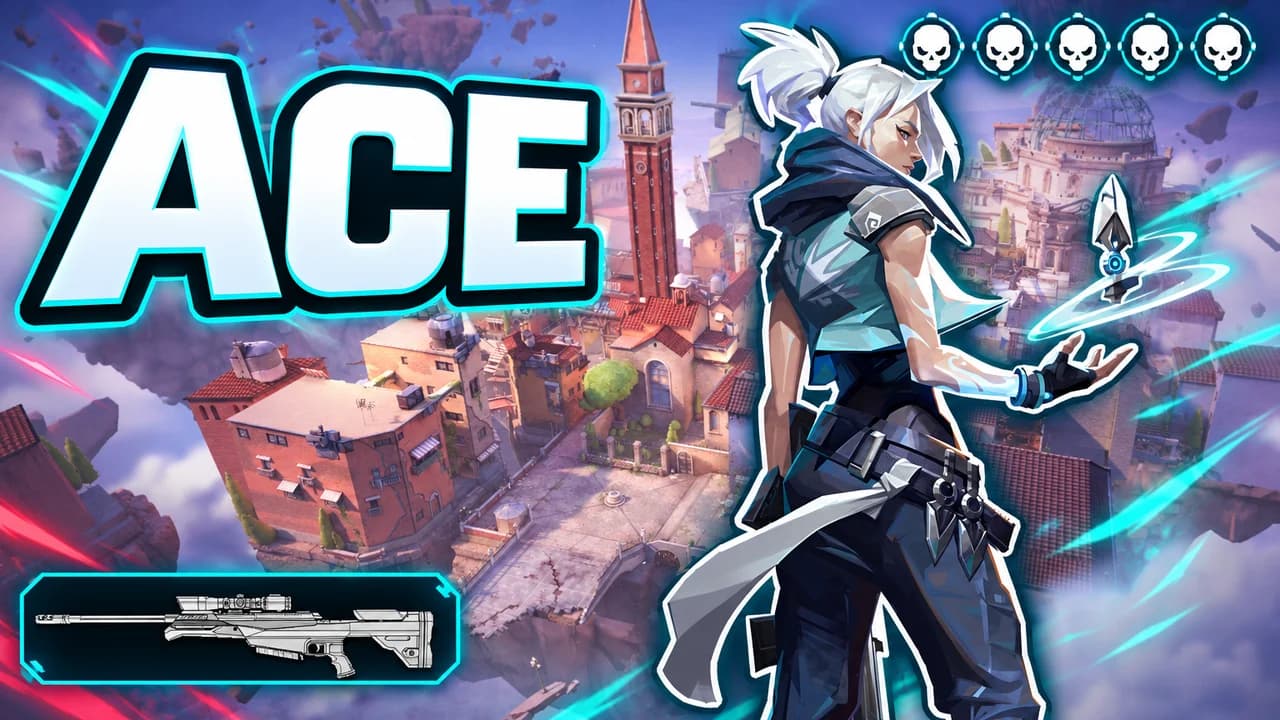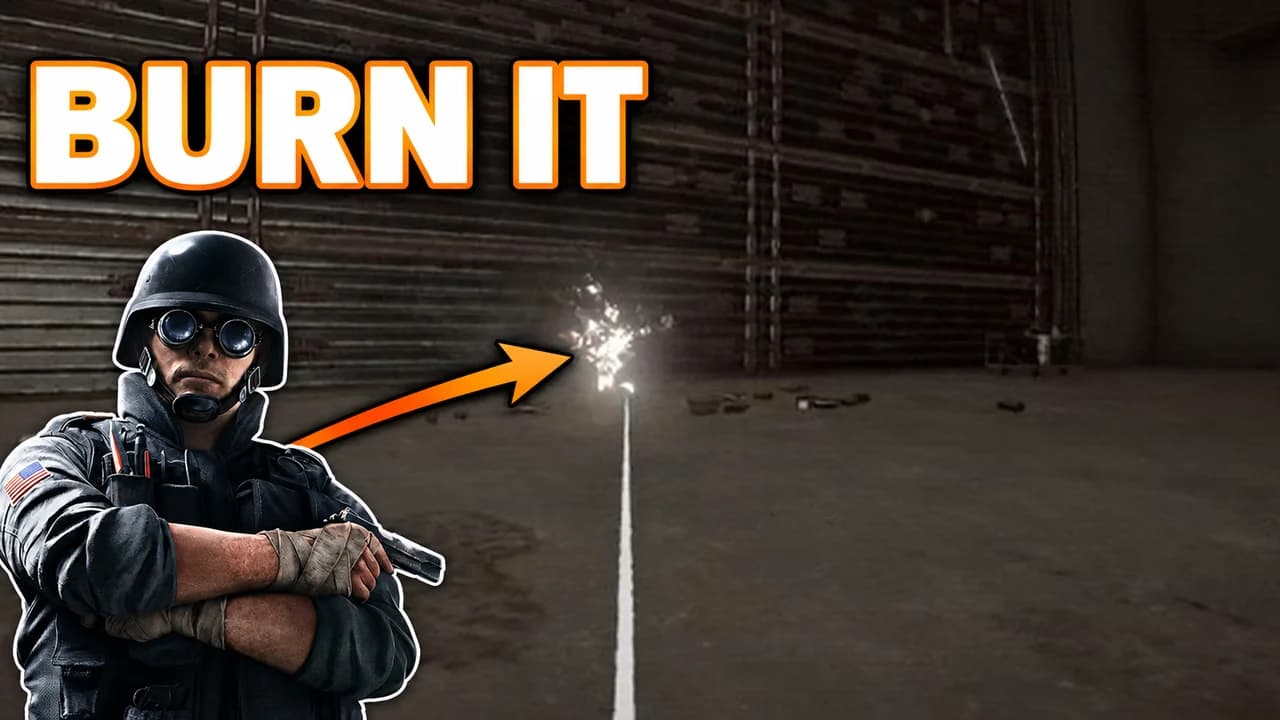
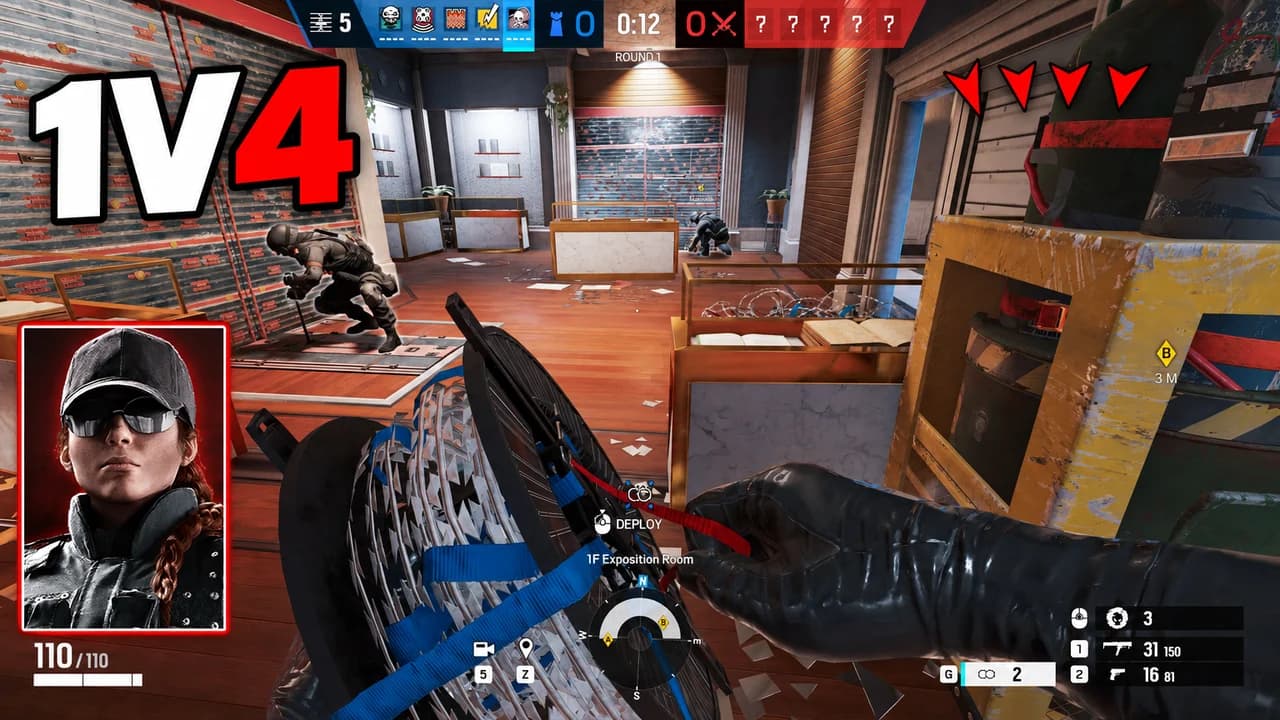
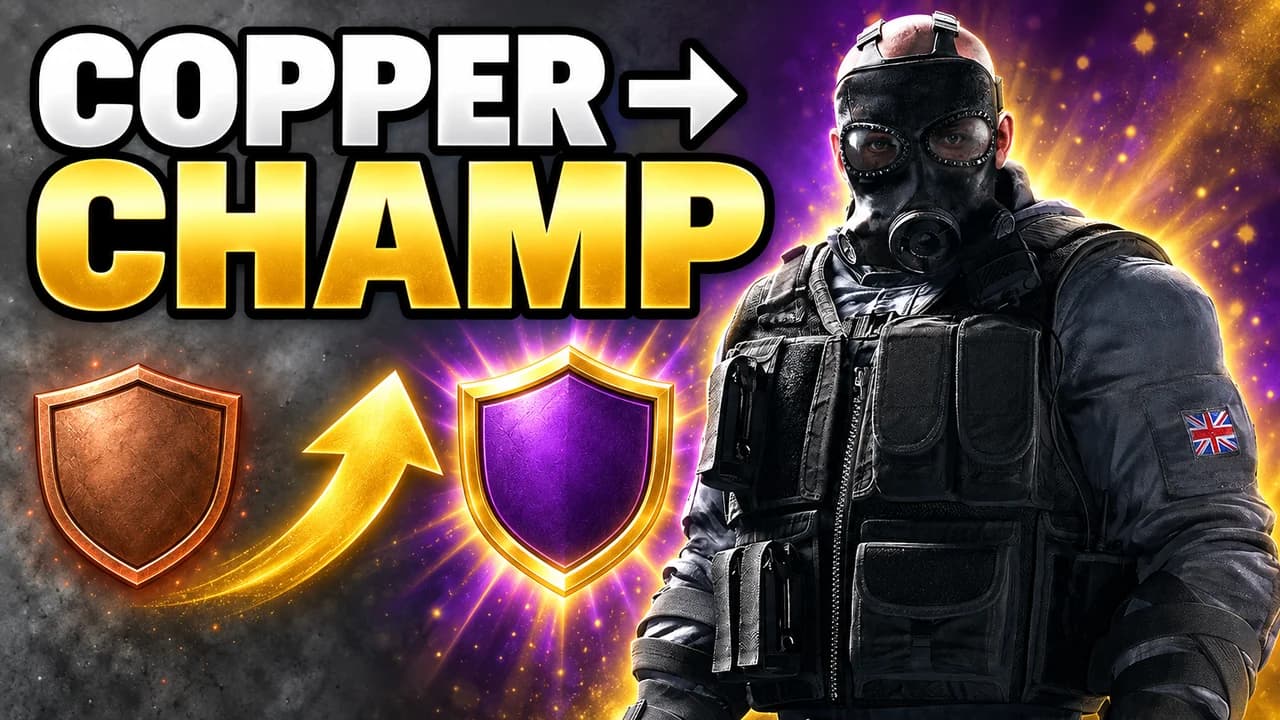
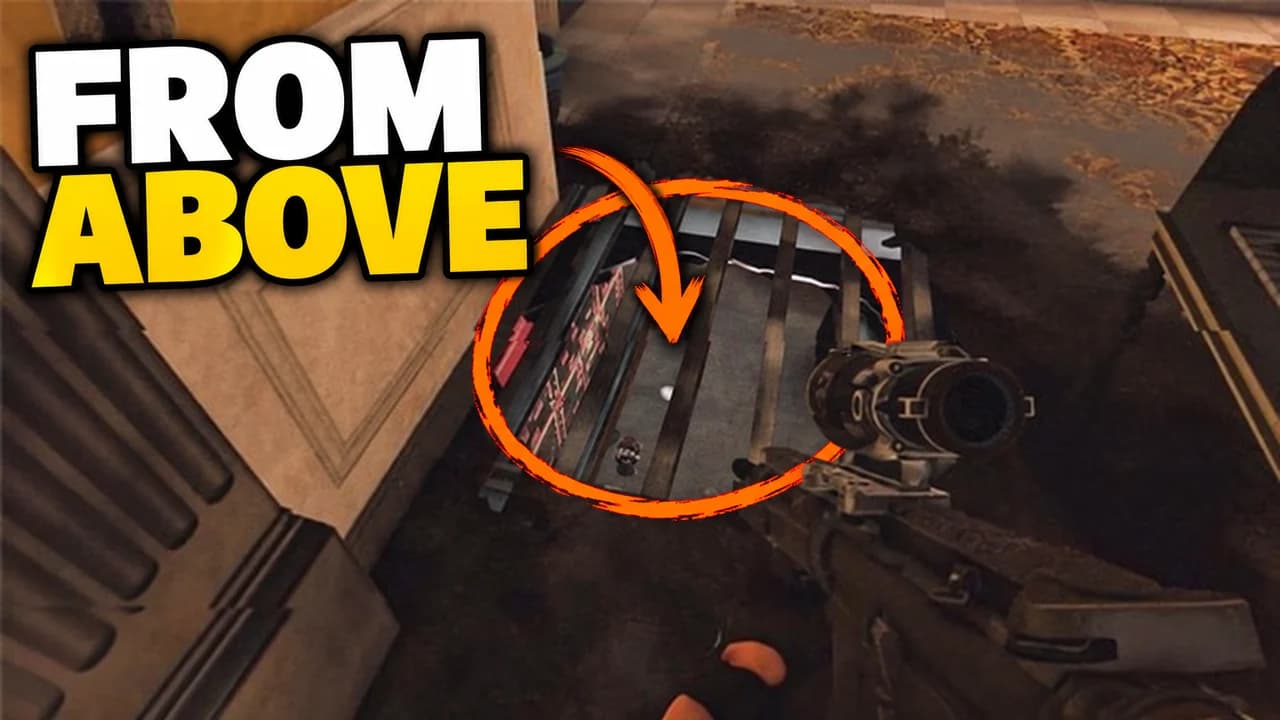
What makes an R6 thumbnail work
Rainbow Six Siege is a game of tension: a wall about to break, a drone in a vent, a defuser ticking down. The best R6 Siege thumbnail puts the viewer in that second before something happens. It shows one moment, reads in a second and is lit well enough to survive a phone screen.
That last point matters more in Siege than in most games. The maps are indoor, grey and often dark. A screenshot that looks fine full-screen turns into a dull smudge at feed size. Every rule on this page follows from that.
One operator, one gadget
Operators are recognised by their gadget as much as by their face. Thermite's charge, Sledge's hammer, Ash's breaching rounds, Caveira's knife, Jäger's ADS: put the gadget in the frame and fans know who it is before they read a word. Make the operator large, cut at the waist or the chest, and point the gadget or the gaze at the thing that matters.
Light the scene on purpose
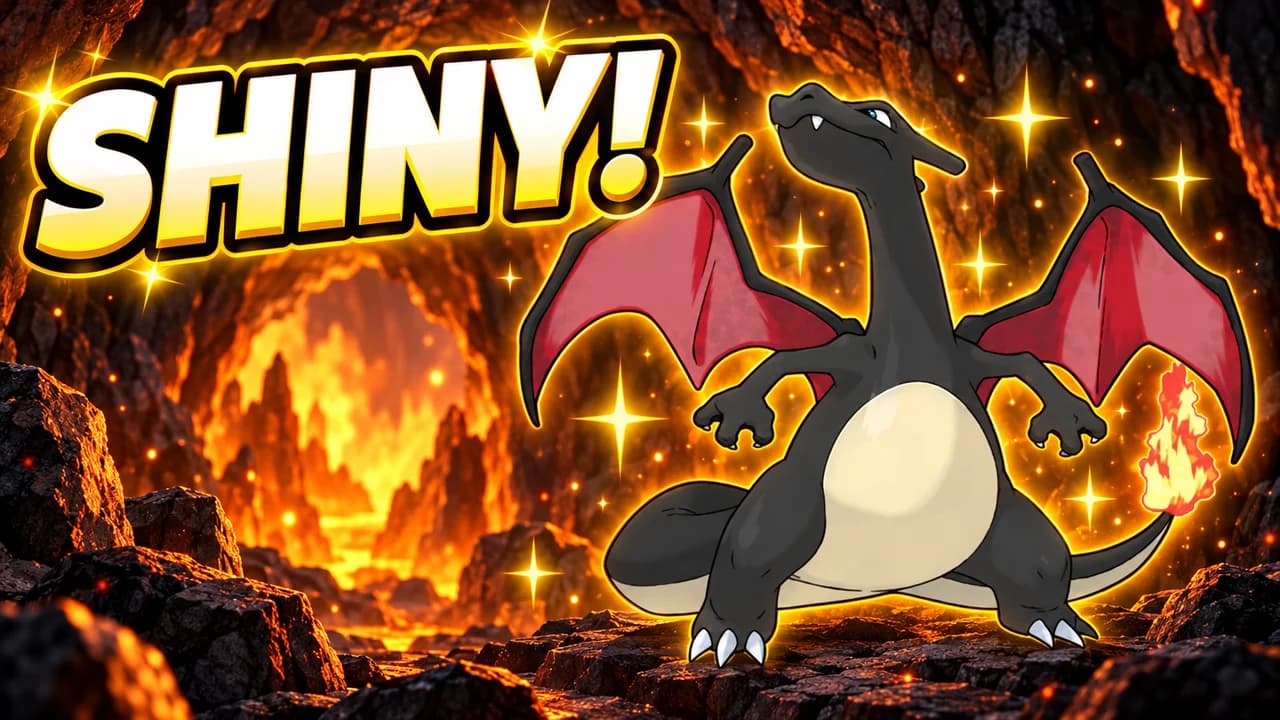
Choose one strong light source and let it tell the story. The white-orange glow of a breach says attack. A red emergency lamp says danger and clutch. A cold blue window says a slow, tactical round. Keep the rest of the room dark or blurred. A Rainbow Six Siege thumbnail with one lit subject beats a fully lit room every time.
Show the stakes with the interface
The game's own interface tells fans what is at stake faster than words. A planted defuser with the timer at five seconds says clutch. A Champion badge says rank. A drone view says information. Use one of them, large and clean, and leave the rest of the HUD out.
Five layouts, one per video type
Most Siege videos fit one of five shapes: breach, clutch, rank climb, face cam or versus. The layout recipes above give the structure of each. Pick the one that matches your video, then change the operator, the map and the words. Using the same layout across a series helps returning viewers spot your videos.
Text: short and square
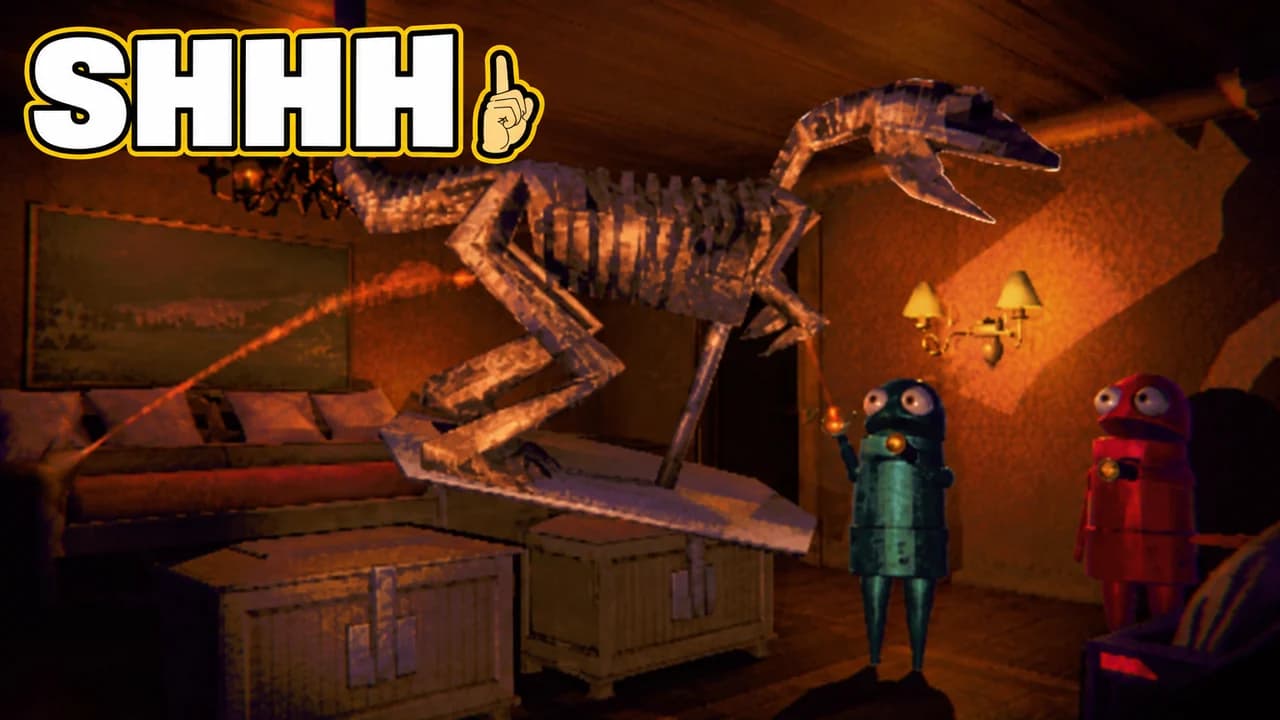
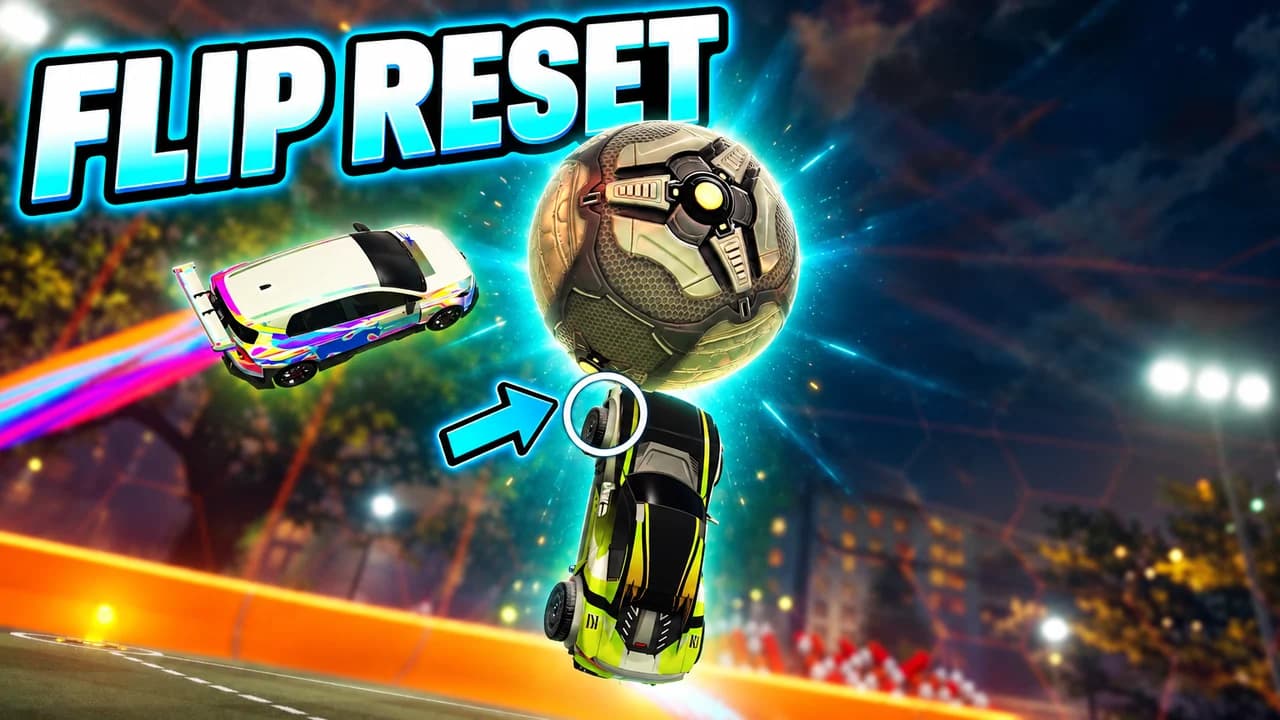
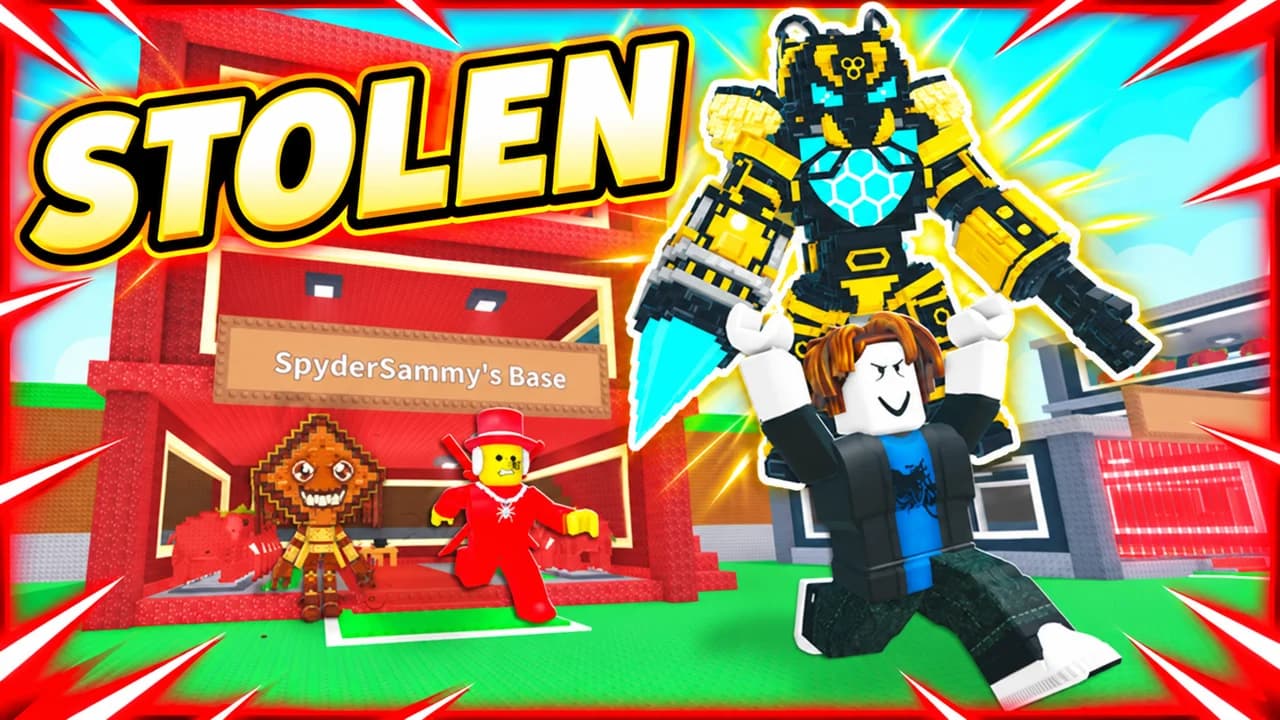
Three words is the limit. Use capitals, a heavy, square font and a thick black outline: 1V4, BREACH, COPPER → CHAMP. The words should add something the image cannot say on its own. Loadouts and attachments belong in the description, not the thumbnail. To compare heavy display fonts, see the YouTube thumbnail fonts guide.
An R6 thumbnail background that stays behind
The R6 thumbnail background sets the mood and nothing else: a vault, a basement, a garage, lit by one light. Blur or darken it so the operator and the text stand out. For more ways to keep a background behind the subject, see the YouTube thumbnail backgrounds guide.
Size and checks
Upload at 1280 × 720 pixels, in 16:9. For file size and format limits, see the YouTube thumbnail size guide. Keep the bottom-right corner empty, where YouTube shows the video length. Then put your thumbnail next to other Siege videos in the YouTube thumbnail preview and compare versions with the thumbnail tester. No tool can predict how many people will click before a video is live; when you connect your channel, Base.Tube shows the real impressions and click-through rate of each video.