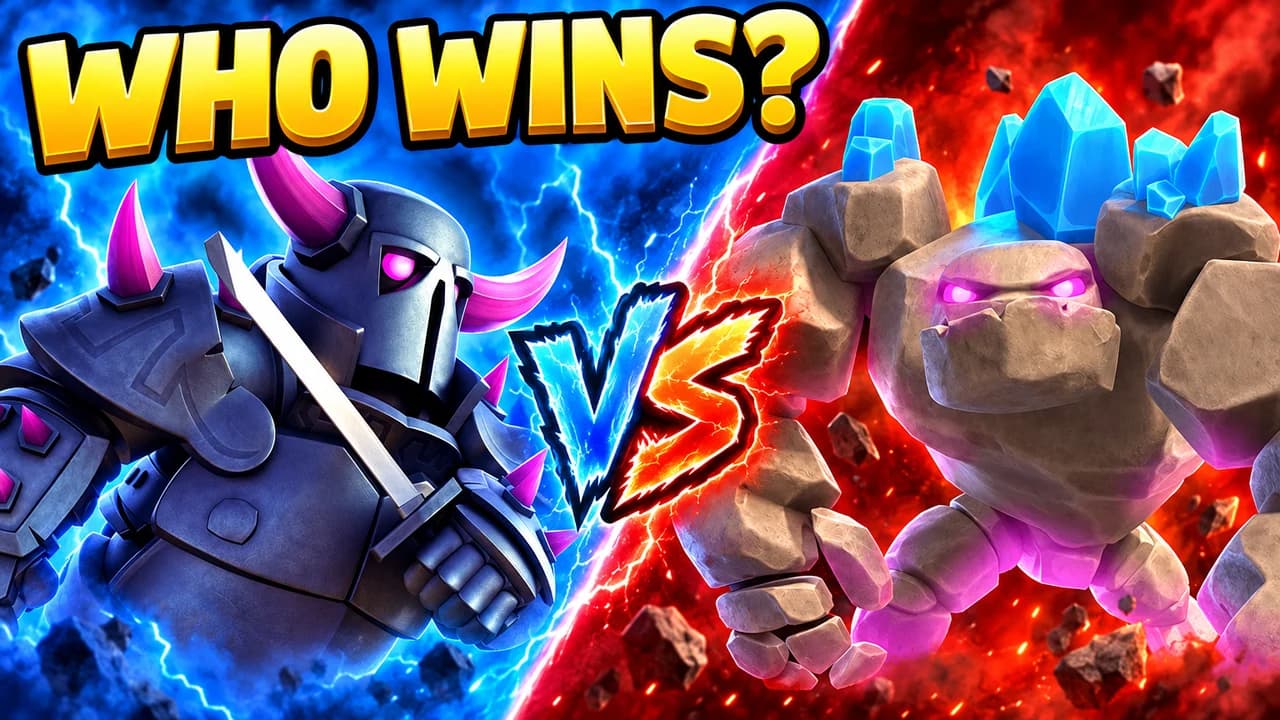
What makes a Clash Royale thumbnail work
Clash Royale videos all start from the same picture: a green arena, blue and red towers, small troops. Seen in a feed full of other Clash Royale videos, that picture says nothing new. Your thumbnail has to say what this one video is about: a deck, a card, a win, a fail.
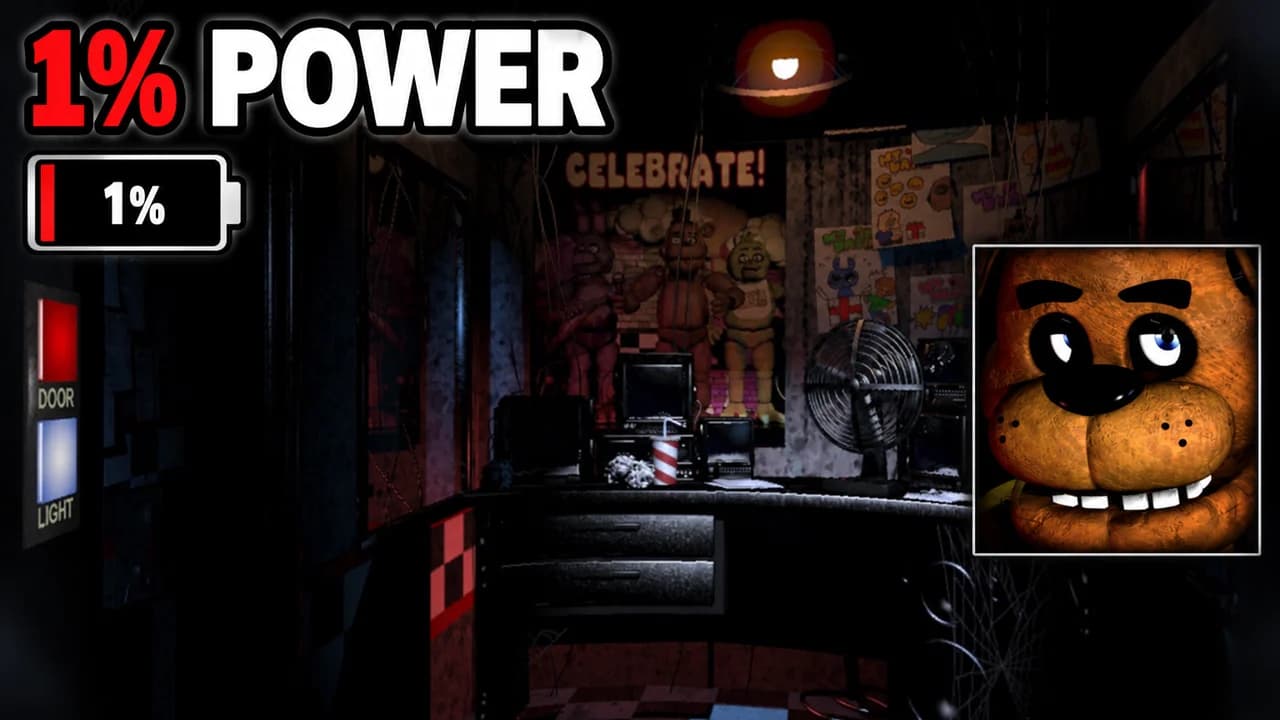
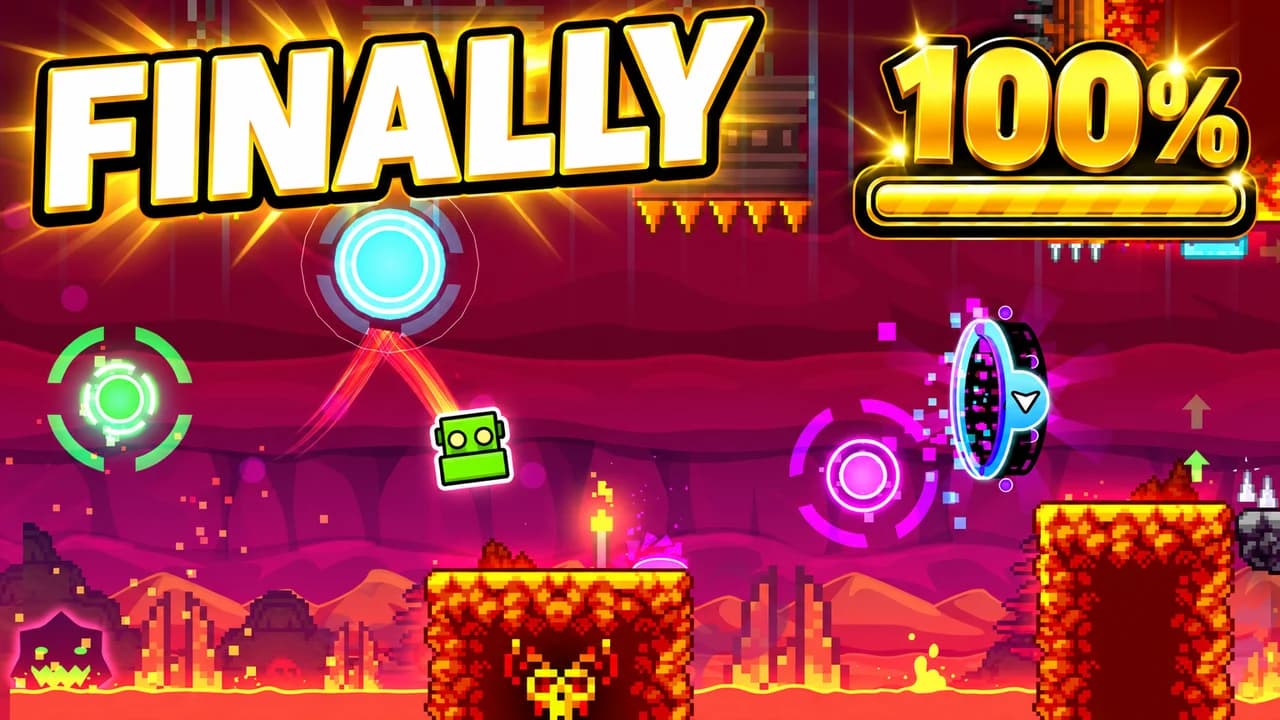
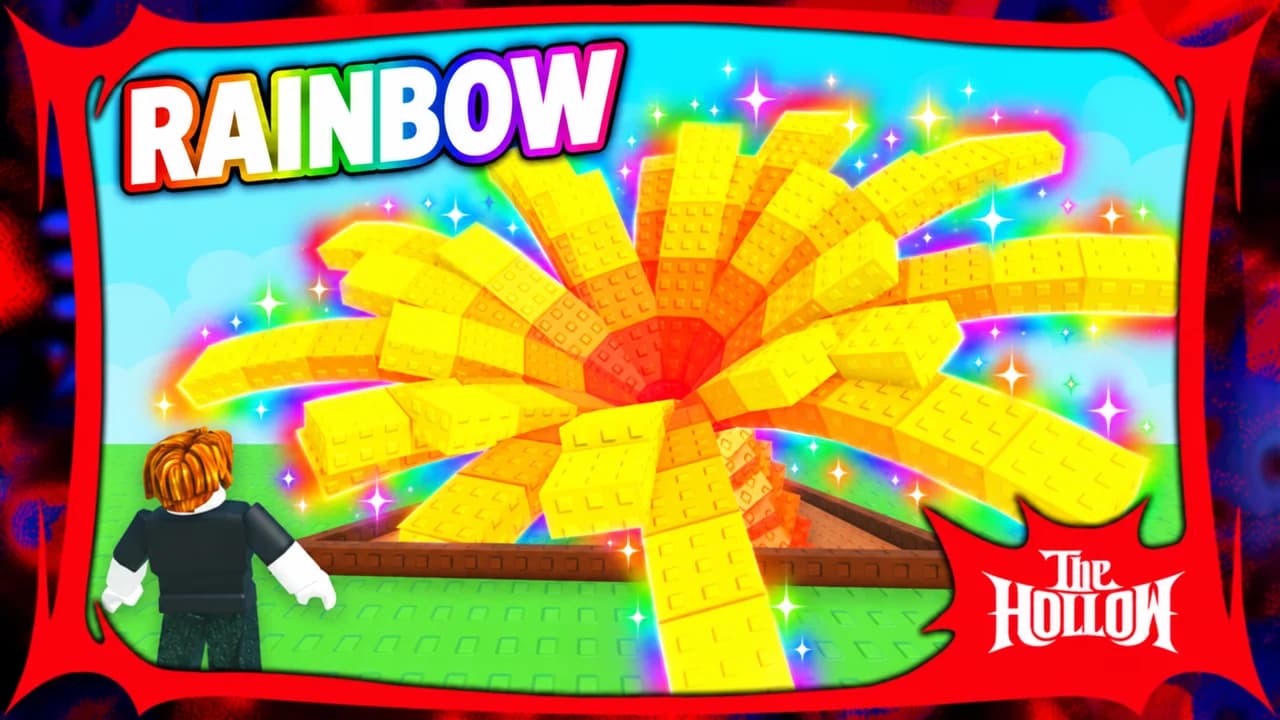
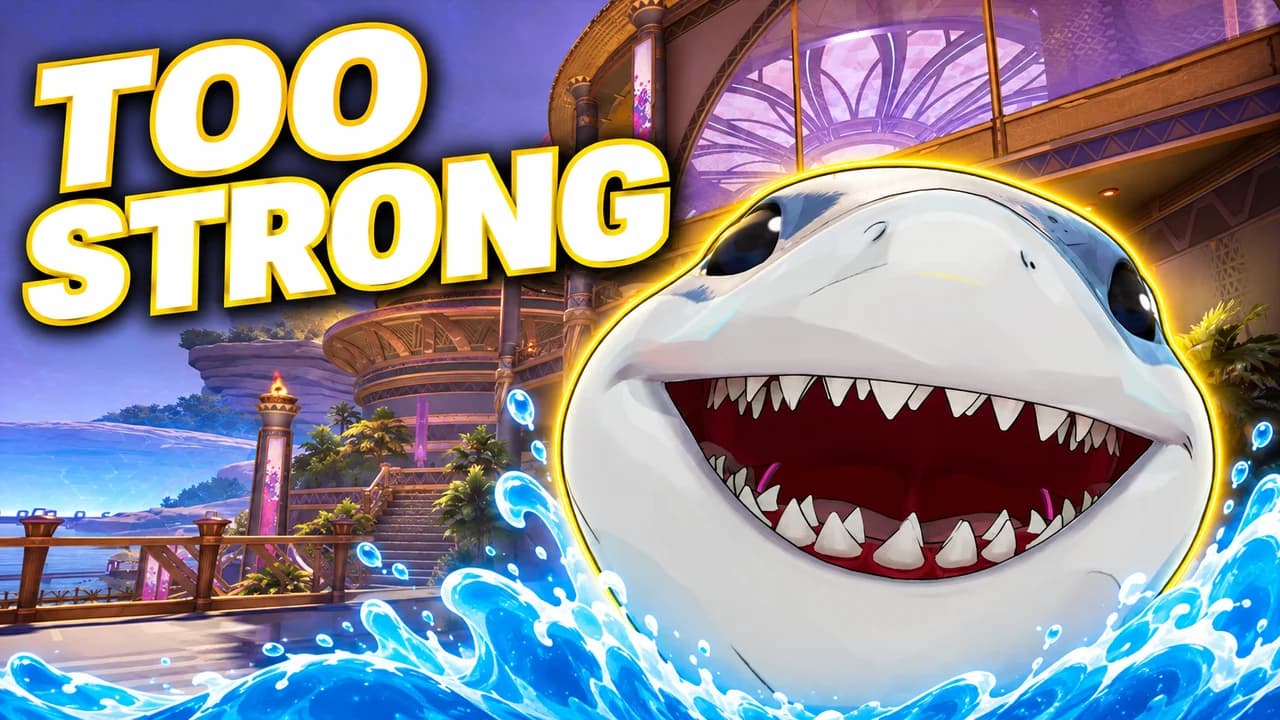
Most people browse Clash Royale content on their phone, often in the same session as the game itself. At that size, a normal battle screenshot turns into dots. Big cards, big characters and clear colours survive. Every rule on this page follows from that.
Zoom in on one card
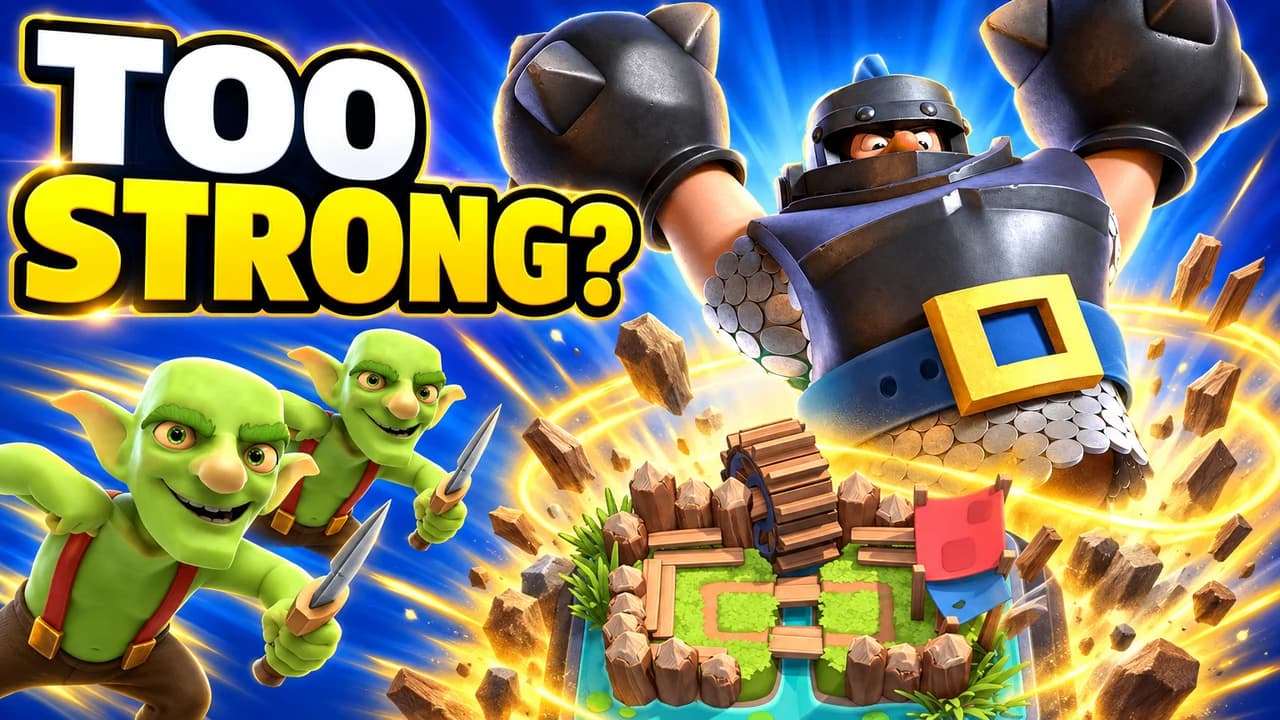
The game is built on cards, and every card has a character with a strong silhouette: the Mega Knight, the Hog Rider, P.E.K.K.A, the Golem. Choose the one your video is about and make it huge. Let its rarity colour glow behind it so viewers know at a glance if it is a legendary or a champion. The arena can stay small and blurred in the background.
Blue against red
The arena already teaches players a colour code: blue is you, red is the opponent. Use it. A versus thumbnail with a blue side and a red side reads in a second. Gold belongs to crowns, trophies and the main word. Keep arena green as a base colour only, because it is the colour of every other Clash Royale thumbnail.
Five layouts, one per video type
Most Clash Royale videos fit one of five shapes:
- Card hero: one card huge, for reviews, updates and "is it broken?" videos.
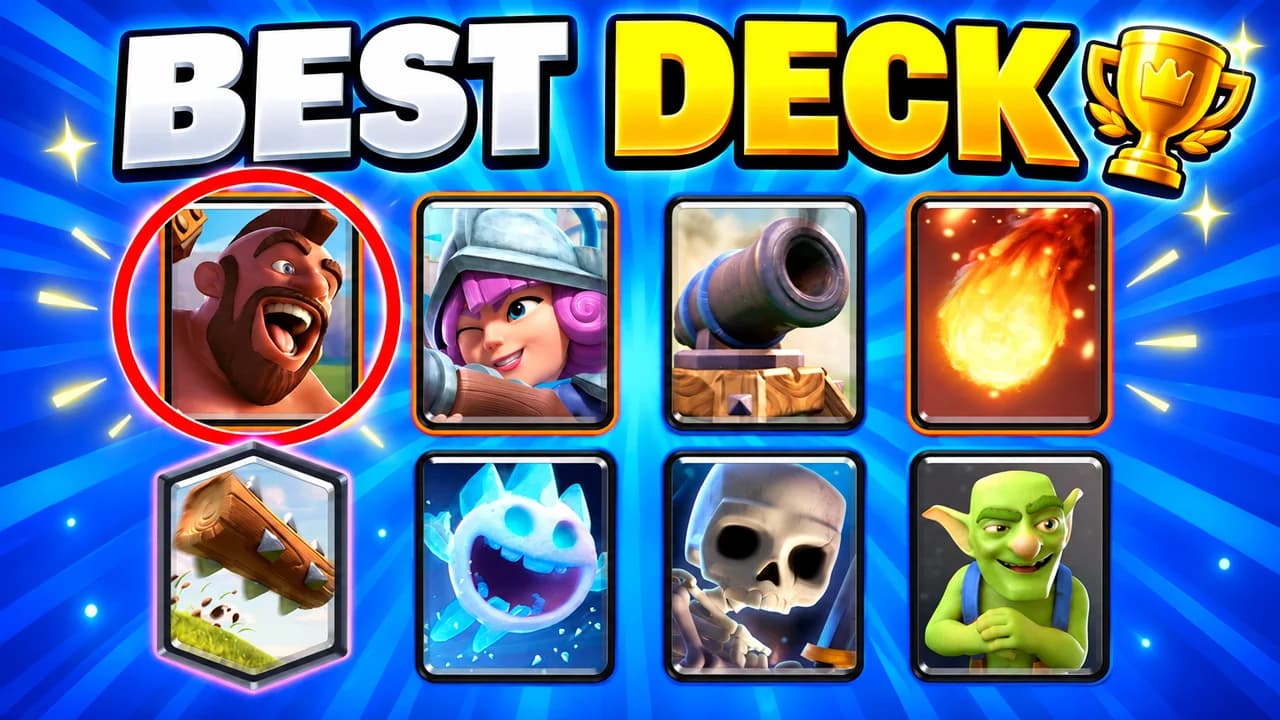
- Deck reveal: the eight cards in a row with one circled, for guides and ladder pushes.
- Versus: two cards or two decks across the river.
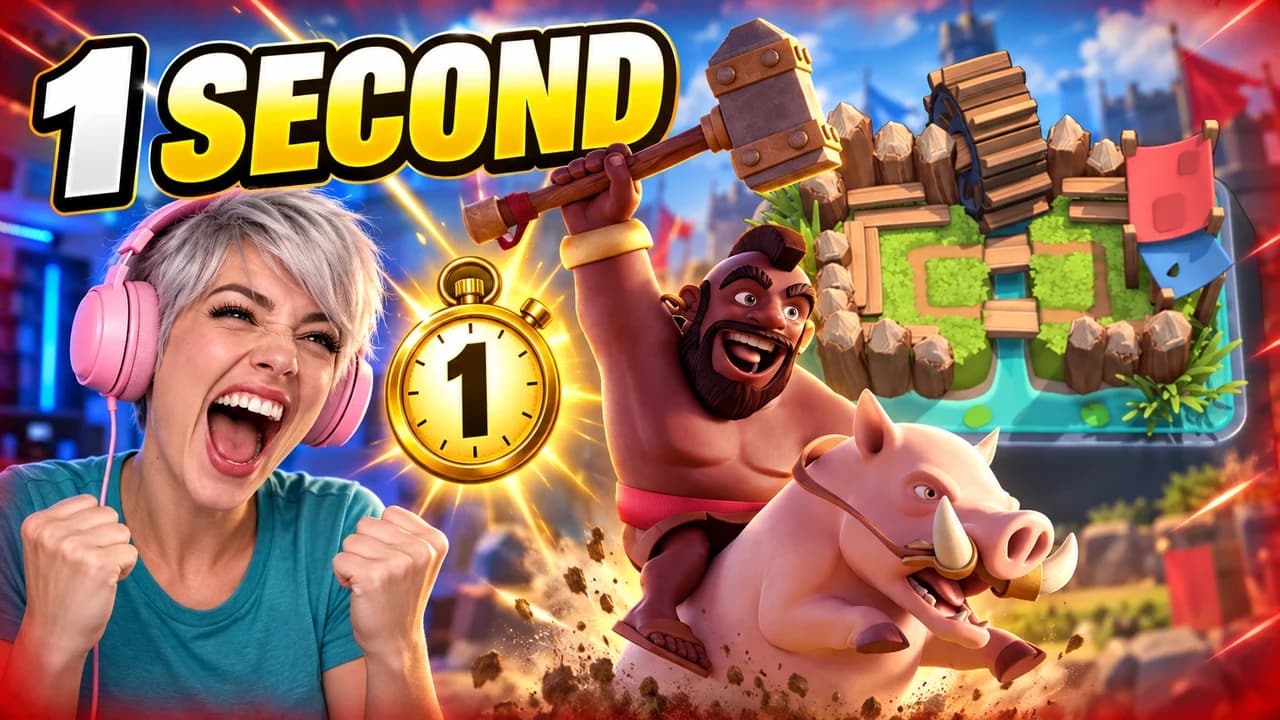
- Face cam: your reaction next to a win, a loss or a chest.
- Battle moment: one frozen moment, like a tower exploding and three crowns flying.
Pick the layout that matches the promise of your video, then change the card, the colour and the words.
Use the King's emotes
The King and the other characters already have big cartoon emotions: the laughing King, the crying King, the angry King. They are the fastest way to show a mood without a face cam. A laughing red King over a fallen blue tower says "fail compilation" without any text.
Text: short, round, outlined
Three words is the upper limit, and a number often works better than words: a trophy count, a crown count, an elixir cost. Use a heavy rounded font with a thick black outline to match the game's look. Compare options in the YouTube thumbnail fonts guide.
A Clash Royale thumbnail background
The arena, blurred, is the default background. Pick daylight for wins and reviews, and a darker or red-lit arena for losses. For deck guides, a plain blue background lets the cards breathe. More ideas in the YouTube thumbnail backgrounds guide.
Size and checks
Upload at 1280 × 720 pixels, in 16:9. For file size and format limits, see the YouTube thumbnail size guide. Keep the bottom-right corner empty, where YouTube shows the video length. Then put your thumbnail next to other Clash Royale videos in the YouTube thumbnail preview and compare versions with the thumbnail tester. No tool can predict how many people will click before a video is live. When you connect your channel, Base.Tube shows the real impressions and click-through rate of each video.