
What makes a Grow a Garden thumbnail work
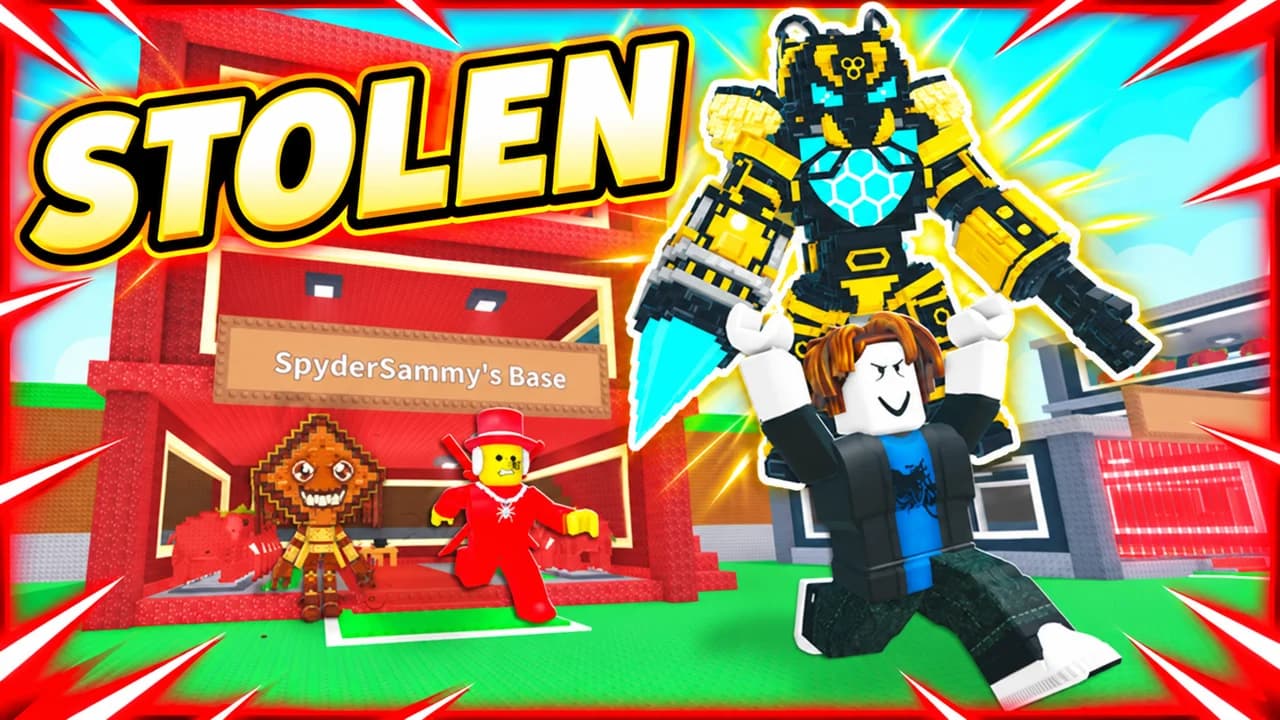
Grow a Garden videos all share the same picture: Roblox avatars, green plots, rows of plants. In a feed full of them, that picture says nothing new. Your thumbnail has to show the one thing that makes this video worth a click: a rarer seed, a bigger mutation, a better pet, a garden that changed completely.
Most viewers of Grow a Garden videos watch on a phone, often young players checking what is new between sessions. At that size, a whole garden turns into green noise. One huge plant, one glowing pet and one bold word survive. Every rule on this page follows from that.
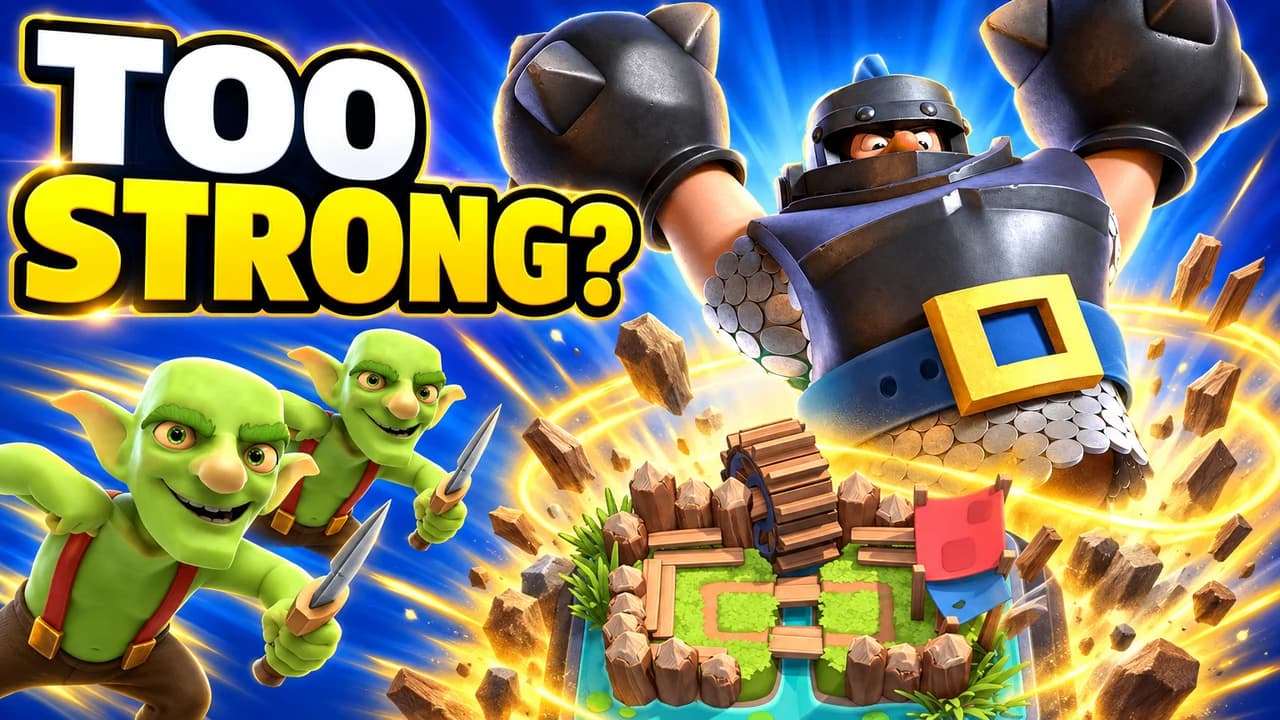
Make the rare thing huge
The game is about wanting things: the rare seed in the shop, the mutation on your fruit, the pet in the egg. Show that thing bigger than it is in the game. A fruit larger than the avatar holding it, an egg filling half the frame, light pouring out of it. The size alone tells the viewer it is special.
Glow means rare
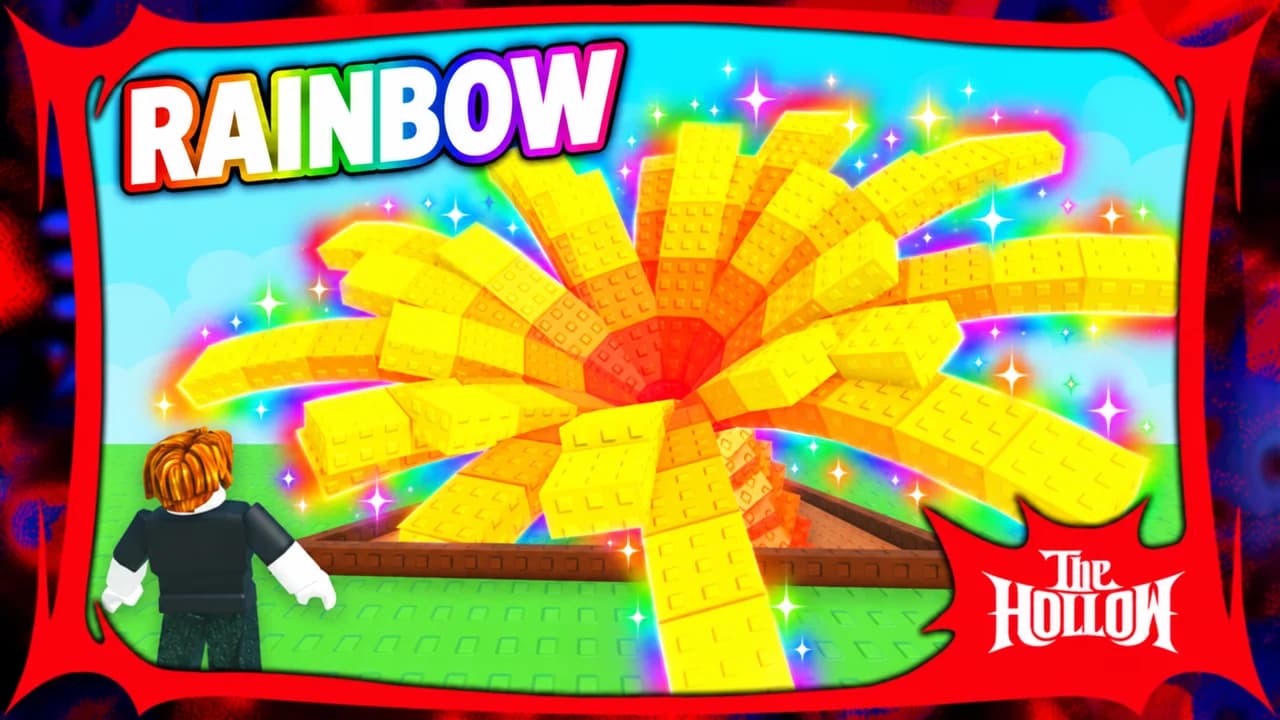
The game already uses colour to say how rare something is. Gold and rainbow mutations, glowing seeds, eggs that shine. Use the same language: gold glow for a gold mutation, rainbow colours for a rainbow one, red for a Blood Moon. Keep green as a background colour only, because every Grow a Garden thumbnail is already full of it.
Five layouts, one per video type
Most Grow a Garden videos fit one of five shapes:
- Rare find: one giant plant or fruit, glowing with its mutation.
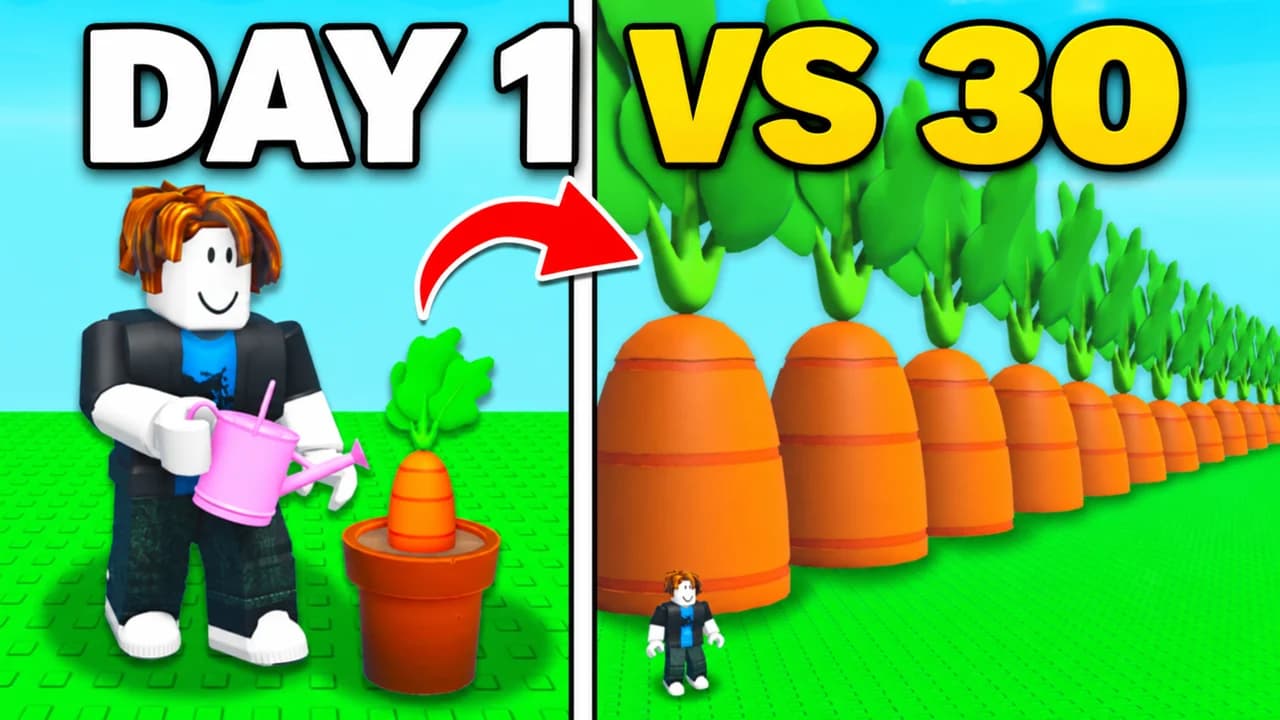
- Glow-up: an empty plot next to a full garden, day 1 next to day 30.
- Egg hatch: an egg cracking open on a rare pet.
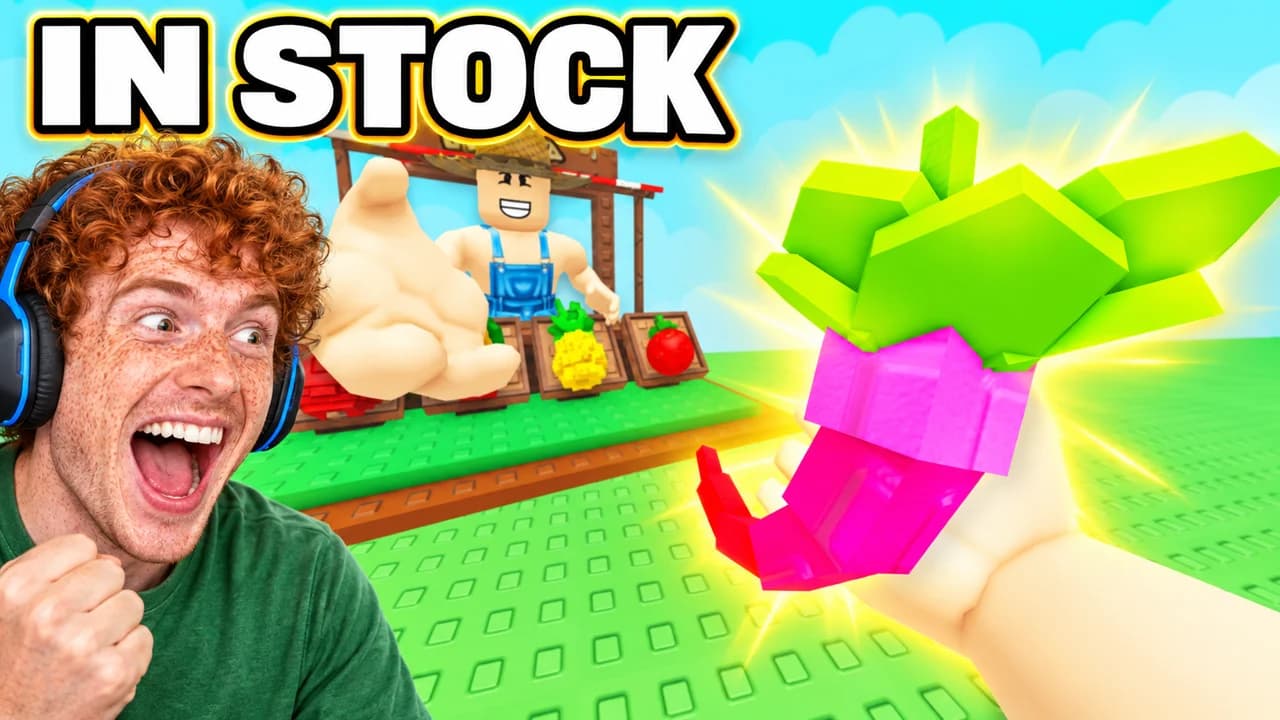
- Face cam: your reaction to a restock, a mutation or a trade.
- Event night: the garden under a special sky, like a Blood Moon.
Pick the layout that matches the promise of your video. Keeping the same layout across a series helps returning viewers spot your videos.
Roblox faces and poses
Roblox avatars have simple faces, so the pose and the classic shocked face do the work: arms up, pointing at the fruit, hugging a pet. If your channel shows your face, a face cam reacting next to the garden adds real excitement. The examples on this page are generated with Base.Tube and use the game's look; their face cams show invented people.
Text: one rarity word
Three words is the limit, and one word is often better: "RAINBOW", "GOLD", "FINALLY", "IN STOCK". Use a heavy rounded font with a thick black outline, gold or white. See the YouTube thumbnail fonts guide for options.
A Grow a Garden thumbnail background
Your own plots in daylight are the default. A night sky or a red Blood Moon suits events. Blur everything behind the subject so the plant or the pet stays sharp. More ideas in the YouTube thumbnail backgrounds guide.
Size and checks
Upload at 1280 × 720 pixels, in 16:9. For file size and format limits, see the YouTube thumbnail size guide. Keep the bottom-right corner empty, where YouTube shows the video length. Then put your thumbnail next to other Grow a Garden videos in the YouTube thumbnail preview and compare versions with the thumbnail tester. No tool can predict how many people will click before a video is live. When you connect your channel, Base.Tube shows the real impressions and click-through rate of each video.