Grow a Garden thumbnail maker
from one line about your video.
Say what happens in your video: "I got a rainbow Candy Blossom", "hatching eggs until I got the Raccoon", "empty plot to best garden". Base.Tube turns it into three Grow a Garden thumbnails with real Roblox avatars, plants and pets, in your channel’s style.

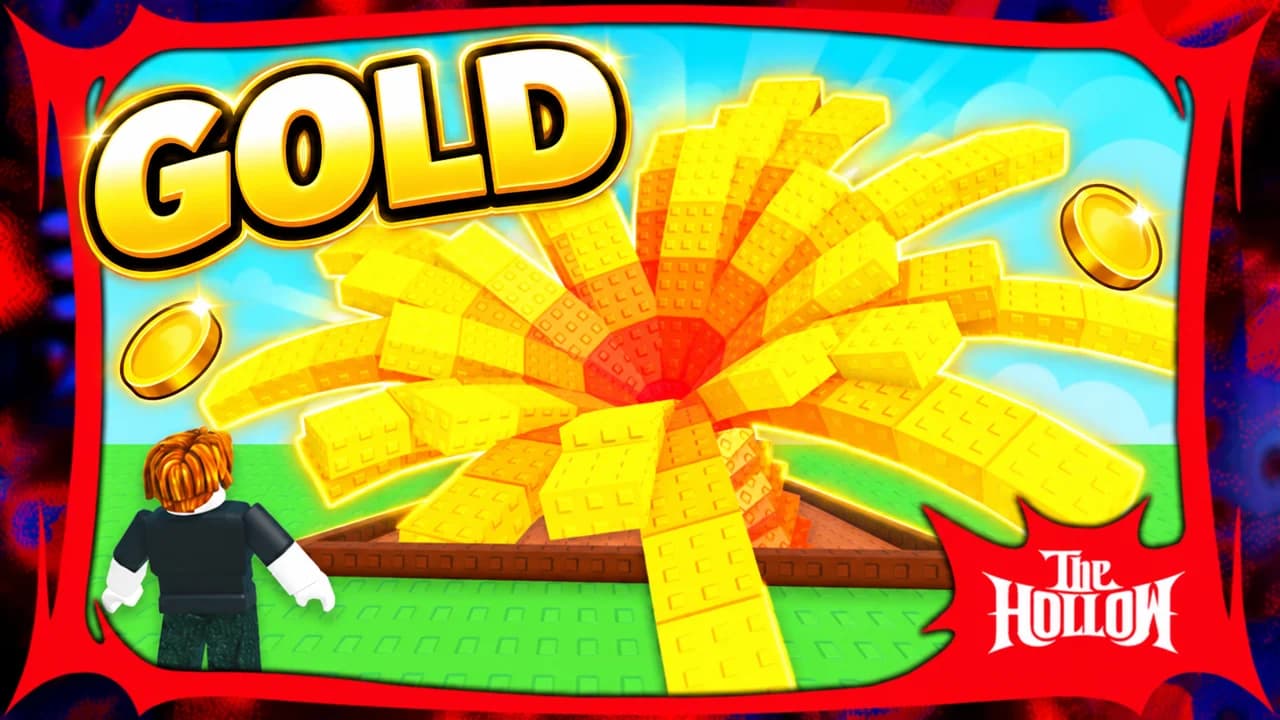
Made with Base.Tube. In the Studio you get three ideas per video.
Make one like this (opens the Base.Tube Studio in a new tab)Make a Grow a Garden thumbnail in three steps
Describe your video
Paste the video link or the script, or write one line about what happens: "I won with 1 HP", "Bronze to Unreal".
Get three ideas
Base.Tube makes three thumbnails in your channel’s style, with your face if you add a photo to your profile once.
Change, review, download
Change anything in plain words, get a review of each idea, then download all three for YouTube Test & Compare.
A thumbnail for every kind of Grow a Garden video
- 01
Rare seeds and mutations
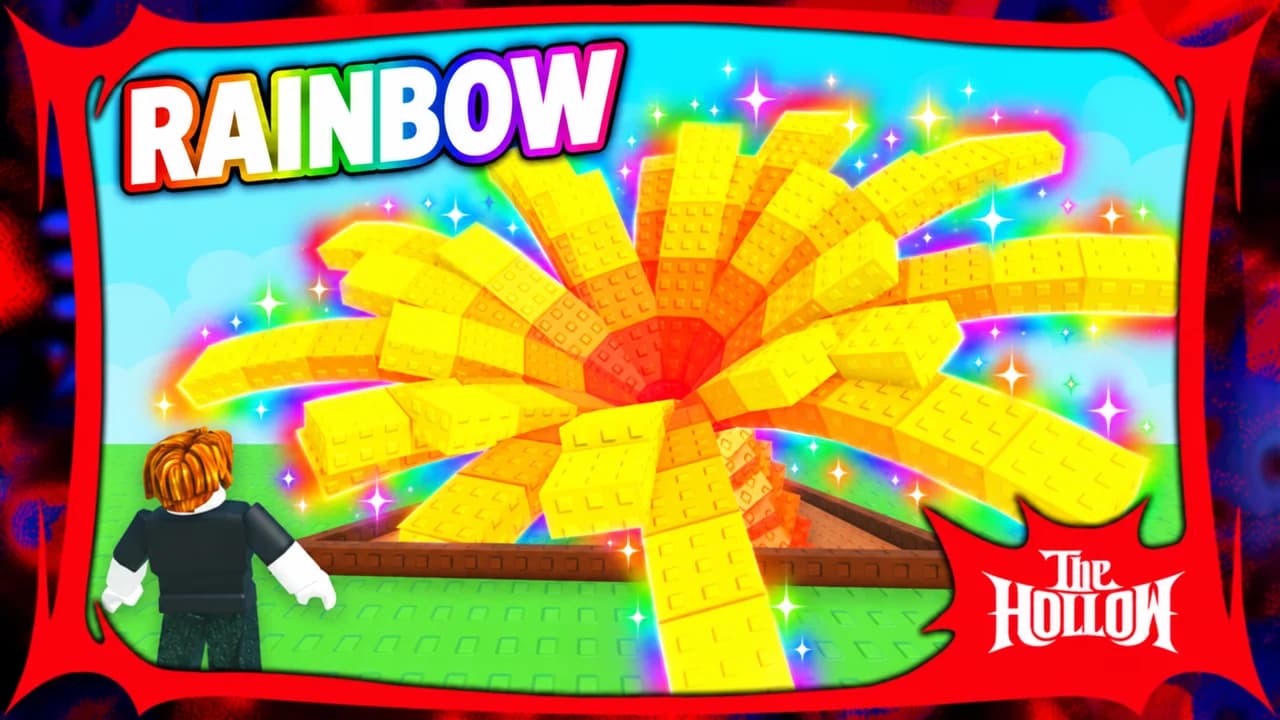
Name the plant and the mutation: rainbow, gold, the rarest seed. The Studio makes it huge and glowing, with your avatar next to it for scale.
Example idea“I grew a giant rainbow flower”
Try this idea in the Base.Tube Studio (new tab) - 02
Garden glow-ups
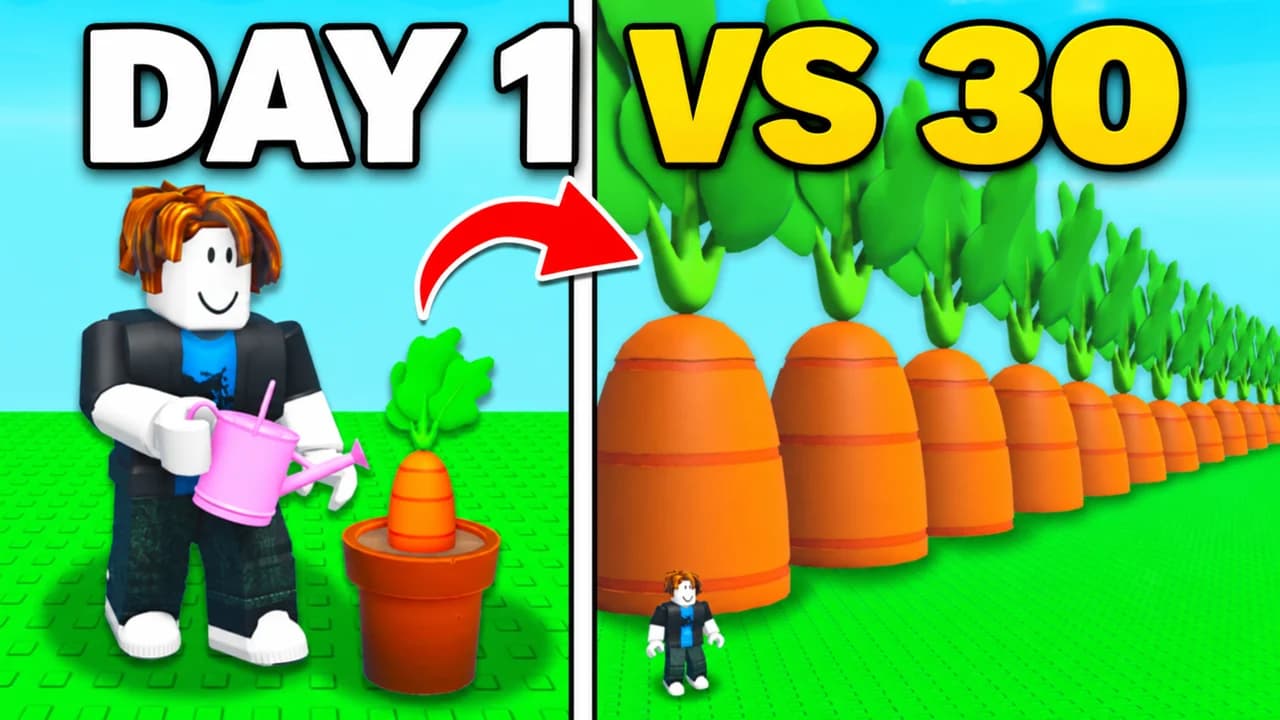
"Day 1 vs day 30", "empty plot to best garden": say where you started and where you ended. You get a split frame, brown dirt on one side and a full garden on the other.
Example idea“Day 1 vs day 30 of growing carrots”
Try this idea in the Base.Tube Studio (new tab) - 03
Eggs and pets
Say which pet you were hunting. The Studio shows the egg cracking open with the pet peeking out, so the reward reads before the title.
Example idea“I finally got a golden egg”
Try this idea in the Base.Tube Studio (new tab) - 04
Face-cam reactions
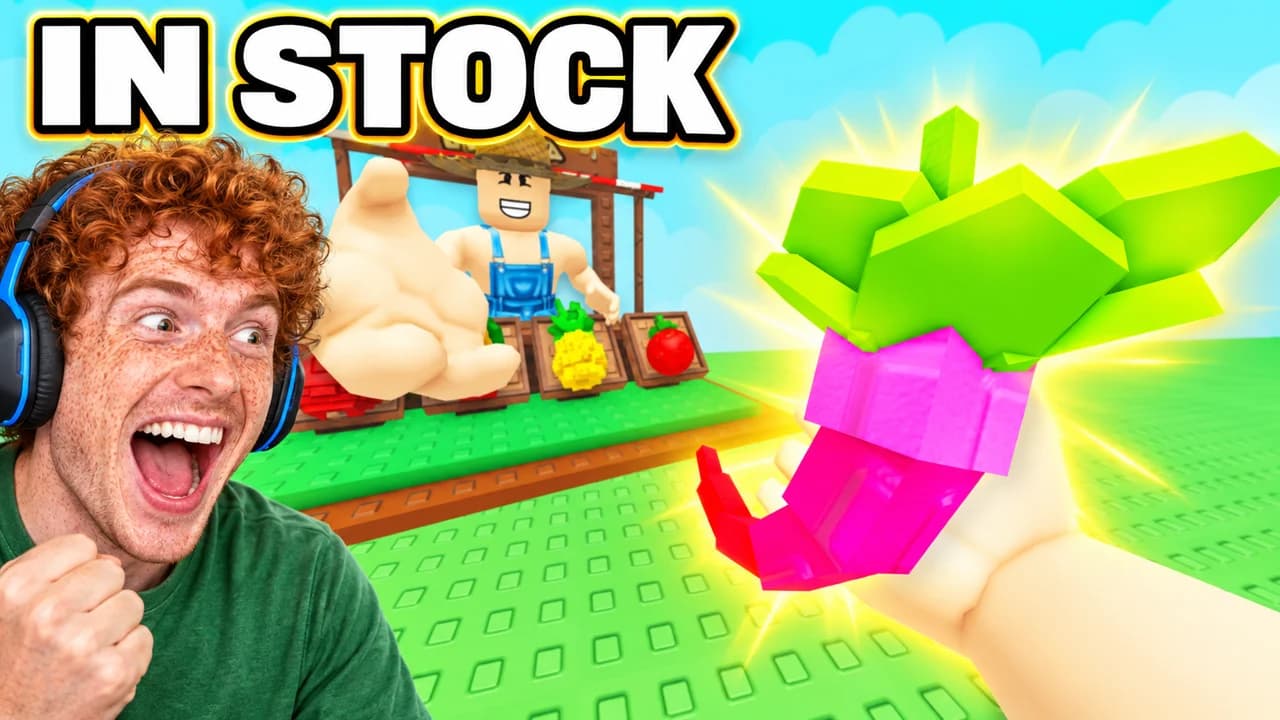
Add a photo of your face to your channel profile once. Every idea then shows you reacting next to the garden: the restock, the mutation, the trade.
Example idea“The rarest fruit was finally in stock”
Try this idea in the Base.Tube Studio (new tab) - 05
Events and weather
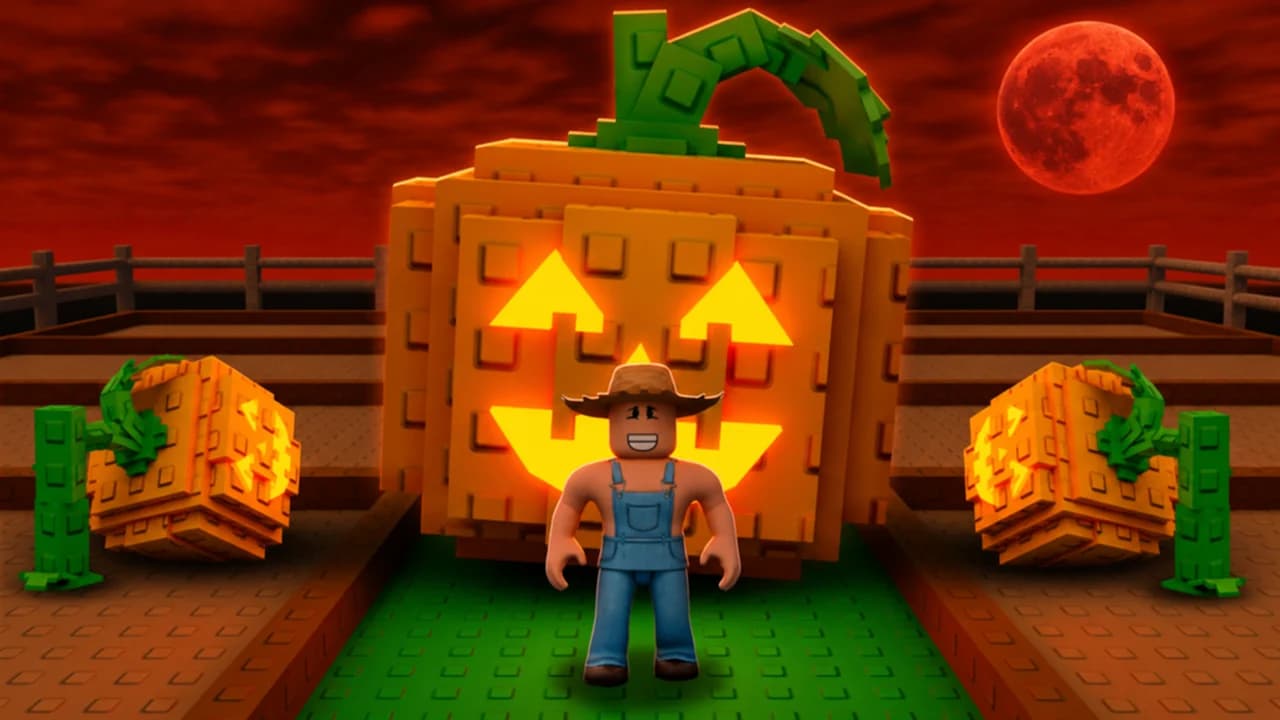
Name the event, like a Blood Moon. You get the garden under that sky, in its colours, with one or two words or none at all.
Example idea“My Halloween pumpkin garden under the Blood Moon”
Try this idea in the Base.Tube Studio (new tab)
Your next Grow a Garden video,
three thumbnails ready.
Paste the video link or write one line about it. You get three Grow a Garden thumbnails with real characters and places, in your channel’s style.
- Three ideas for each video
- Your face and your channel’s style
- Change anything in plain words
Grow a Garden thumbnail maker: questions
What should I type to get a good Grow a Garden thumbnail?
Can it show real Grow a Garden plants and pets?
Can I put my own face in the thumbnail?
What if the ideas are not quite right?
Why not a Grow a Garden thumbnail template?
Will a better thumbnail get my Grow a Garden videos more views?
Thumbnails for other games
 Among Us thumbnail maker6 examples
 Apex Legends thumbnail maker6 examples
 ARC Raiders thumbnail maker6 examples
 Battlefield 6 thumbnail maker6 examples
Your next Grow a Garden video
deserves three good ideas.
Describe the video, get three thumbnails in your style, change anything in plain words, and test them with YouTube Test & Compare.