Geometry Dash thumbnail maker
from one line about your video.
Say what happens in your video: "I finally beat Bloodbath", "dying at 99%", "my hardest wave section". Base.Tube turns it into three Geometry Dash thumbnails with real icons, difficulty faces and the game’s neon look, in your channel’s style.



Made with Base.Tube. In the Studio you get three ideas per video.
Make one like this (opens the Base.Tube Studio in a new tab)Make a Geometry Dash thumbnail in three steps
Describe your video
Paste the video link or the script, or write one line about what happens: "I won with 1 HP", "Bronze to Unreal".
Get three ideas
Base.Tube makes three thumbnails in your channel’s style, with your face if you add a photo to your profile once.
Change, review, download
Change anything in plain words, get a review of each idea, then download all three for YouTube Test & Compare.
A thumbnail for every kind of Geometry Dash video
- 01
Demon completions
Name the level and the difficulty. The Studio puts your icon in front of the level, with the demon face behind it and the progress bar full.
Example idea“I finally beat the hardest level I ever tried”
Try this idea in the Base.Tube Studio (new tab) - 02
Fails and rage
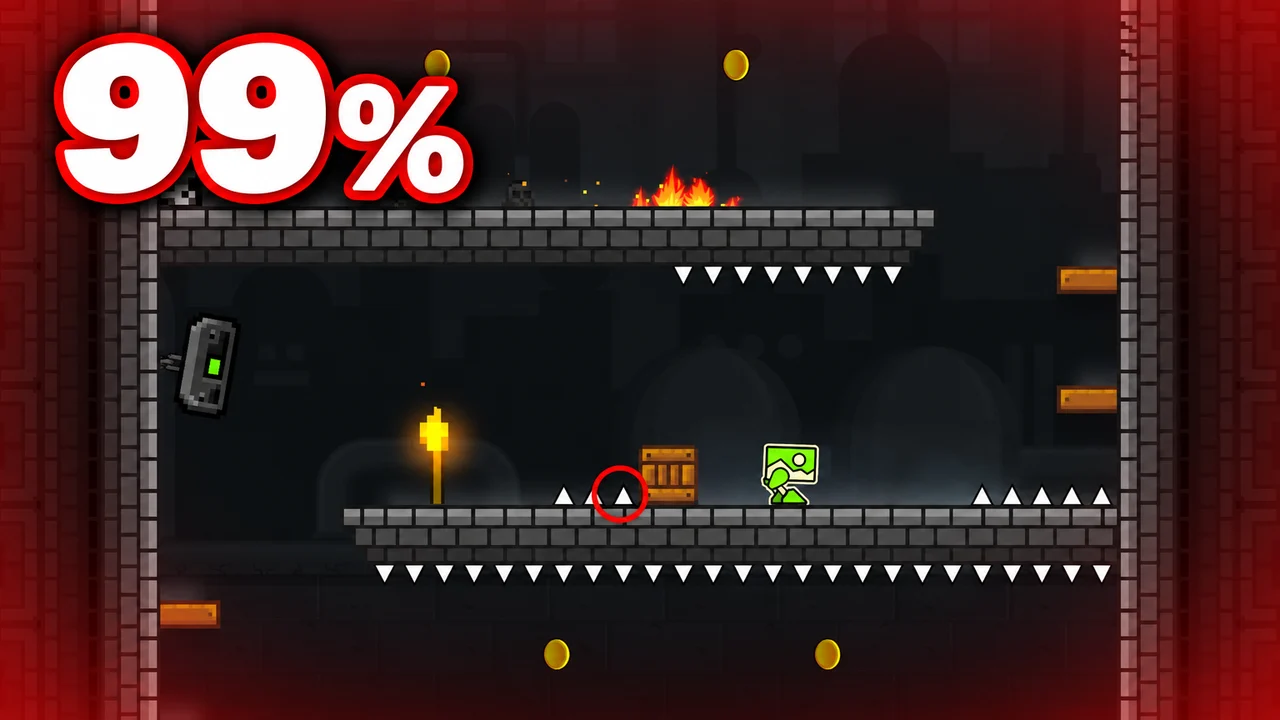
Say where you died. The percentage becomes the text, huge and red, with the icon shattering on the spike that got you.
Example idea“I died at 99% on one tiny spike”
Try this idea in the Base.Tube Studio (new tab) - 03
Face-cam reactions
Add a photo of your face to your channel profile once. Every idea then shows you reacting next to the level: the scream at 99%, the joy at 100%.
Example idea“My reaction to finally beating a level”
Try this idea in the Base.Tube Studio (new tab) - 04
Level showcases and the editor
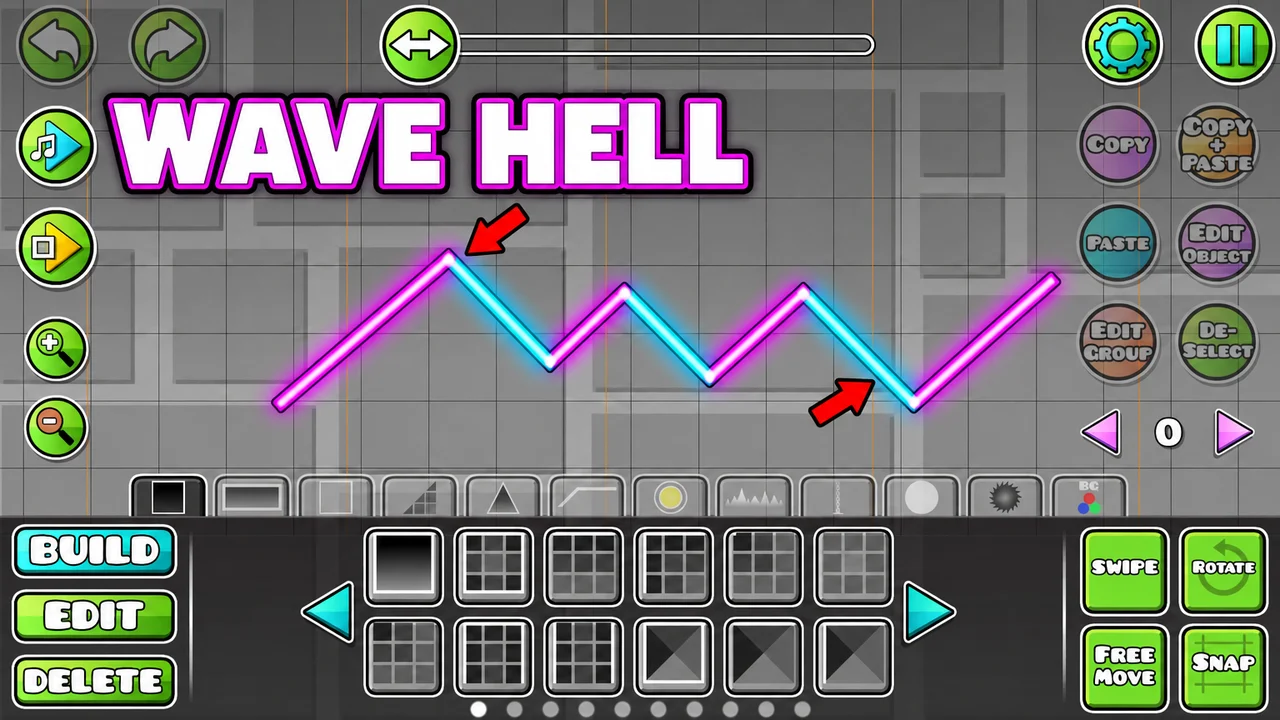
Describe the best section of your level: a wave corridor, a ship tunnel, a giant decoration. You get a wide neon shot of it, with your icon flying through.
Example idea“Building the hardest wave section in the editor”
Try this idea in the Base.Tube Studio (new tab) - 05
Easy vs hard
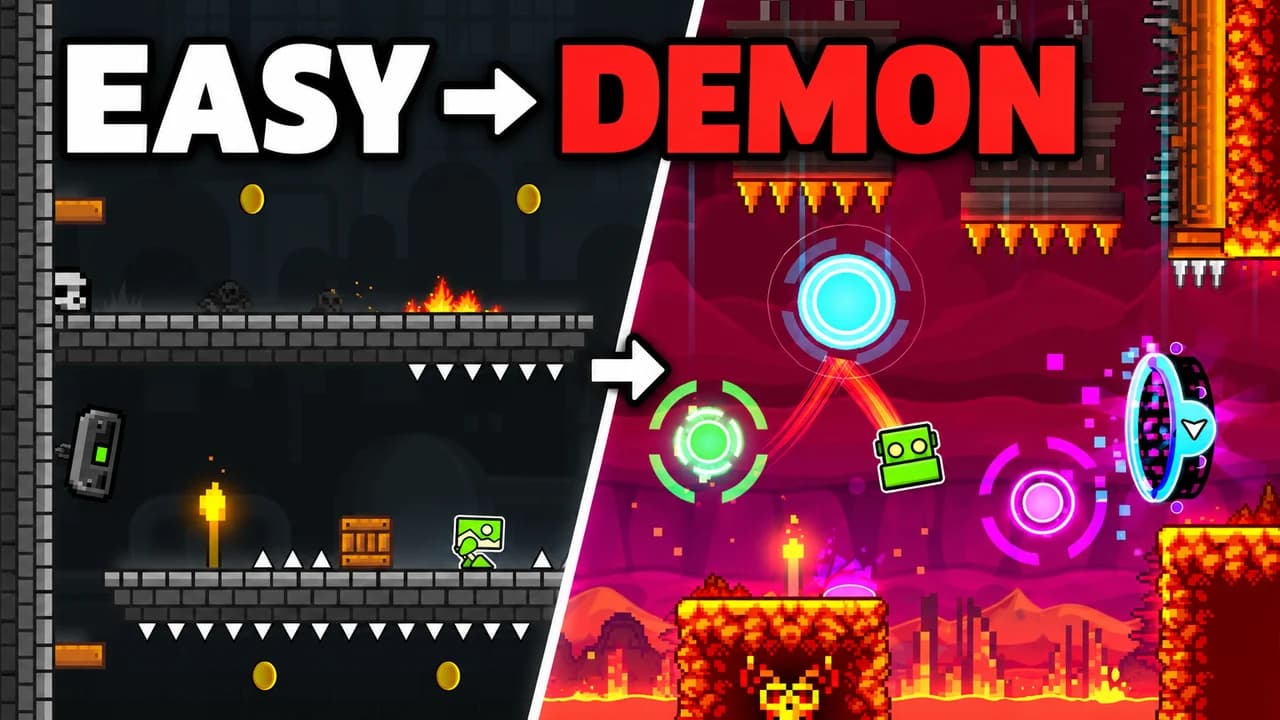
Name the two levels or skill levels you compare. You get a split frame, bright easy level against dark demon, so the jump in difficulty reads at a glance.
Example idea“From easy levels to my first demon”
Try this idea in the Base.Tube Studio (new tab)
Your next Geometry Dash video,
three thumbnails ready.
Paste the video link or write one line about it. You get three Geometry Dash thumbnails with real characters and places, in your channel’s style.
- Three ideas for each video
- Your face and your channel’s style
- Change anything in plain words
Geometry Dash thumbnail maker: questions
What should I type to get a good Geometry Dash thumbnail?
Can it show real Geometry Dash icons, levels and difficulty faces?
Can I put my own face in the thumbnail?
What if the ideas are not quite right?
Why not a Geometry Dash thumbnail template?
Will a better thumbnail get my Geometry Dash videos more views?
Thumbnails for other games
 Among Us thumbnail maker6 examples
 Apex Legends thumbnail maker6 examples
 ARC Raiders thumbnail maker6 examples
 Battlefield 6 thumbnail maker6 examples
Your next Geometry Dash video
deserves three good ideas.
Describe the video, get three thumbnails in your style, change anything in plain words, and test them with YouTube Test & Compare.