Battlefield 6 thumbnail maker
from one line about your video.
Say what happens in your video: "I dropped a building on their squad", "one tank against the whole team", "we held flag B all match". Base.Tube turns it into three Battlefield 6 thumbnails with real soldiers, vehicles, maps and HUD, in your channel’s style.

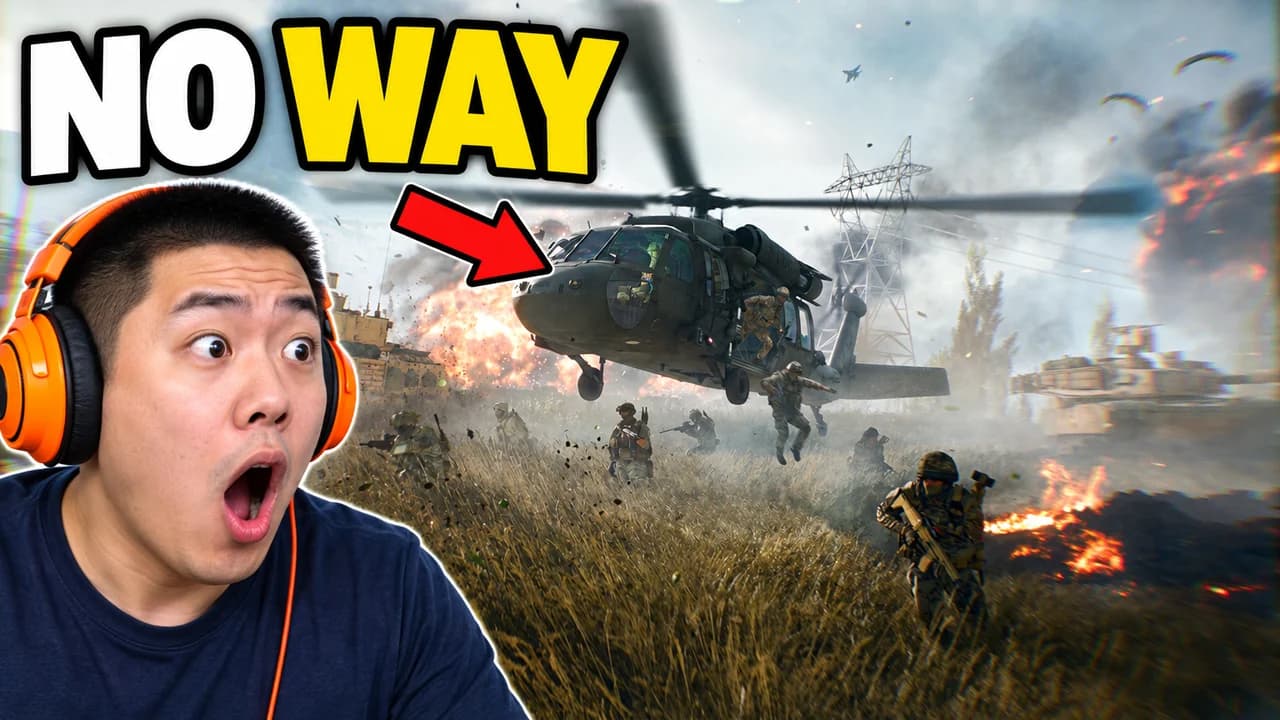
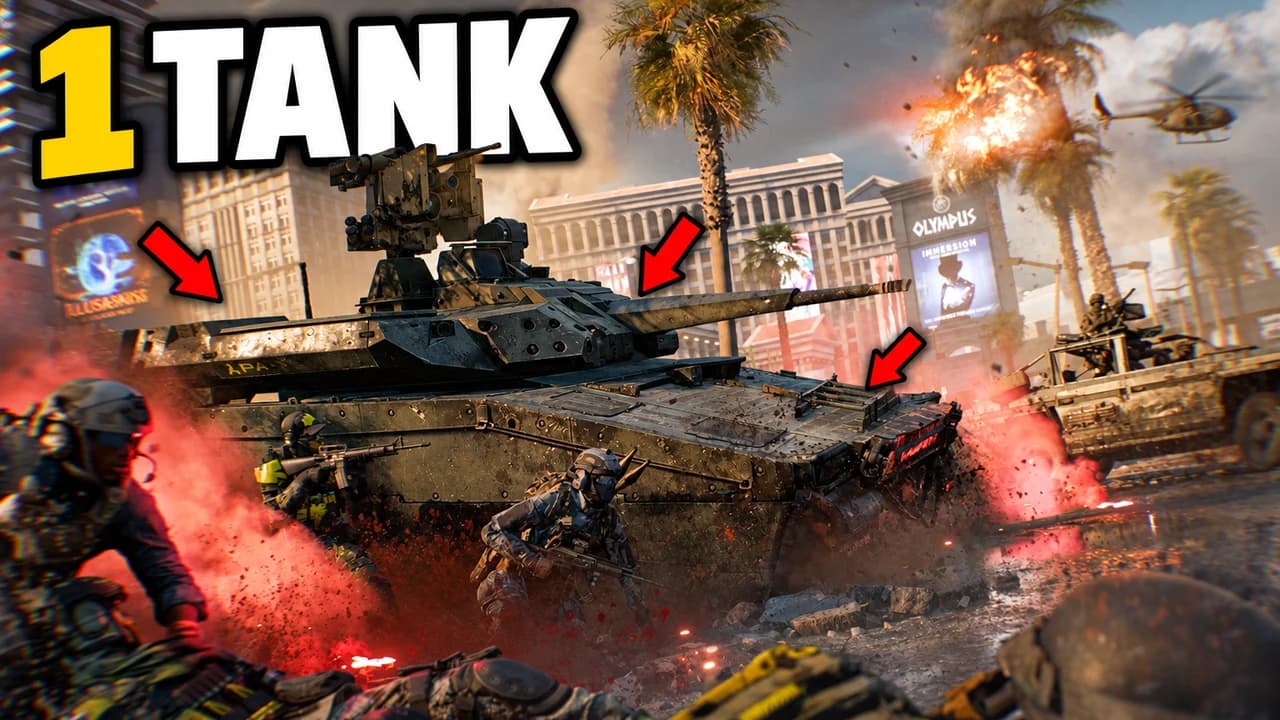
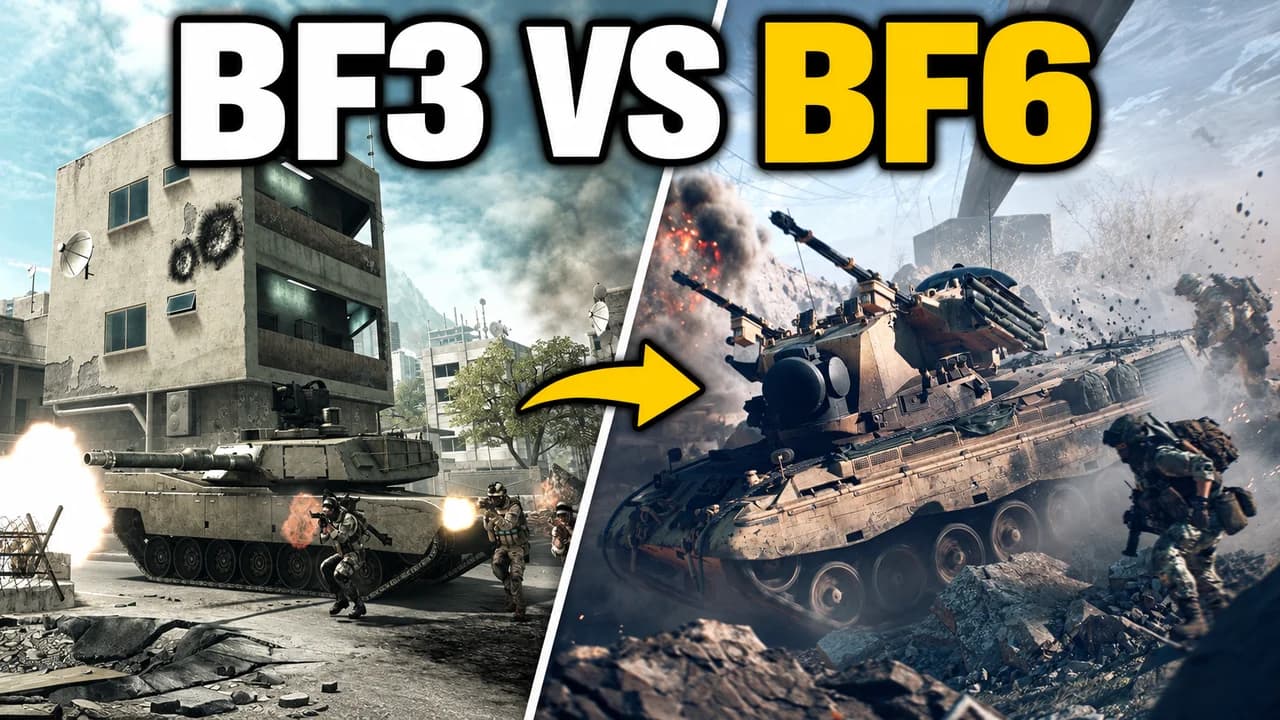
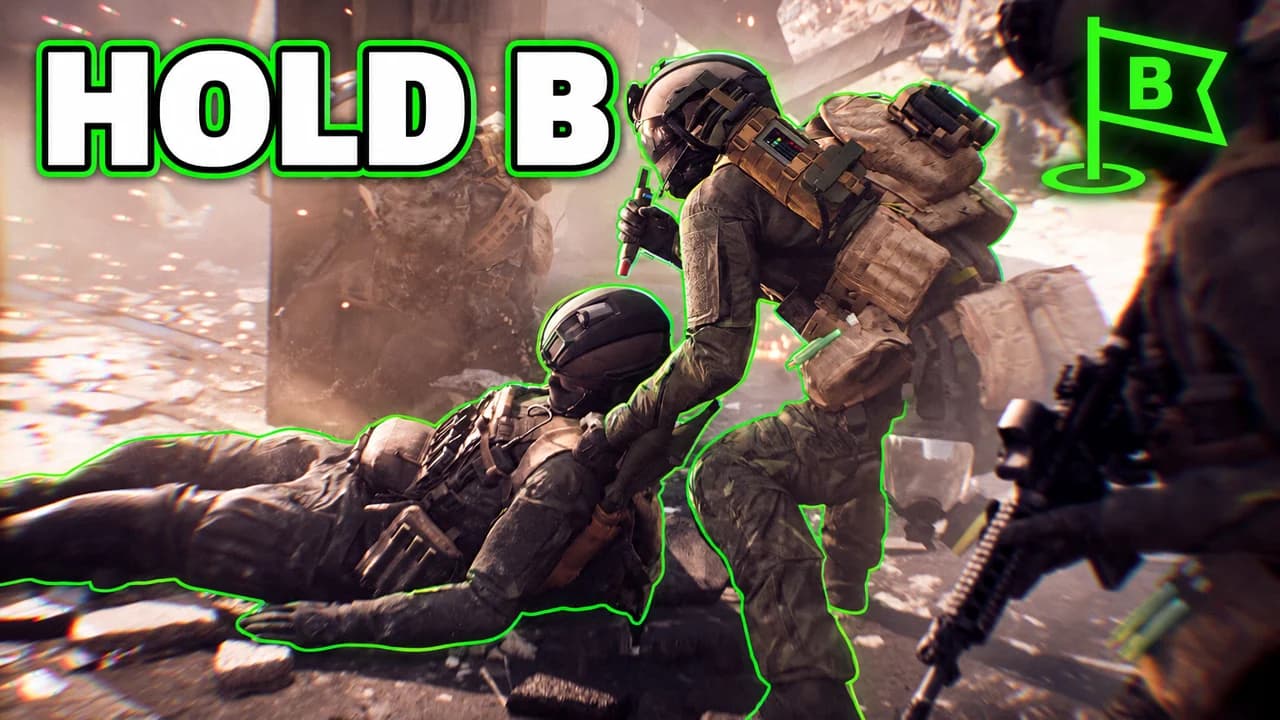
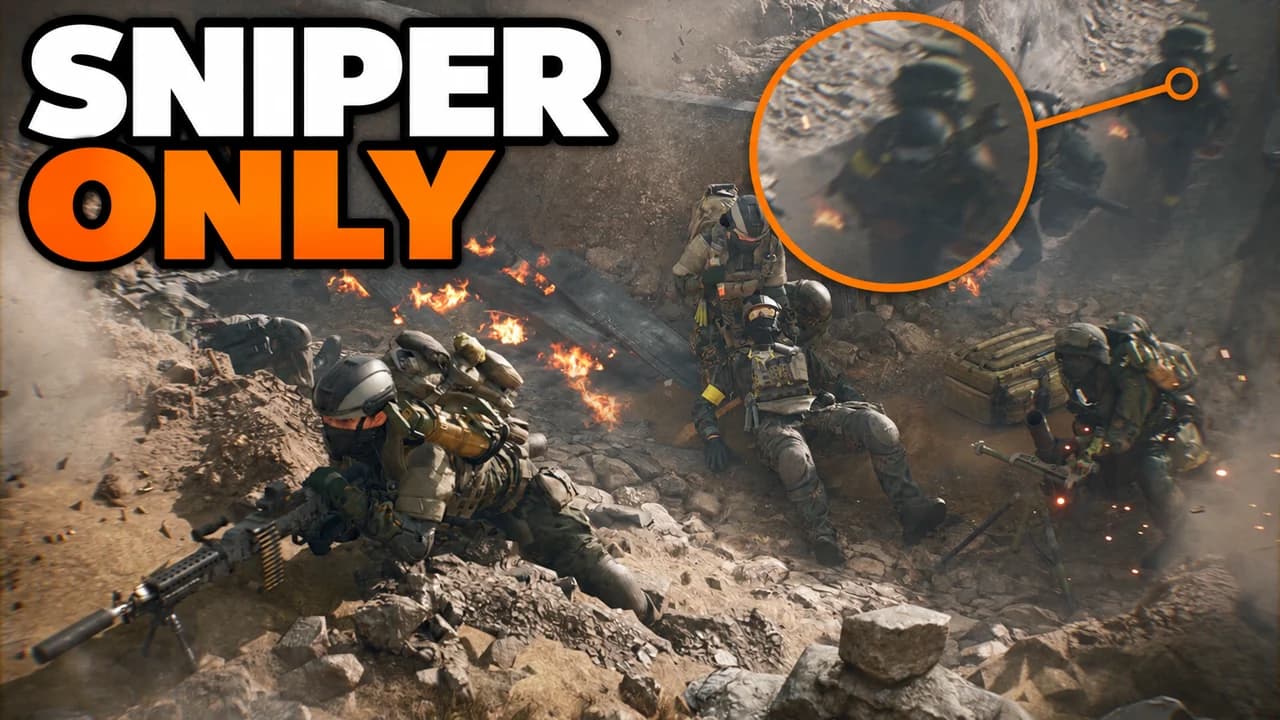
Made with Base.Tube. In the Studio you get three ideas per video.
Make one like this (opens the Base.Tube Studio in a new tab)Make a Battlefield 6 thumbnail in three steps
Describe your video
Paste the video link or the script, or write one line about what happens: "I won with 1 HP", "Bronze to Unreal".
Get three ideas
Base.Tube makes three thumbnails in your channel’s style, with your face if you add a photo to your profile once.
Change, review, download
Change anything in plain words, get a review of each idea, then download all three for YouTube Test & Compare.
A thumbnail for every kind of Battlefield 6 video
- 01
Destruction moments
Say what came down and how: a building, a tower, a wall. The Studio shows the collapse at its peak, dust and fire, with the soldiers caught in it.
Example idea“We brought down a whole tower in Las Vegas”
Try this idea in the Base.Tube Studio (new tab) - 02
Face-cam reactions
Add a photo of your face to your channel profile once. Every idea then shows you reacting next to the Battlefield moment: a crazy kill, a vehicle flip, a helicopter down.
Example idea“A helicopter landed right in the middle of our fight”
Try this idea in the Base.Tube Studio (new tab) - 03
Tanks, helicopters and jets
Name the vehicle and what it did. You get it huge in the frame, in action, with the battlefield around it.
Example idea“One tank against the whole enemy team”
Try this idea in the Base.Tube Studio (new tab) - 04
Comparisons
Old Battlefield against the new one: say which two you compare. The Studio shows the same kind of scene side by side.
Example idea“Battlefield 3 vs Battlefield 6: what changed?”
Try this idea in the Base.Tube Studio (new tab) - 05
Squad play and Conquest
Say what your squad did: a hold, a push, a clutch revive. You get four soldiers working together with the flag and squad icons in the HUD.
Example idea“Our squad held flag B for a whole match”
Try this idea in the Base.Tube Studio (new tab)
Your next Battlefield 6 video,
three thumbnails ready.
Paste the video link or write one line about it. You get three Battlefield 6 thumbnails with real characters and places, in your channel’s style.
- Three ideas for each video
- Your face and your channel’s style
- Change anything in plain words
Battlefield 6 thumbnail maker: questions
What should I type to get a good Battlefield 6 thumbnail?
Can it show real Battlefield 6 soldiers, vehicles and HUD?
Can I put my own face in the thumbnail?
What if the ideas are not quite right?
Why not a Battlefield 6 thumbnail template?
Will a better thumbnail get my Battlefield 6 videos more views?
Thumbnails for other games
 Among Us thumbnail maker6 examples
 Apex Legends thumbnail maker6 examples
 ARC Raiders thumbnail maker6 examples
 Call of Duty thumbnail maker6 examples
Your next Battlefield 6 video
deserves three good ideas.
Describe the video, get three thumbnails in your style, change anything in plain words, and test them with YouTube Test & Compare.