GTA 6 thumbnail maker
from one line about your video.
Say what happens in your video: "GTA 6 is finally out", "Vice City vs real Miami", "my RP taxi driver picked up the wrong guy". Base.Tube turns it into three GTA 6 thumbnails with Jason, Lucia, Vice City and the wanted stars, in your channel’s style.

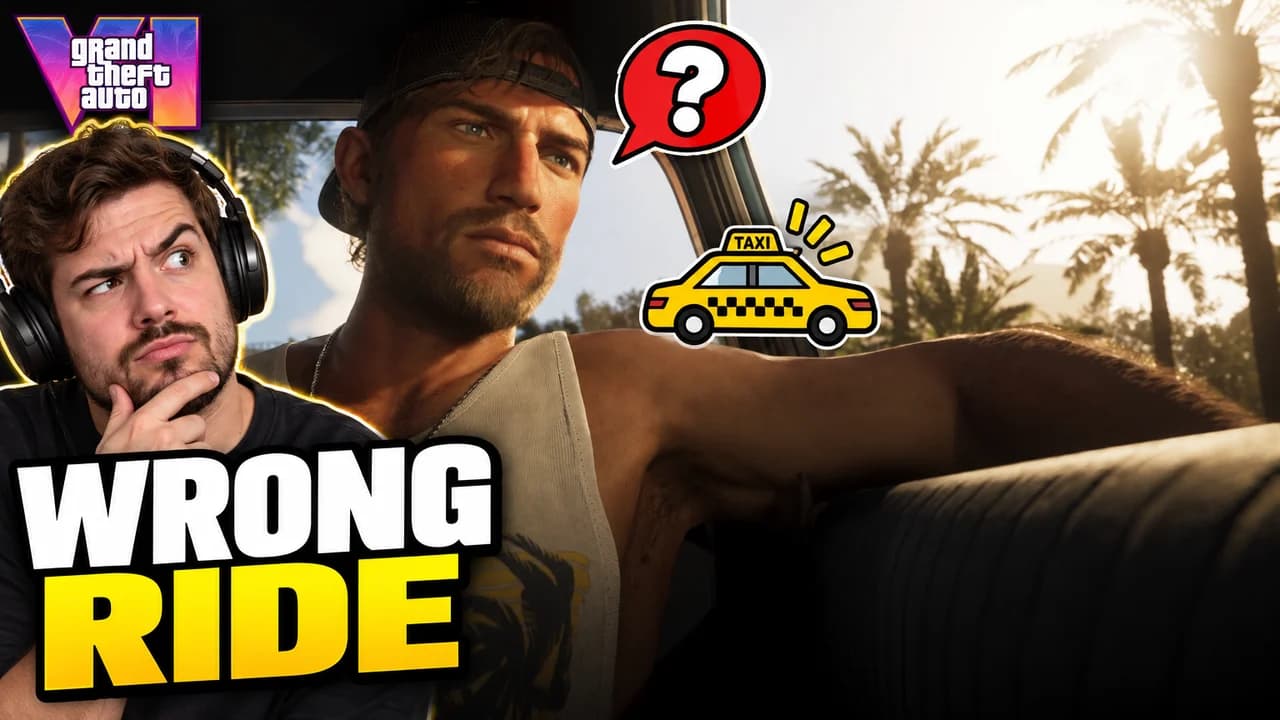
Made with Base.Tube. In the Studio you get three ideas per video.
Make one like this (opens the Base.Tube Studio in a new tab)Make a GTA 6 thumbnail in three steps
Describe your video
Paste the video link or the script, or write one line about what happens: "I won with 1 HP", "Bronze to Unreal".
Get three ideas
Base.Tube makes three thumbnails in your channel’s style, with your face if you add a photo to your profile once.
Change, review, download
Change anything in plain words, get a review of each idea, then download all three for YouTube Test & Compare.
A thumbnail for every kind of GTA 6 video
- 01
Launch reactions and first impressions
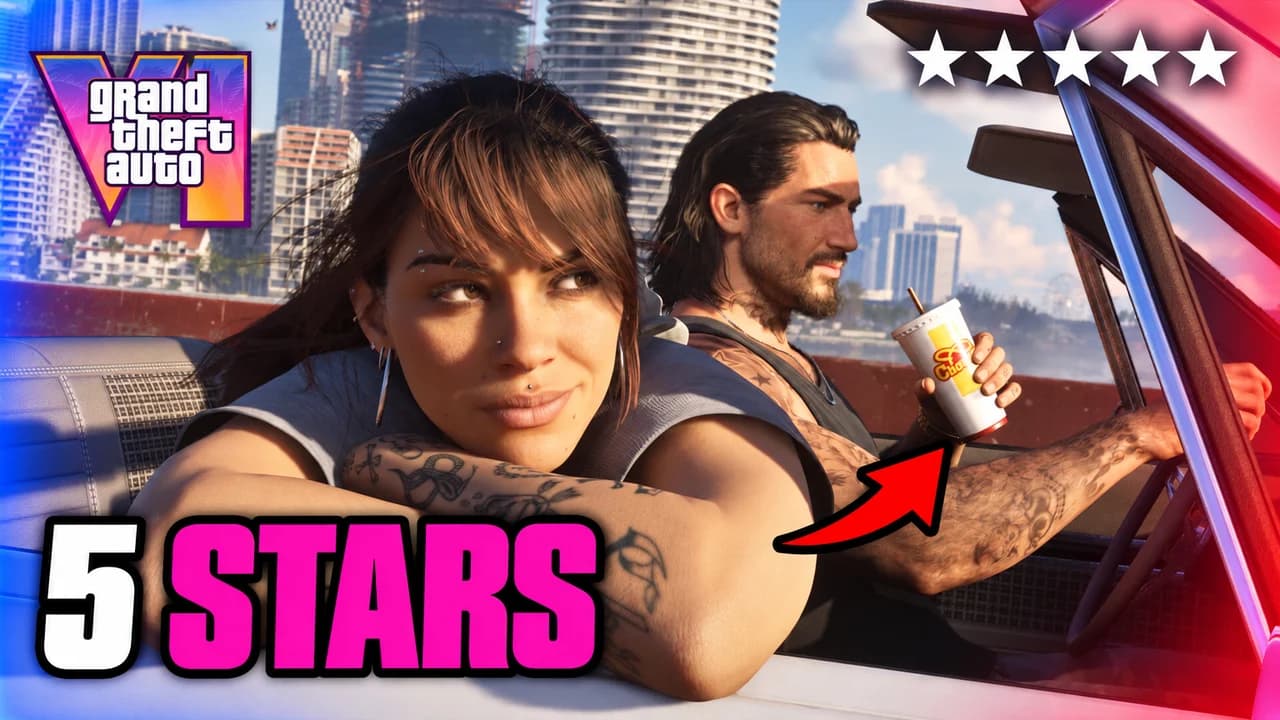
Type what the video is: your launch stream, your first hour, your honest verdict. The Studio puts your face next to Jason, Lucia or Vice City, with the GTA VI logo small and one or two words.
Example idea“My live reaction the moment GTA 6 came out”
Try this idea in the Base.Tube Studio (new tab) - 02
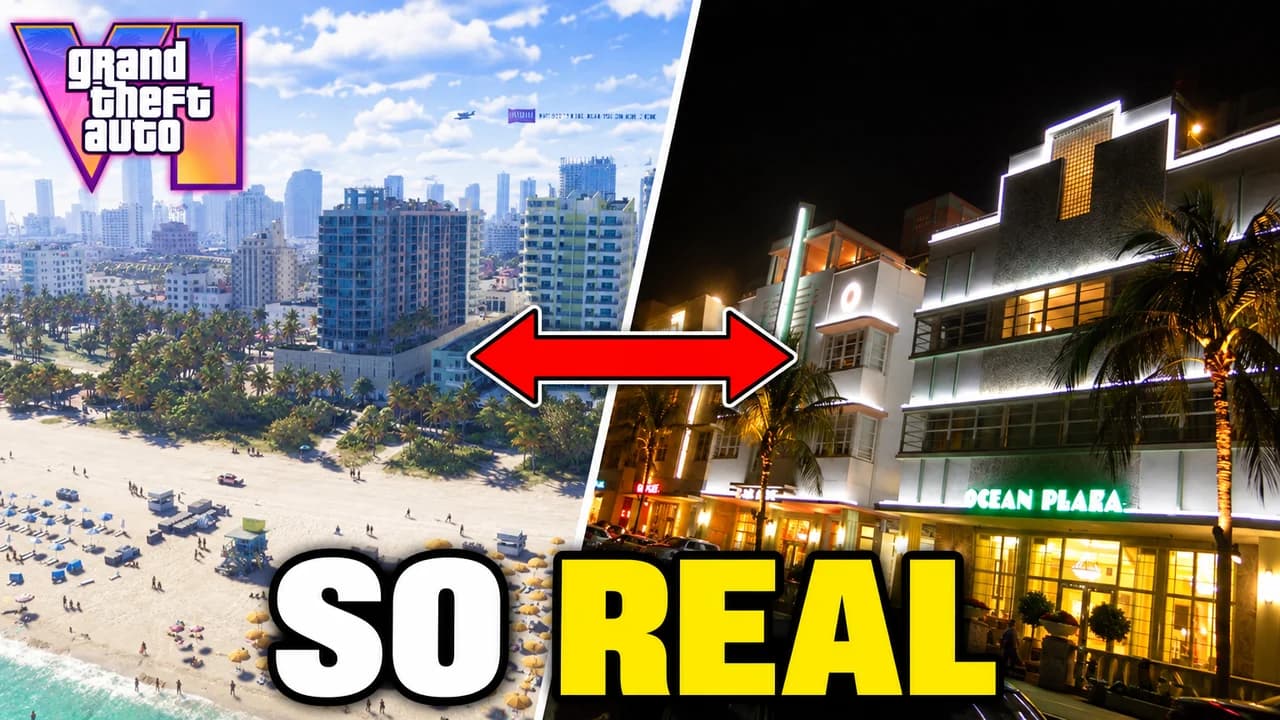
GTA 6 vs real life
Name the two things you compare: a Vice City street and the real Miami spot, or GTA 5 and GTA 6. You get a clean split with an arrow between the two sides and one word on top.
Example idea“GTA 6 Vice City vs the real Miami Beach”
Try this idea in the Base.Tube Studio (new tab) - 03
Map tours and Leonida secrets
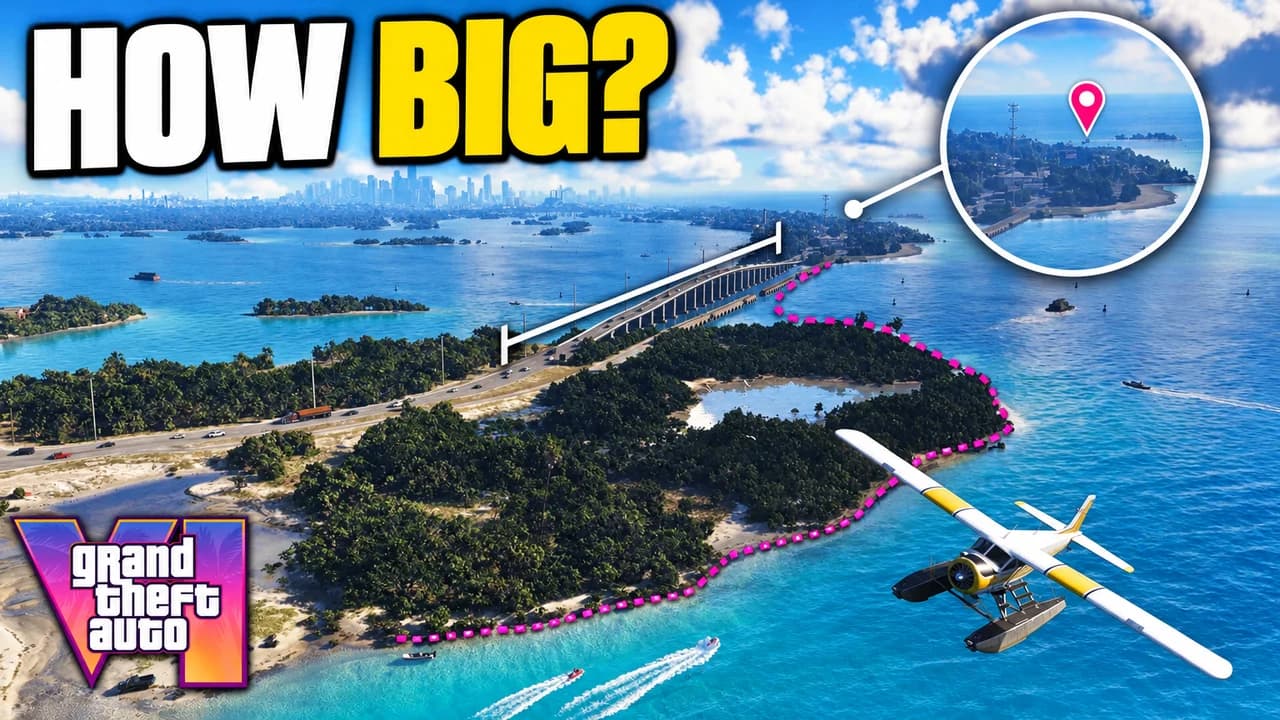
Say which place or question the video answers: the map size, the Keys, a hidden spot. The place becomes the hero, seen from the air, with the discovery circled or outlined.
Example idea“How big is the GTA 6 map? I flew a seaplane over the islands”
Try this idea in the Base.Tube Studio (new tab) - 04
Heists and police chases
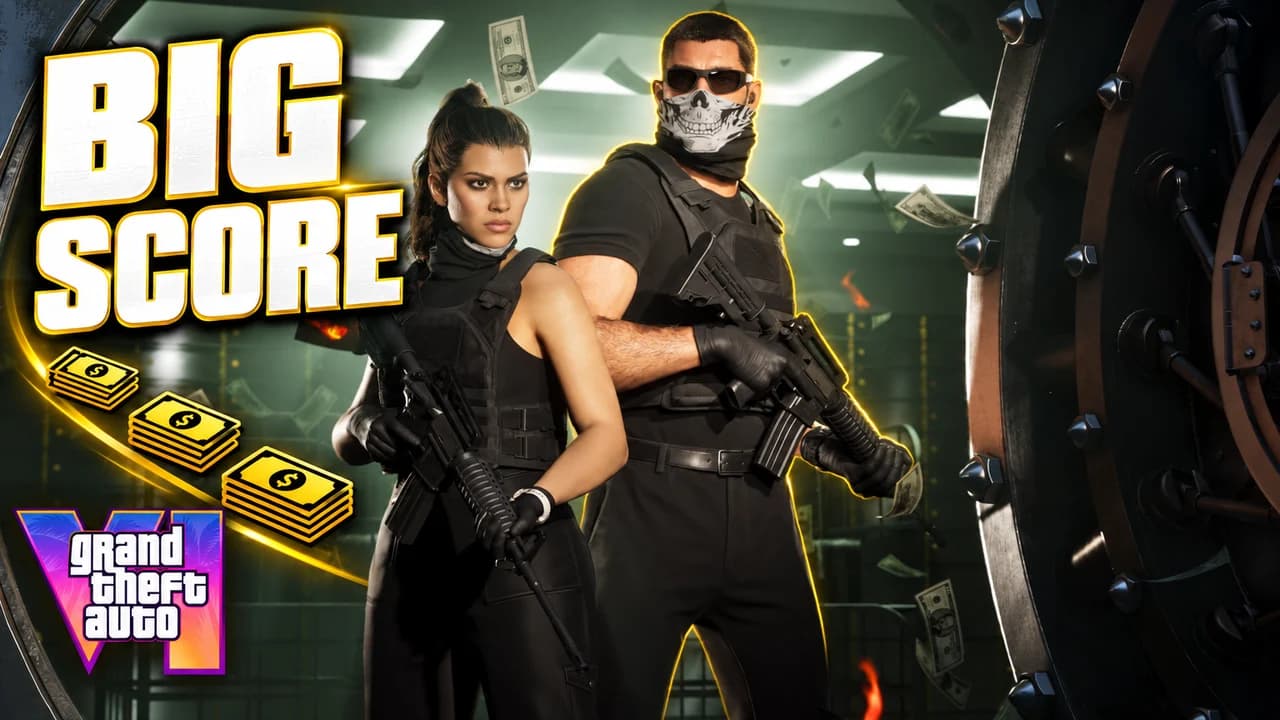
Write the job or the chase in one line: the vault, the getaway, five wanted stars. The Studio shows Jason and Lucia in the middle of it, with cash, sirens or the wanted stars in view.
Example idea“Lucia and her masked partner rob the biggest vault in Vice City”
Try this idea in the Base.Tube Studio (new tab) - 05
GTA RP series
Give your character’s role and what goes wrong in this episode: the taxi driver, the rookie cop, the mechanic. The role reads first, with your face reacting next to the scene.
Example idea“GTA RP: my taxi driver picks up the wrong passenger”
Try this idea in the Base.Tube Studio (new tab)
GTA 6 thumbnail maker: questions
What should I type to get a good GTA 6 thumbnail?
Can it show Jason, Lucia and Vice City?
Can I put my own face in a GTA 6 reaction thumbnail?
How do I keep one look for a whole GTA RP series?
Why not a GTA 6 thumbnail template?
Will a better thumbnail get my GTA 6 videos more views?
Thumbnails for other games
 Call of Duty thumbnail maker6 examples
 Fortnite thumbnail maker6 examples
 Gorilla Tag thumbnail maker6 examples
 Minecraft thumbnail maker6 examples
 Roblox thumbnail maker6 examples
 Zelda: Ocarina of Time thumbnail maker6 examples
Your next GTA 6 video
deserves three good ideas.
Describe the video, get three thumbnails in your style, change anything in plain words, and test them with YouTube Test & Compare.