Zelda thumbnail maker
for your Ocarina of Time videos.
Say what happens in your video: "the worst dungeon, ranked", "Ganondorf’s glow up", "the Water Temple, solved". Base.Tube turns it into three Ocarina of Time thumbnails with Link, Hyrule and the game’s colours, in your channel’s style.

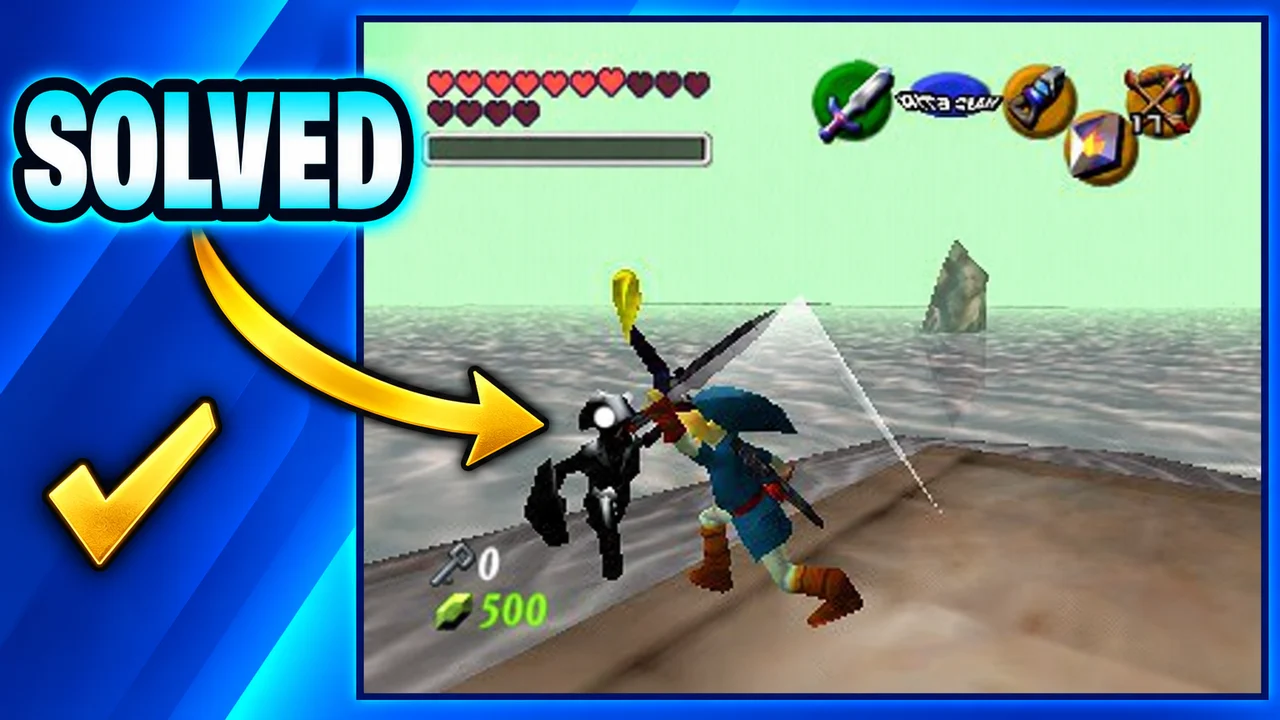
Made with Base.Tube. In the Studio you get three ideas per video.
Make one like this (opens the Base.Tube Studio in a new tab)Make a Zelda: Ocarina of Time thumbnail in three steps
Describe your video
Paste the video link or the script, or write one line about what happens: "I won with 1 HP", "Bronze to Unreal".
Get three ideas
Base.Tube makes three thumbnails in your channel’s style, with your face if you add a photo to your profile once.
Change, review, download
Change anything in plain words, get a review of each idea, then download all three for YouTube Test & Compare.
A thumbnail for every kind of Ocarina of Time video
- 01
Tier lists and rankings
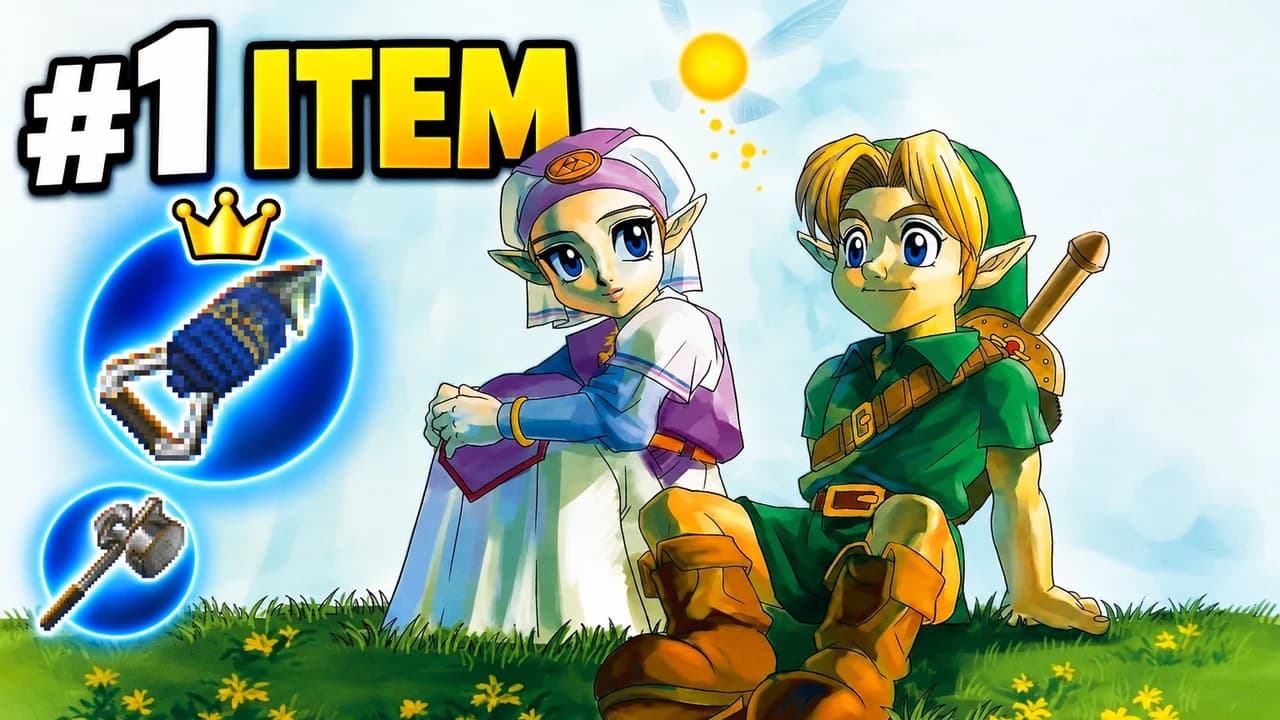
Say what you rank and the verdict that will start the comments: the worst dungeon, the best item, the hardest boss. The Studio puts the loser at the bottom of a tier list, with your face reacting next to it.
Example idea“Ranking every dungeon: is the Water Temple the worst?”
Try this idea in the Base.Tube Studio (new tab) - 02
Remake news and new features
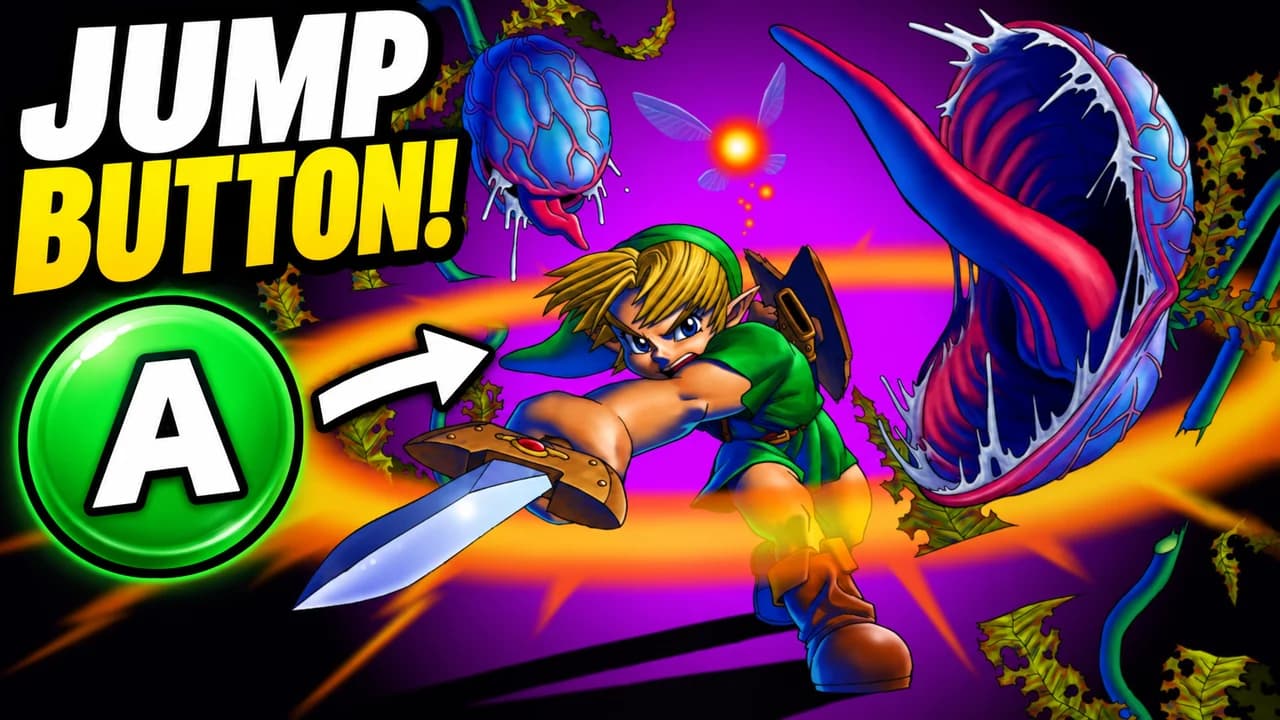
Name the one change your video is about, such as the new jump button. The Studio makes that change the hero of the image, with Link in action and two or three words on top.
Example idea“Link can finally jump in the Switch 2 remake”
Try this idea in the Base.Tube Studio (new tab) - 03
N64 vs Switch 2 comparisons
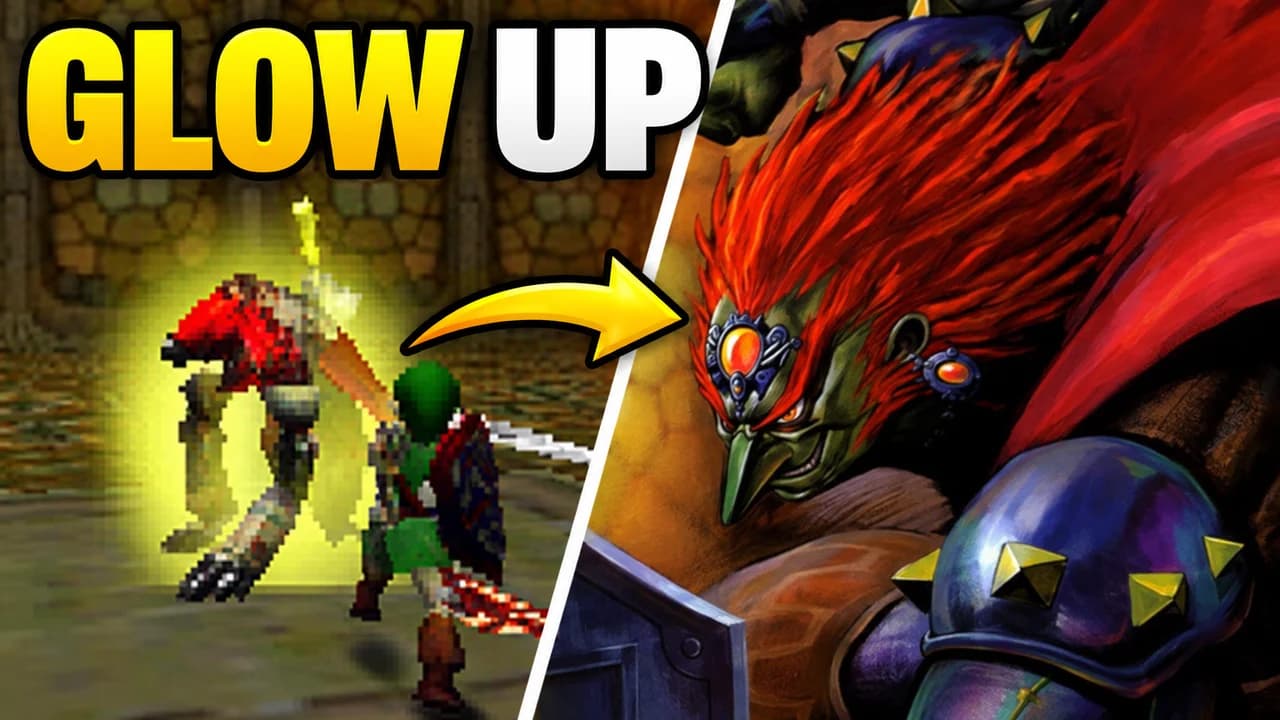
Type "N64 vs Switch 2" and the character or place you compare. You get a split frame: the blocky 1998 look on one side, the detailed version on the other, joined by one arrow.
Example idea“N64 vs Switch 2: Ganondorf’s glow up”
Try this idea in the Base.Tube Studio (new tab) - 04
Playthroughs and story moments
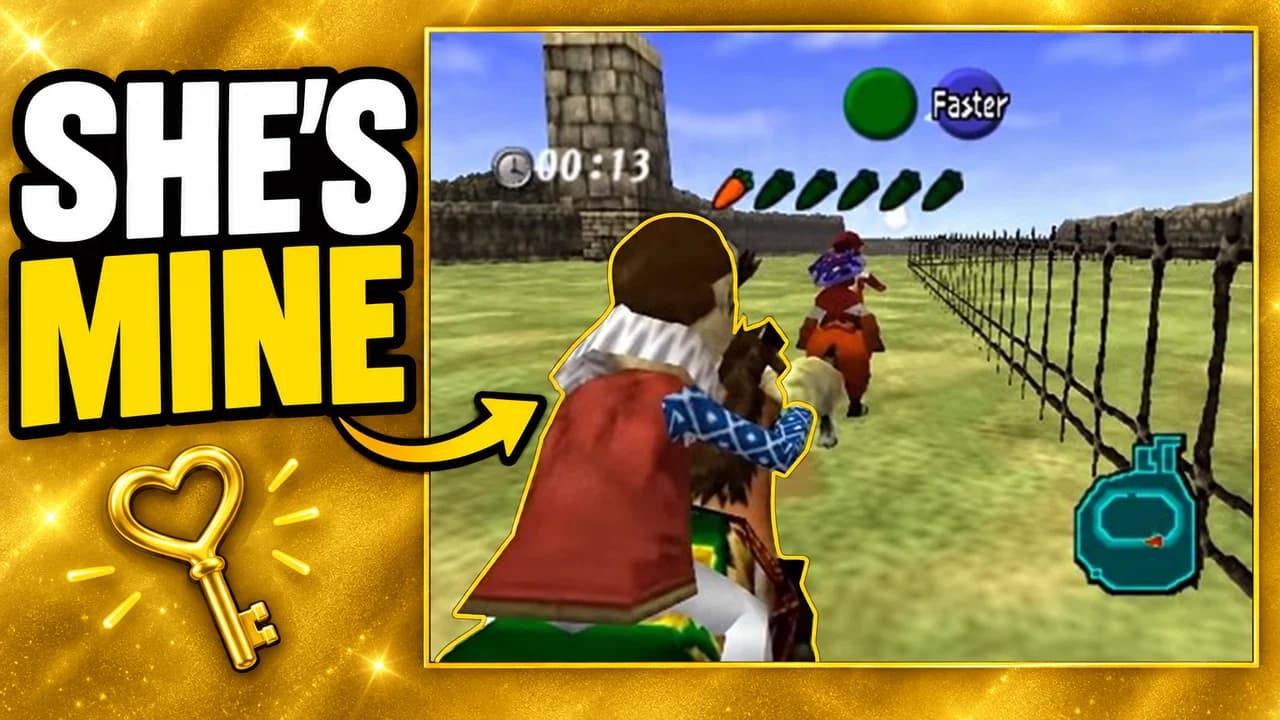
Pick the moment of the episode, not the whole run: getting Epona, the first dungeon, pulling the Master Sword. The Studio shows that scene with the game’s HUD and a short line like "SHE’S MINE".
Example idea“I raced Ingo at Lon Lon Ranch to win Epona”
Try this idea in the Base.Tube Studio (new tab) - 05
Guides, bosses and secrets
Write the problem your guide solves: a boss, a room where people get stuck, a hidden Gold Skulltula. The Studio shows the exact spot with one arrow and a promise like "SOLVED".
Example idea“Water Temple guide: how to beat Dark Link”
Try this idea in the Base.Tube Studio (new tab)
Zelda: Ocarina of Time thumbnail maker: questions
What should I type to get a good Zelda thumbnail?
Can it show Link, Ganondorf and real places from Ocarina of Time?
Can I make an N64 vs Switch 2 comparison thumbnail?
Can I put my own face in the thumbnail?
Will it look AI-made?
Will a better thumbnail get my Zelda videos more views?
Thumbnails for other games
 Call of Duty thumbnail maker6 examples
 Fortnite thumbnail maker6 examples
 Gorilla Tag thumbnail maker6 examples
 GTA 6 thumbnail maker6 examples
 Minecraft thumbnail maker6 examples
 Roblox thumbnail maker6 examples
Your next Zelda: Ocarina of Time video
deserves three good ideas.
Describe the video, get three thumbnails in your style, change anything in plain words, and test them with YouTube Test & Compare.