Roblox thumbnail maker
for your YouTube videos.
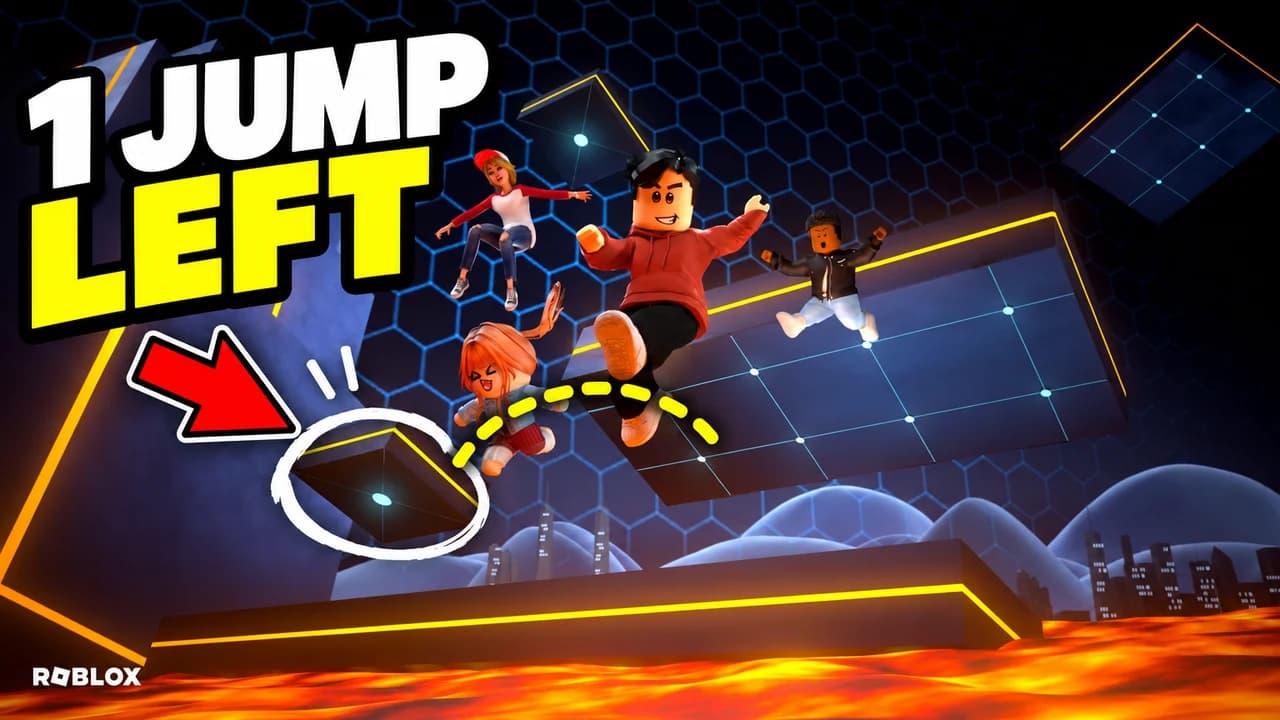
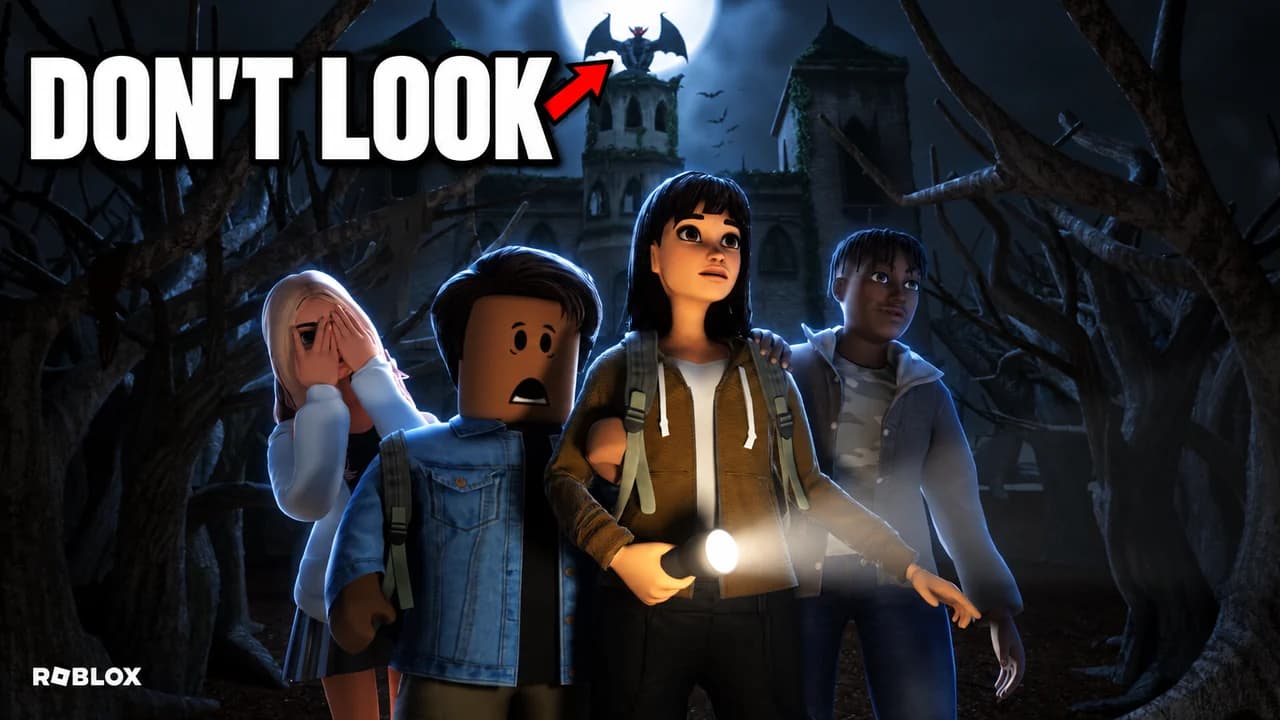
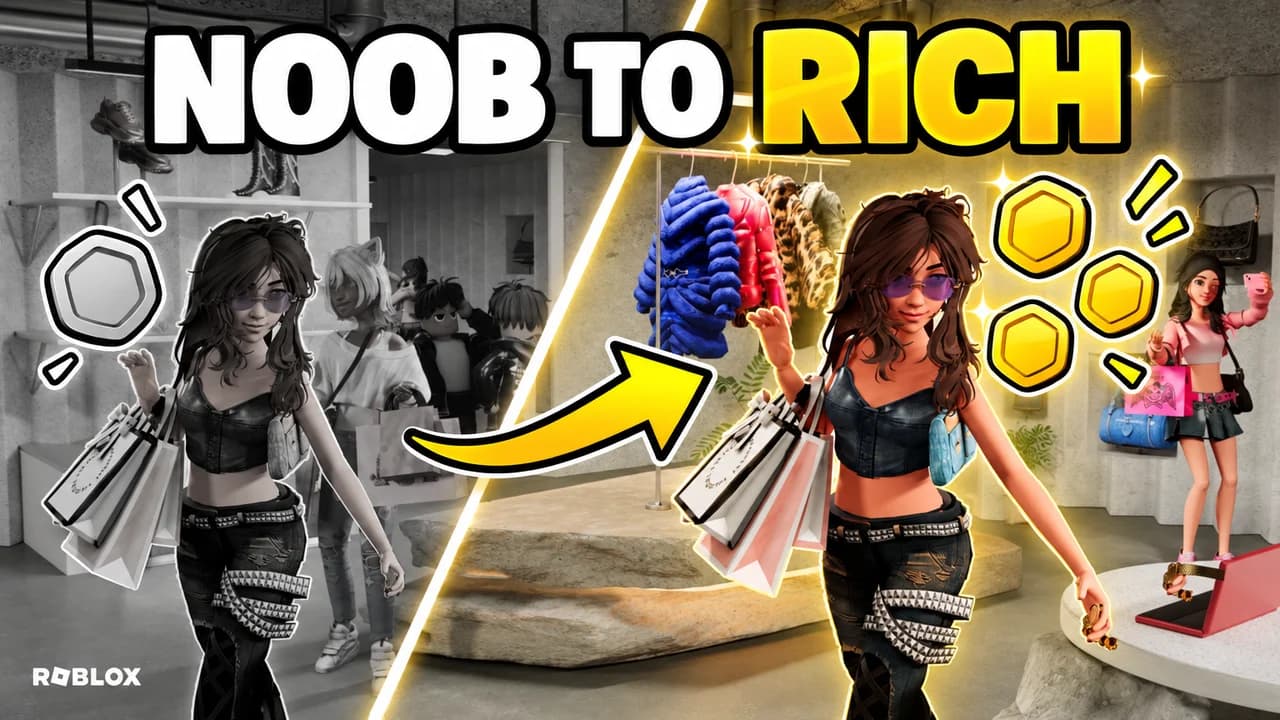
Say what happens in your Roblox video: "1 jump left in a lava obby", "don’t look at the haunted castle", "noob to rich in a shopping game". Base.Tube turns it into three YouTube thumbnails with Roblox avatars, the genre you play and big readable words, in your channel’s style.

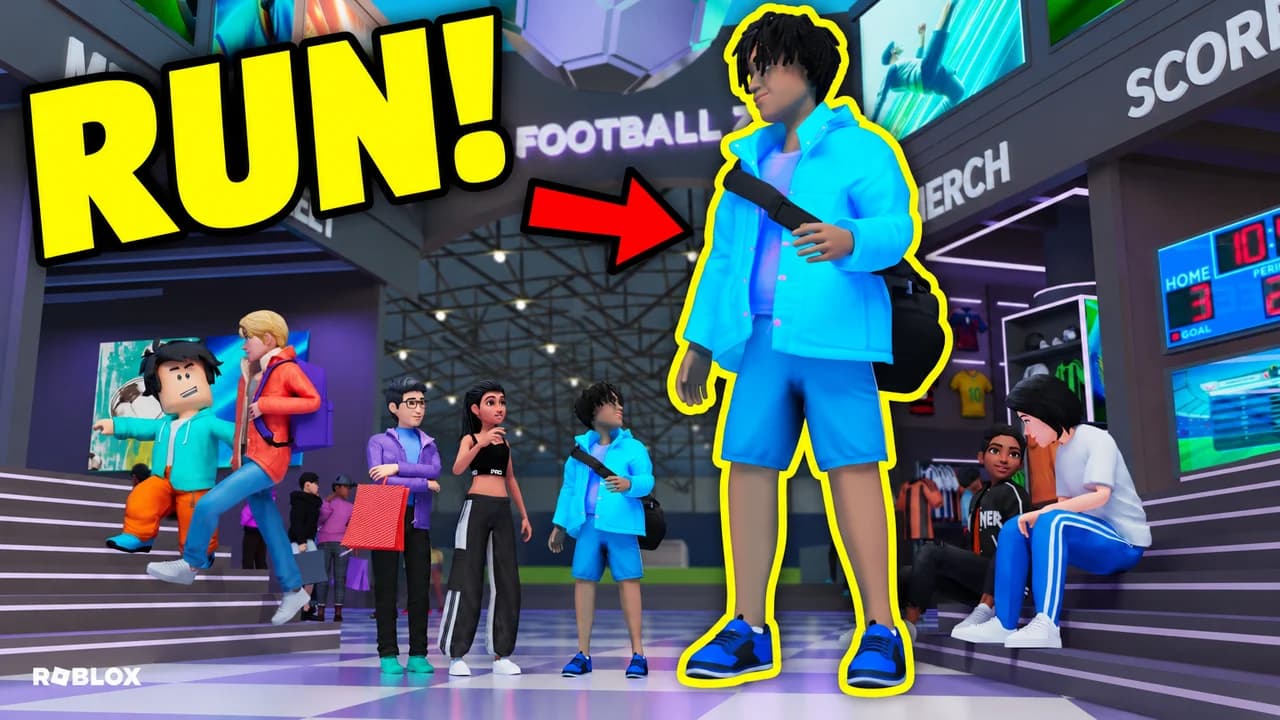
Made with Base.Tube. In the Studio you get three ideas per video.
Make one like this (opens the Base.Tube Studio in a new tab)Make a Roblox thumbnail in three steps
Describe your video
Paste the video link or the script, or write one line about what happens: "I won with 1 HP", "Bronze to Unreal".
Get three ideas
Base.Tube makes three thumbnails in your channel’s style, with your face if you add a photo to your profile once.
Change, review, download
Change anything in plain words, get a review of each idea, then download all three for YouTube Test & Compare.
A thumbnail for every kind of Roblox video
- 01
Tycoons and simulators
Type what you got at the end: infinite cash, every car, the biggest base. The Studio shows the reward around your avatars, with the money and the result in two loud words.
Example idea“I got infinite cash in a Roblox tycoon and bought every supercar”
Try this idea in the Base.Tube Studio (new tab) - 02
Obbies and parkour
Say which stage, which trap and how close you were: lava, kill bricks, the last jump. You get the avatars mid-jump, with an arrow and a circle on the platform that matters.
Example idea“Lava obby: only one jump left before the finish”
Try this idea in the Base.Tube Studio (new tab) - 03
Horror games
Name the place and the thing to be scared of: a haunted castle, a monster, a dark school. The Studio keeps the scene dark, puts one light on the scared avatars and points at the danger.
Example idea“Don’t look at the gargoyle on the haunted castle in this Roblox horror game”
Try this idea in the Base.Tube Studio (new tab) - 04
Noob to pro and noob to rich
Write where your avatar started and where it ended, or day 1 against day 100. You get a split frame: the dull before on one side, the bright after on the other.
Example idea“Noob to rich in a Roblox shopping game”
Try this idea in the Base.Tube Studio (new tab) - 05
Admin, bans and trolls
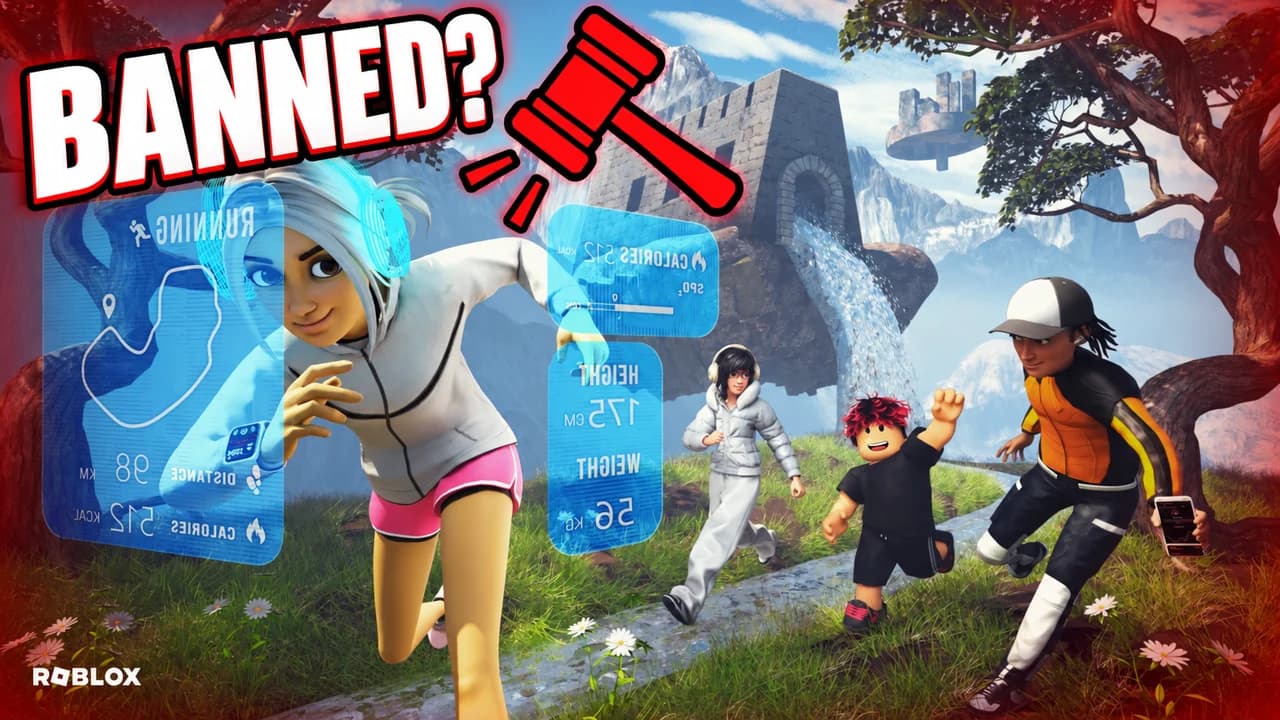
Ask the question your video answers: banned or not, caught or not, who has the power. The Studio adds the ban hammer and a short question in capitals next to the game.
Example idea“I ran for hours in a Roblox running game: did I get banned?”
Try this idea in the Base.Tube Studio (new tab)
Roblox thumbnail maker: questions
Is this for YouTube videos or for my Roblox game’s thumbnail?
What should I type to get a good Roblox thumbnail?
Does it work for every kind of Roblox game?
Can I put my own face next to my Roblox avatar?
Why not a Roblox thumbnail template?
Will a better thumbnail get my Roblox videos more views?
Thumbnails for other games
 Call of Duty thumbnail maker6 examples
 Fortnite thumbnail maker6 examples
 Gorilla Tag thumbnail maker6 examples
 GTA 6 thumbnail maker6 examples
 Minecraft thumbnail maker6 examples
 Zelda: Ocarina of Time thumbnail maker6 examples
Your next Roblox video
deserves three good ideas.
Describe the video, get three thumbnails in your style, change anything in plain words, and test them with YouTube Test & Compare.