Fortnite thumbnail maker
from one line about your video.
Say what happens in your video: "I won with 1 HP", "Bronze to Unreal", "the floor is lava". Base.Tube turns it into three Fortnite thumbnails with real skins, places and the game’s colours, in your channel’s style.

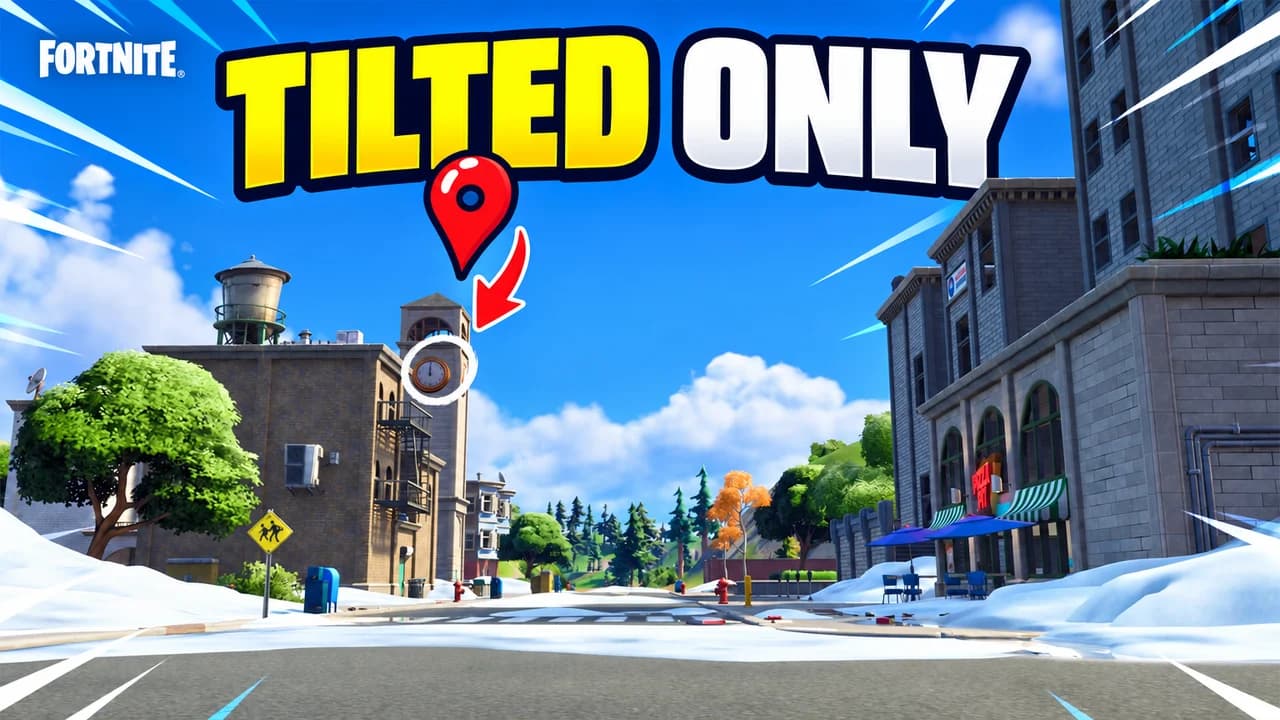
Made with Base.Tube. In the Studio you get three ideas per video.
Make one like this (opens the Base.Tube Studio in a new tab)Make a Fortnite thumbnail in three steps
Describe your video
Paste the video link or the script, or write one line about what happens: "I won with 1 HP", "Bronze to Unreal".
Get three ideas
Base.Tube makes three thumbnails in your channel’s style, with your face if you add a photo to your profile once.
Change, review, download
Change anything in plain words, get a review of each idea, then download all three for YouTube Test & Compare.
A thumbnail for every kind of Fortnite video
- 01
Wins and Victory Royales
Type the number that makes the win special: health left, eliminations, the one weapon you used. The Studio builds the scene around it, with the Victory Royale banner and the storm.
Example idea“I won a game at Tilted Towers with 1 HP left”
Try this idea in the Base.Tube Studio (new tab) - 02
Ranked and progression
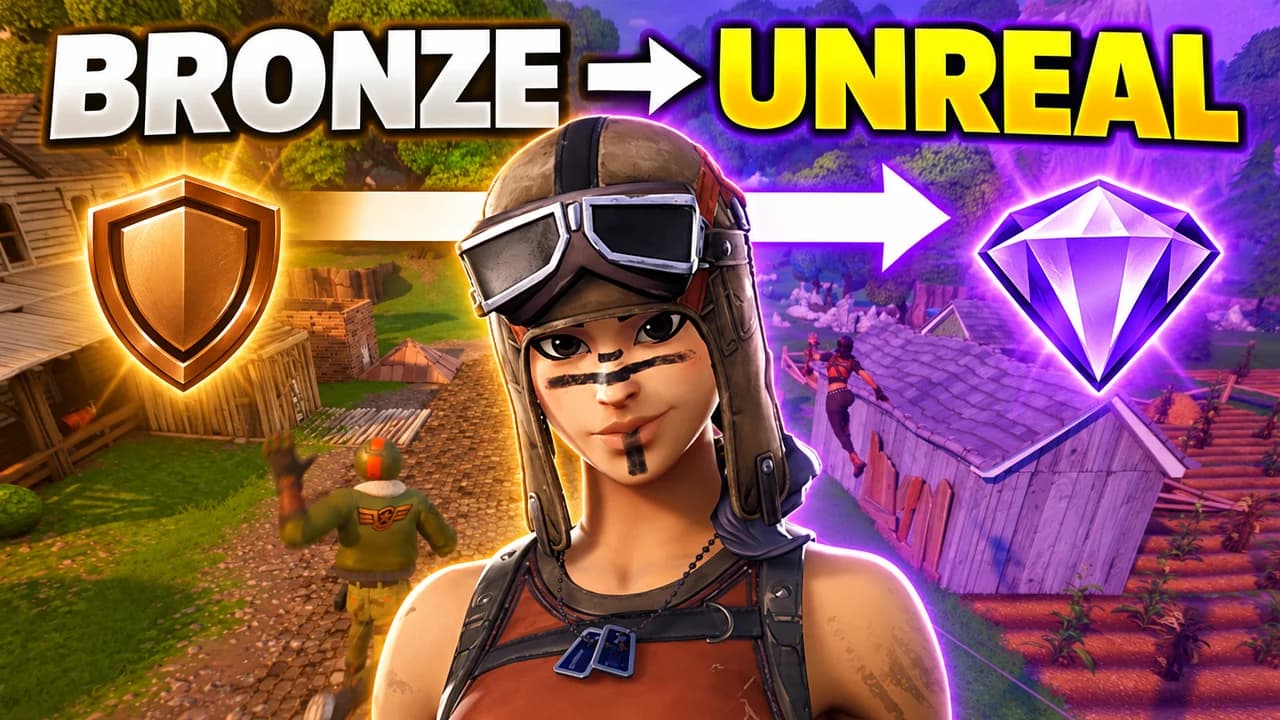
"Noob to pro", "100 days", "Bronze to Unreal": say where you started and where you ended. You get a before and after that reads in one glance, each side in its own colour.
Example idea“My ranked climb from Bronze to Unreal”
Try this idea in the Base.Tube Studio (new tab) - 03
Live events and new seasons
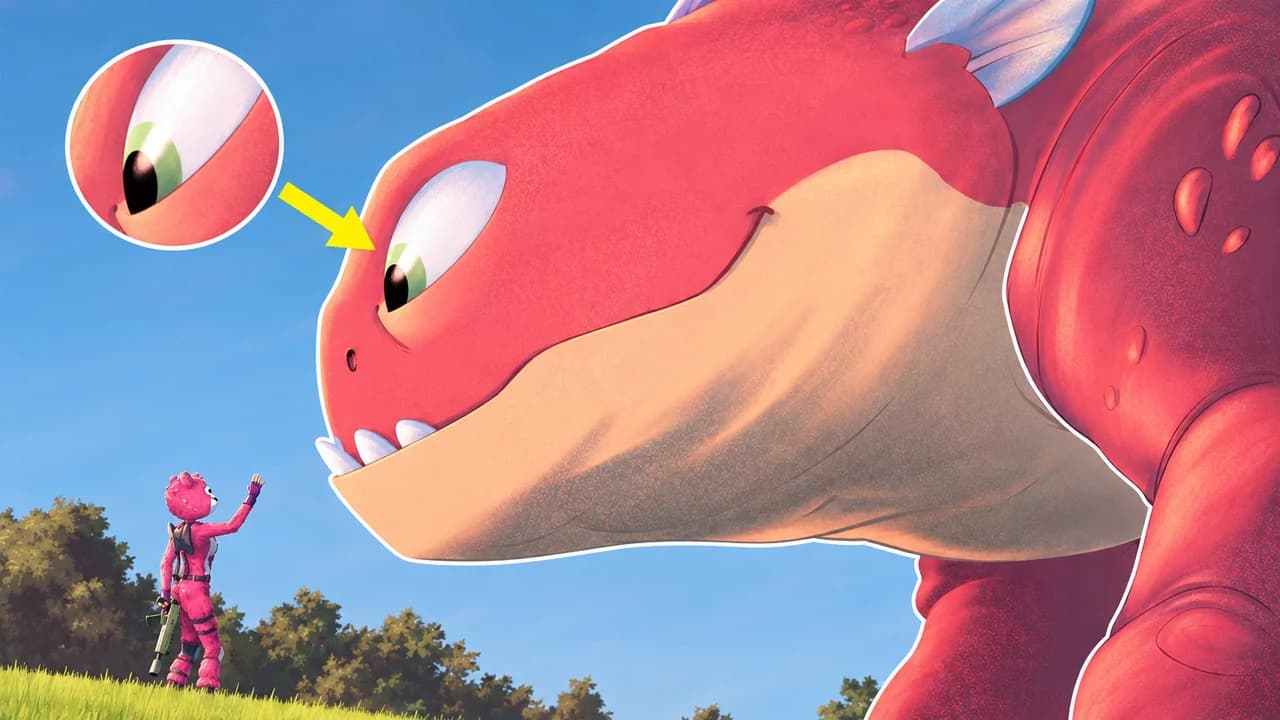
Name the event, the creature, the returning place or the new item. It becomes the hero of the thumbnail, huge on screen, with a player looking up at it.
Example idea“Cuddle Team Leader finds a giant creature on the island”
Try this idea in the Base.Tube Studio (new tab) - 04
Face-cam reactions
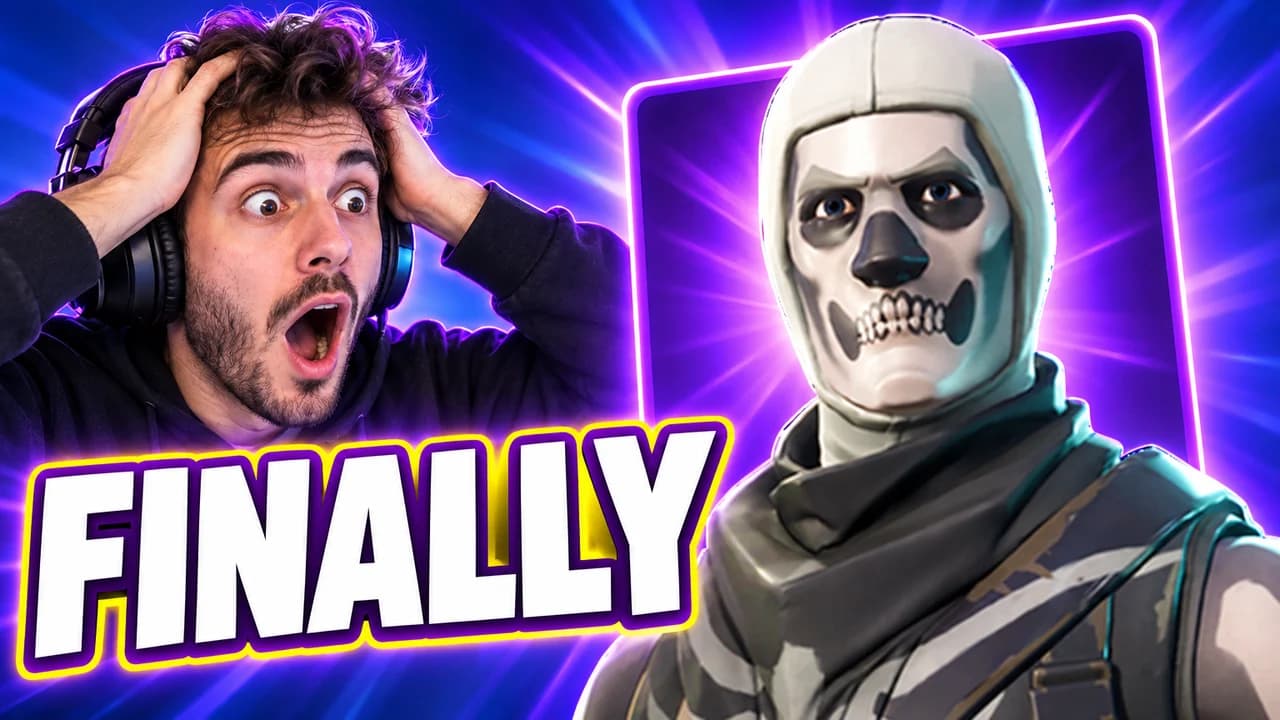
Add a photo of your face to your channel profile once. Every idea then shows you reacting next to the Fortnite moment: the item shop, a clutch, a fail.
Example idea“My reaction: Skull Trooper is back in the item shop”
Try this idea in the Base.Tube Studio (new tab) - 05
Challenges and Creative maps
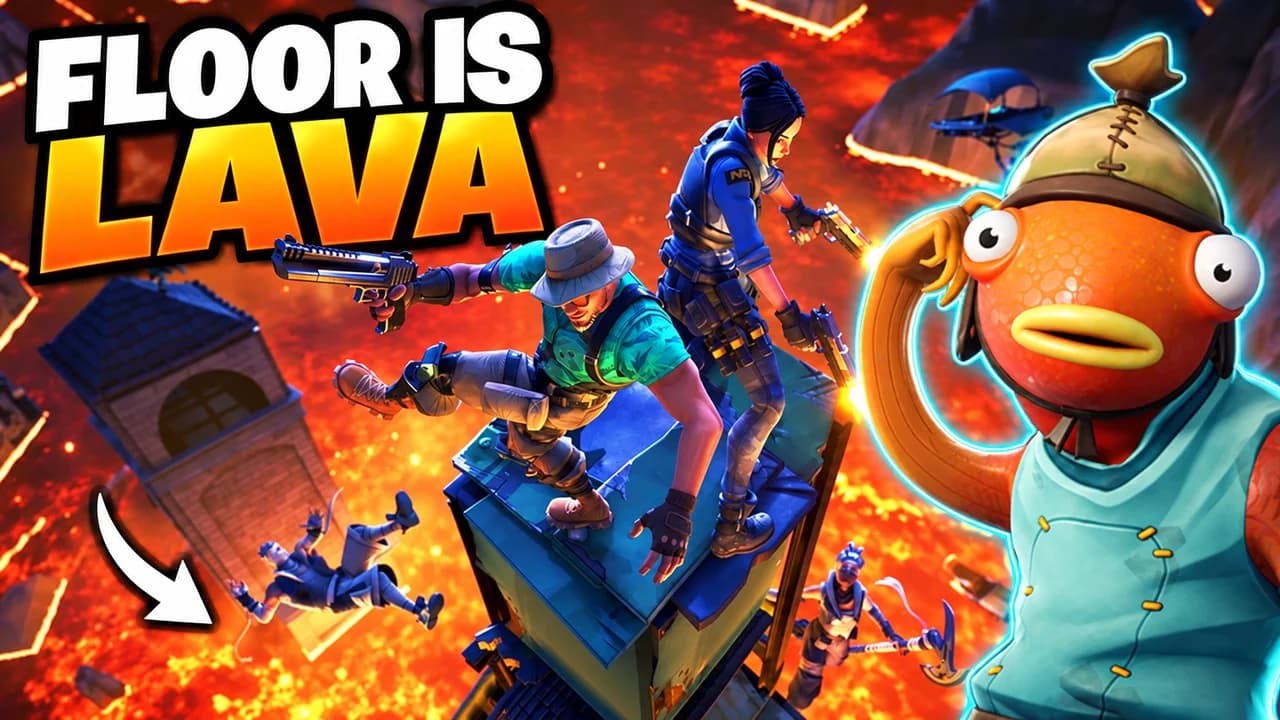
One rule, visible without reading the title: pickaxe only, floor is lava, hide and seek. Write the rule; the Studio shows it in the image and keeps the text to two or three words.
Example idea“Floor is lava challenge in a Creative map”
Try this idea in the Base.Tube Studio (new tab)
Fortnite thumbnail maker: questions
What should I type to get a good Fortnite thumbnail?
Can it use real Fortnite skins and places?
Can I put my own face in the thumbnail?
Will it look AI-made?
Why not a Fortnite thumbnail template?
Will a better thumbnail get my Fortnite videos more views?
Thumbnails for other games
 Call of Duty thumbnail maker6 examples
 Gorilla Tag thumbnail maker6 examples
 GTA 6 thumbnail maker6 examples
 Minecraft thumbnail maker6 examples
 Roblox thumbnail maker6 examples
 Zelda: Ocarina of Time thumbnail maker6 examples
Your next Fortnite video
deserves three good ideas.
Describe the video, get three thumbnails in your style, change anything in plain words, and test them with YouTube Test & Compare.