Minecraft thumbnail maker
from one line about your video.
Say what happens in your video: "100 days on one block", "iron golem vs the Warden", "I beat the Wither with no armour". Base.Tube turns it into three Minecraft thumbnails with real mobs, biomes and the game’s blocky look, in your channel’s style.

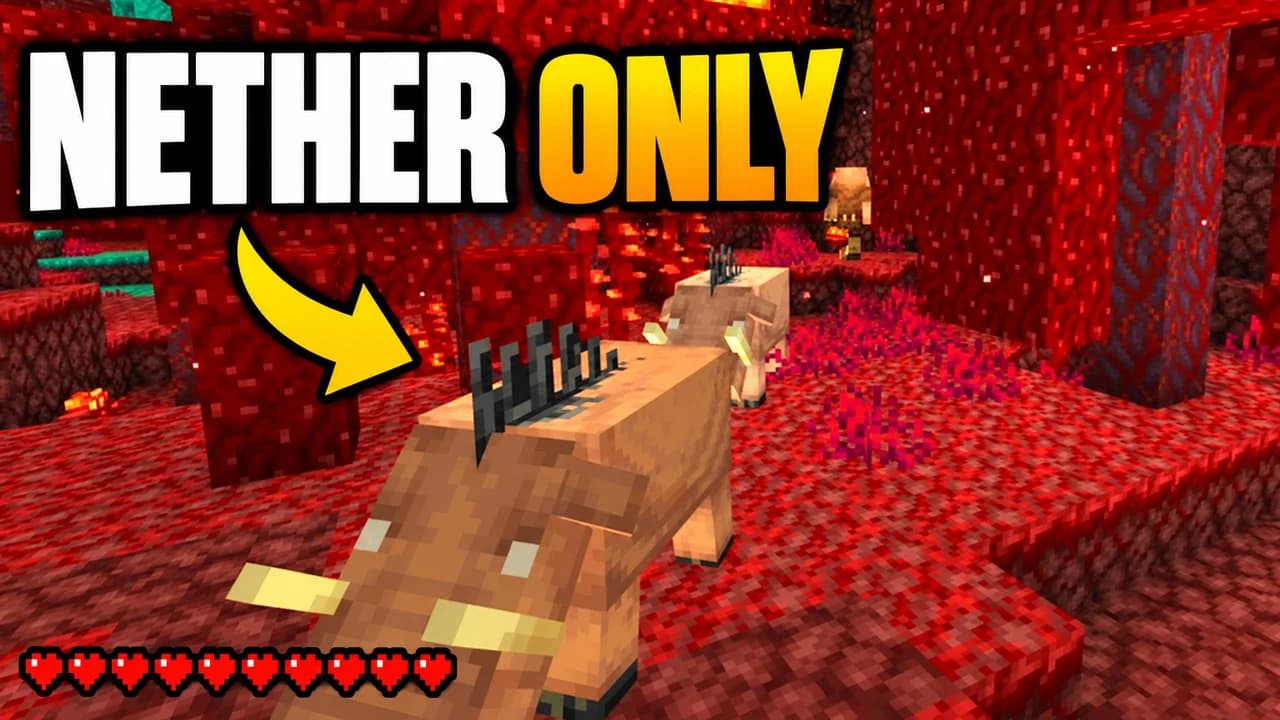
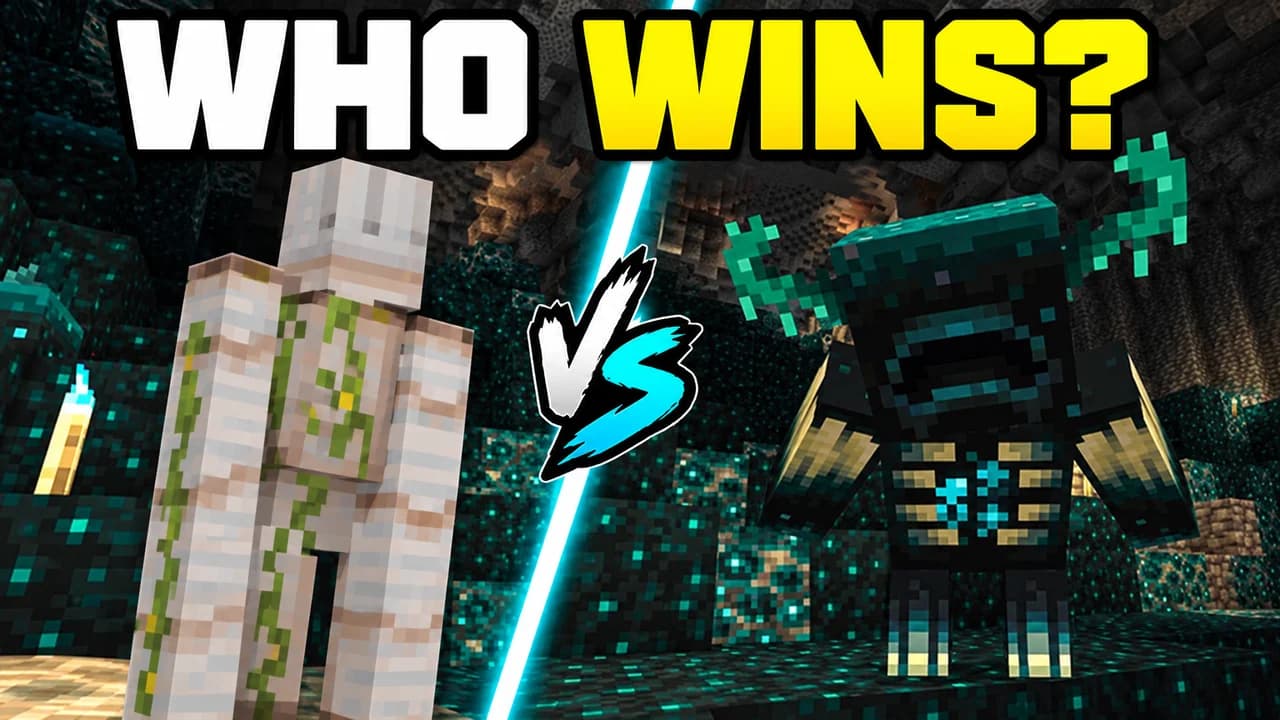
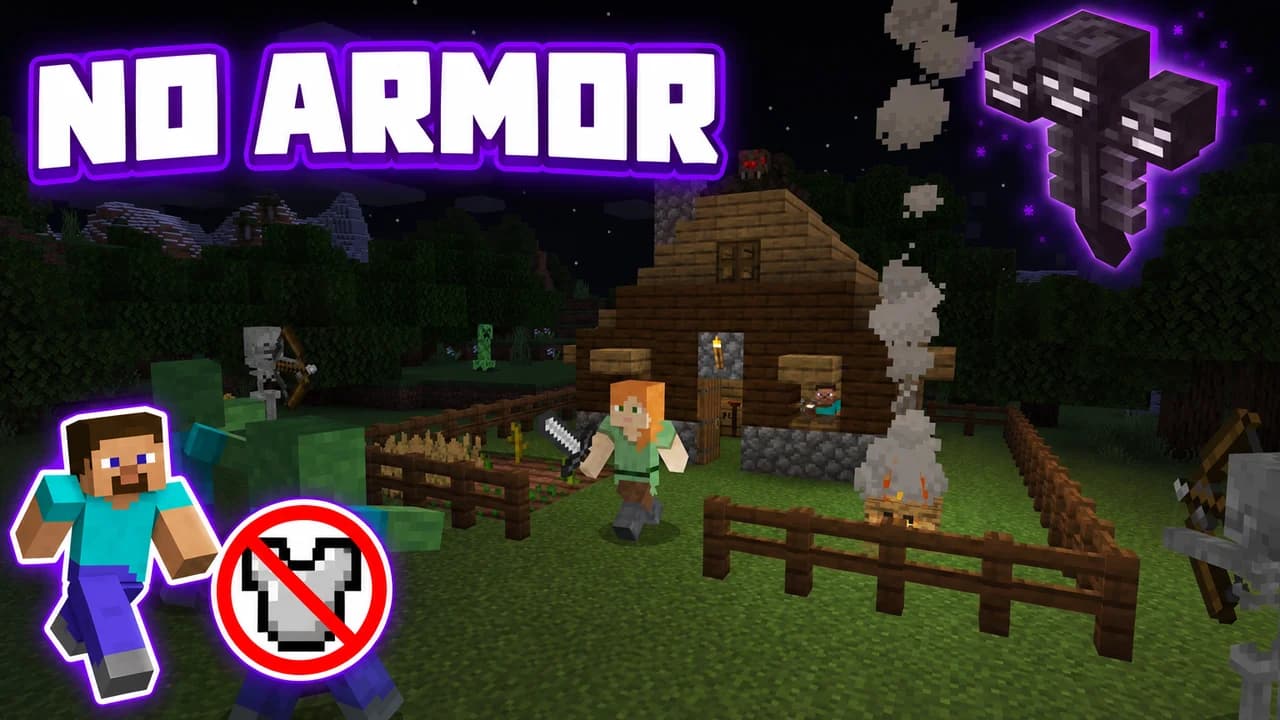
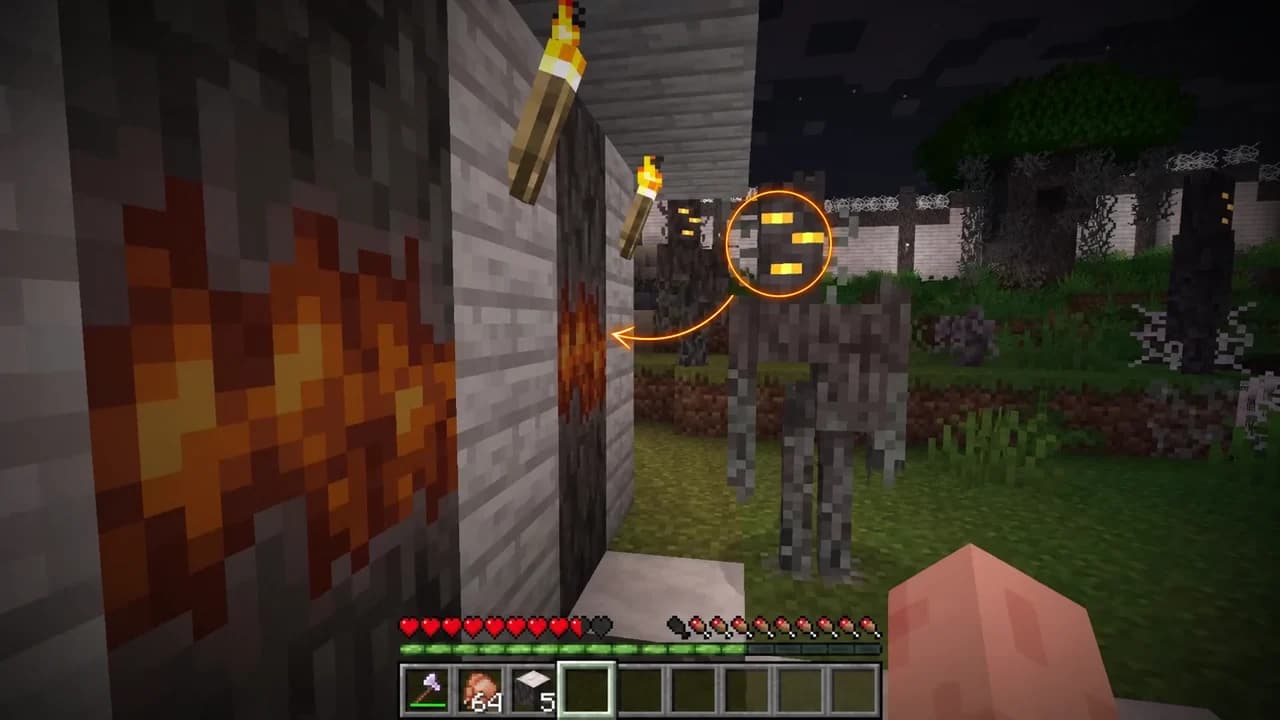
Made with Base.Tube. In the Studio you get three ideas per video.
Make one like this (opens the Base.Tube Studio in a new tab)Make a Minecraft thumbnail in three steps
Describe your video
Paste the video link or the script, or write one line about what happens: "I won with 1 HP", "Bronze to Unreal".
Get three ideas
Base.Tube makes three thumbnails in your channel’s style, with your face if you add a photo to your profile once.
Change, review, download
Change anything in plain words, get a review of each idea, then download all three for YouTube Test & Compare.
A thumbnail for every kind of Minecraft video
- 01
100 days and survival challenges
Say where you started and the one rule: one block, Nether only, hardcore. The Studio shows the tiny start next to what it became, with the rule as the big word.
Example idea“I survived 100 days starting on one block”
Try this idea in the Base.Tube Studio (new tab) - 02
Mob battles and versus
Name the two sides: two mobs, two builds, two armour sets. You get a split frame with each side in its own colour, so the viewer picks one before clicking.
Example idea“Iron golem vs the Warden: who wins?”
Try this idea in the Base.Tube Studio (new tab) - 03
Boss fights and hardcore runs
Type the boss and what makes the run hard: no armour, one heart, wooden tools only. The Studio puts the boss in the frame and shows the handicap as an icon or two words.
Example idea“Surviving with no armour until the Wither shows up”
Try this idea in the Base.Tube Studio (new tab) - 04
Updates, mobs and secrets
Name the new mob, biome or hidden mechanic you show in the video. It becomes the subject of the thumbnail, with circles and arrows on the one detail that matters.
Example idea“I found the secret block the creaking comes from”
Try this idea in the Base.Tube Studio (new tab) - 05
Builds and real life
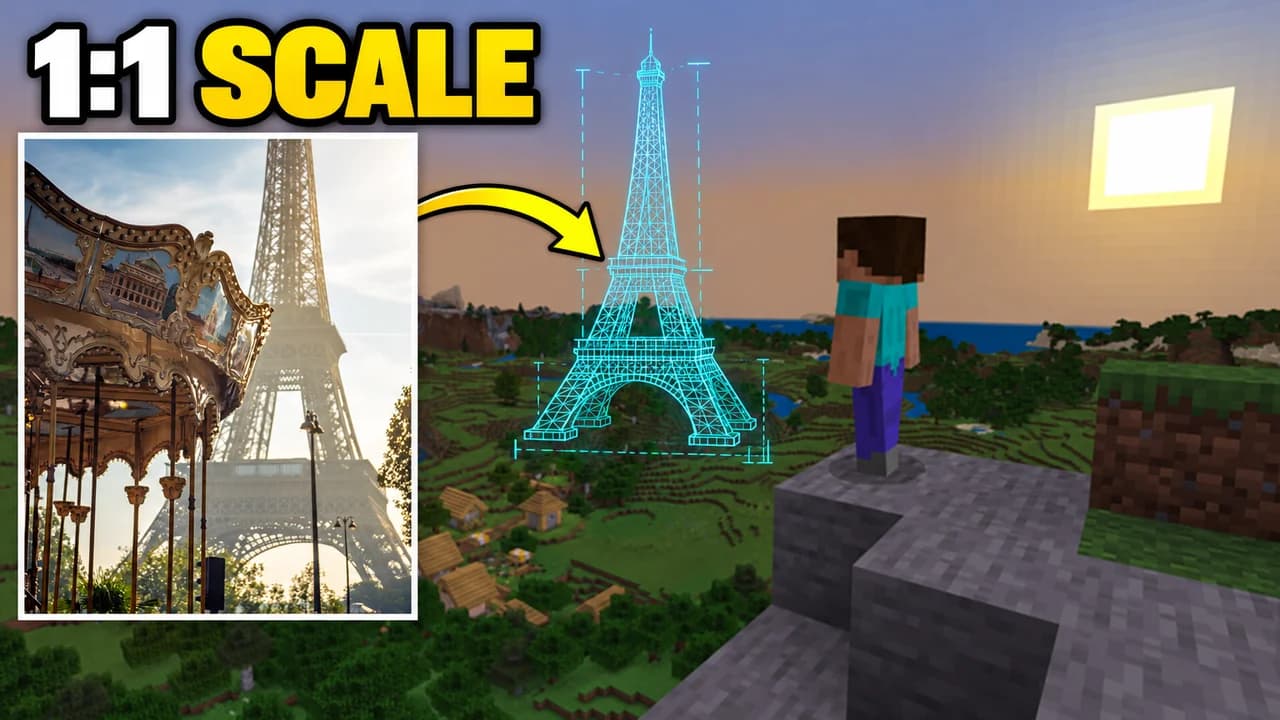
Say what you built or which real place you copied. You get the real thing next to the Minecraft version, so the size of the project reads in one glance.
Example idea“I built the Eiffel Tower at 1:1 scale in Minecraft”
Try this idea in the Base.Tube Studio (new tab)
Minecraft thumbnail maker: questions
What should I type to get a good Minecraft thumbnail?
Can it show real Minecraft mobs, bosses and biomes?
Can I put my own face next to the game?
What if the ideas are not quite right?
Why not a Minecraft thumbnail template?
Will a better thumbnail get my Minecraft videos more views?
Thumbnails for other games
 Call of Duty thumbnail maker6 examples
 Fortnite thumbnail maker6 examples
 Gorilla Tag thumbnail maker6 examples
 GTA 6 thumbnail maker6 examples
 Roblox thumbnail maker6 examples
 Zelda: Ocarina of Time thumbnail maker6 examples
Your next Minecraft video
deserves three good ideas.
Describe the video, get three thumbnails in your style, change anything in plain words, and test them with YouTube Test & Compare.