Valorant thumbnail maker
from one line about your video.
Say what happens in your video: "an Operator ace with Jett", "a 1v5 clutch on Bind", "Iron to Radiant with Reyna". Base.Tube turns it into three Valorant thumbnails with real agents, maps and the game’s red and teal, in your channel’s style.
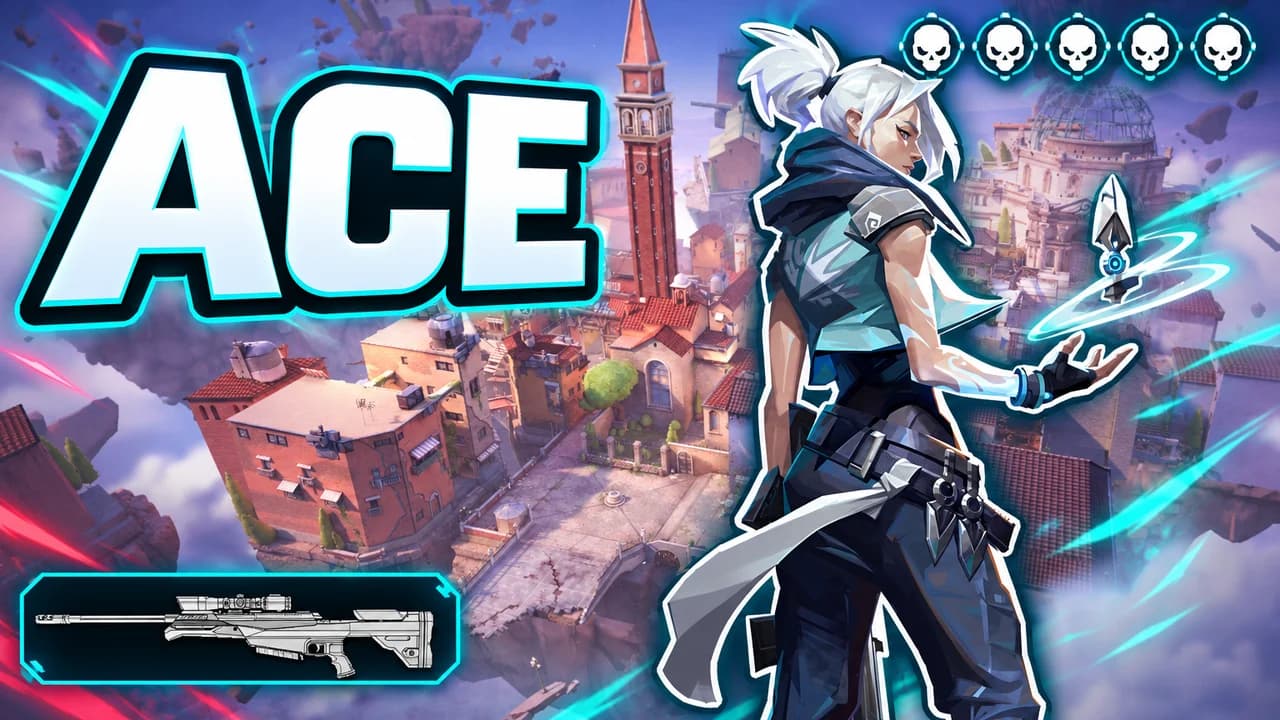
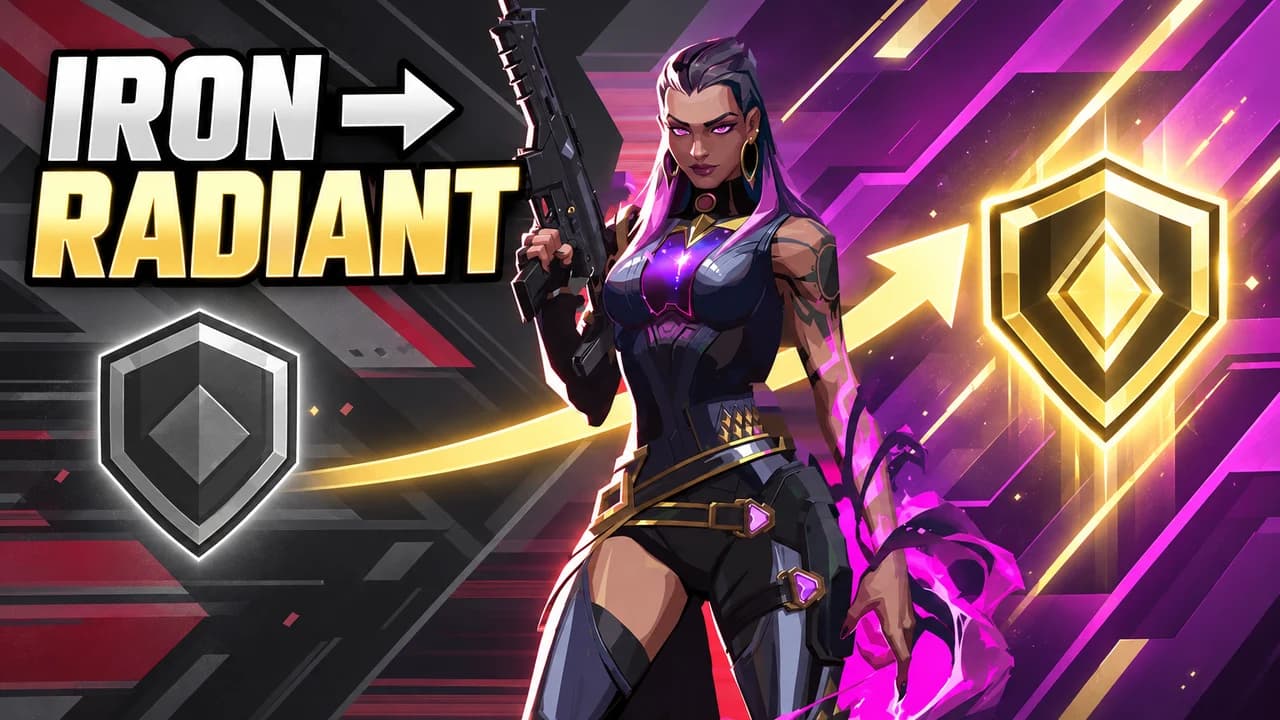
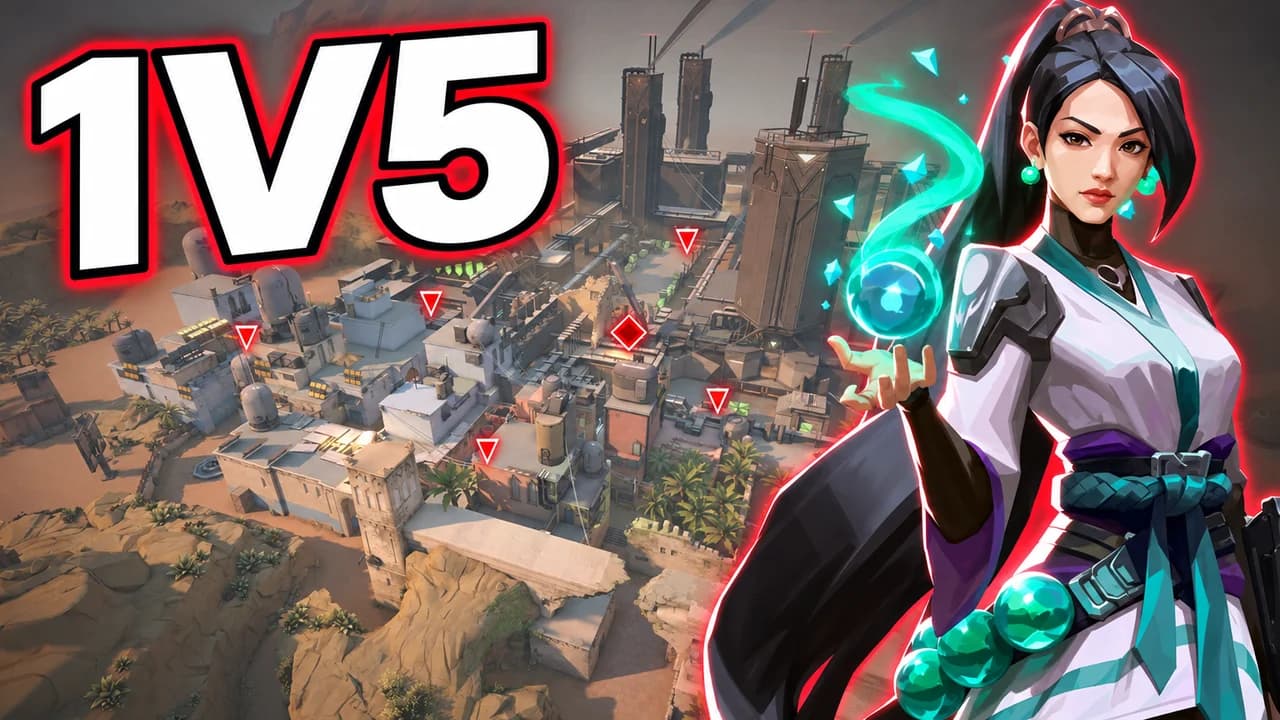
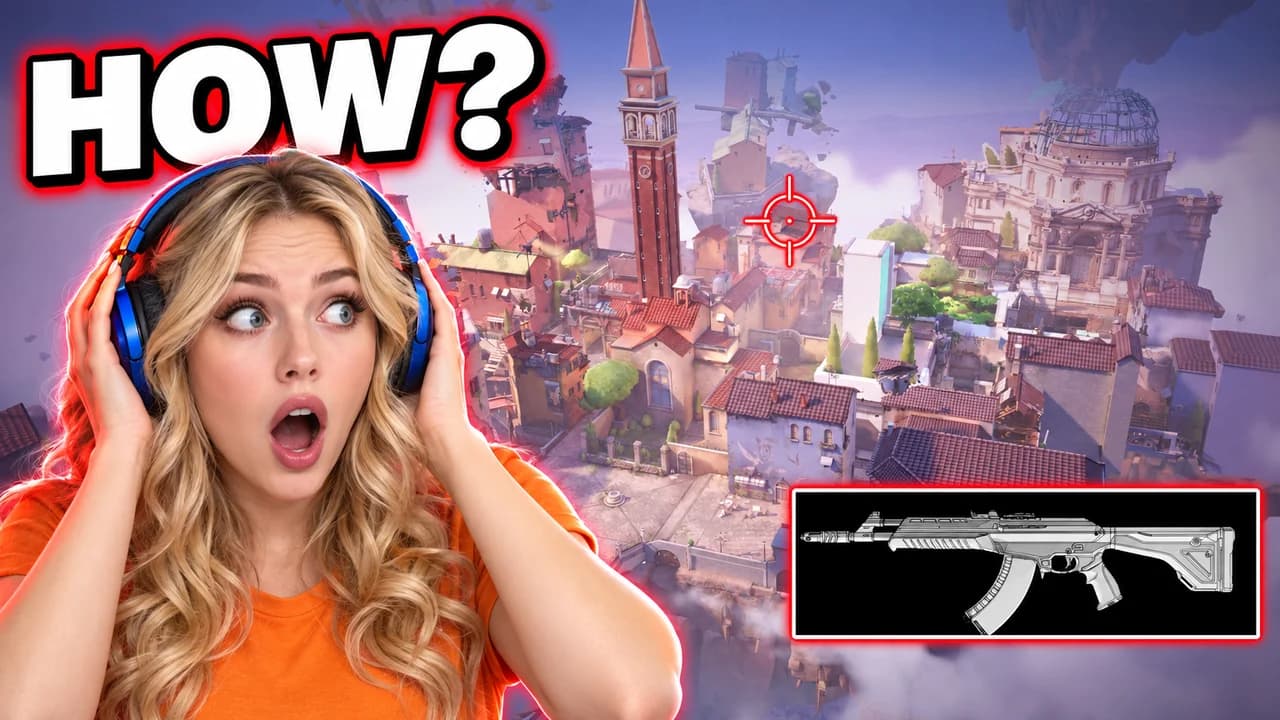
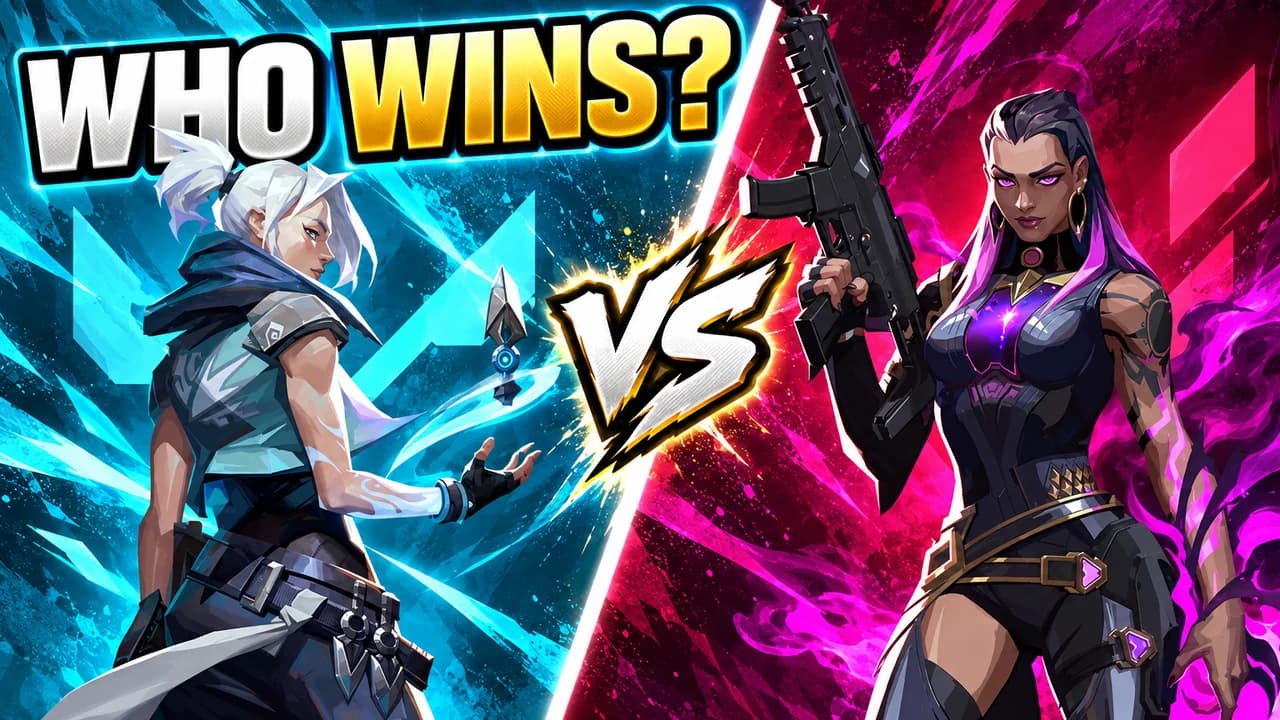
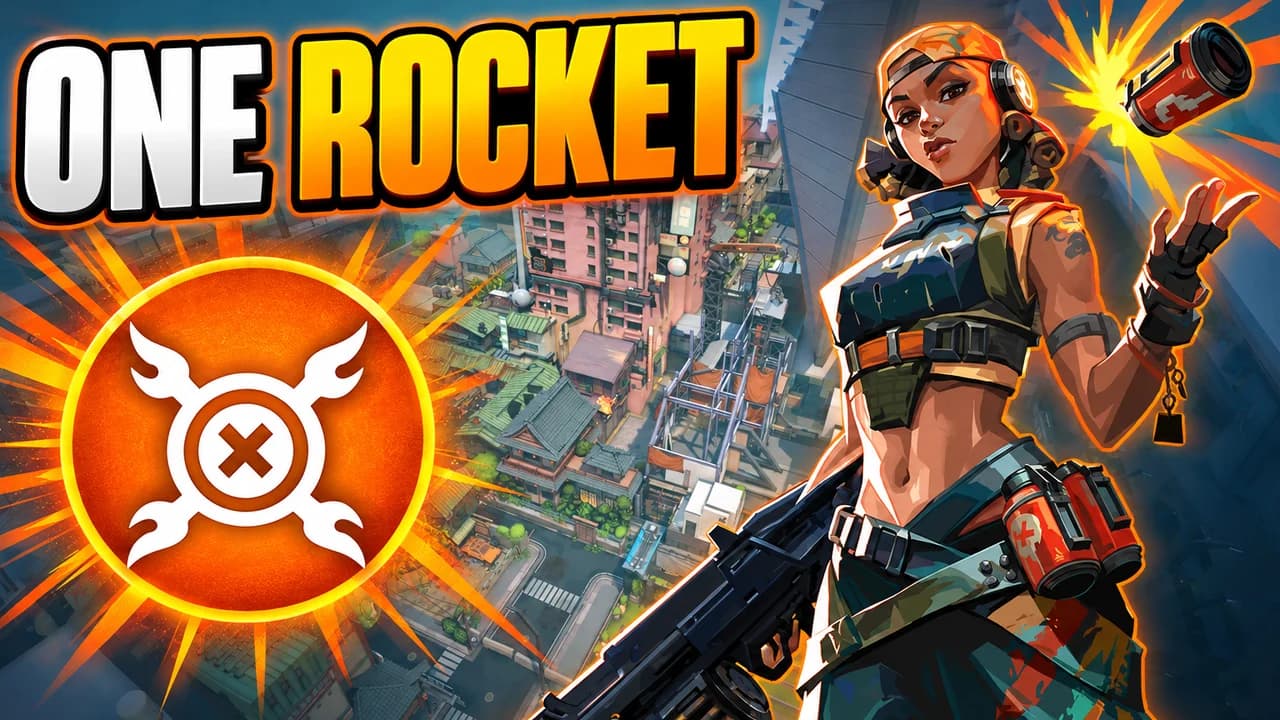
Made with Base.Tube. In the Studio you get three ideas per video.
Make one like this (opens the Base.Tube Studio in a new tab)Make a Valorant thumbnail in three steps
Describe your video
Paste the video link or the script, or write one line about what happens: "I won with 1 HP", "Bronze to Unreal".
Get three ideas
Base.Tube makes three thumbnails in your channel’s style, with your face if you add a photo to your profile once.
Change, review, download
Change anything in plain words, get a review of each idea, then download all three for YouTube Test & Compare.
A thumbnail for every kind of Valorant video
- 01
Aces and highlights
Type the agent and what made the play special: the Operator, the ultimate, the one weapon you used. The Studio builds the scene around it, with the ace banner on screen.
Example idea“I got an Operator ace with Jett on Ascent”
Try this idea in the Base.Tube Studio (new tab) - 02
Rank climbs
"Iron to Radiant", "100 hours of Sage", "Gold to Immortal": say where you started and where you ended. You get a before and after with both rank badges, each side in its own colour.
Example idea“Iron to Radiant playing only Reyna”
Try this idea in the Base.Tube Studio (new tab) - 03
Clutches
Say the odds and the map. The Studio puts your agent alone next to the Spike, the enemies closing in and the timer running out.
Example idea“A 1v5 clutch with Sage on Bind”
Try this idea in the Base.Tube Studio (new tab) - 04
Face-cam reactions
Add a photo of your face to your channel profile once. Every idea then shows you reacting next to the Valorant moment: a flick, a rank-up, a teammate throwing.
Example idea“My reaction to the craziest Vandal flick on Ascent”
Try this idea in the Base.Tube Studio (new tab) - 05
Agent matchups and guides
Name the two agents, weapons or playstyles you compare. You get a split frame with each side in its own colour, so the viewer picks one before clicking.
Example idea“Jett vs Reyna: which duelist is better?”
Try this idea in the Base.Tube Studio (new tab)
Your next Valorant video,
three thumbnails ready.
Paste the video link or write one line about it. You get three Valorant thumbnails with real characters and places, in your channel’s style.
- Three ideas for each video
- Your face and your channel’s style
- Change anything in plain words
Valorant thumbnail maker: questions
What should I type to get a good Valorant thumbnail?
Can it show real Valorant agents and maps?
Can I put my own face in the thumbnail?
What if the ideas are not quite right?
Why not a Valorant thumbnail template?
Will a better thumbnail get my Valorant videos more views?
Thumbnails for other games
 Among Us thumbnail maker6 examples
 Apex Legends thumbnail maker6 examples
 ARC Raiders thumbnail maker6 examples
 Battlefield 6 thumbnail maker6 examples
Your next Valorant video
deserves three good ideas.
Describe the video, get three thumbnails in your style, change anything in plain words, and test them with YouTube Test & Compare.