REPO thumbnail maker
from one line about your video.
Say what happens in your video: "sneaking past the Huntsman with a vase", "I touched the duck", "our biggest haul ever". Base.Tube turns it into three R.E.P.O. thumbnails with real semibots, monsters and levels, in your channel’s style.
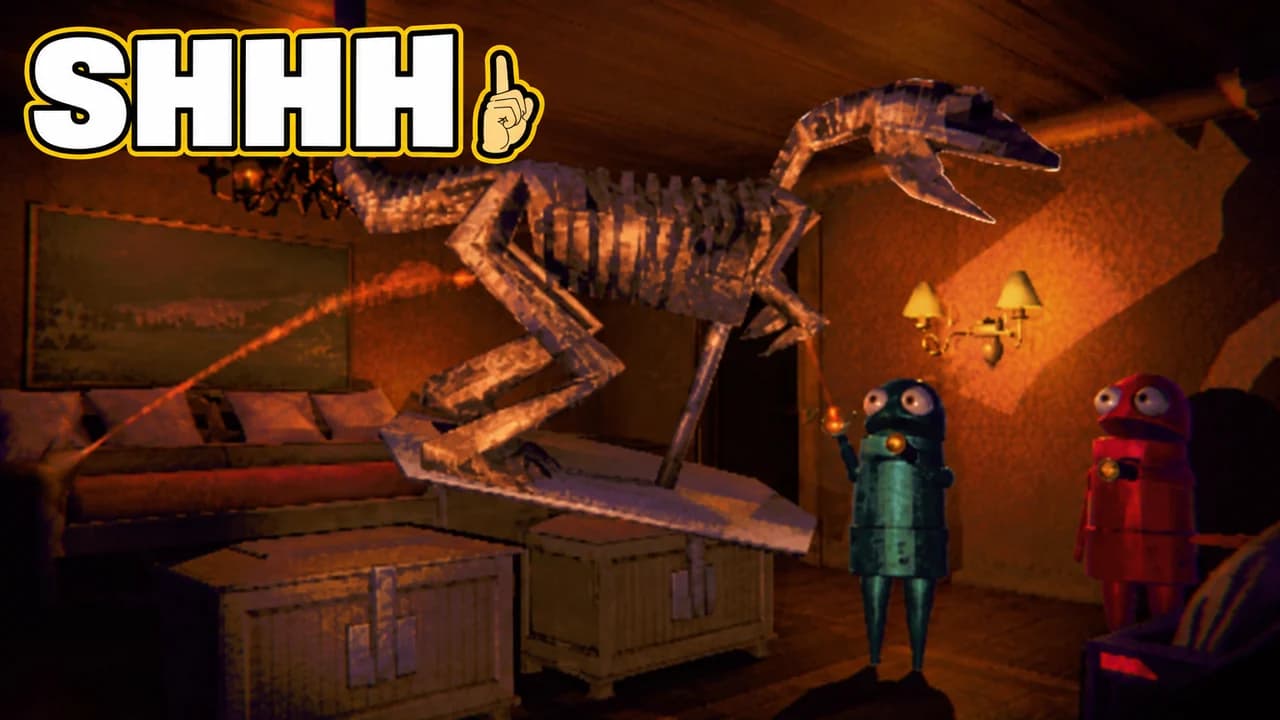
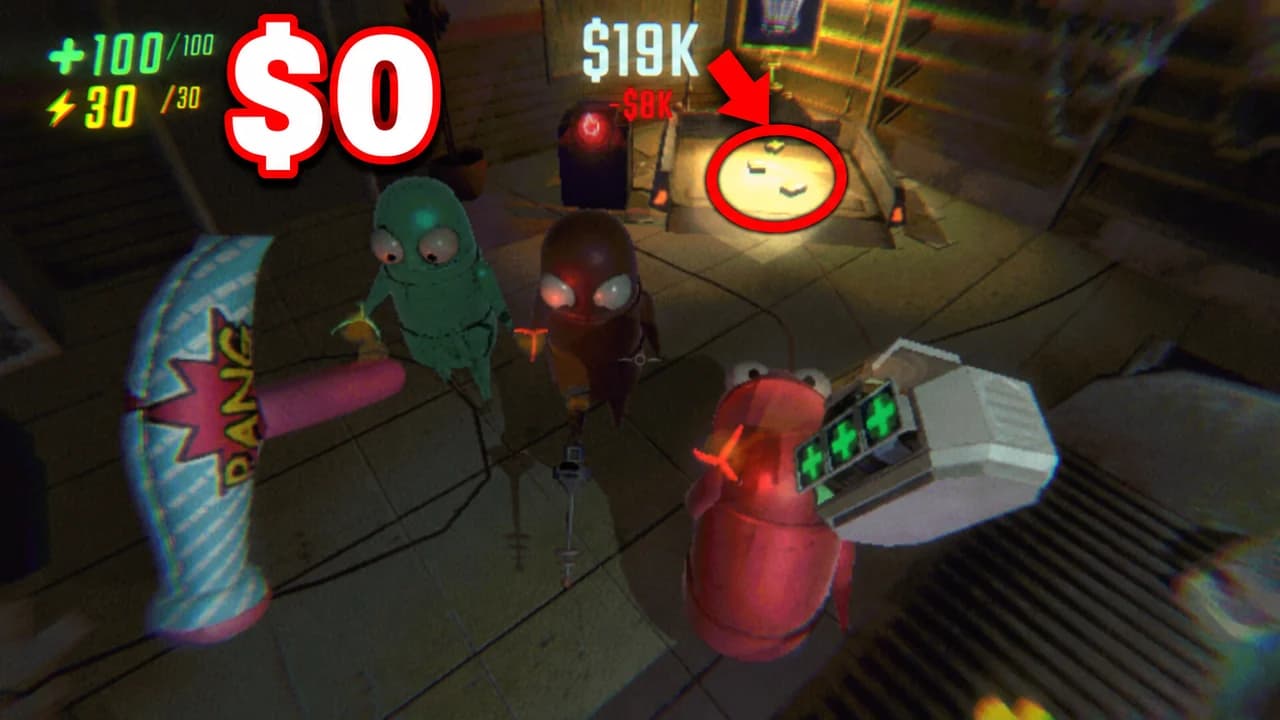
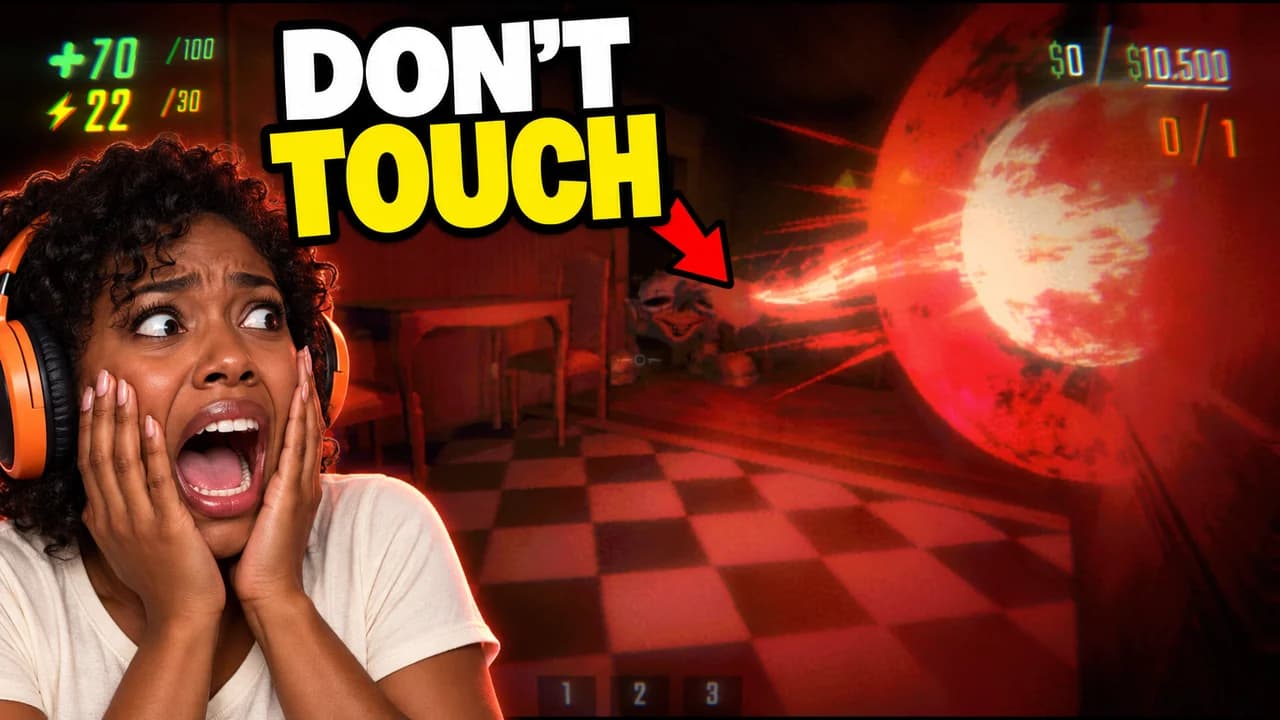
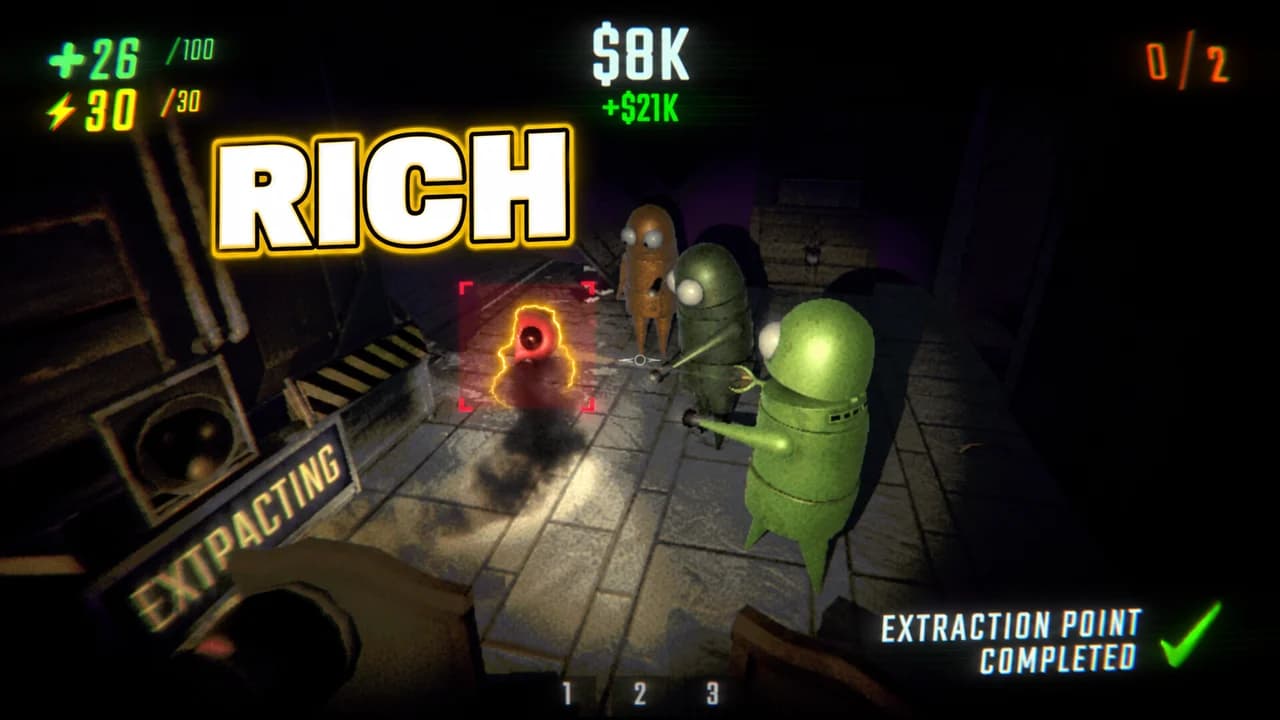
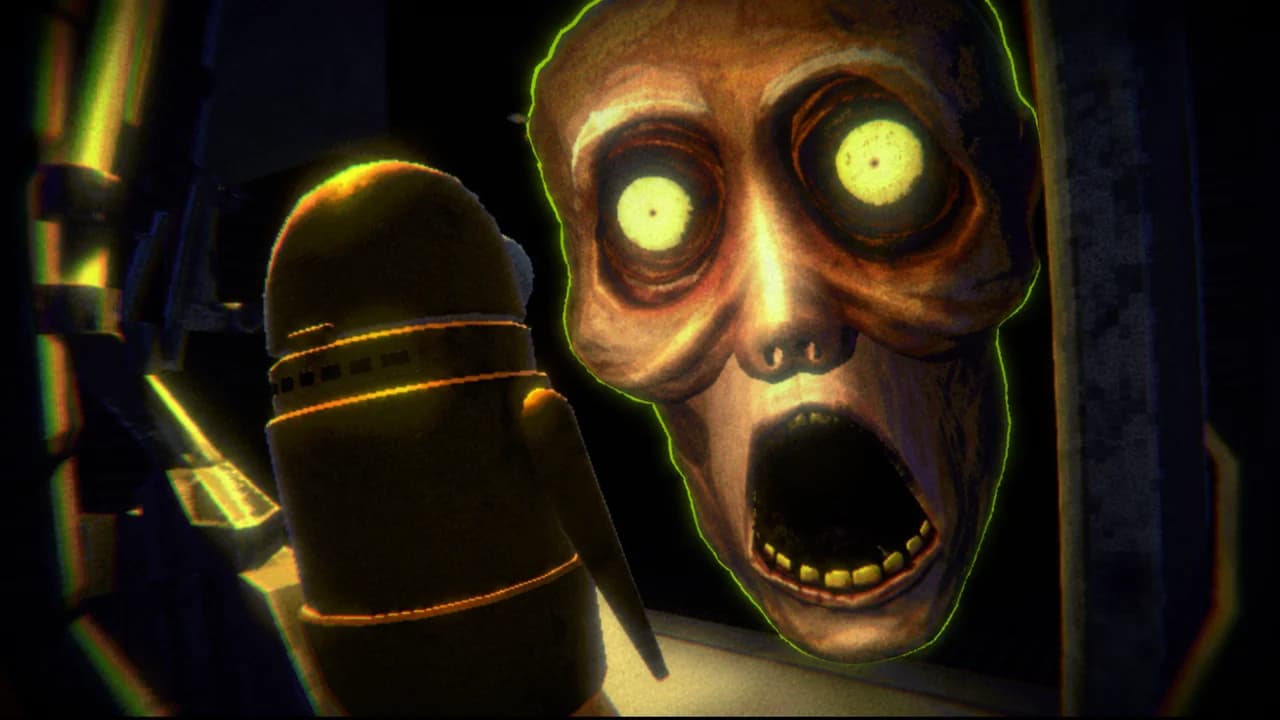
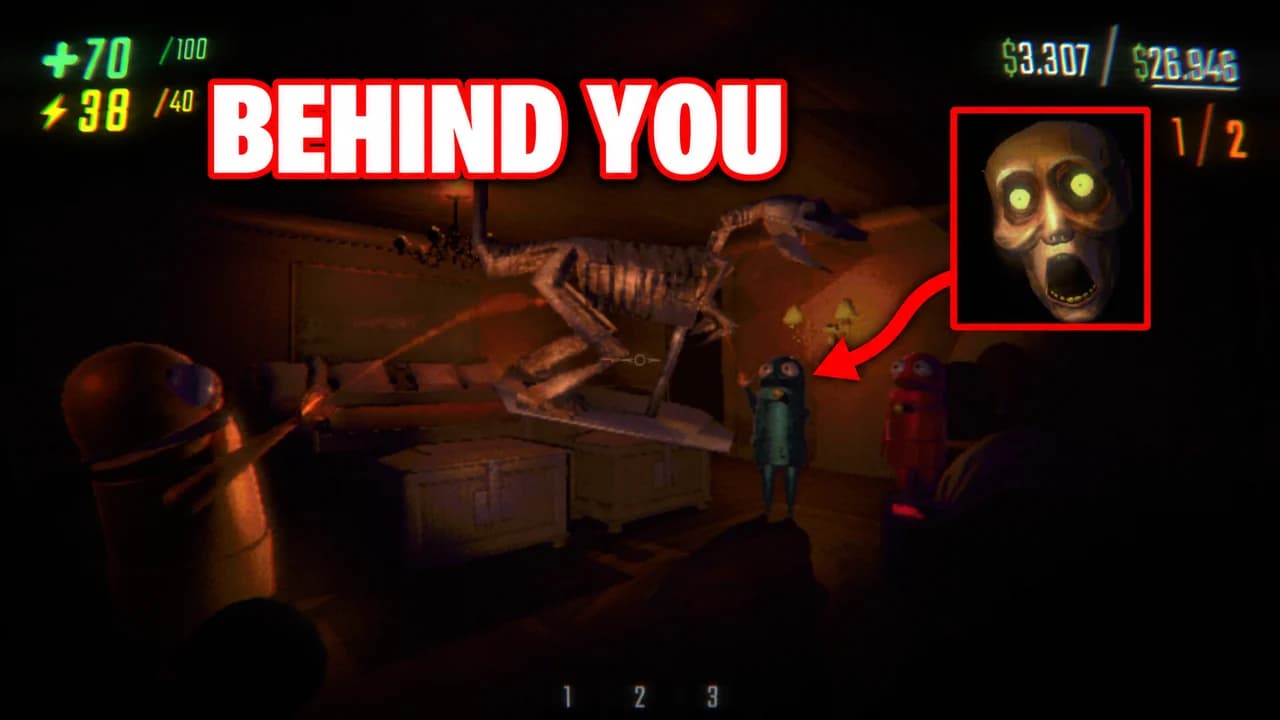
Made with Base.Tube. In the Studio you get three ideas per video.
Make one like this (opens the Base.Tube Studio in a new tab)Make a R.E.P.O. thumbnail in three steps
Describe your video
Paste the video link or the script, or write one line about what happens: "I won with 1 HP", "Bronze to Unreal".
Get three ideas
Base.Tube makes three thumbnails in your channel’s style, with your face if you add a photo to your profile once.
Change, review, download
Change anything in plain words, get a review of each idea, then download all three for YouTube Test & Compare.
A thumbnail for every kind of R.E.P.O. video
- 01
Monster encounters
Name the monster and what you were doing when it showed up. The Studio puts your semibot busy with its loot and the monster right behind it, so the viewer sees the danger first.
Example idea“Sneaking a dinosaur skeleton out without a sound”
Try this idea in the Base.Tube Studio (new tab) - 02
Fails and broken loot
Say what broke and how: the piano down the stairs, the vase against the wall. You get the valuable shattering mid-air with the value dropping in red.
Example idea“We broke the most expensive item and lost everything”
Try this idea in the Base.Tube Studio (new tab) - 03
Hauls and extractions
Type the haul or the goal you hit. The Studio shows the team cheering at the extraction point with the loot piled up and the amount in gold.
Example idea“Our biggest haul ever”
Try this idea in the Base.Tube Studio (new tab) - 04
Face-cam reactions
Add a photo of your face to your channel profile once. Every idea then shows you screaming or laughing next to the moment, from the duck to the Huntsman.
Example idea“I touched the one thing you should never touch”
Try this idea in the Base.Tube Studio (new tab) - 05
Monster guides
Name the monster your guide is about. You get it huge in the frame, with a tiny semibot for scale and one or two words, or none.
Example idea“How to survive the Headman”
Try this idea in the Base.Tube Studio (new tab)
Your next R.E.P.O. video,
three thumbnails ready.
Paste the video link or write one line about it. You get three R.E.P.O. thumbnails with real characters and places, in your channel’s style.
- Three ideas for each video
- Your face and your channel’s style
- Change anything in plain words
R.E.P.O. thumbnail maker: questions
What should I type to get a good R.E.P.O. thumbnail?
Can it show real R.E.P.O. monsters and levels?
Can I put my own face in the thumbnail?
What if the ideas are not quite right?
Why not a R.E.P.O. thumbnail template?
Will a better thumbnail get my R.E.P.O. videos more views?
Thumbnails for other games
 Among Us thumbnail maker6 examples
 Apex Legends thumbnail maker6 examples
 ARC Raiders thumbnail maker6 examples
 Battlefield 6 thumbnail maker6 examples
Your next R.E.P.O. video
deserves three good ideas.
Describe the video, get three thumbnails in your style, change anything in plain words, and test them with YouTube Test & Compare.