
What makes a Pokémon thumbnail work
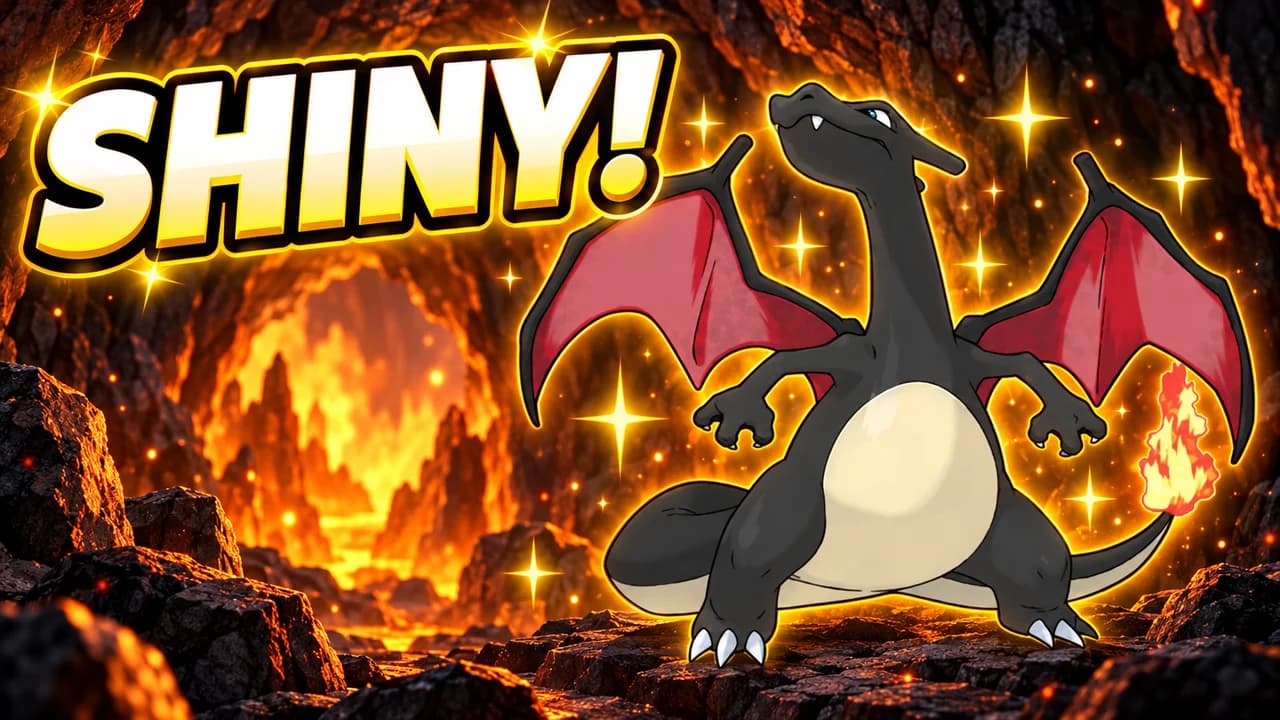
Pokémon may be the most recognisable game series in the world. A viewer knows Pikachu, Charizard and a Poké Ball before they can read your title. That is your advantage. The thumbnails that stand out use a familiar Pokémon and add one thing the viewer does not know yet: it is shiny, it is the last ball, it is a Magikarp against the whole game.
Most people see your thumbnail small, on a phone or in a sidebar. One large Pokémon with a clear expression survives that size. A full team, a Pokédex page or a screenshot of a menu does not.
One Pokémon, one moment
Pick the Pokémon the video is about and make it large. Then choose the moment: the shiny sparkle, the roar before the battle, the ball shaking in mid-air. Pokémon have expressive faces, so use them. Pikachu's grin says fun, Charizard's roar says power, Gengar's smile says something sneaky is coming.
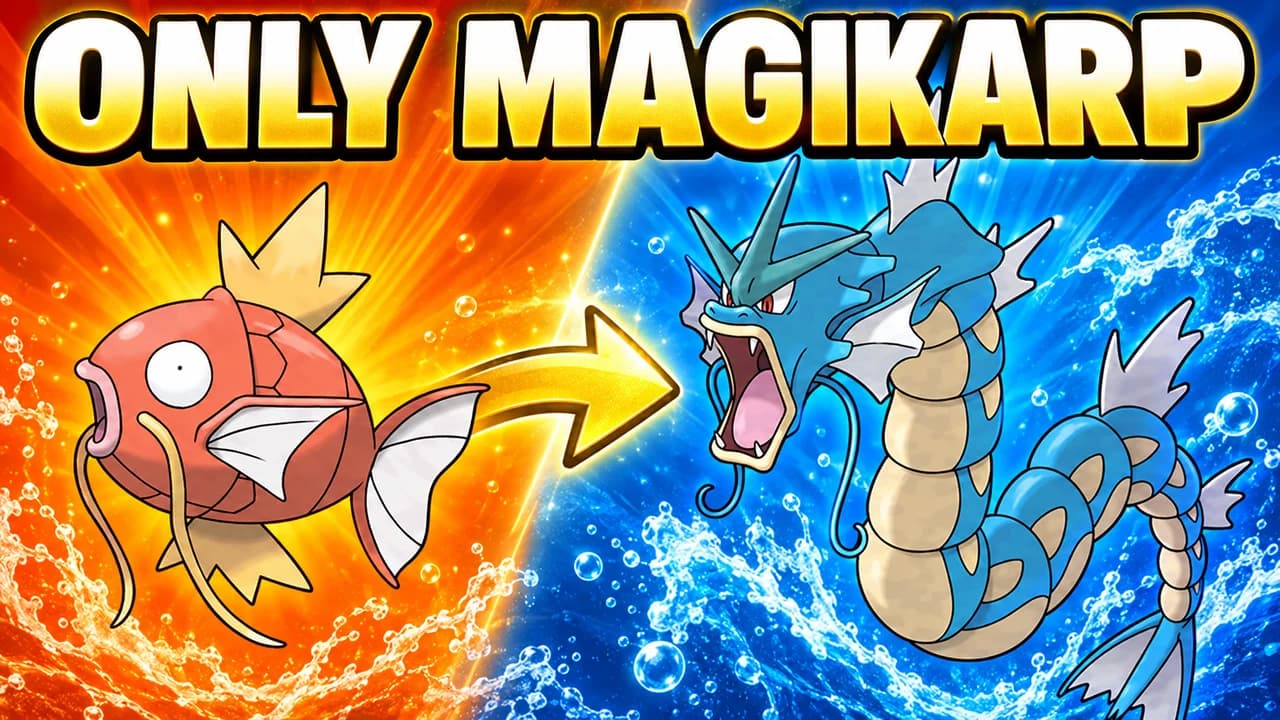
For challenge runs, a split frame tells the story fast: the weak start on one side, the strong end on the other, an arrow between them.
Let the type colours do the work
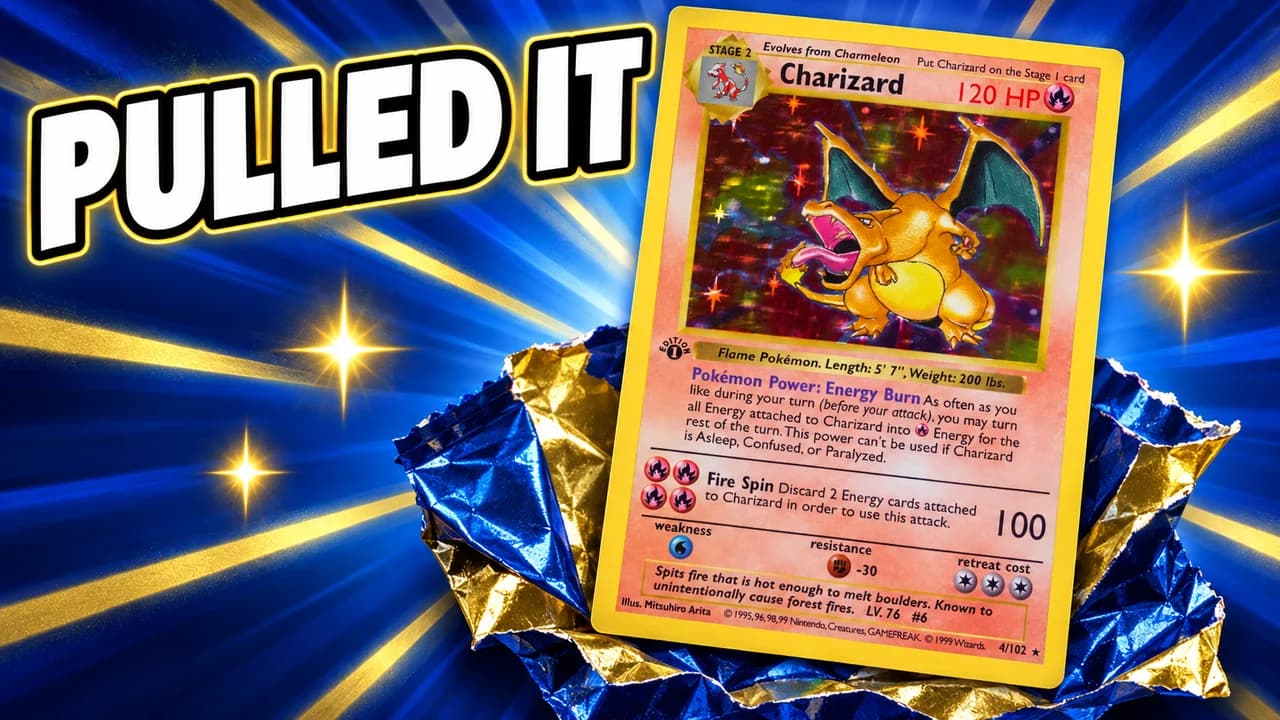
Every Pokémon fan reads type colours: yellow for Electric, orange and red for Fire, blue for Water, purple for Psychic and Ghost. Use the type colour of your main Pokémon as the accent and keep the rest of the frame calm. Gold is for shinies, holo cards and rare finds, so save it for those.
Show a piece of the game
A small piece of the interface sets the stakes: battle HP bars in the red, a Poké Ball shaking, the encounter sparkle, a gym badge. It also tells fans which kind of video this is. For card videos, the pack and the card are the interface: show the foil wrapper tearing and the holo shine.
Five layouts for five kinds of video
Most Pokémon videos fit one of five shapes: shiny hunt, challenge run, pack opening, face cam or versus. The layout recipes above give the structure of each. Pick the one that matches the promise of your video, then change the Pokémon, the colour and the words. Using the same layout across a series helps returning viewers spot your next episode.
Text: short and bright
One to three words in heavy rounded capitals, yellow or white, with a thick dark outline: SHINY!, LAST BALL, ONLY MAGIKARP. The words should add what the image cannot say on its own. Compare heavy display fonts in the YouTube thumbnail fonts guide.
A Pokémon thumbnail background
Choose a real place that fits the story: tall grass for a route, a cave for a rare encounter, a stormy sky for a legendary, a meadow for a collection. Blur it and keep it simpler than the Pokémon. More ideas in the YouTube thumbnail backgrounds guide.
Size and checks
Upload at 1280 × 720 pixels, in 16:9; for file limits see the YouTube thumbnail size guide. Keep the bottom-right corner clear for the video length. Then put your thumbnail next to other Pokémon videos in the YouTube thumbnail preview and compare versions with the thumbnail tester.
No tool can predict how many people will click before a video is live. The real answer comes from YouTube. When you connect your channel, Base.Tube shows the real impressions and click-through rate of each video.