Thumbnail sketch
plan it small, then make it big.

A thumbnail sketch is a small, quick, rough drawing used to plan a composition before the real work. Artists, designers and animators make dozens of them to test ideas fast, and it is the best way to plan a YouTube thumbnail too. Below: what it is, how to do it, and 6 original examples of the hand-drawn sketch look as a finished thumbnail.

See all 6 examples

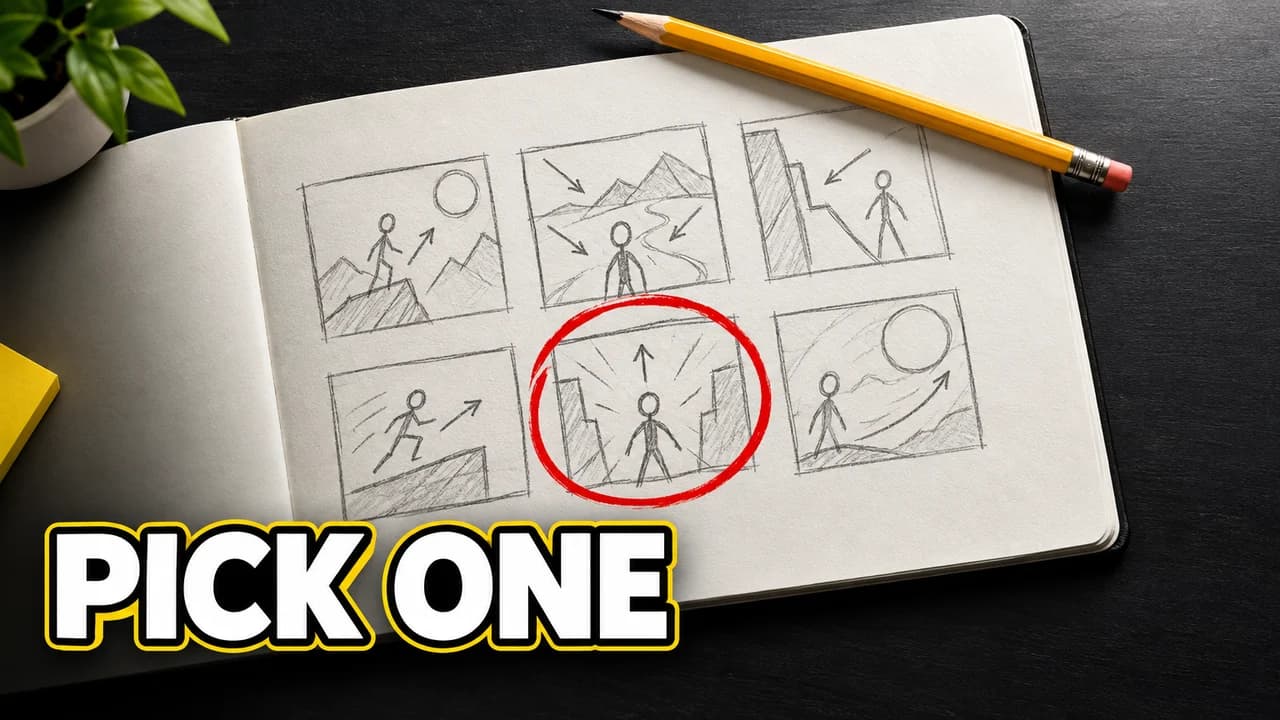
Thumbnail sketch-style example: a sketchbook page with six rough pencil stick-figure layouts, one circled in red, a yellow pencil, text PICK ONE
Planning grid: six ideas, one circled
Examples

6 Sketch-style thumbnail examples

Every example is an original image generated with Base.Tube: no real people, logos or copied thumbnails. Select one to see the prompt behind it.

  • Planning grid: six ideas, one circled
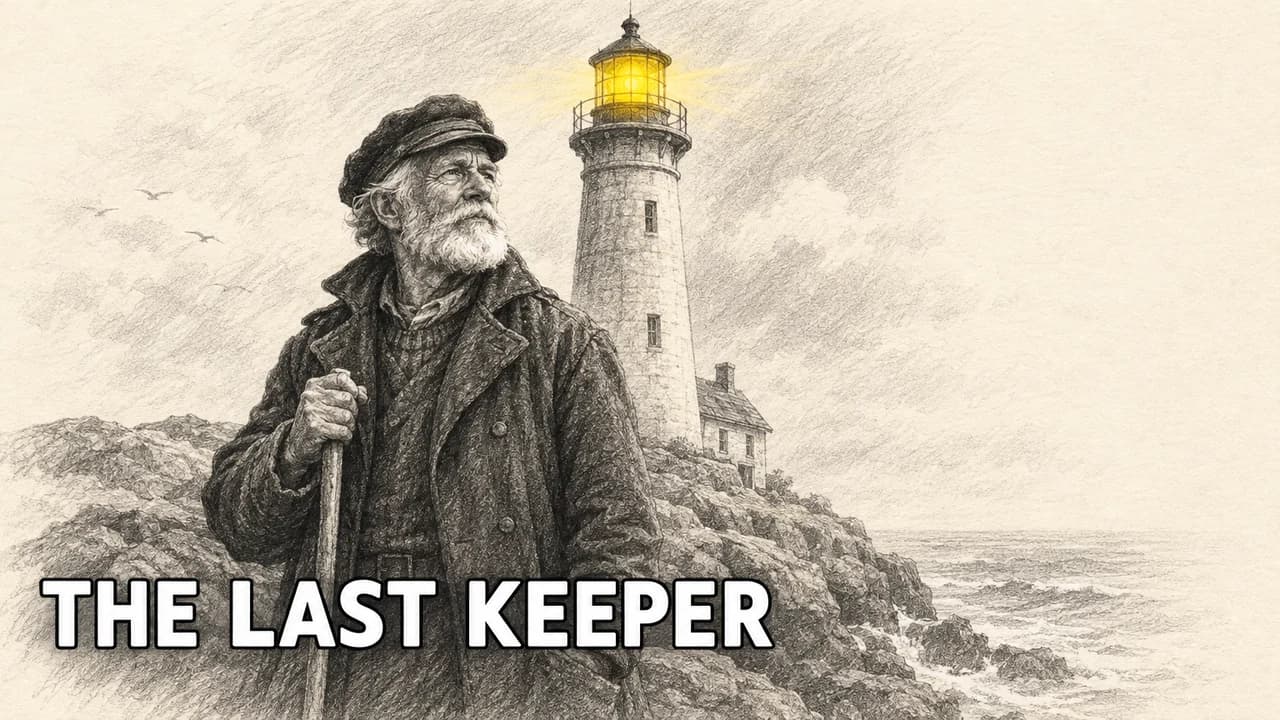
  • Pencil drawing: one highlighter accent
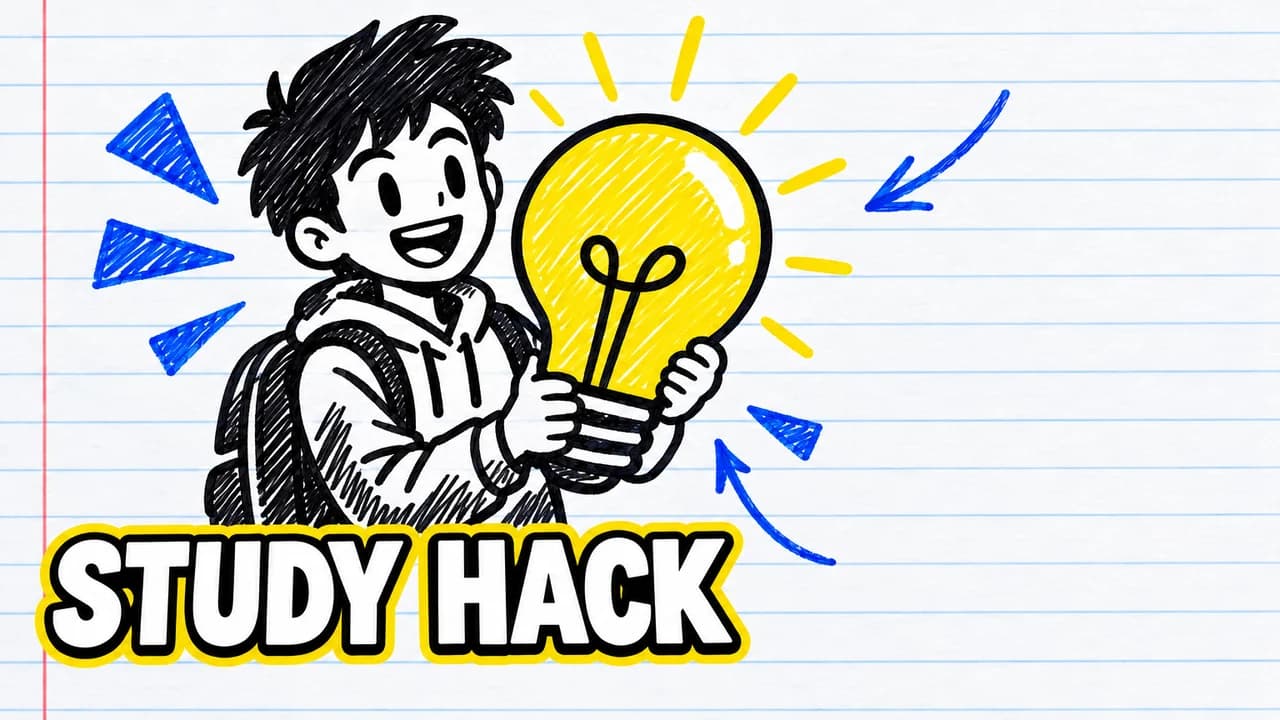
  • Marker doodle: notebook paper, flat colour
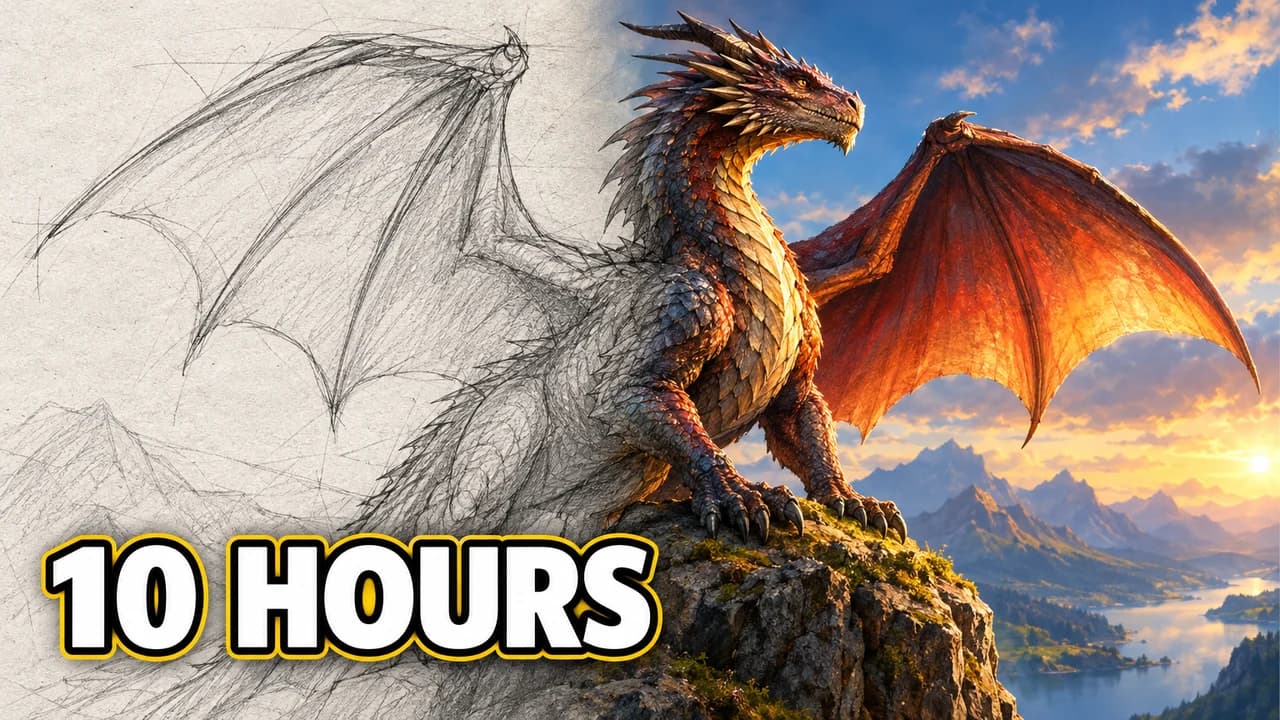
  • Sketch to final: from rough lines to colour
  • Pencil drawing: the pencil tip, up close
  • Marker doodle: whiteboard explainer look
Base.Tube Studio

Make a Sketch-style thumbnail for your next video.

Describe your video in one line. Base.Tube makes three Sketch thumbnails in your channel’s style, ready to download and test on YouTube.

  • Three ideas for each video
  • Your face and your channel’s style
  • Change anything in plain words
Generate a sketch-style thumbnail (opens in a new tab)
Style recipe

The Sketch thumbnail style, rule by rule

Palette

  • Paper cream #F6F0E1Sketchbook paper background
  • Graphite grey #4A4A4APencil lines and hatching
  • Marker black #151515Bold outlines and lettering
  • Highlighter yellow #FFE53BOne highlighted word or object
  • Ballpoint blue #2346B8Notes, arrows and doodles
  • Correction red #E8312FCircles and arrows on the key idea
Composition
One idea, drawn big, with the same thirds as any thumbnail: the subject on one side, the text space on the other. In the planning sketch, simple boxes and stick figures are enough.
Text
Hand-lettered capitals in marker, one to three words. Arrows and short notes in ballpoint can be part of the look.
Faces & expressions
Simplified, cartoon faces: big eyes, a clear mouth shape. Expression reads more than likeness.
Background
Paper texture, a notebook page or a desk with pencils. Keep it light so the lines read.
Props & details
  • Sketchbook page edges, spiral binding or graph paper
  • Pencil hatching and eraser smudges
  • One colour accent from a highlighter or marker
Layout recipes

Four layouts for Sketch thumbnails

  1. Planning grid

    Six small rough boxes on one page, each a different composition of the same video. Use it to show your process or to plan.

    Prompt idea16:9 YouTube thumbnail, sketchbook page with six small rough pencil thumbnail sketches in boxes, one circled in red, cream paper, marker caption PICK ONE, original characters, no real people

    Generate a Planning grid layout in the Base.Tube Studio (new tab)
  2. Pencil drawing

    The whole thumbnail as a clean pencil drawing with one colour accent. Use it for art channels, storytelling and essays.

    Prompt idea16:9 YouTube thumbnail, detailed pencil drawing of an original character on cream paper, one object coloured with yellow highlighter, hand-lettered title, original characters, no real people

    Generate a Pencil drawing layout in the Base.Tube Studio (new tab)
  3. Marker doodle

    Thick marker lines, flat colour, notebook paper. Use it for explainers, study tips and lighthearted videos.

    Prompt idea16:9 YouTube thumbnail, thick black marker doodle on lined notebook paper, cartoon character with a light bulb, flat yellow and blue colour, hand-lettered caption, original characters, no real people

    Generate a Marker doodle layout in the Base.Tube Studio (new tab)
  4. Sketch to final

    Half rough sketch, half finished image, blending in the middle. Use it for process, design and art-progress videos.

    Prompt idea16:9 YouTube thumbnail, left half a rough pencil sketch, right half the same scene fully painted in colour, blending in the middle, original characters, no real people

    Generate a Sketch to final layout in the Base.Tube Studio (new tab)

What a thumbnail sketch is

A thumbnail sketch is a small, quick, rough drawing that plans a composition. The name comes from its size: about as small as a thumbnail. It shows big shapes and placement, where the subject sits, where the empty space is, where text could go, and nothing else. No detail, no shading beyond a few tones.

Artists, illustrators, graphic designers, animators and comic artists use thumbnail sketches all the time. A page of ten of them takes a few minutes, and comparing them side by side shows which composition works before any real time is spent. That is the purpose of a thumbnail sketch: explore many ideas fast, then commit to the best one.

Why YouTube creators should sketch first

A YouTube thumbnail is seen small, on a phone, in a grid of other images. A thumbnail drawing that is tiny and rough is a surprisingly good preview of that experience. If an idea is not clear as a ten-second sketch in a small box, it will not be clear as a finished image either.

Sketching also stops you from polishing the first idea that comes to mind. Six quick thumbnail sketches almost always include a stronger version: a closer crop, a different angle, the object bigger, the text on the other side.

How to sketch a thumbnail in five minutes

  • Draw six to ten 16:9 boxes on one page, small, about the size of a phone thumbnail.
  • One idea per box. Circle for a face, a simple shape for the object, lines for text.
  • Vary one thing each time. Crop, angle, size of the subject, side of the text.
  • Shade the bottom-right corner in every box. YouTube puts the video length there.
  • Step back and pick. The clearest box from arm's length wins.
  • Build it. Recreate the winning sketch in your editor, or describe it in the Base.Tube Studio and generate it.

The hand-drawn look as a style

A sketch thumbnail can also be the final image. Pencil drawings, marker doodles on notebook paper and whiteboard-style drawings stand out in a feed full of photos, and they signal a handmade, human video. They suit art and design channels, study tips, explainers and storytelling.

To keep a drawn thumbnail readable:

  • Bold lines. Thin pencil vanishes at small size; go over the main outlines in marker.
  • One colour accent. A highlighter yellow object on grey graphite draws the eye instantly.
  • Hand-lettered text, big. One to three words.
  • Light paper background. Cream or white, so the lines contrast.

Check it at real size

Whether you are judging sketches or a finished drawing, look at it small. Place it among real videos with the YouTube thumbnail preview, compare two versions in the thumbnail tester, and export at 1280 × 720 (see the YouTube thumbnail size guide).

Checklist

Do this, not that

Do

  • Sketch at least six rough ideas before making the real thumbnail.
  • Draw your sketches in 16:9 boxes, small, so you judge them at feed size.
  • Mark where the text and the bottom-right timestamp will go.
  • For a drawn look, keep one colour accent and bold lines.
  • Leave the bottom-right corner clear for the video length.

Don't

  • Don't polish your first idea; the first sketch is rarely the best.
  • Don't add detail to a planning sketch; shapes and placement are enough.
  • Don't use thin pencil lines alone in a final thumbnail; they vanish when small.
  • Don't trace someone else's artwork or thumbnail.
FAQ

Questions about Sketch thumbnails

What is a thumbnail sketch?
A thumbnail sketch is a small, fast, rough drawing used to plan a composition. It shows where the main shapes, the subject and the empty space go, without detail. Artists, illustrators, designers and animators make many of them in a few minutes to compare ideas before committing to a final piece.
What is the purpose of a thumbnail sketch?
To explore ideas quickly and cheaply. Because each sketch takes a minute or less, you can try ten compositions, spot the strongest one and avoid spending hours on a weak idea. Small size also forces you to think about big shapes and readability, which is exactly what matters in a YouTube thumbnail.
How do I sketch a YouTube thumbnail?
Draw six to ten small 16:9 rectangles on a page. In each, sketch one version of the idea with simple shapes: a circle for a face, a box for the object, lines for text. Shade the bottom-right corner as a reminder to keep it clear. Pick the clearest one, then build it in your editor or describe it to the Base.Tube Studio.
What are some thumbnail sketch examples?
A page of six boxes, each with a stick figure and an object placed differently, is a typical planning example. In this gallery, the planning grid shows that process, while the other examples show the hand-drawn look used as a finished thumbnail: pencil drawings, marker doodles and sketch-to-final splits.
Can a sketch-style thumbnail work on YouTube?
Yes, especially for art, design, study and explainer channels. It stands out among photos and signals a human, handmade video. Use bold lines and one colour accent so it stays readable at phone size.
Base.Tube Studio

Make a Sketch-style thumbnail
for your next video.

Describe your video, pick a layout, and generate options in the Base.Tube Studio. Once the video is live, connect your channel to see its real impressions and click-through rate.