


YouTube thumbnail face
the open mouth, and what to do instead.

The YouTube thumbnail face is the wide-open mouth, raised eyebrows and hands-on-cheeks look that filled the platform and became a meme of its own. It exists because faces with strong emotions catch the eye in a crowded feed. Below: 6 original examples, from the classic shock to quieter faces that match the video better.

See all 6 examples

YouTube face thumbnail: a young man with mouth wide open and hands on his cheeks next to a cracked egg with a gold yolk, cyan background, text GOLD?
Classic shock: hands on cheeks, gold yolk
Examples

6 YouTube face-style thumbnail examples

Every example is an original image generated with Base.Tube: no real people, logos or copied thumbnails. Select one to see the prompt behind it.

  • Classic shock: hands on cheeks, gold yolk
  • Quiet face: calm curiosity for an essay video
  • Matching emotion: disgust for a taste test
  • Eyes to the subject: the jellyfish is the star
  • Matching emotion: determination, not shock
  • Classic shock, as a joke: the cat makes the face
Base.Tube Studio

Make a YouTube face-style thumbnail for your next video.

Describe your video in one line. Base.Tube makes three YouTube face thumbnails in your channel’s style, ready to download and test on YouTube.

  • Three ideas for each video
  • Your face and your channel’s style
  • Change anything in plain words
Generate a thumbnail with a strong face (opens in a new tab)
Style recipe

The YouTube face thumbnail style, rule by rule

Palette

  • Skin warm #F2B38CEvenly lit, slightly warm skin that pops on cool backgrounds
  • Pop cyan #14C8F0Clean, cool backgrounds behind the face
  • Pop yellow #FFD21FBack-glow and short captions
  • Edge white #FFFFFFThin outline around the cut-out
  • Contrast navy #0D1B3DText outline and dark backgrounds
Composition
The face takes a third to a half of the frame, on the left or right. The subject of the video sits on the other side. Eyes are sharp and clearly visible.
Text
Optional, one to three words on the side away from the face. Often none: the face is the message.
Faces & expressions
One emotion, pushed a little past natural: shock, joy, fear, disgust, confusion, determination. The expression should match what the video makes the viewer feel.
Background
Simple and colourful, or the subject of the video slightly blurred. Nothing that competes with the eyes.
Props & details
  • Hands on cheeks, on the head, or covering the mouth
  • A pointing finger toward the subject
  • Glasses pulled down, eyebrows raised
Layout recipes

Four layouts for YouTube face thumbnails

  1. Classic shock

    The open mouth, wide eyes and hands on the cheeks. Use it when the video really contains a shocking moment.

    Prompt idea16:9 YouTube thumbnail, original person with mouth wide open and hands on cheeks, wide eyes, bright cyan background, the surprising subject on the other side, original characters, no real people

    Generate a Classic shock layout in the Base.Tube Studio (new tab)
  2. Quiet face

    A calm, curious or serious face. Use it for explainers, essays and documentaries; it signals trust instead of hype.

    Prompt idea16:9 YouTube thumbnail, close-up of an original person with a calm curious expression looking at an object, soft natural light, minimal text, original characters, no real people

    Generate a Quiet face layout in the Base.Tube Studio (new tab)
  3. Matching emotion

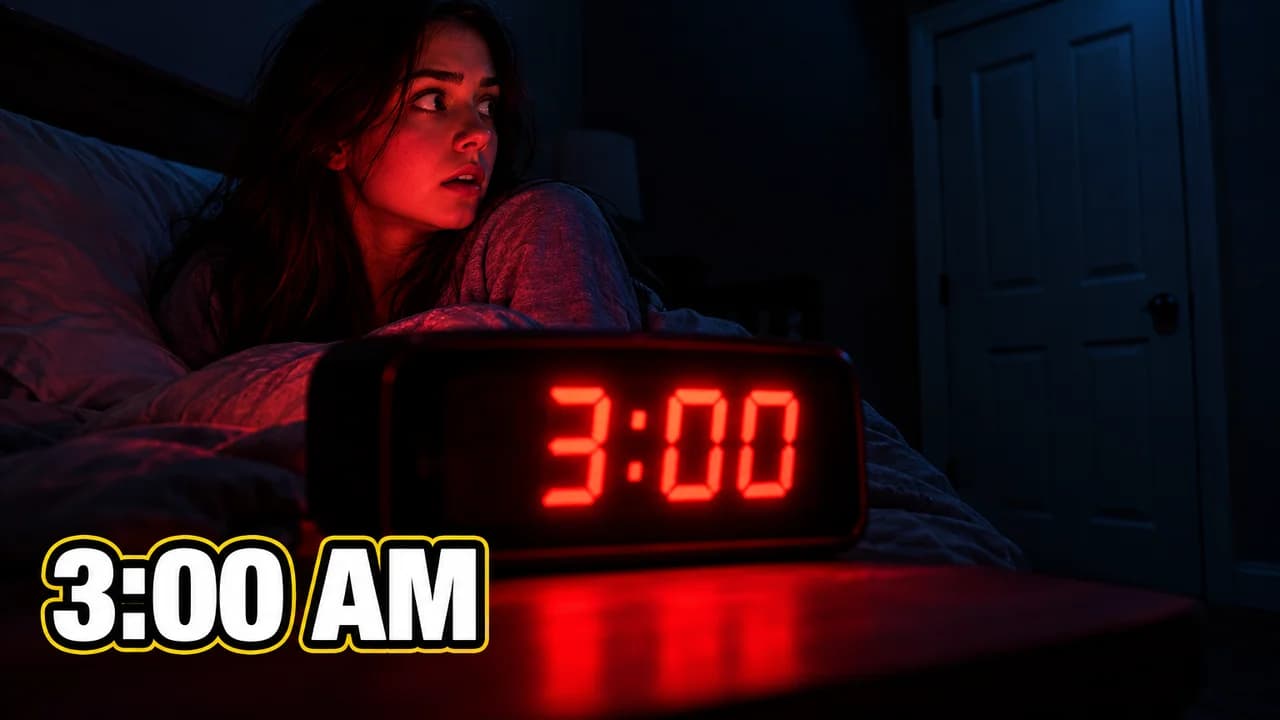
    The face shows the exact emotion the video delivers: disgust for a taste test, fear for horror, pride for a finished build.

    Prompt idea16:9 YouTube thumbnail, original person with a disgusted grimace next to a strange food, clean yellow background, original characters, no real people

    Generate a Matching emotion layout in the Base.Tube Studio (new tab)
  4. Eyes to the subject

    The face turned toward the subject so the viewer's eye follows. Use it whenever the subject matters more than the person.

    Prompt idea16:9 YouTube thumbnail, original person on the left looking and pointing at a glowing object on the right, eyes clearly toward it, original characters, no real people

    Generate a Eyes to the subject layout in the Base.Tube Studio (new tab)

What "YouTube face" means

Scroll any YouTube home page and you will find it: a face with the mouth wide open, eyebrows high, hands on the cheeks or the head. That expression became so common that people gave it a name, YouTube face, and the YouTube face meme was born. It is the most recognisable thumbnail face on the platform.

It did not appear by accident. Creators noticed that faces catch the eye first in a grid of small images, and that a strong emotion makes people ask what caused it. A big, clear expression also stays readable when the thumbnail shrinks to phone size. So the face got bigger and the emotion got stronger, until it became a cliché.

Why it still works, and when it doesn't

The shocked face thumbnail still works when the video really contains a shocking moment. It fails when it is used on everything. Viewers learn that the face means nothing, and on a calm tutorial or a documentary it attracts people who expected chaos, then leave.

The better rule is simple: the face is a promise about the feeling of the video. Shock for a shocking reveal. Disgust for a taste test. Calm curiosity for an essay. Determination for a challenge. YouTube thumbnail faces that match the video bring the viewers who will enjoy it.

How to shoot a strong thumbnail face

  • Light: soft, even light from the front. Shadows in the eye sockets kill the expression at small size.
  • Lens: shoot from slightly above or at eye level, close enough that the face fills the frame.
  • Emotion: think of something that really causes it, then push it a little further than natural.
  • Many takes: keep the shot where the eyes and the mouth agree.
  • Direction: turn the eyes or a pointing finger toward the subject, so the viewer looks where you look.
  • Cut-out: a thin white edge and a soft shadow separate the face from the background.

For a full set of reusable faces, see our page on reaction thumbnails.

Placement and size

Put the face on the left or right third, taking up a third to half of the frame. Put the subject on the other side, and any text, one to three words, away from the face. Keep the bottom-right corner clear, because YouTube shows the video length there. Plain, colourful backgrounds such as cyan or yellow make skin tones pop; the YouTube thumbnail backgrounds guide has more ideas.

Use the meme on purpose

The shocked face is now also a joke. A cat "making" the face, or a parody of the open mouth next to a crumb, tells the viewer the video does not take itself seriously. For more of that, see YouTube thumbnail memes and the speech-bubble zamn thumbnail.

Test before you upload

Check the face at feed size in the YouTube thumbnail preview and compare a loud face with a quieter one in the thumbnail tester. Export at 1280 × 720 (see the YouTube thumbnail size guide).


Checklist

Do this, not that

Do

  • Match the face to the feeling the video really delivers.
  • Light the face evenly so the eyes are sharp at phone size.
  • Turn the eyes or a finger toward the subject of the video.
  • Use your own face, or one consistent synthetic character.
  • Leave the bottom-right corner clear for the video length.

Don't

  • Don't default to the shocked face on every video; it stops meaning anything.
  • Don't use a creator's or celebrity's face.
  • Don't let the face cover the subject the video is about.
FAQ

Questions about YouTube face thumbnails

What is the YouTube thumbnail face?
It is the exaggerated expression, usually an open mouth, wide eyes and raised eyebrows, that became standard on YouTube thumbnails and then a running joke. People call it "YouTube face". It came from creators noticing that strong emotions on a large, clear face catch the eye in a feed full of small images.
Why do YouTubers make that face in thumbnails?
Because people notice faces first, and a strong emotion raises a question: what caused it? A big readable expression also survives being shrunk to phone size. The problem is overuse: when every thumbnail shows the same shock, the face stops telling the viewer anything about the video.
Do I need a face in my thumbnail?
No. Many successful thumbnails show only an object, a place or a result. A face helps when the video is about a person's experience or reaction. If you include one, make sure its emotion matches the video.
What is a good alternative to the shocked face?
The emotion the video actually delivers. Curiosity for an explainer, disgust for a taste test, determination for a challenge, calm for a documentary. Each one is a promise about the video, and an accurate promise keeps viewers watching.
How big should the face be in a thumbnail?
Roughly a third to a half of the frame, with the eyes clearly visible. Smaller faces lose their expression on phones. Check it with the YouTube thumbnail preview at the smallest size.
Base.Tube Studio

Make a YouTube face-style thumbnail
for your next video.

Describe your video, pick a layout, and generate options in the Base.Tube Studio. Once the video is live, connect your channel to see its real impressions and click-through rate.