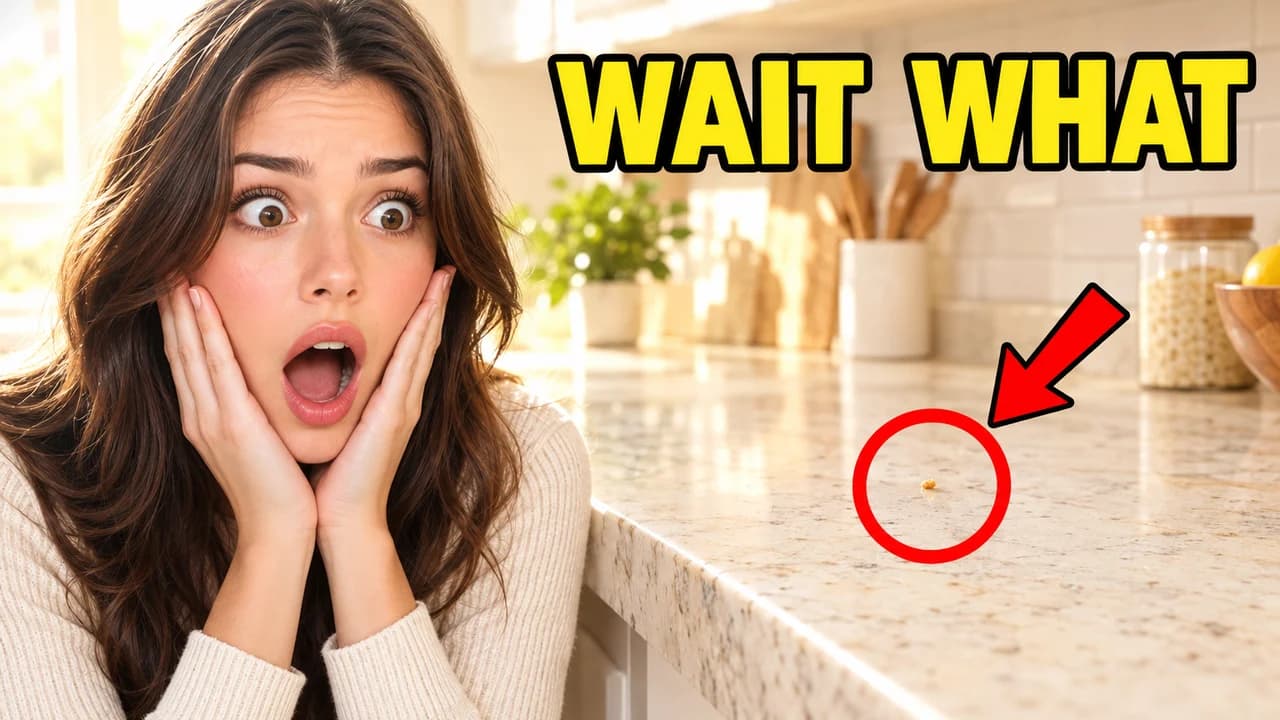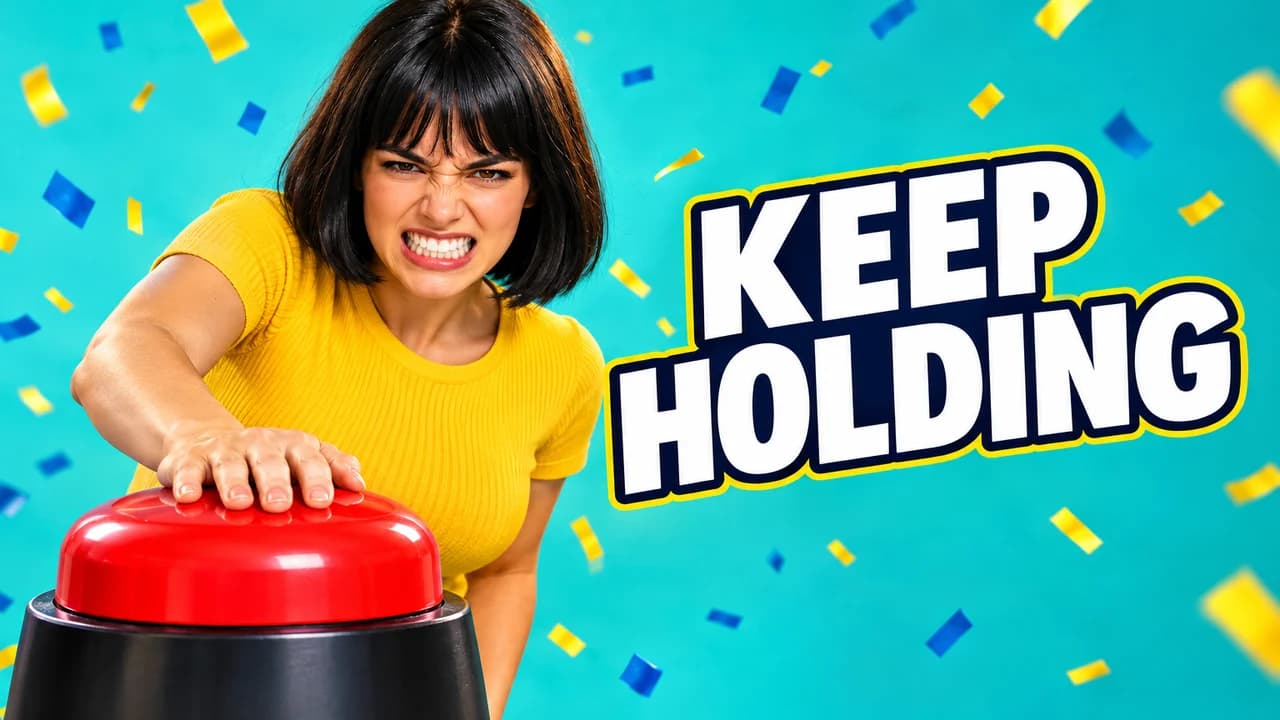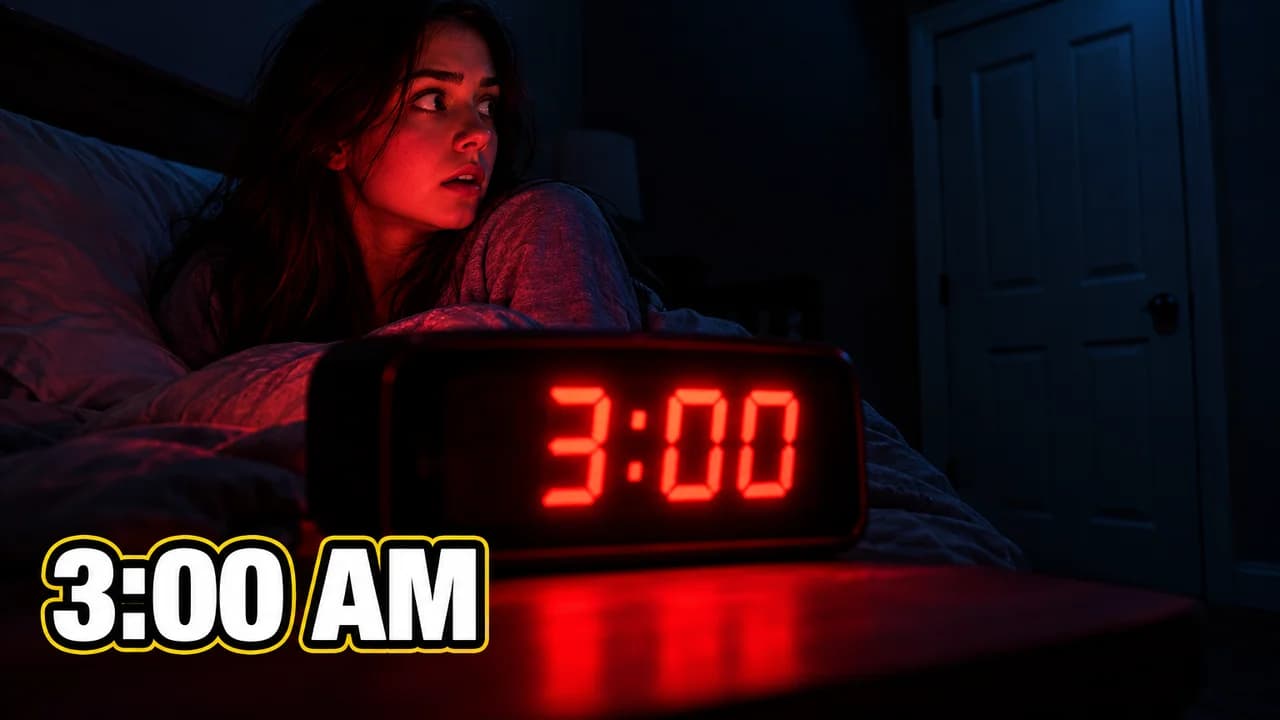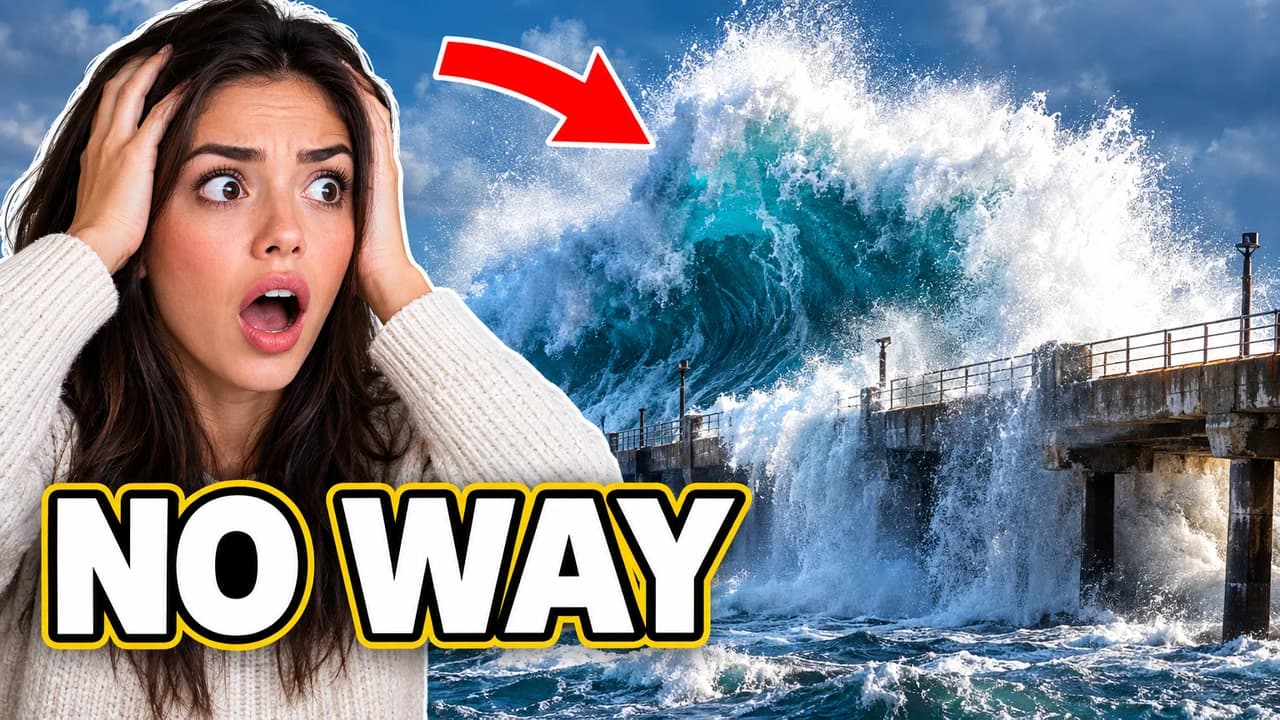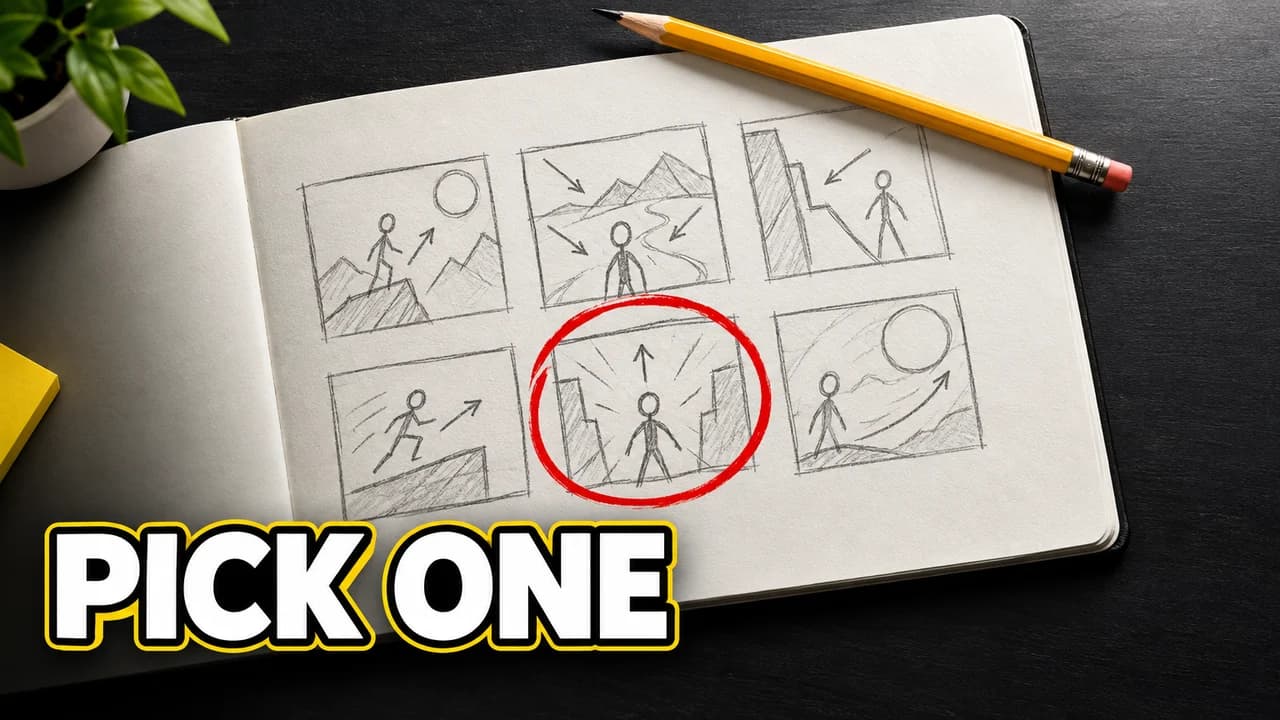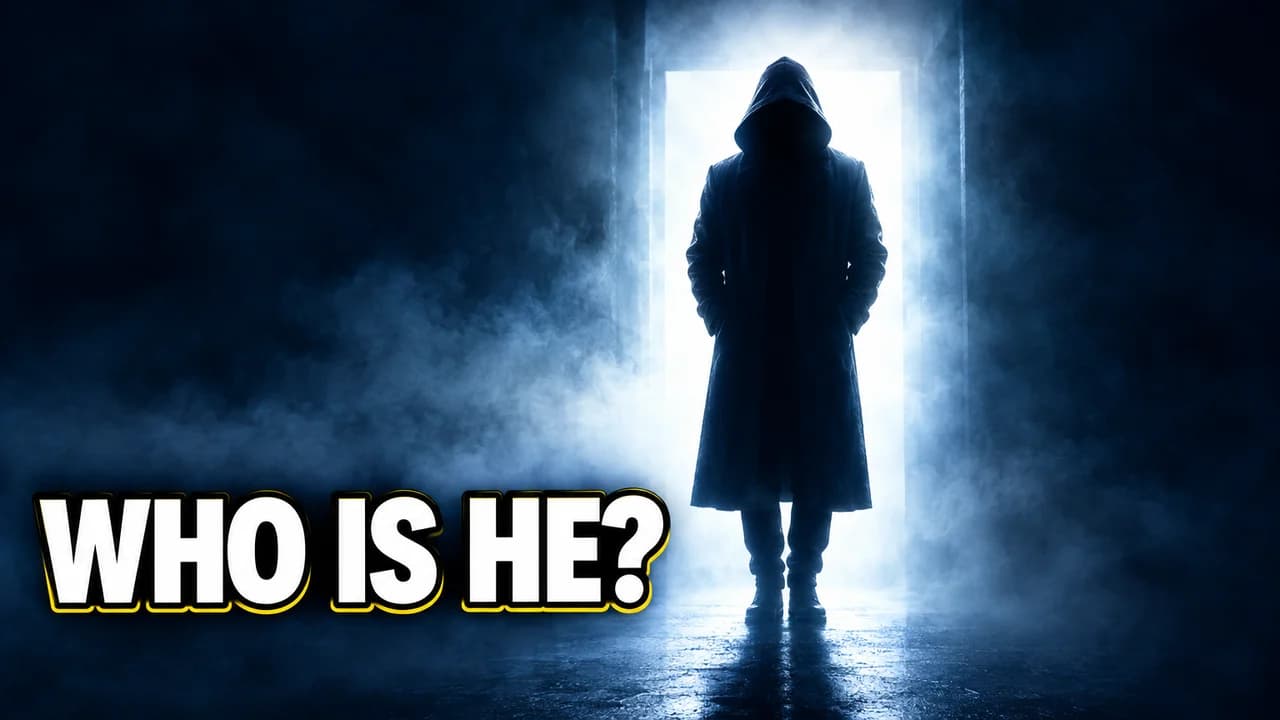

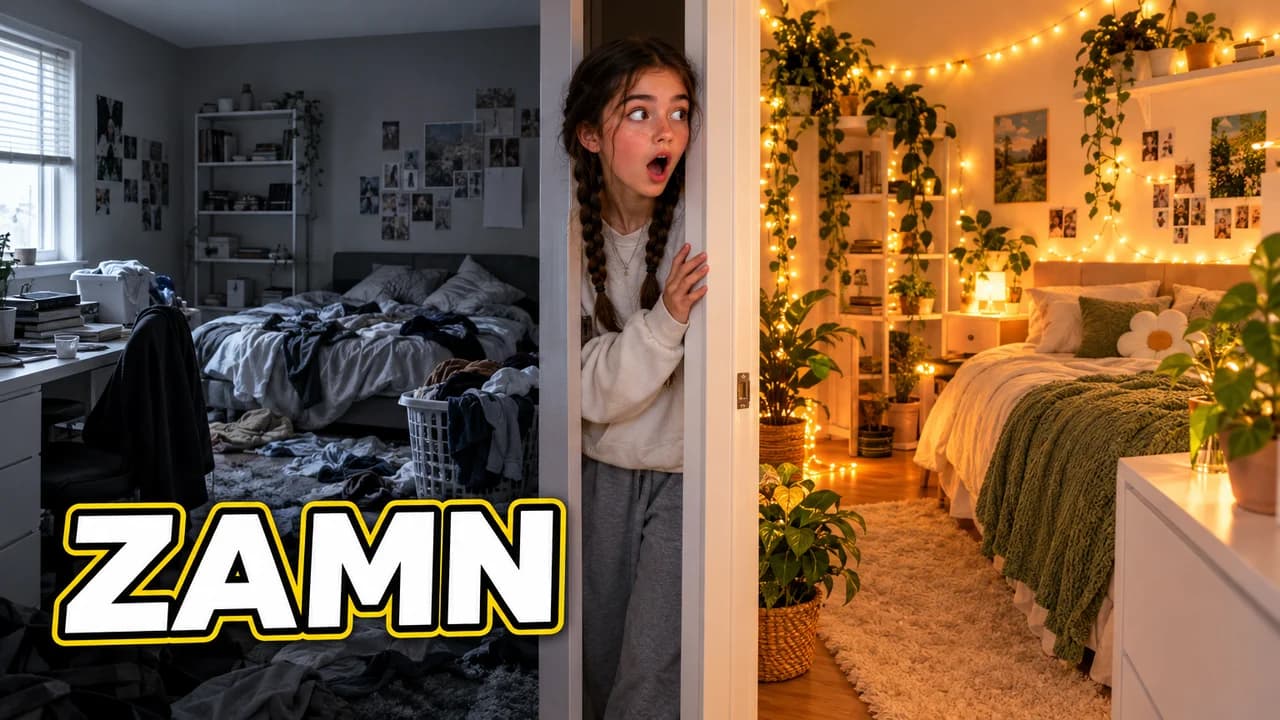
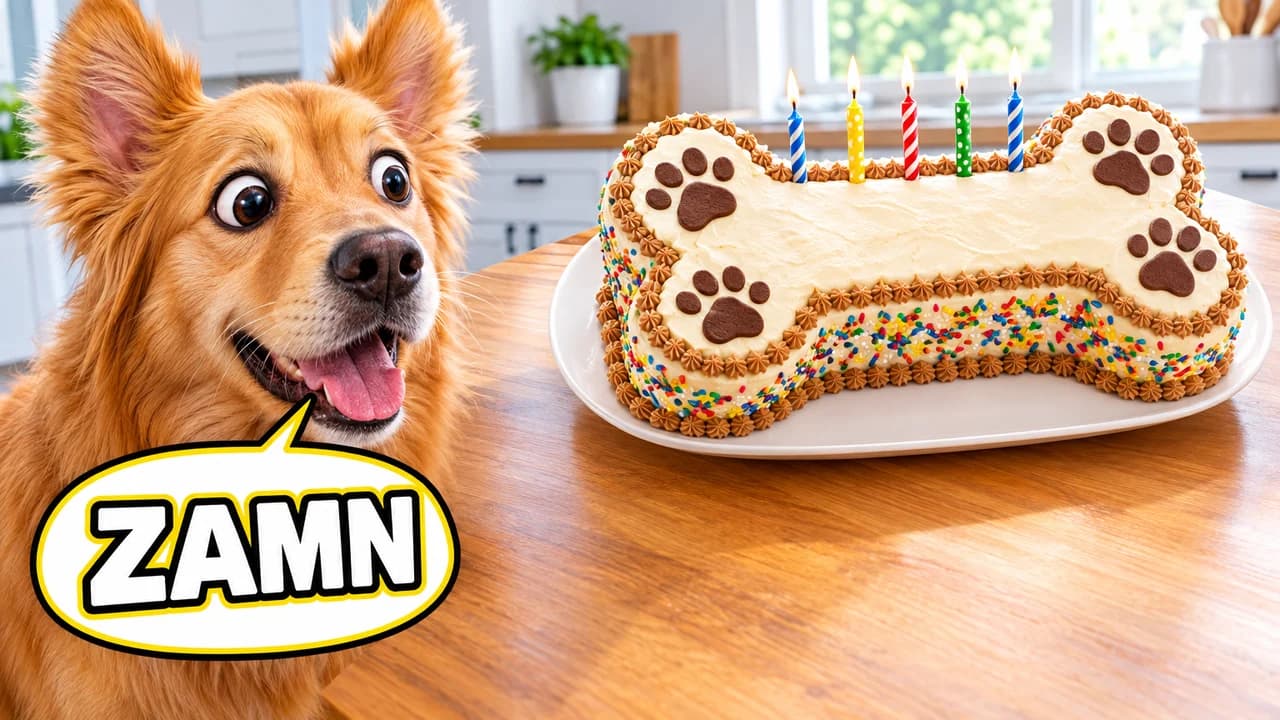
What a zamn thumbnail is
A zamn thumbnail is a reaction in two parts: a face and a speech bubble. The face looks at something impressive. The bubble says "ZAMN", a deliberately silly spelling of "damn". It is a speech bubble thumbnail in its simplest form, and nothing else is needed. The viewer reads the word, follows the eyes and sees the thing that caused it.
The format became famous in 2021. A family-vlog channel posted a "guess her age" video whose thumbnail showed the husband reacting with a "zamn" bubble to a blurred photo, under the caption "she's 12?". The woman in the photo was an adult, but the thumbnail was so awkward that people shared it as a textbook case of clickbait. By late 2021 the word "zamn" had a life of its own, and the bubble became an editable meme.
This page keeps the useful part, the speech-bubble reaction, and leaves the original joke behind. Every example points the reaction at an object, a place or a pet.
Why the speech bubble works
Most reaction thumbnails show a face and hope the viewer guesses the emotion. The bubble removes the guessing. It tells the viewer exactly what the person thinks, in one word, in a shape everyone has read since comic books. Because the word is short, it stays readable at phone size, and the bubble's white fill gives it a clean background even on a busy photo.
The meme also brings a tone. People who know "zamn" read the thumbnail as a light, self-aware joke, not a serious review.
How to build one
- Pick the impressive thing first. It must be clear at a glance: a towering burger, a shiny car, a finished room, a huge view.
- Place the face on the other third. Eyes on the object, eyebrows up, mouth slightly open. Impressed, not terrified.
- Draw the bubble by the mouth. White fill, thick black outline, the tail pointing at the speaker. One word inside, in a heavy comic font.
- Add one accent at most. A heart-eye emoji or a few extra letters (ZAMNNN). More than that is clutter.
- Keep the bottom-right corner empty. YouTube puts the video length there.
Variations that keep it fresh
The glow-up layout puts the bubble over the "after" half of a before-and-after split, which suits makeovers and renovations. The pet layout lets a dog or a cat do the reacting, which is funny and avoids any awkward reading. The group layout gives each friend a bubble, ideal for taste tests and unboxings. For more reaction formats, see our pages on reaction thumbnails and the YouTube thumbnail face.
Check it at real size
Speech bubbles shrink fast. Put your draft in the YouTube thumbnail preview and check that ZAMN is still readable at the smallest size, then compare two versions in the thumbnail tester. Export at 1280 × 720; the YouTube thumbnail size guide has the current limits. No tool can predict clicks in advance; the real numbers come from YouTube Studio once the video is live.