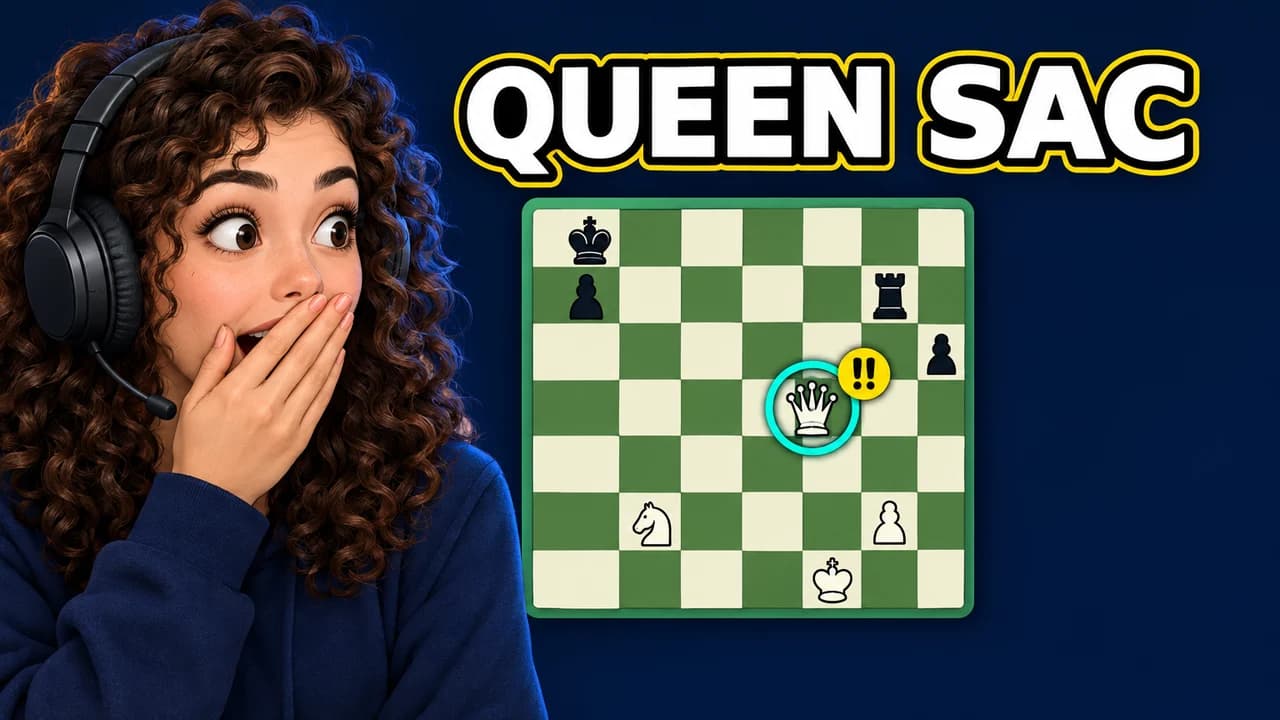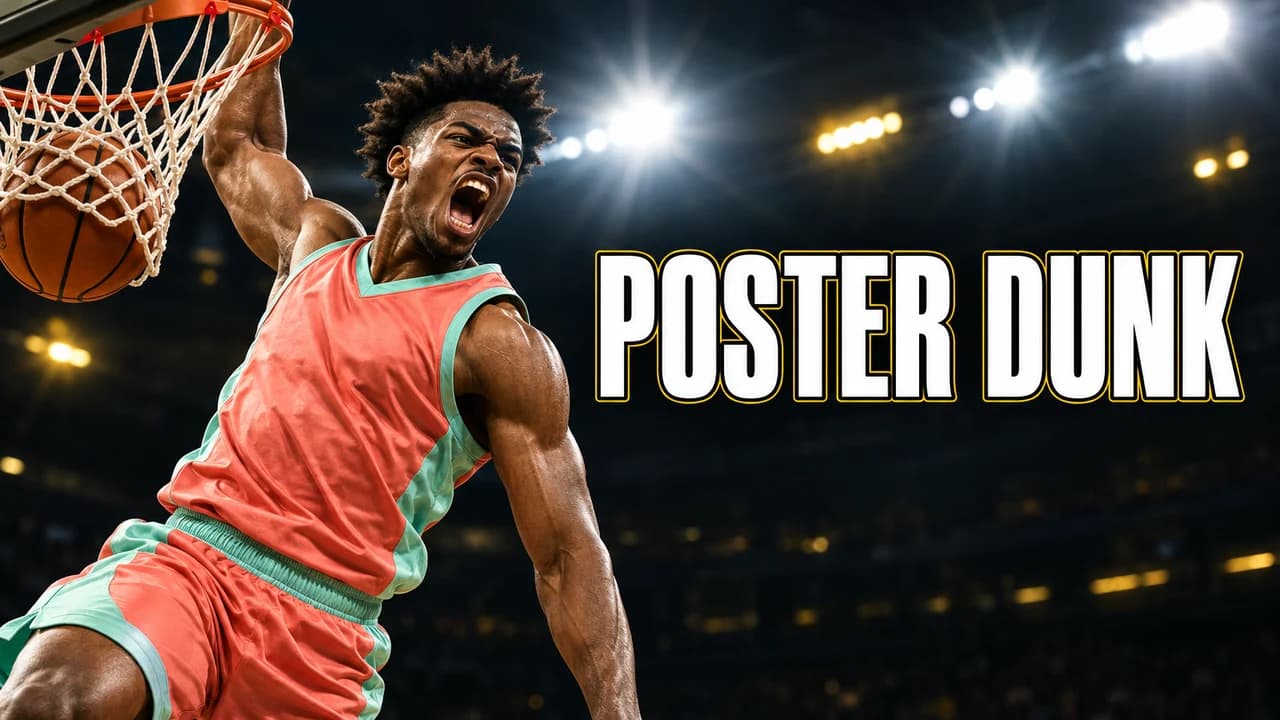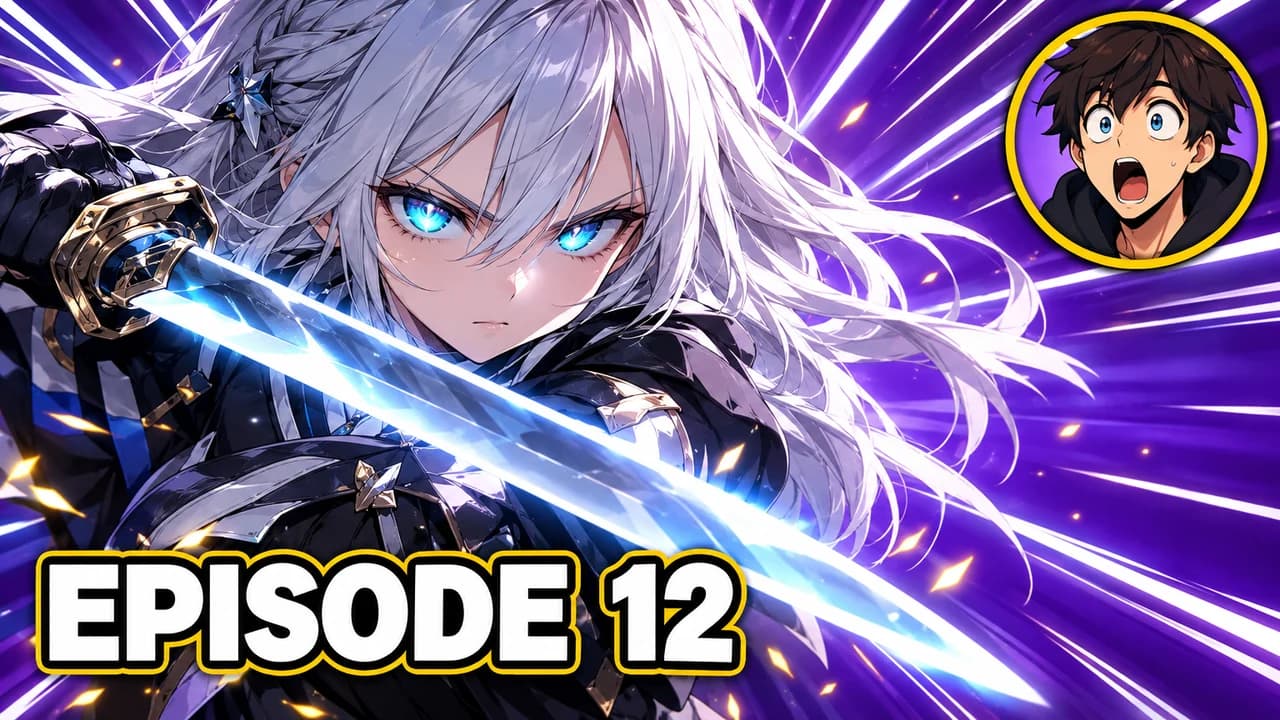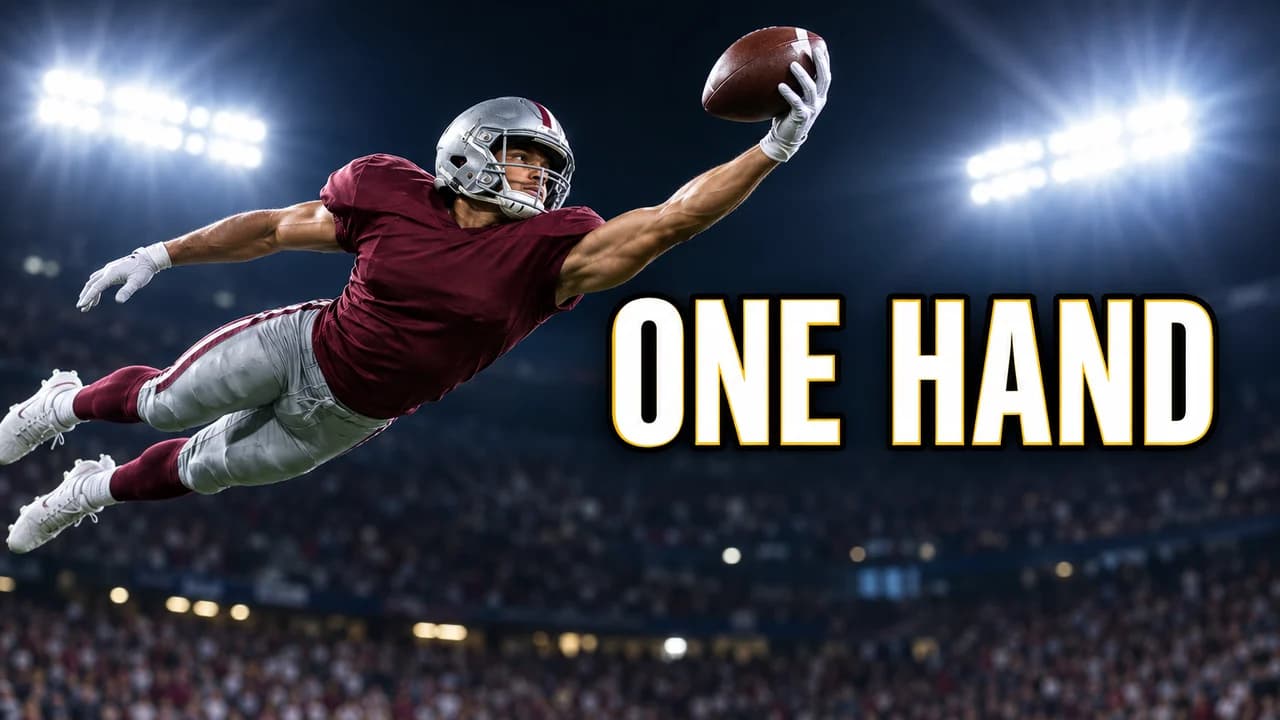
A Shorts cover is a different object
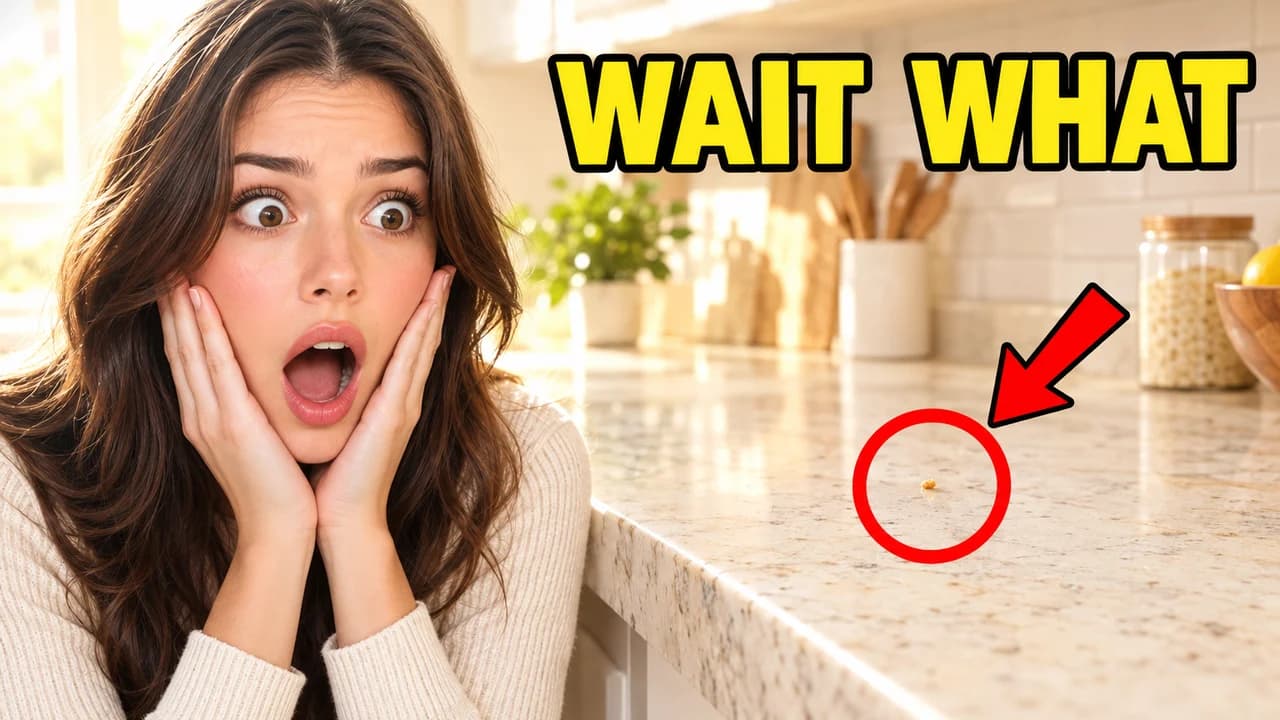
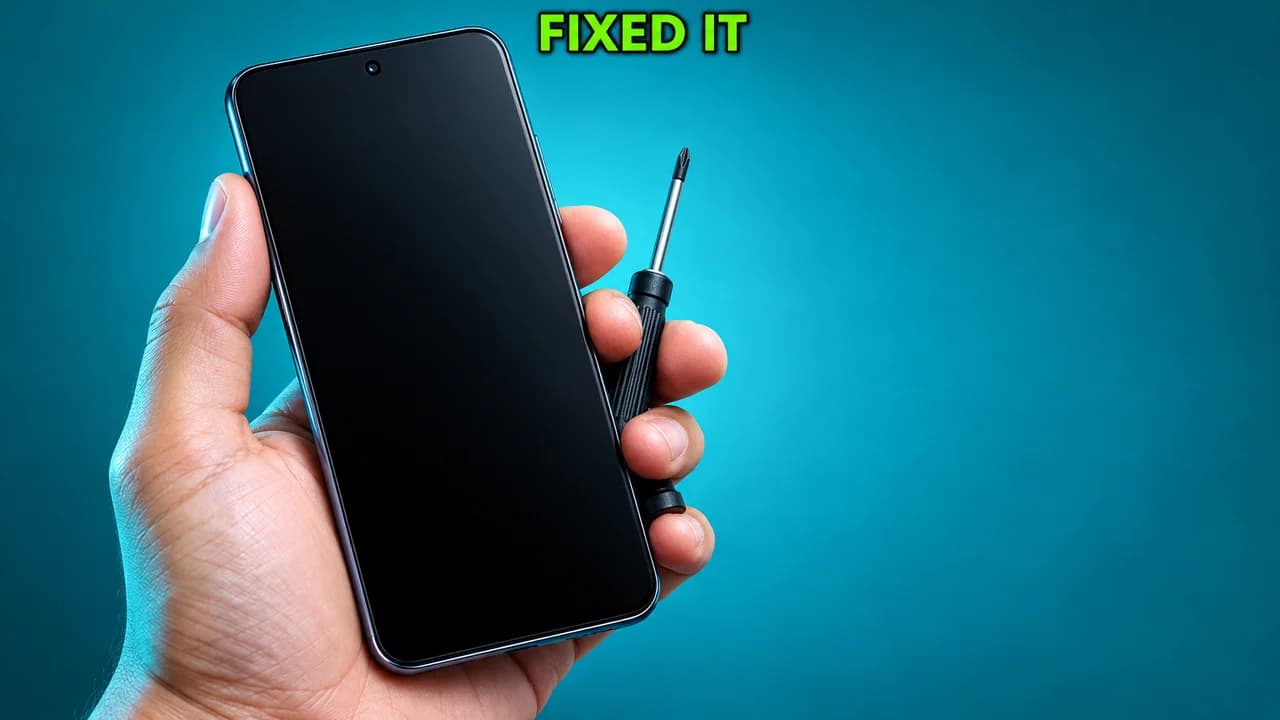
A regular YouTube thumbnail is a 16:9 image that sells a video before anyone sees it. A YouTube Shorts thumbnail works differently. In the swipe feed, the Short starts playing straight away, so nobody sees the cover there. The cover matters where Shorts appear as tiles: your channel's Shorts tab, search results and hashtag pages. There, viewers compare several vertical tiles side by side and pick one.
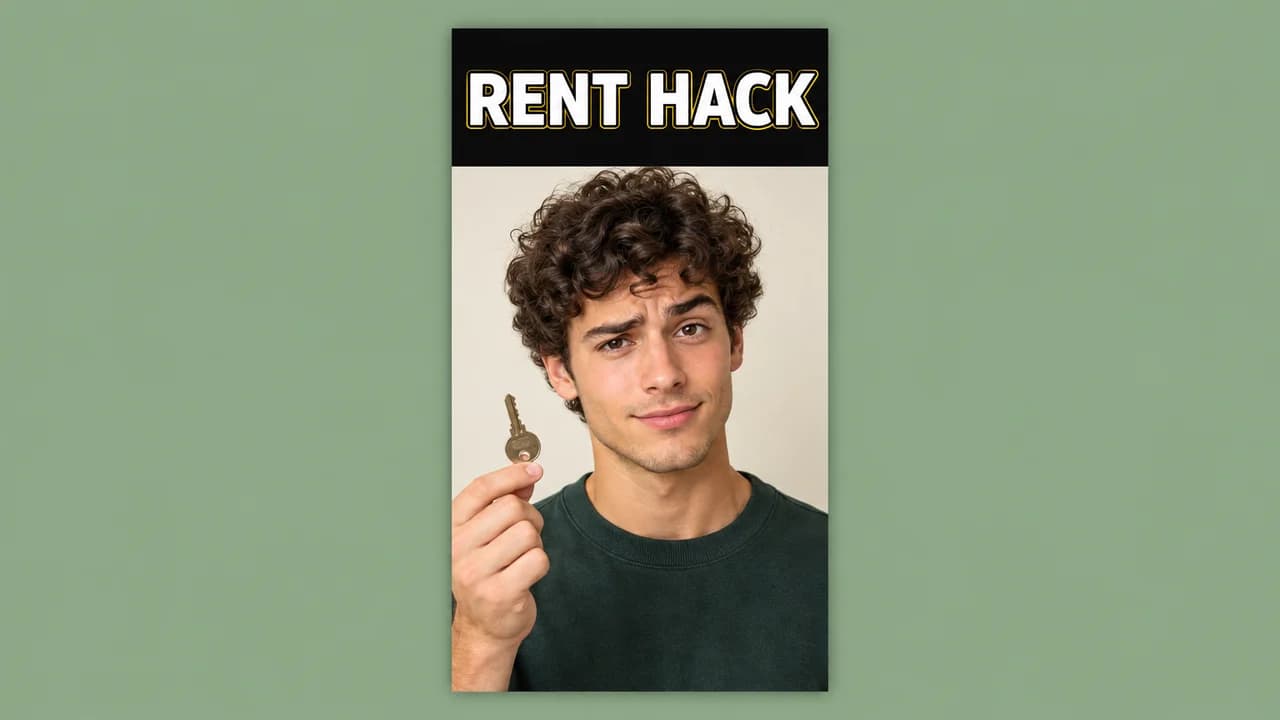
That changes the design. The frame is 9:16, tall and narrow. The tile is small. And parts of it can be covered by the title or by buttons, depending on where it is shown.
The safe middle band
Put everything important in the middle of the frame: the face, the object and the words. Leave the top and bottom edges for background. A rule that works everywhere: if you split the cover into five horizontal strips, keep the text and the subject inside the middle three.
How to change a Shorts thumbnail
YouTube offers two routes, and they are not the same.
- In the YouTube app: you choose a frame from the Short, before you upload or later from your video list (More, then Edit). You can add text and filters to that frame.
- In YouTube Studio on a computer: you can upload your own image. Open Content, choose Shorts, edit the Short and click Upload file under Thumbnail. YouTube says this needs a verified account and that changes can take time to appear.
If you only use your phone, a simple trick is to start the Short with your designed cover as a still for a moment, then select that frame.
Size
YouTube recommends a 9:16 image for Shorts covers, with 2160 × 3840 pixels as the recommended resolution and a minimum height of 640 pixels. Designing at 1080 × 1920 keeps the same shape with a lighter file. For regular videos, the YouTube thumbnail size guide has the 16:9 numbers.
Five layouts for Shorts
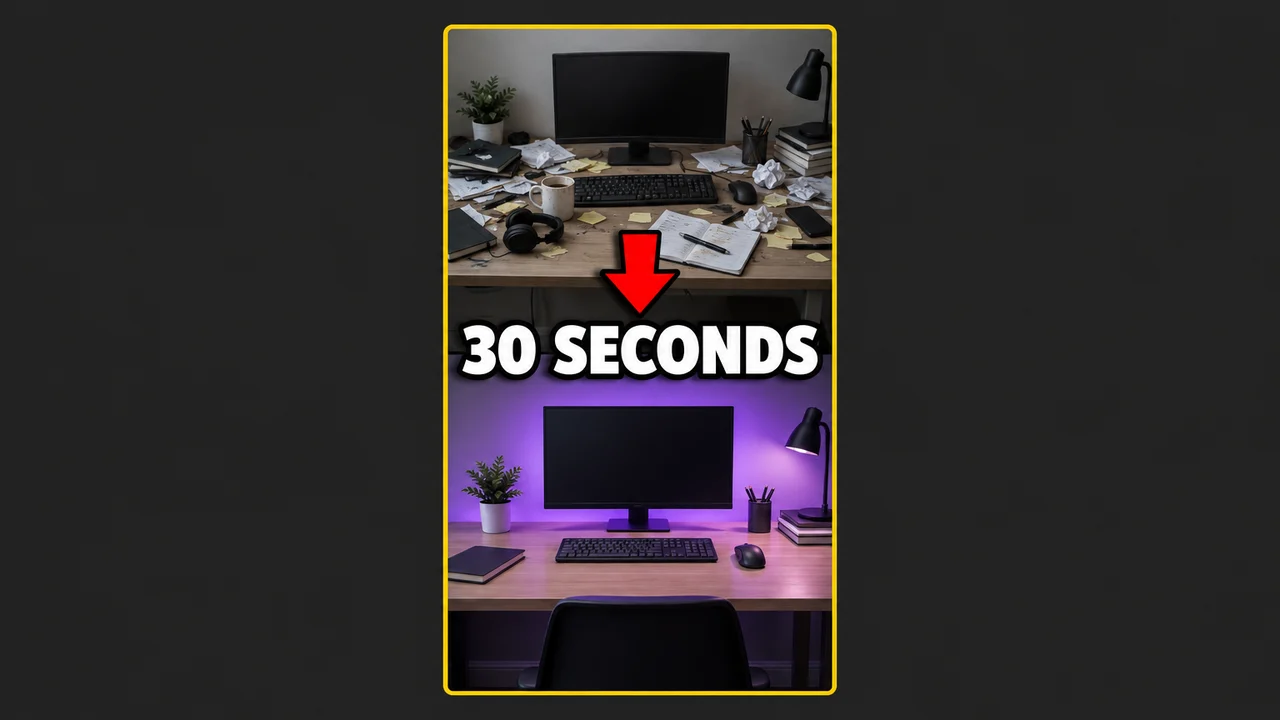
- Before and after: two stacked halves, the result at the bottom.
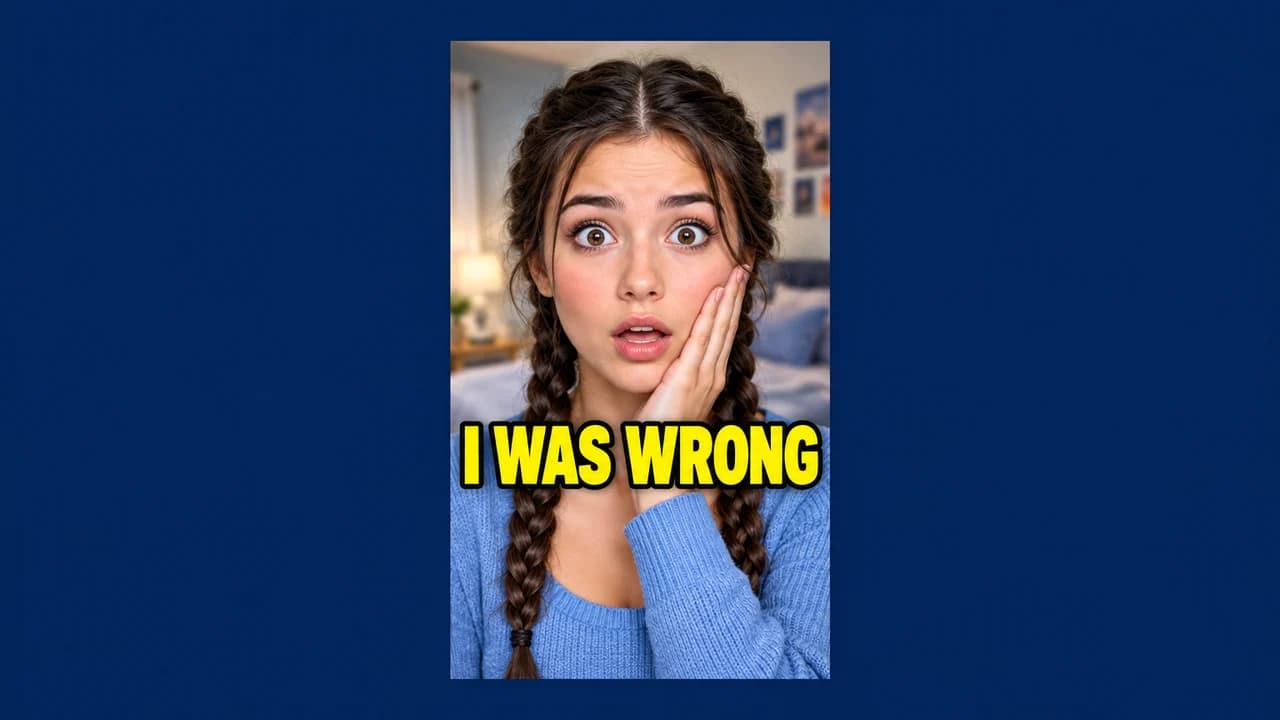
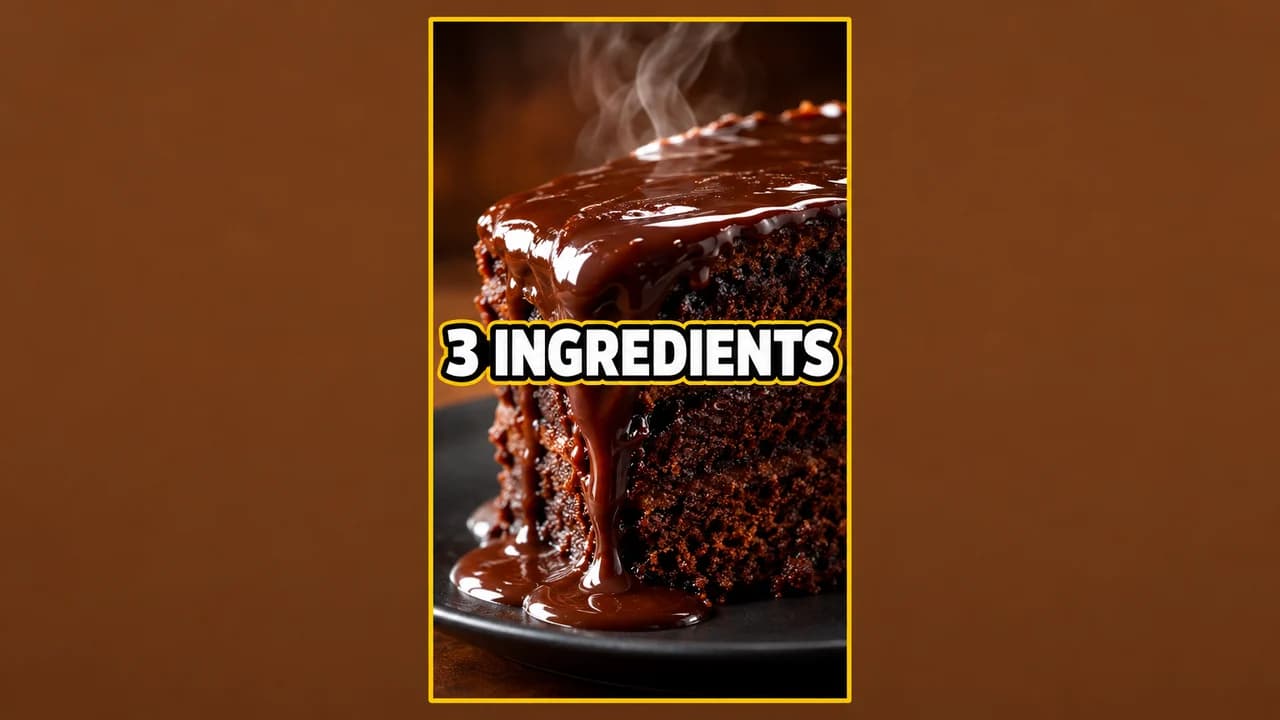
- Face hook: one face from the chest up, three words across the middle.
- Result first: the finished dish, drawing or trick, big and sharp.
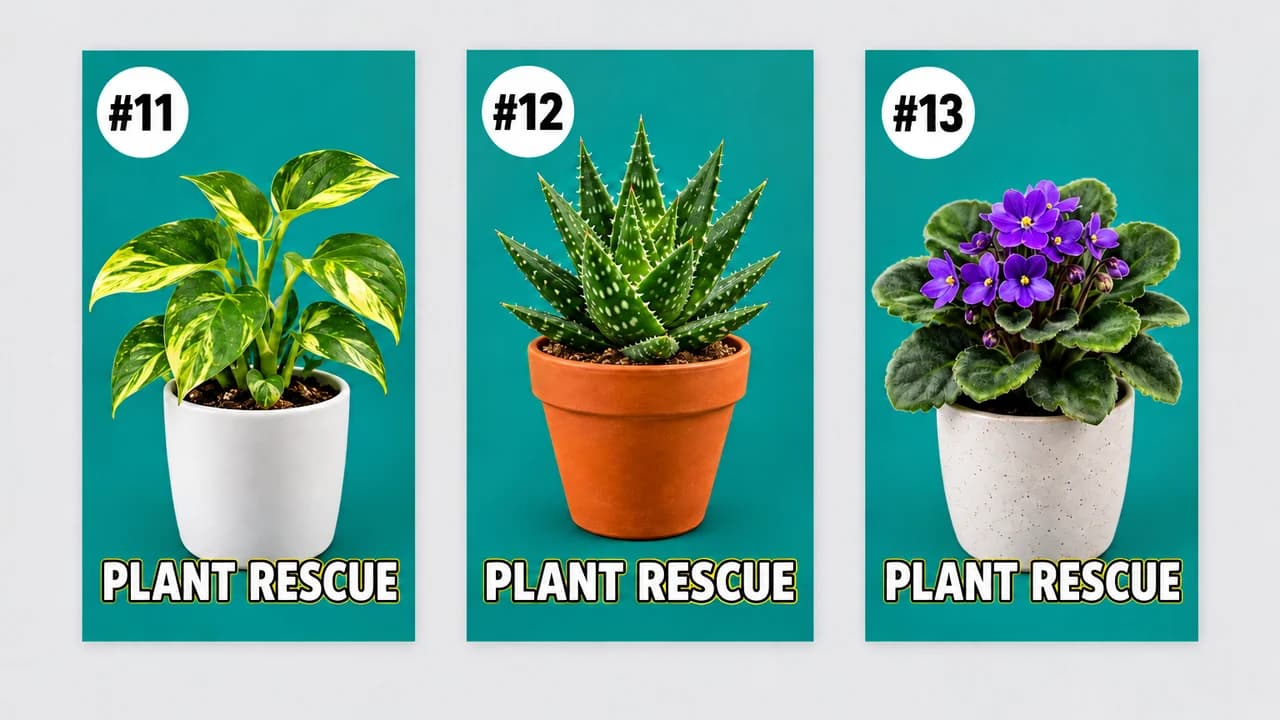
- Series card: one colour and one number badge, every episode.
- Question card: a question the Short answers, with one clue object.
Text that survives a narrow tile
Two to four words in capitals, in a heavy sans-serif with a thick outline. Narrow tiles punish long words, so prefer "FIRST TRY" to "UNBELIEVABLE". The YouTube thumbnail fonts guide lists free fonts that stay readable at small sizes.
Make the opening match the cover
Because the swipe feed shows the video, not the cover, the first second of the Short does the job of a thumbnail for most viewers. Open on the same image as the cover: the same face, the same result, the same words. Viewers who come from your channel page then get exactly what the tile promised.
If you also post the same clip on TikTok, the TikTok thumbnail ideas page covers the cover rules there. For your long videos, test your 16:9 thumbnail in the YouTube thumbnail preview and compare two versions with the thumbnail tester.