What a TikTok cover is for
On TikTok, most people meet your video in the For You feed, where it starts playing at once. The cover matters at the next step: when someone opens your profile to see what else you make, or browses videos in search. There, your videos appear as a grid of small vertical tiles. A good TikTok thumbnail makes that grid easy to scan: each tile says what the video is, and they all look like they belong to the same creator.
Size and the safe area
TikTok's Creator Academy recommends a 9:16 cover at 1080 × 1920 pixels, the same shape as the video. Two of its rules matter most:
- Centre the subject. Put yourself or the main object in the middle of the frame, in the same spot on every cover.
- Keep the text inside the frame. Words near the edges get cut or become hard to read once the tile is small.
Pick or upload, never leave it to chance
When you post, TikTok lets you choose the cover. You can scroll through the video to pick a frame and add text with the cover editing tool, or upload a local cover, an image you designed beforehand. A designed cover gives you the most control: the right expression, the right light and a title that fits your template. A random frame is often mid-blink or mid-word.
Five layouts for TikTok covers
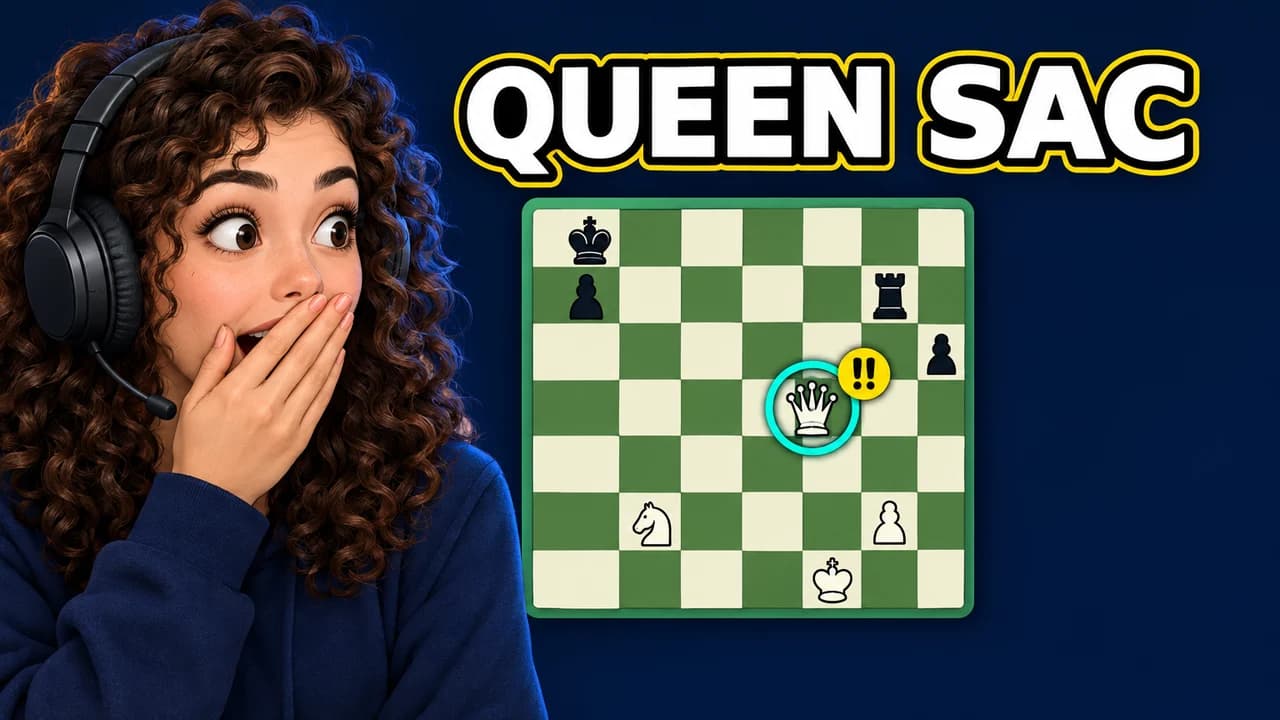
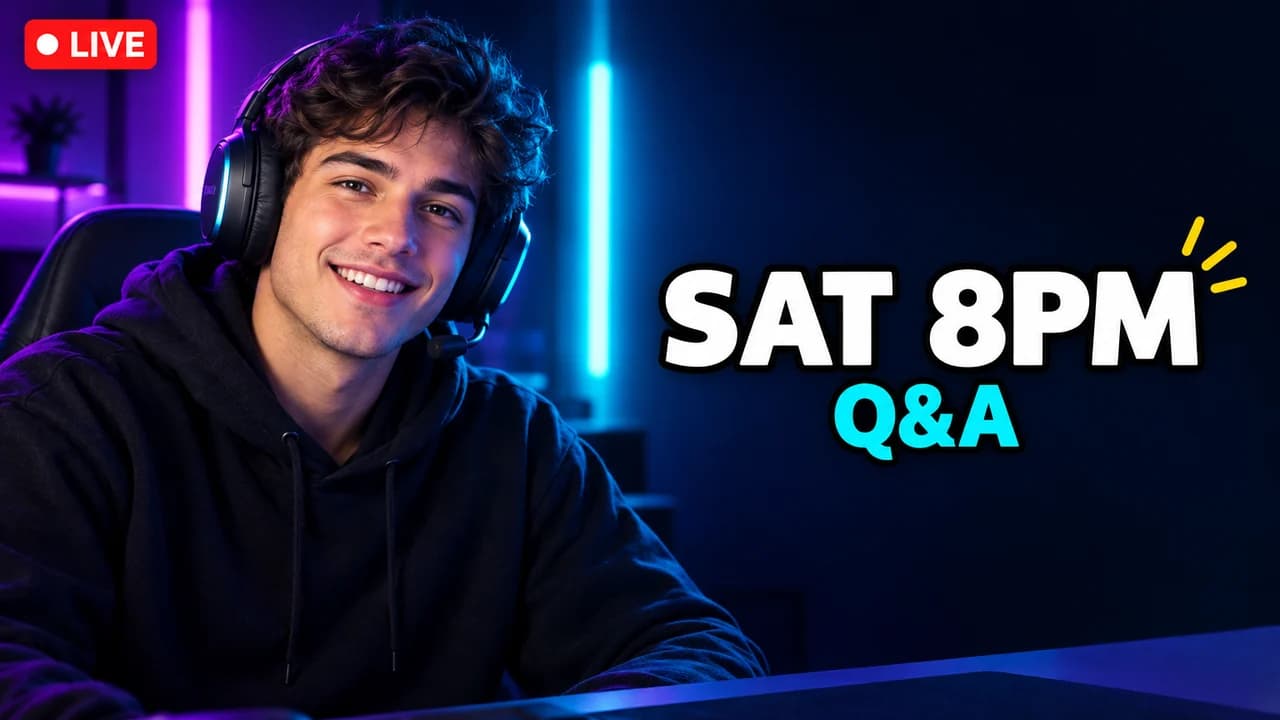
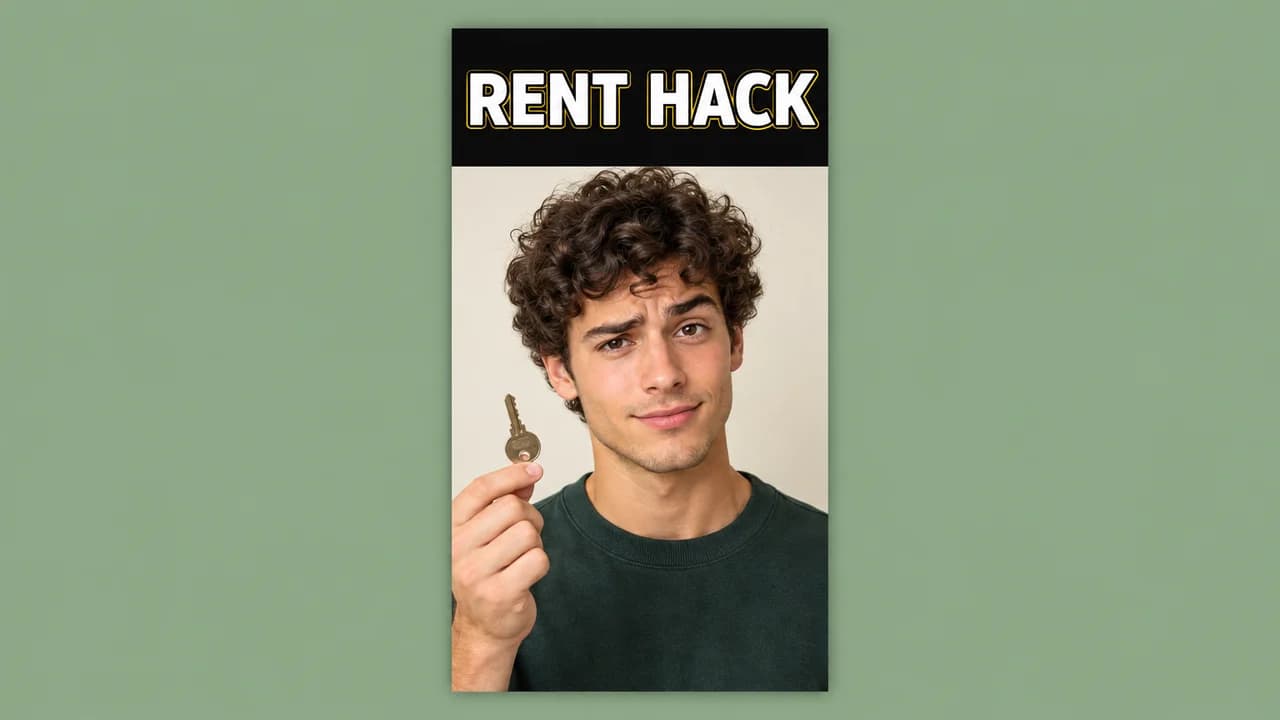
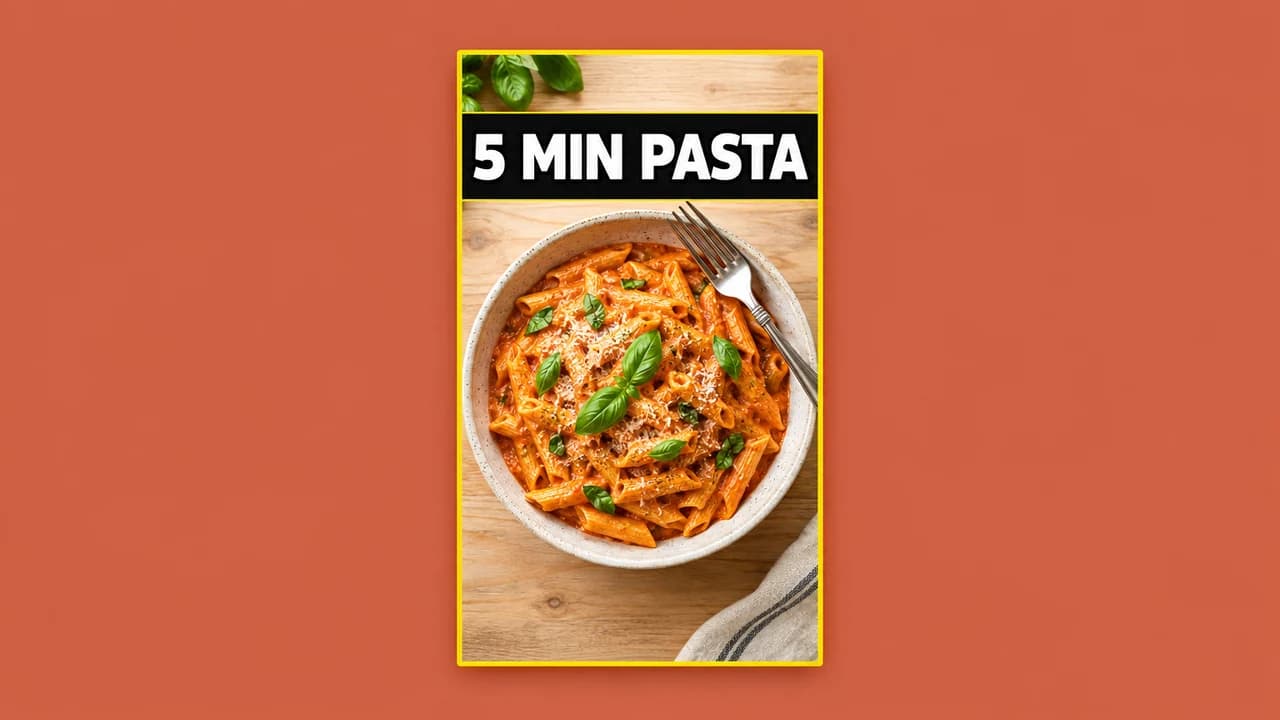
- Centred creator: you in the middle, the title in a band above or below.
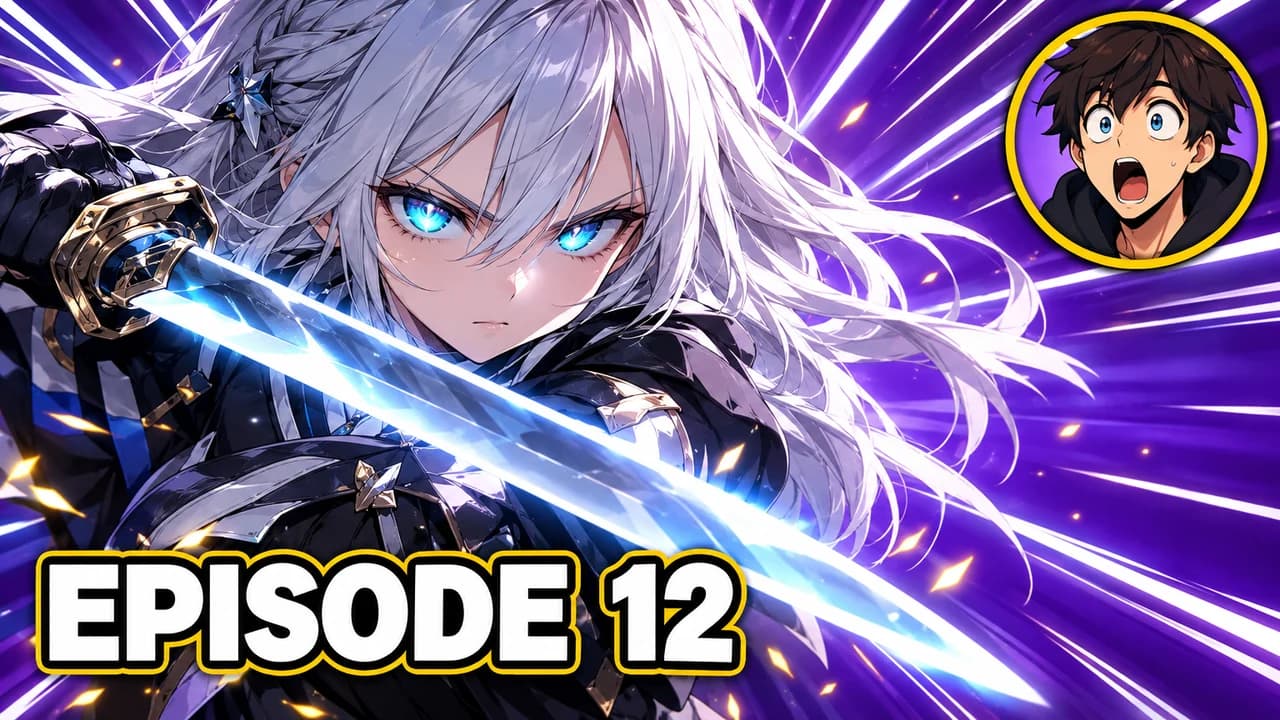
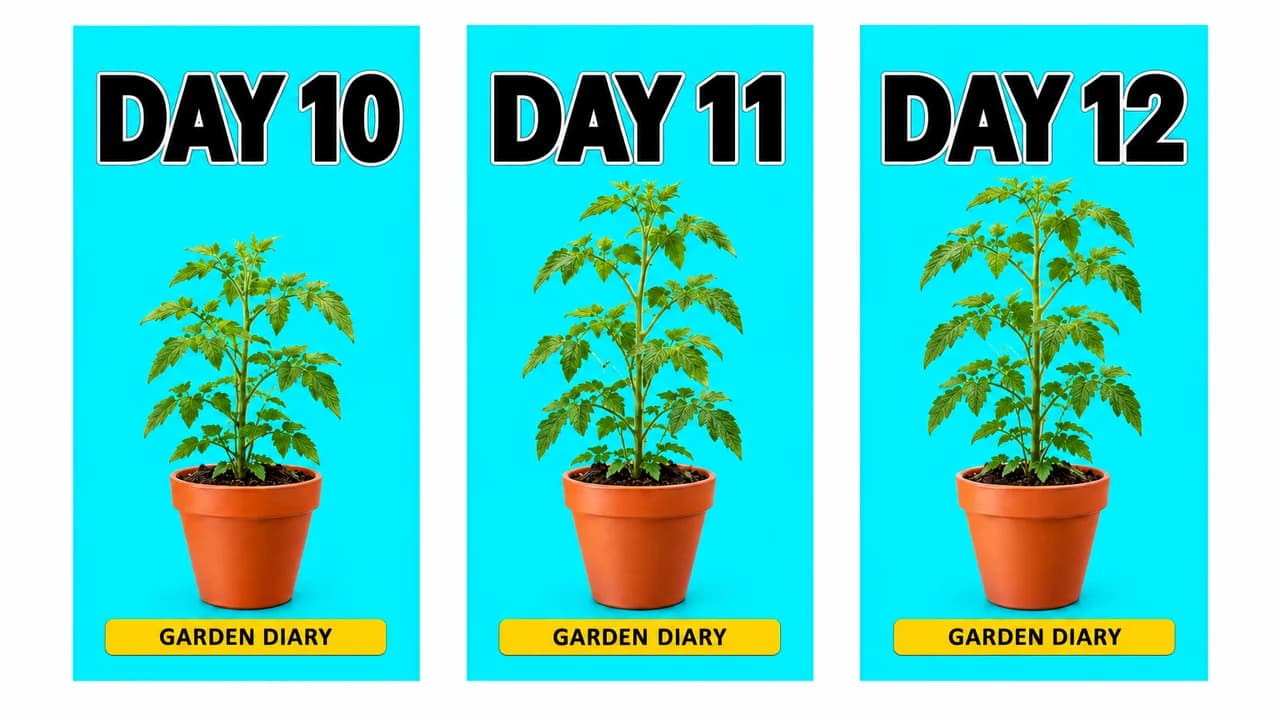
- Series tile: one template, only the part or day number changes.
- Tutorial title: the finished result in the centre, named in a few words.
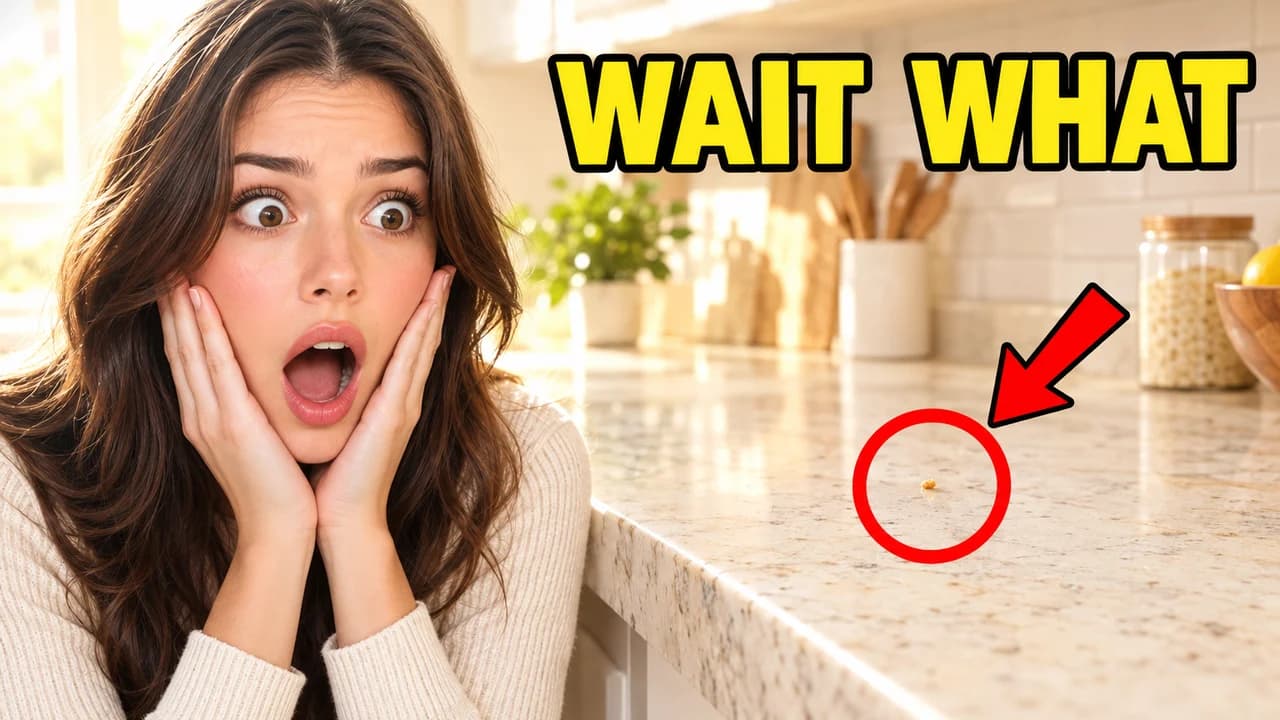
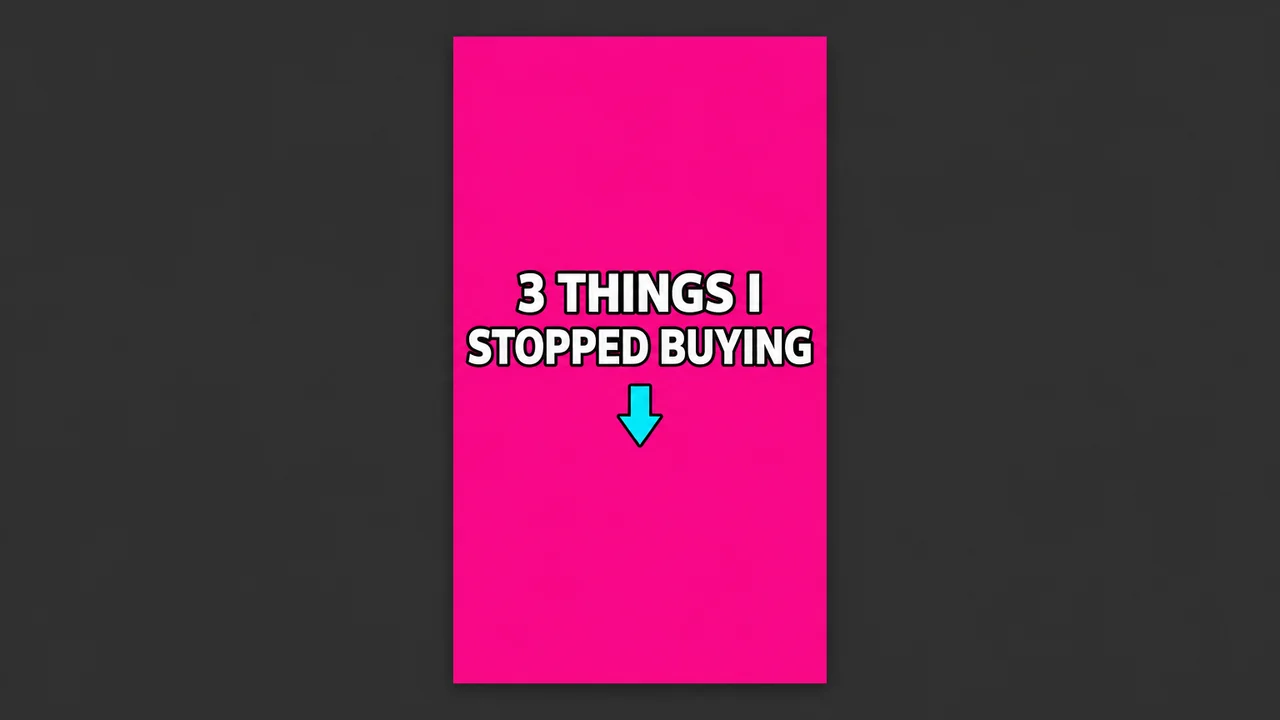
- Text card: a flat colour and the hook line.
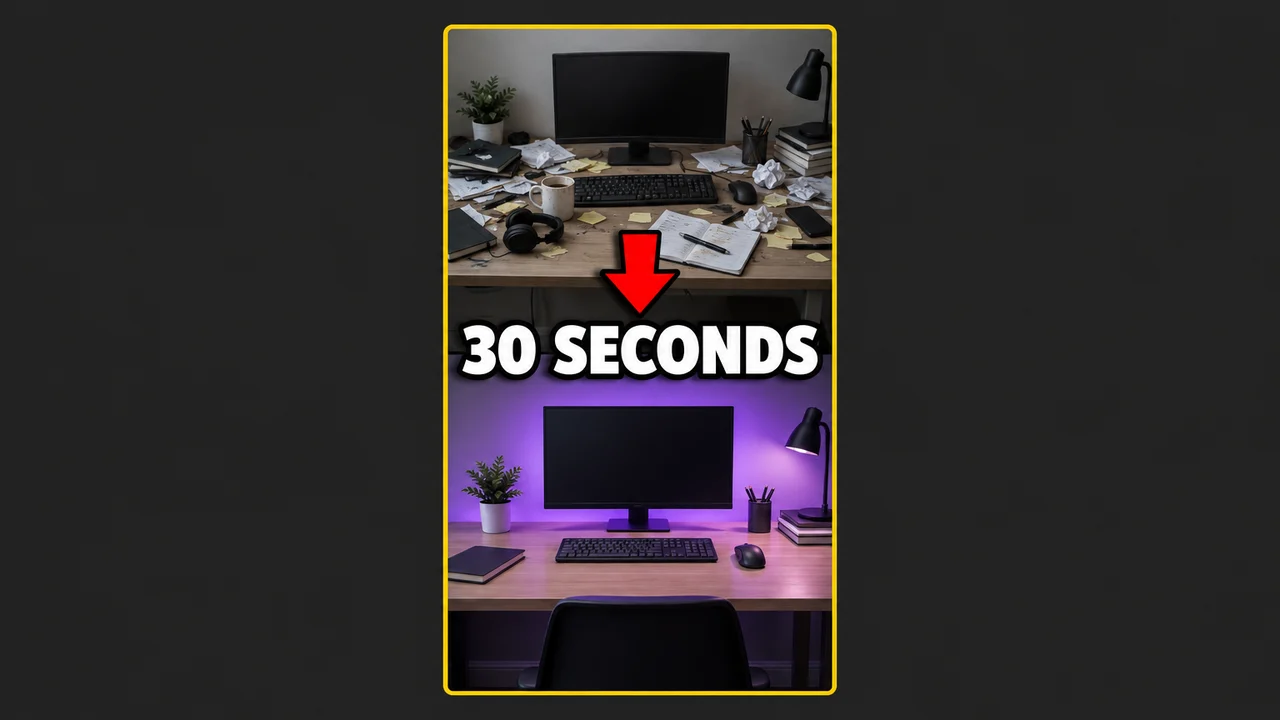
- Split compare: two stacked halves with one label each.
One template for the whole profile
Consistency is what makes a profile grid look intentional. TikTok's own advice is to keep fonts, text size, colours and image style the same across covers. In practice:
- choose one font and one text band colour;
- put the title in the same place every time, above or below the subject;
- give each series its own accent colour and a number.
A visitor who sees nine matching tiles with clear titles understands your account in a few seconds, and is more likely to open a second video.
Titles that read on a small tile
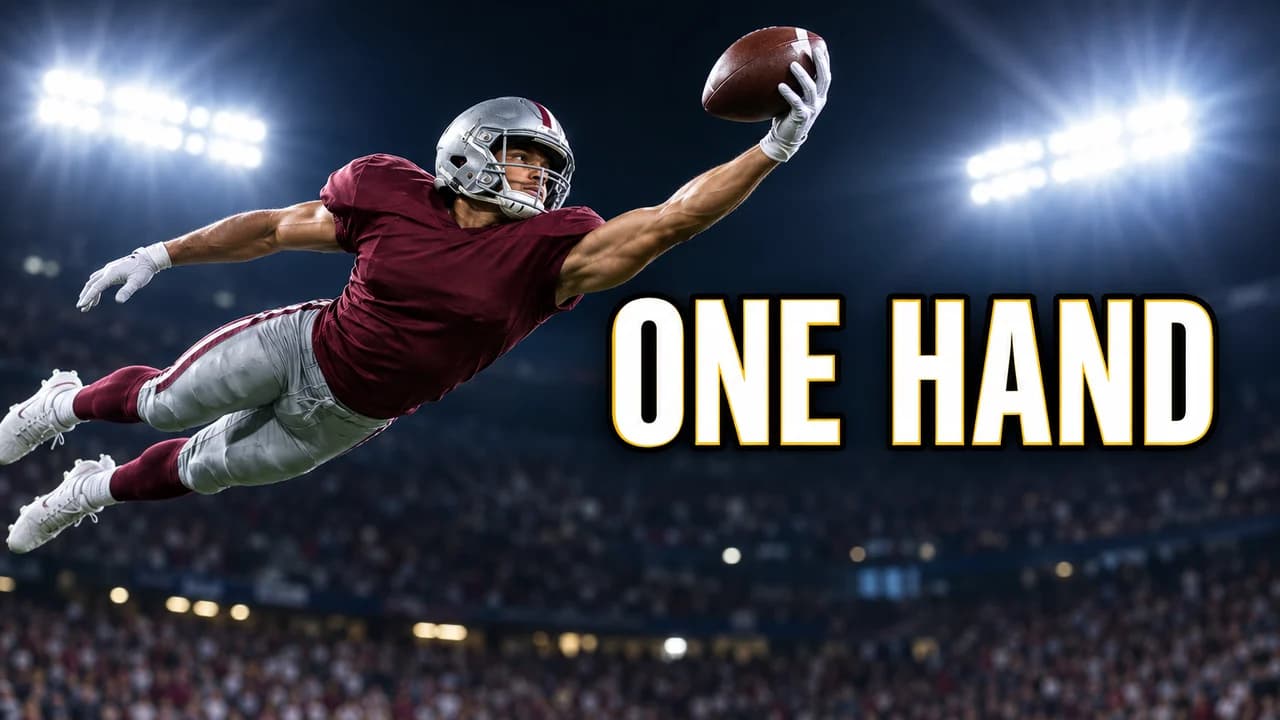
Two to six words, in capitals or a heavy font, on a solid band or with a shadow. Name the topic plainly: "5 MIN PASTA" is better than "you need this". Don't write over your face or the main object; place the title around it.
Reusing covers on other platforms
The same vertical cover often works for YouTube Shorts too; the YouTube Shorts thumbnail ideas page explains how to set it there. For horizontal YouTube videos you need a 16:9 version: see the YouTube thumbnail size guide and check it with the YouTube thumbnail preview.