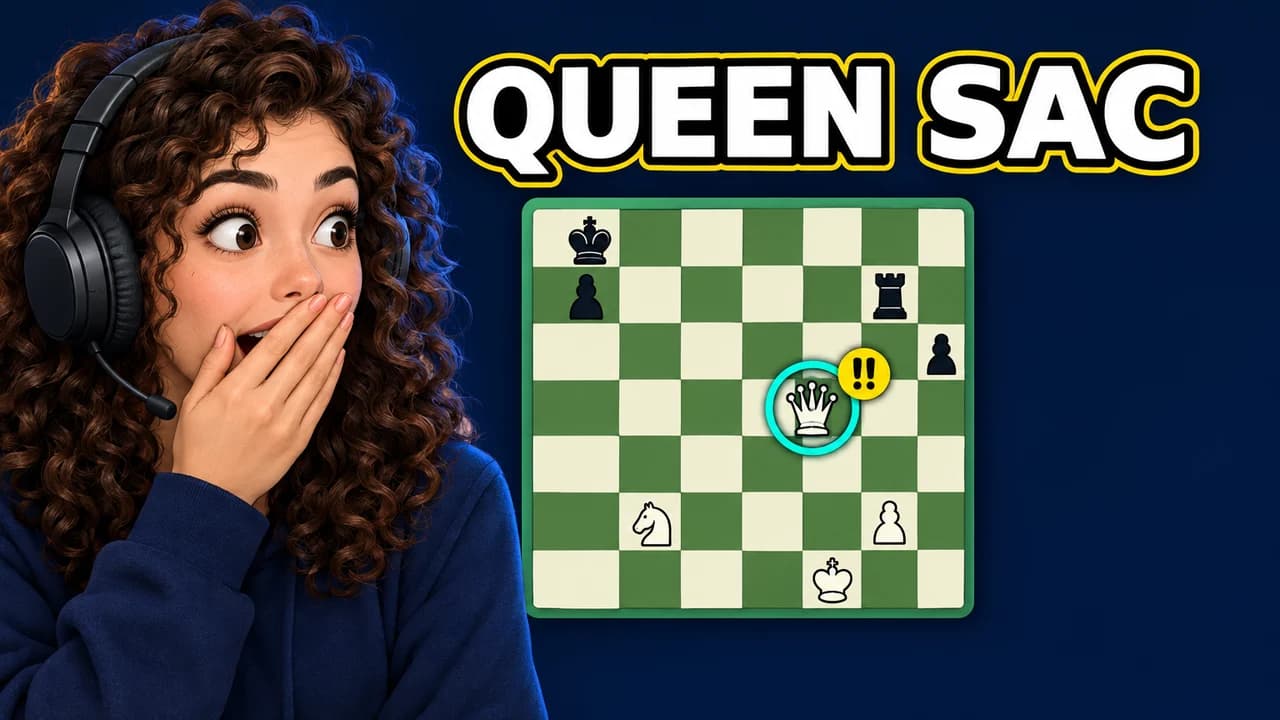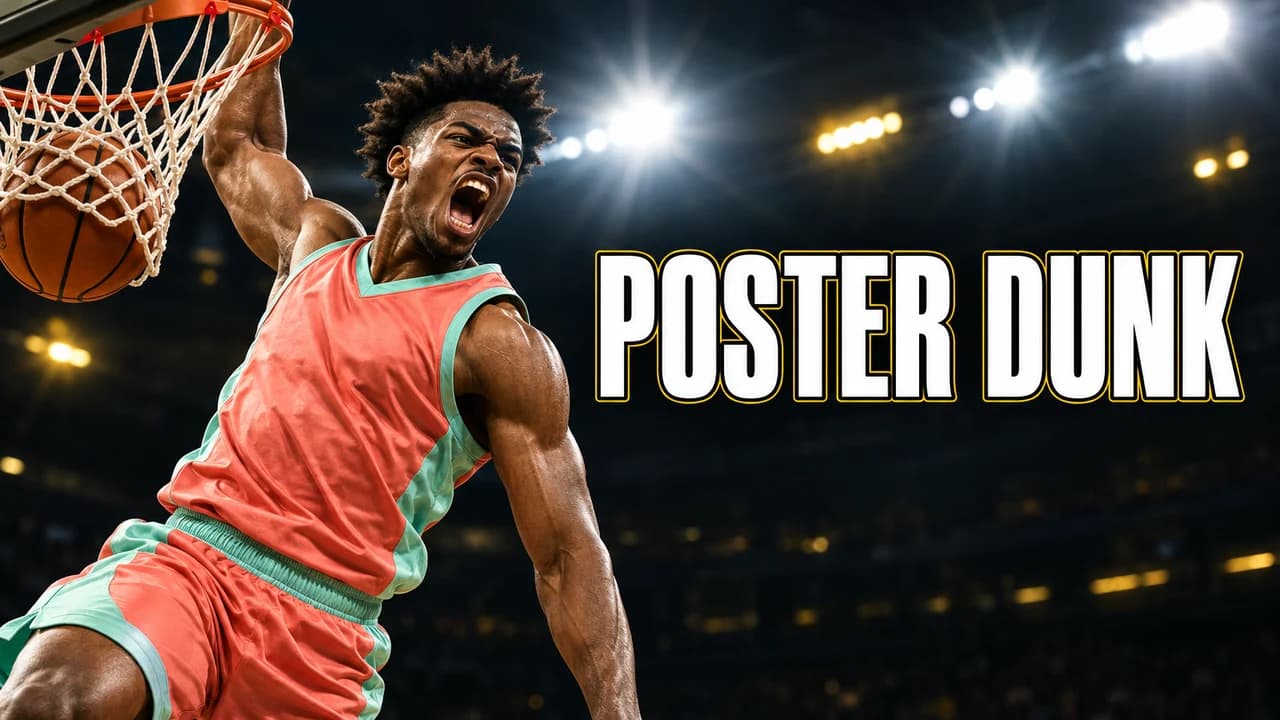
A thumbnail for players, not for fans
Two kinds of basketball channels exist on YouTube. Some talk about the pro game: highlights, trades, analysis. Others play the game: 1v1 battles, workouts, park runs, high school mixtapes, shoe tests. This page is for the second kind. If your videos are about the pro league, the NBA thumbnail ideas page fits better.
When you play the game, the thumbnail sells a situation: who is playing, where and what is at stake. A basketball YouTube thumbnail that answers those three questions in one glance gets understood before the title is read.
Keep the hoop in the picture
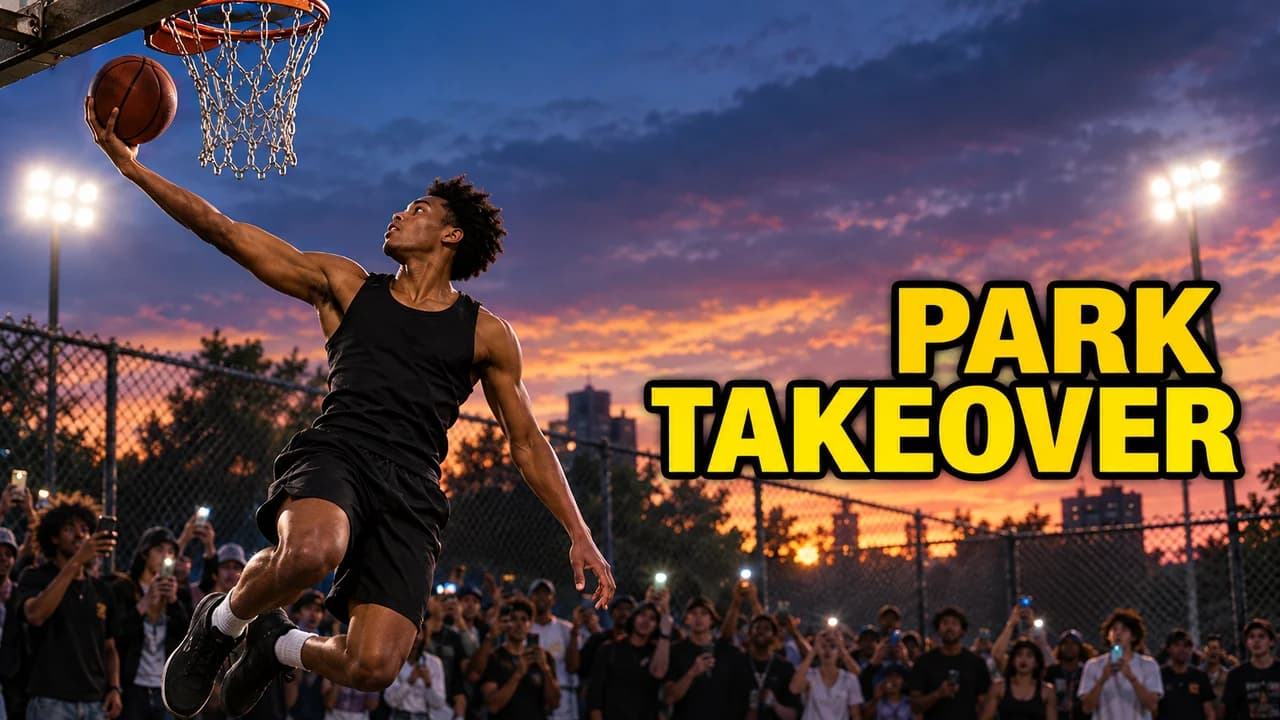
A player in a tee shirt could be doing anything. Add a rim, a net or the ball and the sport is obvious. On outdoor courts, a chain net or a painted backboard also tells viewers it is streetball. In a gym, the bleachers or the polished floor say "real game" or "workout".
Five layouts for basketball channels
- 1v1: two players squared up, the ball between them, the stakes on top.
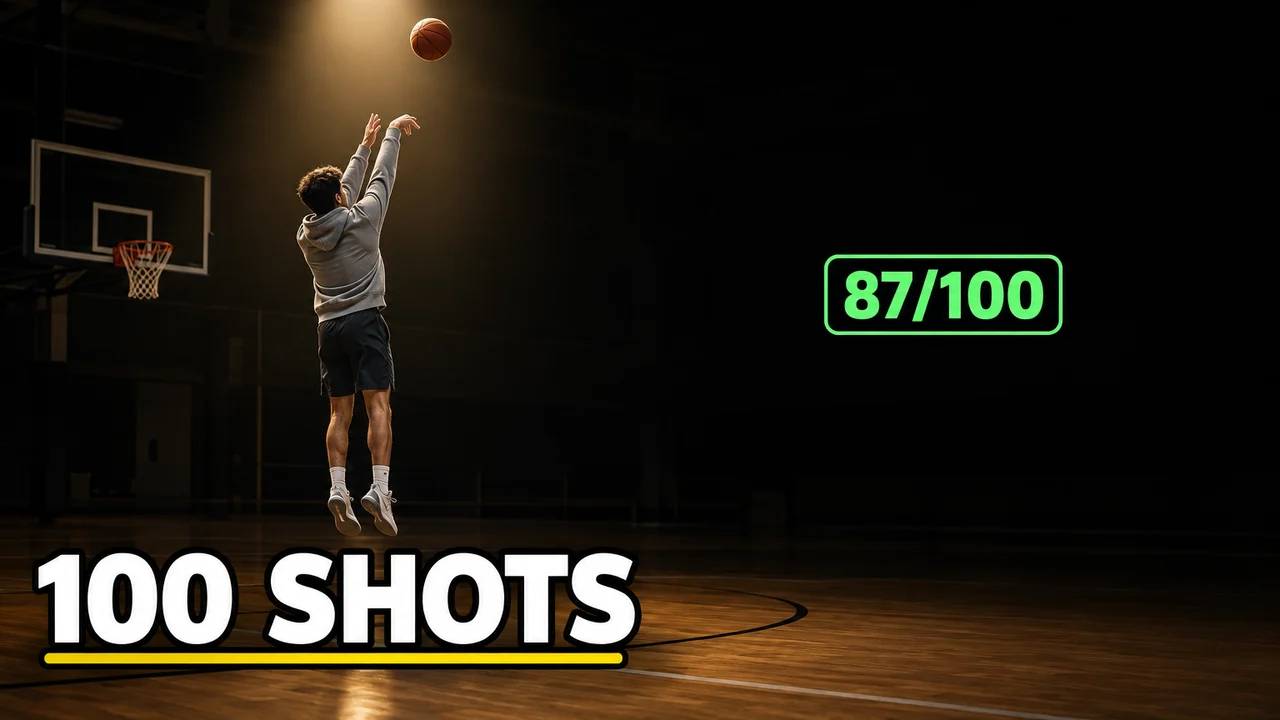
- Training: one player in an empty gym, mid-drill, with a number.
- Streetball: the park court, the player in the air, the crowd filming.
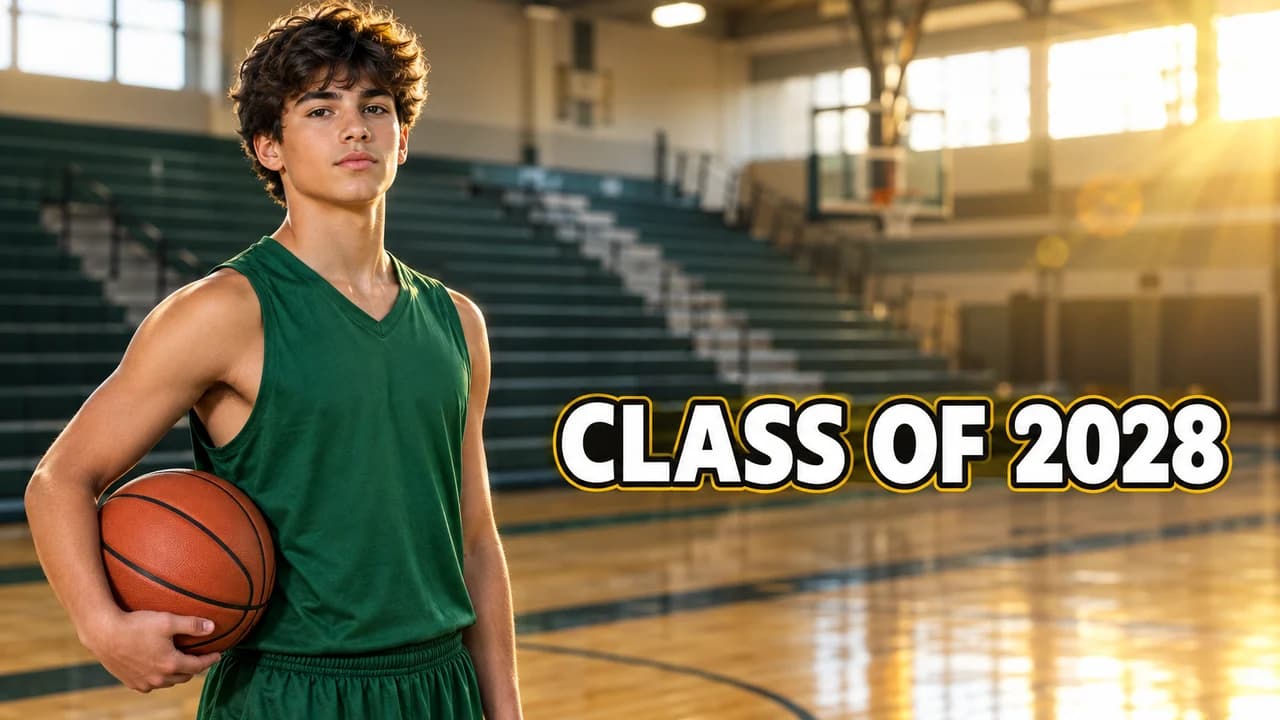
- Mixtape: the player large and confident, the class year or the name.
- Shoe test: one plain sneaker in close-up and a verdict word.
Keep one layout per series. A viewer who watched your last 1v1 should recognise the next one at once.
Numbers sell playing videos
Fans watch for stories. Players watch for results. That is why numbers work so well here: "21-19", "100 SHOTS", "30 DAYS", "1V1 FOR $100". A score bubble or a shot counter is quicker to read than a sentence, and it promises something the video will show. Only use numbers that are true for the video.
Light and setting
Each setting has its light. Park courts look best at sunset or under floodlights, with long shadows. Workouts look focused in a dark gym with one light on the player. Mixtapes feel big with a full gym and a little lens flare. Pick the setting of your video and push its light a little further. The YouTube thumbnail backgrounds guide has more ideas.
People and gear
Use yourself, your friends or synthetic players. Do not use photos of pro players or team jerseys. For shoe tests, show the shape and the colour of the shoe but leave brand marks out of the thumbnail; the title can name the model.
Size and the final check
Export at 1280 × 720 pixels in 16:9; the YouTube thumbnail size guide has the current limits. Keep the bottom-right corner clear for the video length. The YouTube thumbnail fonts guide lists free fonts for the text. Then check it among other videos in the YouTube thumbnail preview and compare two versions with the thumbnail tester.